













Proveedor oficial
Como distribuidores oficiales y autorizados, le suministramos licencias legítimas directamente de más de 200 editores de software.
Ver todas nuestras marcas.

DataSpell by JetBrains is an Integrated Development Environment (IDE) specifically designed for data analysts and engineers. It allows you to write Python scripts, run SQL queries, analyze data in Jupyter notebooks, manage dbt workflows, and connect to various databases, all within one seamless interface. DataSpell empowers you to stay focused on exploring insights and delivering high-quality results by combining rich data analysis tools with features like real-time error checking, code quality analysis, and built-in support for best practices like testing and documentation.
The DataSpell 2023.3 release elevates data transformation with its seamless support for dbt Core, a rising star in the data modeling world. This integration simplifies data workflows, champions best practices like modularity and testing, and fosters well-documented workflows. SQL enthusiasts will appreciate the intuitive interface, while everyone benefits from straightforward project initiation, streamlined run configurations, and intelligent code completion for both SQL and YAML. DataSpell empowers you to build robust, reliable data pipelines with unprecedented ease and confidence.
To see a full list of what's new in version 2023.3, see our release notes.
DataSpell is licensed per user as a commercial annual subscription. See our DataSpell licensing page for full details.
For more information, visit our DataSpell product page.
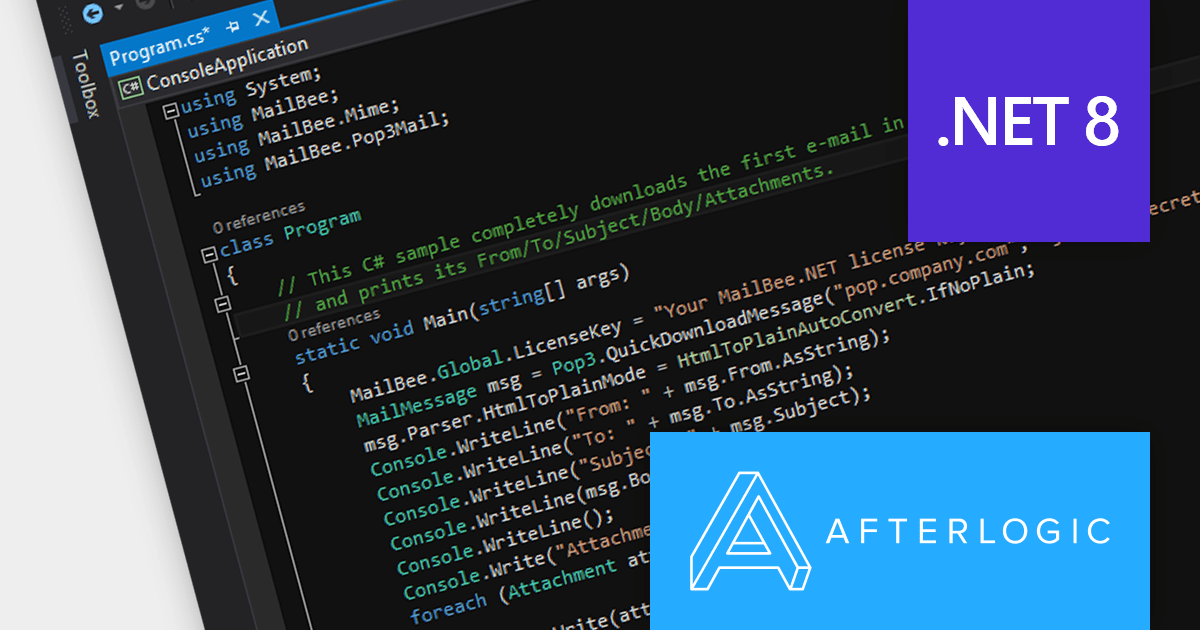
MailBee.NET Objects is a comprehensive suite of .NET components designed to empower developers with robust tools for integrating email functionality into their applications. It offers a wide array of features covering email creation, sending, receiving, processing, and management, ensuring flexibility and control over various email-related tasks.
The MailBee.NET Objects v12.4 release adds support for Microsoft .NET 8, allowing developers to enjoy the performance boosts, enhanced cross-platform compatibility, and new APIs in the latest version of Microsoft's popular development framework. It has also been fully tested with Visual Studio 2022, empowering developers to build robust, efficient, and adaptable email solutions that stand the test of time.
To see a full list of what's new in version 12.4, see our release notes.
MailBee.NET Objects is licensed per developer and is run-time royalty free. All licenses include a 12 month maintenance plan which provides all major and minor product updates and standard technical support. Extended (Priority) Support and Source Code options are also available. See our MailBee.NET Objects licensing page for full details.
For more information, visit our MailBee.NET Objects product page.
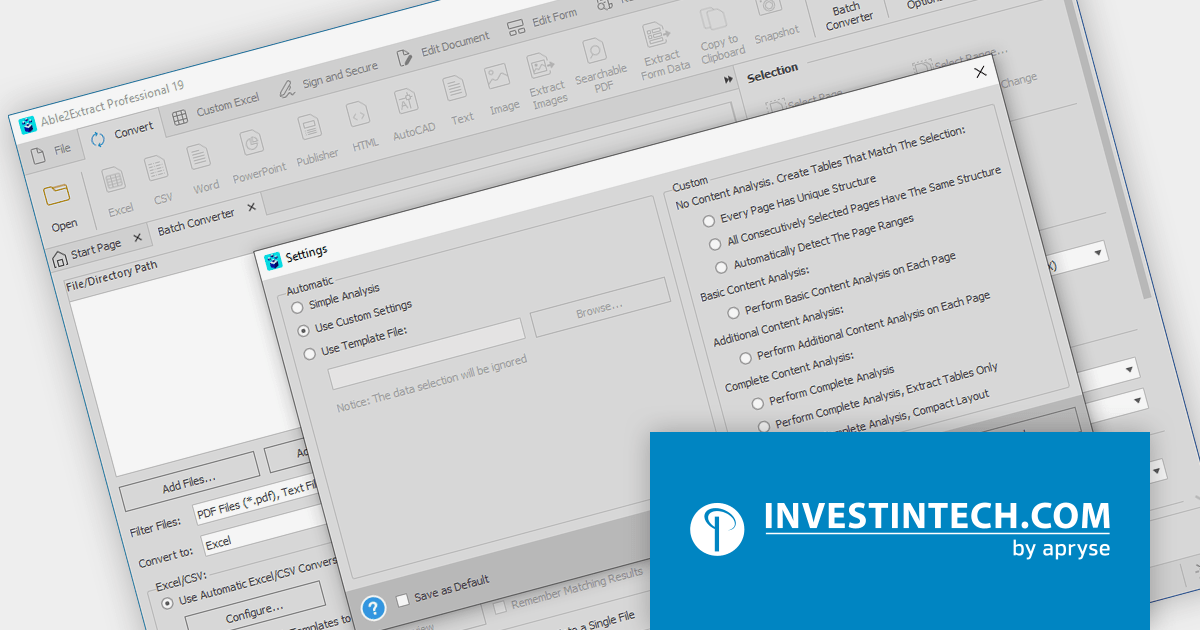
Able2Extract Professional by Investintech delivers accurate conversion of native and scanned PDFs to editable Microsoft Office (Word, Excel, PPT), AutoCAD, HTML, images and more, while ensuring that the original layout and formatting remain consistent after conversion. Besides seamless PDF conversion, Able2Extract Professional allows users to batch create multiple PDF files at once, deal with interactive PDF forms, edit and customize PDF content and pages in many ways, and sign PDF documents with electronic and digital signatures.
The Able2Extract Professional V19 release adds a new batch OCR converter which lets you convert multiple scanned PDFs documents into editable file formats with just a few clicks. Whether you're dealing with scanned invoices, contracts, or presentations, the Batch OCR Converter is an ideal solution for fast, accurate, and streamlined image-based document conversions and text extractions. Save hours of manual work, unlock the power of digital search and editing, and breathe new life into your paper archives.
To see a full list of what’s new in version 19, see our release notes.
Able2Extract Professional is licensed per user and is available with Investintech's Software Advantage Plan (SAP), an annual subscription which provides priority support, software updates and other benefits. See our Able2Extract Professional licensing page for full details.
For more information, visit our Able2Extract Professional product page.

Aspose.CAD for .NET is a standalone class library that allows .NET developers to enhance their applications with CAD drawing processing capabilities without requiring AutoCAD or any other rendering workflow. It supports a wide range of CAD file formats, including DWG, DXF, DWF, DGN, STL, OBJ, and IFC, and can convert them to PDF and raster image formats.
The Aspose.CAD for .NET 23.11 release adds the ability to create IFC (Industry Foundation Classes) files from scratch. This unlocks doors to greater flexibility and precision in BIM (Building Information Modeling) workflows. Instead of relying on the translation limitations of existing models, you get granular control over every element, property, and relationship within your design. This level of detail facilitates deeper collaboration across disciplines, optimizes downstream processes like cost estimation and simulation, and ultimately paves the way for a truly optimized and future-proofed building project.
To see a full list of what's new in Aspose.CAD for .NET 23.11, see our release notes.
Aspose.CAD for .NET is licensed per developer and is available as a Perpetual license with 1 year support and maintenance. See our Aspose.CAD for .NET licensing page for full details.
Aspose.CAD for .NET is available to buy in the following products:
FastReport VCL is a VCL library for creating documents and reports in Embarcadero Delphi, C++Builder, RAD Studio, and Lazarus. It is an add-on component that includes all of the tools needed to create reports, such as a visual report designer, a reporting core, and a preview window, allowing you to add functionality to your application for quick and efficient report generation.
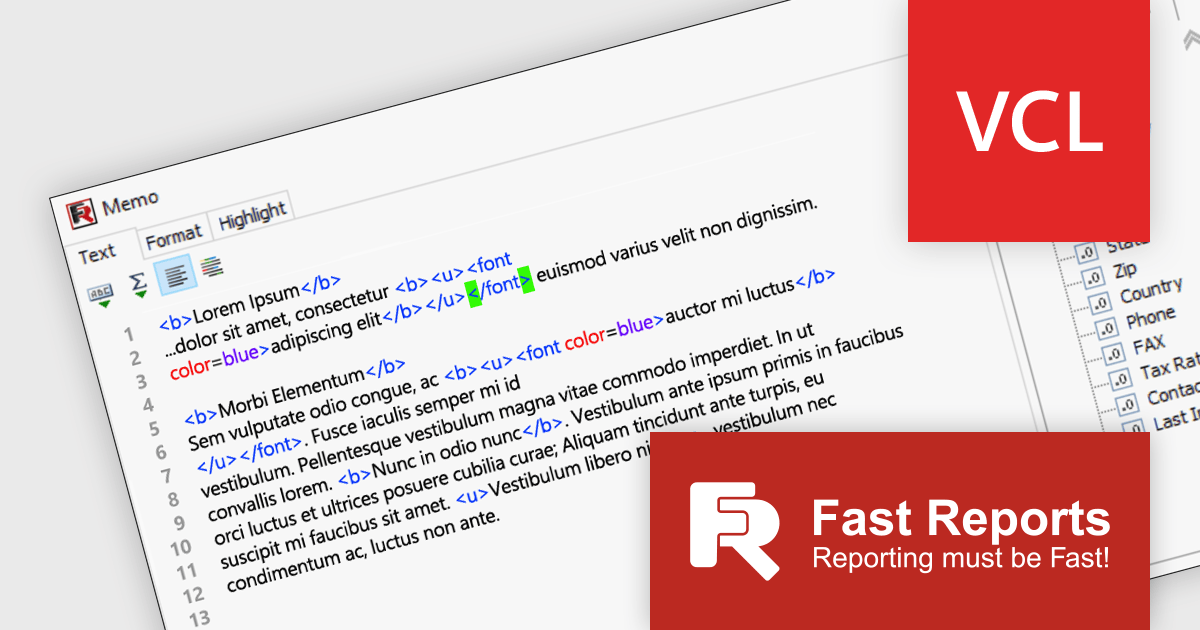
FastReport VCL v2024.1 significantly enhances report design with its focus on streamlined expression editing* and data handling. The revamped report designer features a new "Text" object editor that elevates the editing experience by highlighting expression elements and tags within regular text. It also boasts interactive bracket highlighting and word wrap for added convenience. The redesigned Data Field editor empowers precise field definition through its new mode for modifying the field list. This mode allows for customized field handling, without requiring a connection to a large database.
To see a full list of what's new in 2024.1, see our release notes.
FastReport VCL is licensed per named user and is available as a Perpetual license with 1 year of technical support and product updates. See our FastReport VCL licensing page for full details.
For more information, see our FastReport VCL product page.
*Only available in the Enterprise and Ultimate Editions.
Tel: (888) 850 9911
Fax: +1 770 250 6199


