
Layer2 File Pal
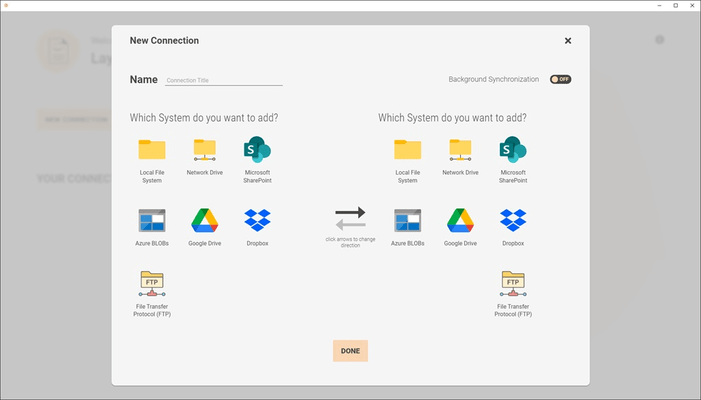
Sincronización de documentos y archivos entre Network Share (File Server), File System local, Teams y SharePoint.
Publicado por Layer2
Distribuido por ComponentSource desde 2009
Ya no suministramos este producto.
Sincronización de documentos y archivos entre Network Share (File Server), File System local, Teams y SharePoint.
Publicado por Layer2
Distribuido por ComponentSource desde 2009
Released: Feb 2, 2023
Tel: (888) 850 9911
Fax: +1 770 250 6199


