













Proveedor oficial
Como distribuidores oficiales y autorizados, le suministramos licencias legítimas directamente de más de 200 editores de software.
Ver todas nuestras marcas.
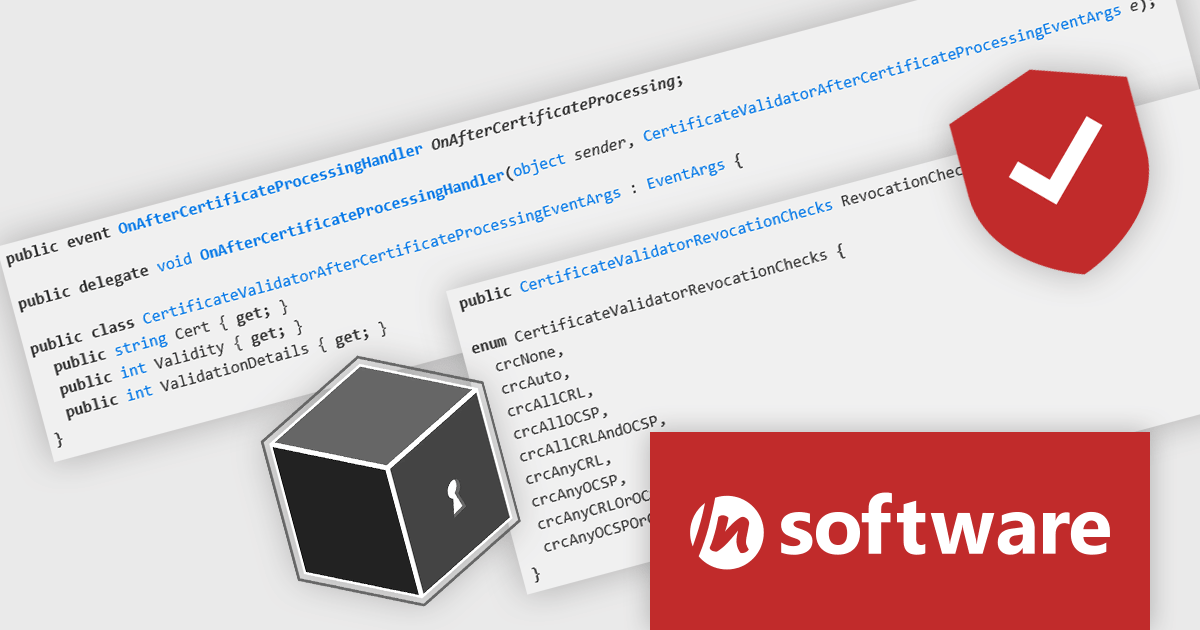
SecureBlackbox by /n software is a collection of software components designed to enhance your applications' data security. It provides functionalities for data protection through encryption and hashing, secure storage with key management, and secure transfer using protocols like SFTP and TLS. SecureBlackbox offers granular control over these features, allowing you to tailor security measures to your specific application requirements.
SecureBlackbox by /n software provides advanced certificate support that enables software developers to efficiently manage the entire lifecycle of digital certificates, from creation and storage to validation and revocation. It offers built-in support for CRL and OCSP to ensure real-time verification of certificate status, helping applications detect and reject compromised credentials instantly. With comprehensive PKI integration, developers can implement secure authentication, encryption, and signing processes that meet industry compliance requirements while maintaining interoperability with a wide range of systems and standards.
SecureBlackbox is available as part of /n software Red Carpet Subscription. Red Carpet Subscription is licensed per developer and is available as a Perpetual License with a 12 month support and maintenance subscription. See our Red Carpet Subscription licensing page for full details.
SecureBlackbox is available to buy in the following product: /n software Red Carpet Subscription
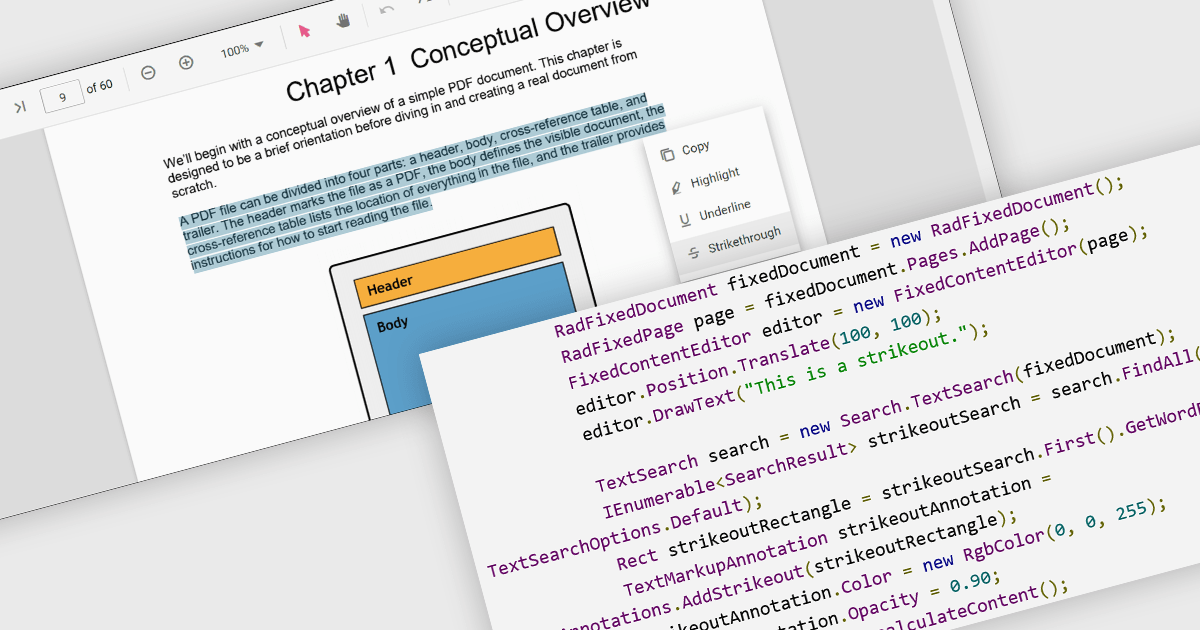
At a high level, strikethrough annotations, also known as strikeout or line-through markups, enable reviewers to visually indicate deletions or corrections within PDF text while preserving the underlying content. This annotation type belongs to the broader category of text markup annotations, which also includes highlighting, underlining, and squiggly underlines. Developers can customize properties like color, opacity, and associated notes or author metadata. Strikethrough annotations support interactive use cases, such as insert/edit/delete, event handling, and rendering consistency across different rendering engines.
Several WinForms PDF controls offer support for strikethrough annotations including:
For an in-depth analysis of features and price, visit our WinForms PDF controls comparison.
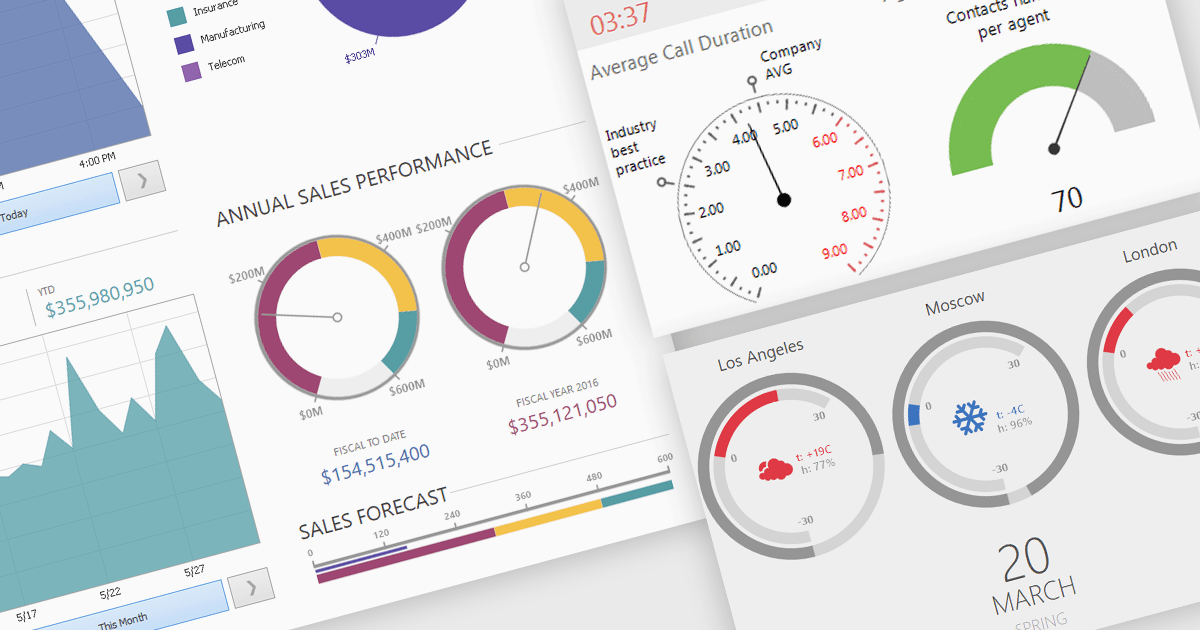
A gauge is a visual reporting element, such as a dial, meter, or progress bar, designed to display a single metric’s value in relation to defined targets or thresholds. For software developers, gauges offer a quick and intuitive way to present key performance indicators, making it immediately clear whether performance is on track, exceeding expectations, or requires attention. By transforming raw data into a simple, at-a-glance visual, gauges reduce the need for users to analyze complex tables or charts, improve the readability of dashboards and reports, and support faster, more informed decision-making.
Several .NET Winforms Reporting controls include Gauges including:
For an in-depth analysis of features and price, visit our comparison of .NET Winforms Reporting Controls.
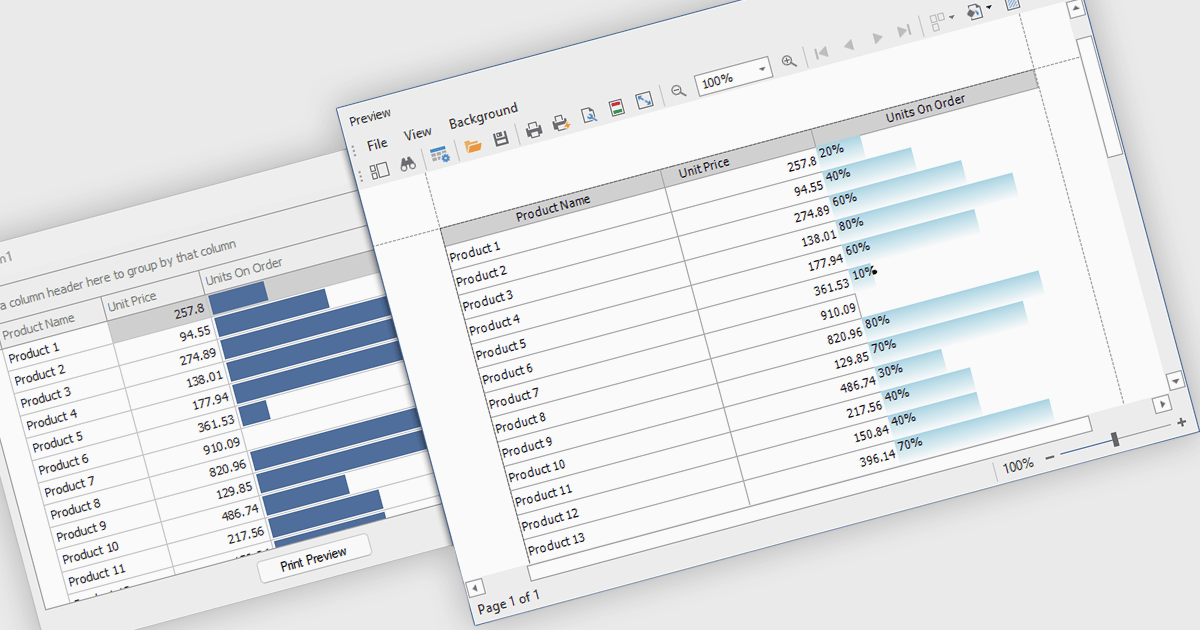
ProgressBar cell types in a .NET WinForms grid control are specialized cells that visually represent progress or completion levels within a grid layout, using horizontal progress bars. These cells are particularly useful for tracking status indicators, such as task completion or data processing percentages, directly within tabular views. They provide a clear, immediate representation of numeric progress values, enhancing readability without requiring users to interpret raw numbers. For developers, integrating ProgressBar cells simplifies the task of conveying progress-related information in data-driven interfaces, offering a familiar and consistent user experience aligned with standard Windows Forms controls.
Several .NET WinForms grid controls offer ProgressBar cell type controls, including:
For an in-depth analysis of features and price, visit our .NET WinForms grid controls comparison.
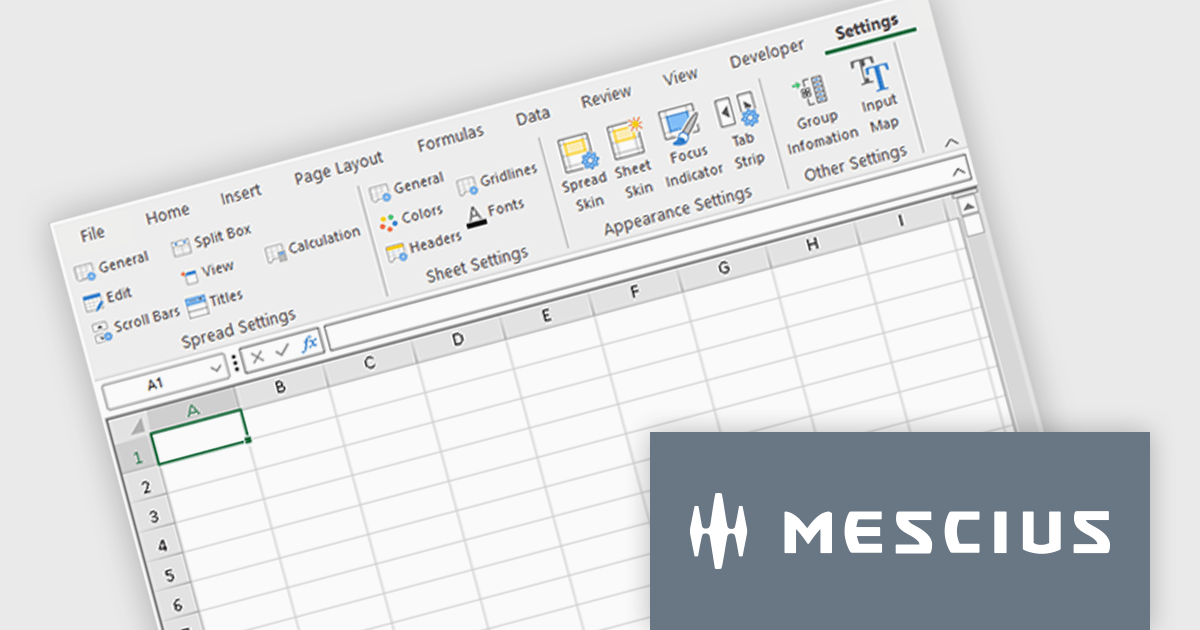
Spread.NET by MESCIUS is a powerful tool for building Excel-like applications in your .NET projects. It lets you create interactive spreadsheets, grids, dashboards, and even forms within WinForms, ASP.NET, and WPF applications. With its rich feature set, including a robust calculation engine, formula support, and Excel compatibility, Spread.NET empowers developers to build data analysis tools, budgeting apps, scientific dashboards, and more, all within the familiar .NET environment.
The Spread.NET 18.2 update refines the RibbonBar in WinForms to improve the efficiency and clarity of UI design during development. With expanded icon visibility, developers can more easily access and identify commands, reducing visual ambiguity and speeding up layout tasks. The addition of new layout options for the collapsed state offers greater control over how the RibbonBar adapts to different form sizes, enabling more responsive and space-efficient interface designs. These improvements help streamline the design-time experience, allowing developers to build cleaner, more functional applications with less manual configuration.
To see a full list of what's new in v18.2, see our release notes.
Spread.NET is licensed per developer and is available as a Perpetual License with a 12 month support and maintenance subscription. We can supply any Spread.NET license including new licenses, maintenance renewals, and upgrade licenses. See our Spread.NET licensing page for full details.
For more information, visit our Spread.NET product page.
Tel: (888) 850 9911
Fax: +1 770 250 6199


