













Proveedor oficial
Como distribuidores oficiales y autorizados, le suministramos licencias legítimas directamente de más de 200 editores de software.
Ver todas nuestras marcas.
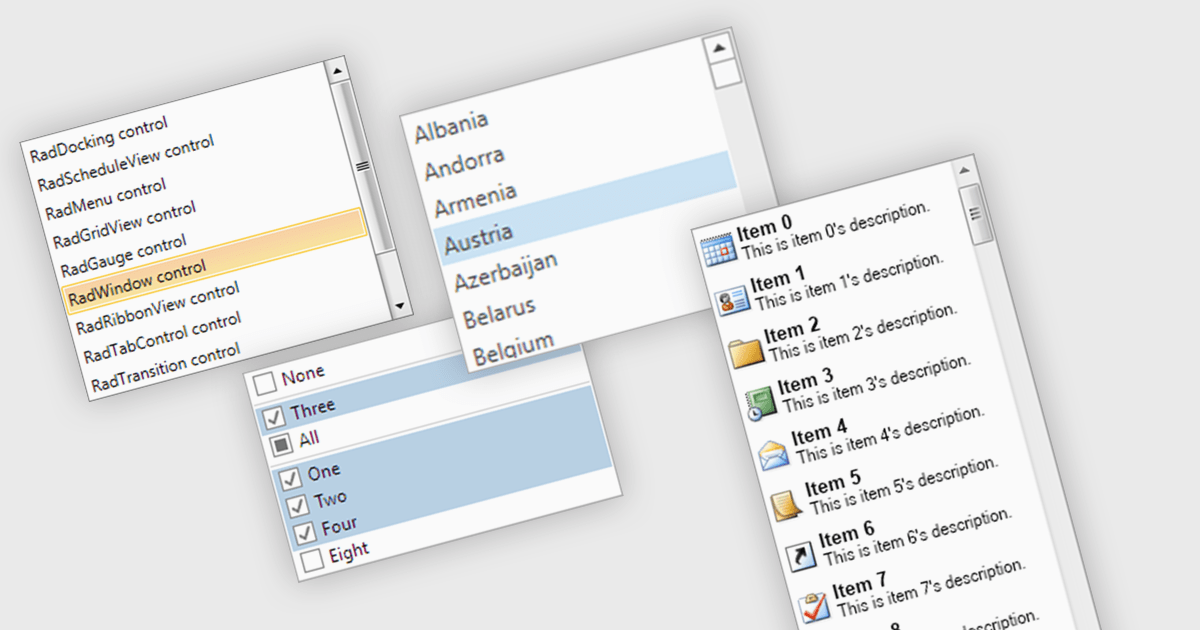
A listbox is a user interface component that displays a collection of items from which a user can select one or more options. It is commonly used in forms, settings panels, or data entry screens to present predefined values in a scrollable format. For developers, a listbox offers a simple way to enforce valid input by limiting user choices, reduces the need for manual data entry, and improves UI consistency across applications. It also supports keyboard and mouse interaction, which helps enhance accessibility and usability without requiring complex custom controls.
Several .NET WPF data editor collections provide listbox controls including:
For an in-depth analysis of features and price, visit our .NET WPF Data Editors comparison.
Wijmo by MESCIUS is a comprehensive JavaScript library offering a suite of high-performance UI components and data grids specifically designed to streamline the development of modern enterprise applications. It emphasizes reduced development time and improved maintainability, along with a focus on performance through its efficient design and small module size. Wijmo integrates seamlessly with popular JavaScript frameworks like Angular, React, and Vue.js, and supports cutting-edge technologies like TypeScript, making it a versatile solution for building complex web applications.
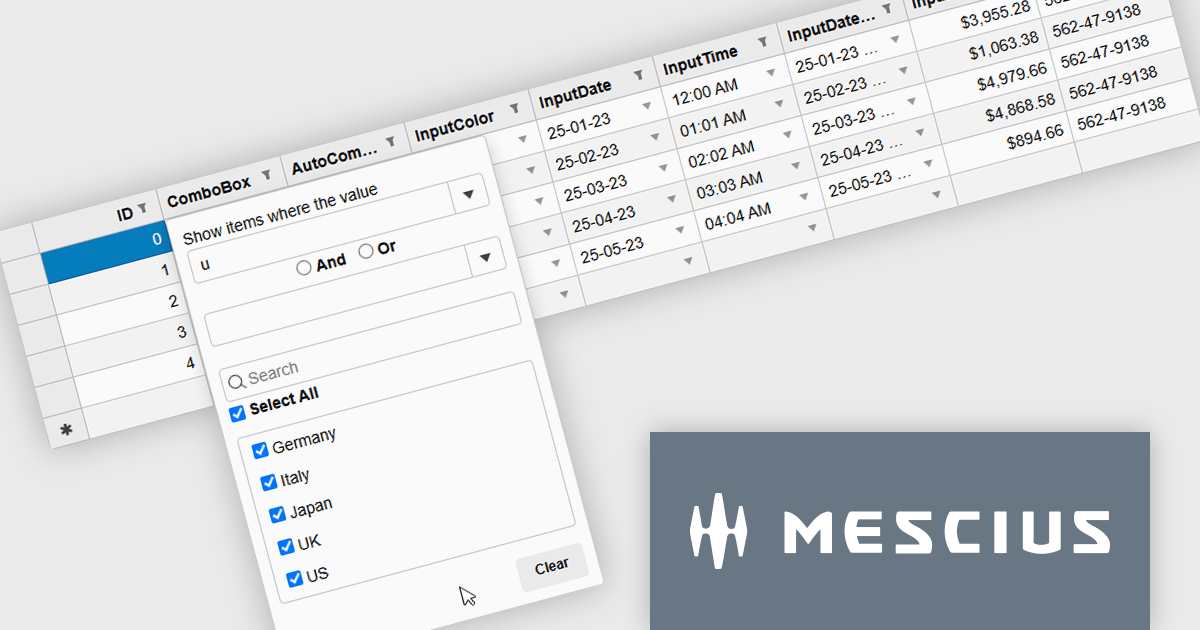
The Wijmo 2025 v2 update introduces a new MultiFilter feature in FlexGridFilter, giving developers the ability to apply both conditional and value filters simultaneously. Previously, users were limited to selecting one filter type at a time, which restricted flexibility when building complex data queries. With MultiFilter, developers can now define precise filtering logic that combines conditions and specific values in a single operation, enabling more efficient data exploration and analysis. This enhancement reduces the need for manual filtering steps and provides a more intuitive experience for end users who require granular control over their data views.
To see a full list of what's new in 2025 v2, see our release notes.
Wijmo is licensed per developer. Developer Licenses are perpetual and include 1 year Subscription which provides upgrades, including bug fixes and new features. See our Wijmo licensing page for full details.
Learn more on our Wijmo product page.
Xceed Fluent Assertions, developed by Xceed Software, is a new .NET library designed to enhance the readability and maintainability of unit tests. It provides a fluent interface for expressing assertions, allowing developers to write more natural and expressive test code. Instead of relying on traditional, often convoluted assertion syntax, Xceed Fluent Assertions enables developers to chain together methods that clearly articulate the expected outcomes of their tests. This promotes a more declarative style of testing, making it easier to understand the intent and logic behind each test case.
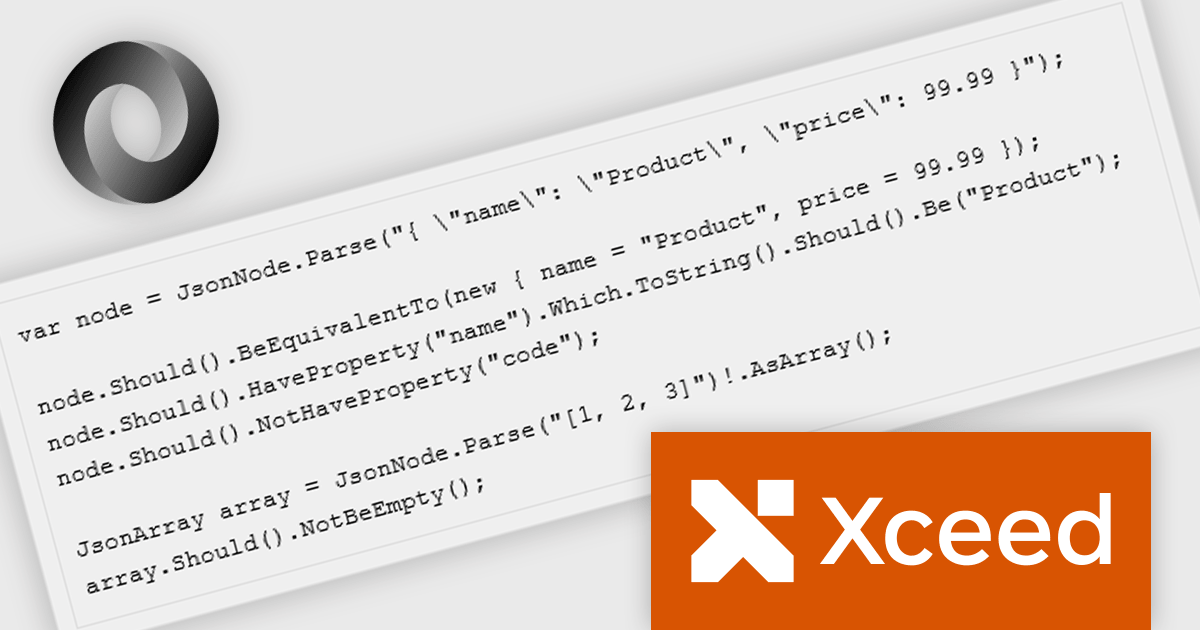
The Fluent Assertions 8.7 update introduces JSON-native assertions with first-class JSON support, enabling developers to validate JSON payloads directly within their tests. This enhancement allows precise verification of structure, data types, and values on JsonNode and JsonArray objects without the need for manual parsing or custom helper methods. By treating JSON as a native element in the assertion framework, the update improves API and integration testing, improves test clarity, and reduces maintenance overhead associated with complex JSON comparisons.
To see a full list of what's new in v8.7, see our release notes.
Xceed Fluent Assertions is licensed per developer and is available as a perpetual license with 1 year of updates and support. See our Xceed Fluent Assertions licensing page for full details.
Xceed Fluent Assertions is available individually or as part of Xceed Ultimate Suite.
Redgate Software SQL Prompt Pro is a productivity tool that enhances SQL development in SQL Server Management Studio. It automates the retrieval of database object names, syntax, and code snippets, while offering contextually appropriate suggestions to improve accuracy and efficiency. Automatic script formatting enhances readability, especially when working with complex or unfamiliar code. Highly effective out-of-the-box and fully customizable, it adapts to individual preferences and team standards, helping database professionals write cleaner code, maintain consistency, and work more efficiently.
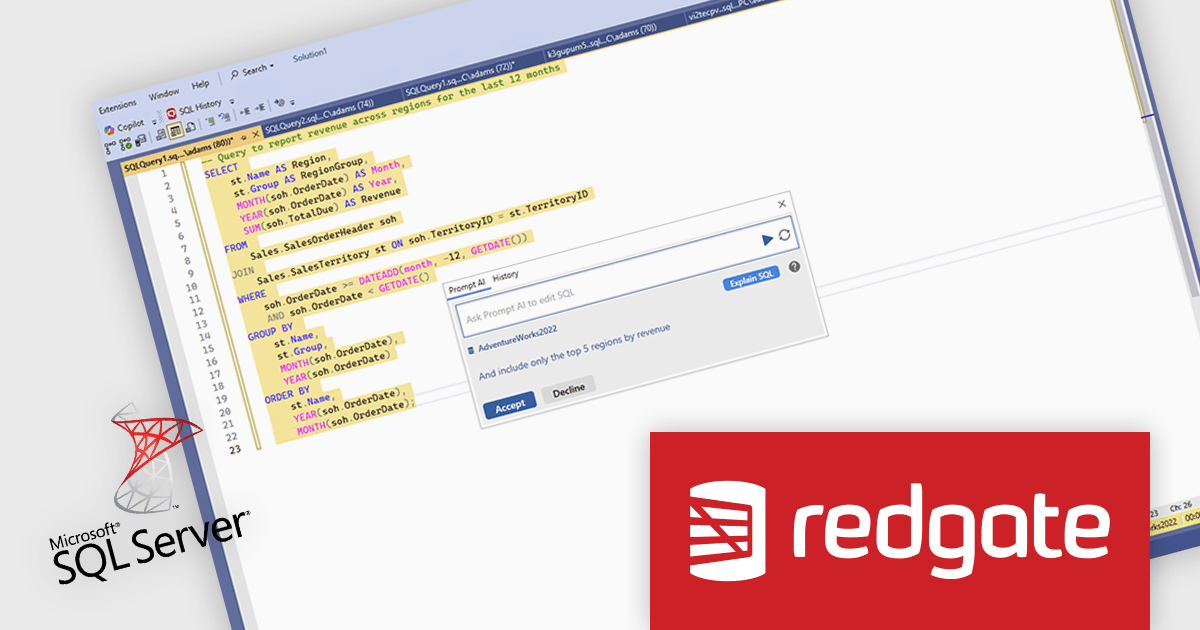
The SQL Prompt Pro 11.1.0.18267 update introduces AI-powered features that simplify query creation. Developers can now generate SQL from natural language, receive clear explanations of complex queries, and access intelligent index recommendations - all directly within SQL Server Management Studio. These capabilities support accuracy, consistency, and efficiency, enabling developers to focus on building high-quality, well-optimized database solutions.
To see a full list of what's new in v11.1.0.18267, see our release notes.
Redgate SQL Prompt Pro is licensed per developer and is available as a 1, 2 or 3 year subscription license which includes full support plus all major versions of the software released during the subscription period. See our SQL Prompt Pro licensing page for full details.
For more information, visit our SQL Prompt Pro product page.
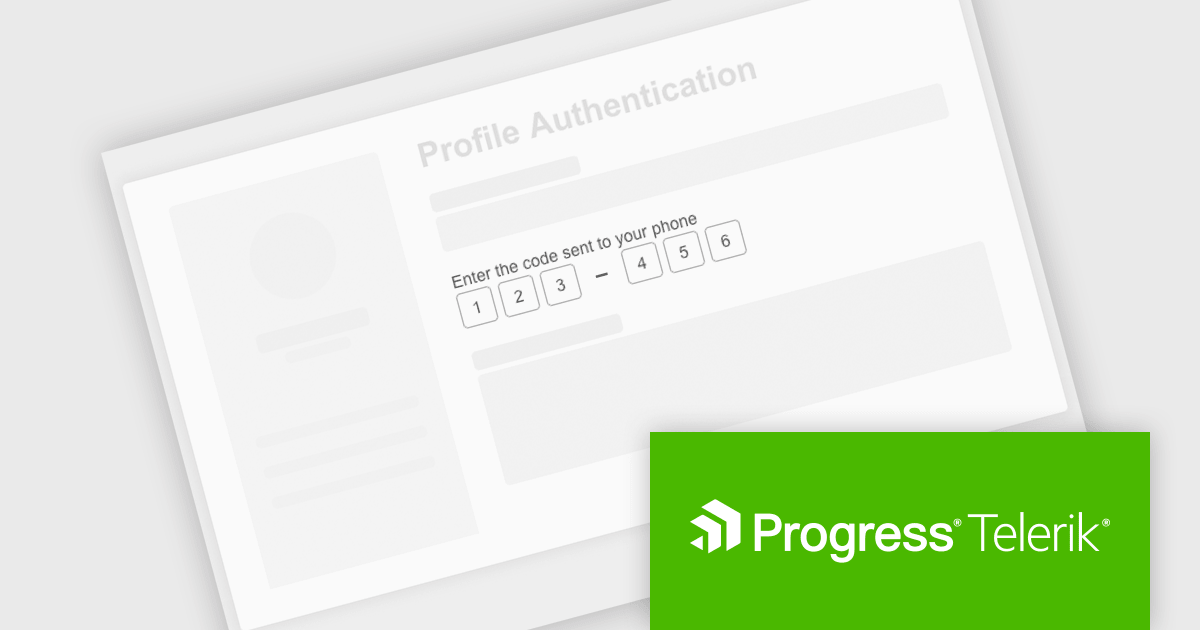
Telerik UI for ASP.NET AJAX is a library of over 120 user interface components designed for developers building Web Forms applications on the ASP.NET AJAX framework. It provides a variety of pre-built and high-performant controls which are fully customizable, ranging from data management to layout, navigation and data visualization. This feature-rich suite allows for the creation of responsive and visually appealing web applications, whilst enabling developers to enhance the user experience and expedite the development process.
The Telerik UI for ASP.NET AJAX 2025 Q3 update introduces a new One-Time Password (OTP) Input control that enhances application security by improving the integration of multi-factor authentication. This control provides a dedicated interface for handling one-time password entries, ensuring a consistent and reliable verification process across applications. It is fully customizable in terms of size, style, and format, allowing alignment with existing application designs while maintaining strong protection against unauthorized access. This addition simplifies implementation for developers and supports secure workflows such as logins, password resets, and sensitive transactions.
To see a full list of what's new in 2025 Q3 (2025.3.812), see our release notes.
Telerik UI for ASP.NET AJAX is licensed per developer and has two licensing models: an annual Subscription License and a Perpetual License. The Subscription license provides access to the latest product updates, technical support, and exclusive benefits for a flat annual fee, and must be renewed to continue using the software. The Perpetual license is a one-time purchase granting access to the current released version and includes a one-year subscription for product updates and technical support. After this initial period, users can choose to renew the subscription element to continue receiving updates and support; otherwise, they may continue using the installed version available during their active subscription term but will forgo future updates and support. See our Telerik UI for ASP.NET AJAX licensing page for full details.
Telerik UI for ASP.NET AJAX is available individually or as part of the following products:
Tel: (888) 850 9911
Fax: +1 770 250 6199


