













Proveedor oficial
Como distribuidores oficiales y autorizados, le suministramos licencias legítimas directamente de más de 200 editores de software.
Ver todas nuestras marcas.
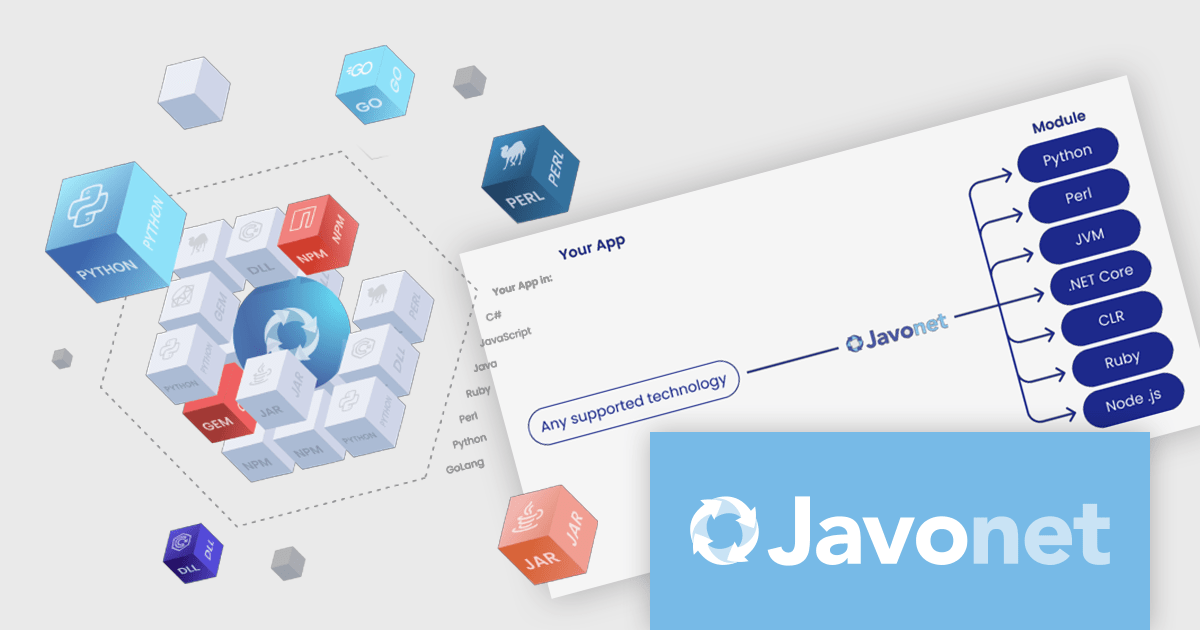
Javonet is a versatile interoperability tool that enables seamless integration across multiple programming languages. It allows developers to reference and use modules or packages written in Java, Kotlin, Groovy, Clojure, C#, VB.NET, Ruby, Perl, Python, and JavaScript/TypeScript as if they were native to their chosen technology. Developers can call methods, access properties, and manage objects across these languages without modifying existing code. With features such as bidirectional communication, high performance, and compatibility with diverse libraries, Javonet simplifies integration, accelerates development, and reduces complexity. This makes it particularly valuable for connecting legacy systems, unifying disparate technologies, or integrating back-end and front-end components from different ecosystems, delivering cohesive, cross-platform solutions.
The Javonet 2.5.8 release introduces enhanced multi-platform support, providing developers with the ability to run applications seamlessly on x86 and ARM64 architectures. This improvement ensures broader compatibility, enabling developers to deploy their solutions across diverse hardware configurations without the need for extensive modifications. By adding support for these architectures, the update facilitates greater flexibility in development and deployment, catering to the growing demand for solutions that work efficiently on modern hardware, including ARM-based systems. This enhancement streamlines workflows, reduces platform-specific complexities, and empowers developers to deliver robust, scalable applications to a wider range of users.
To see a full list of what's new in Javonet 2.5.8, see our release notes.
Javonet is licensed per machine (per foreign runtime) or per project with unlimited machines and is available as an Annual License. See our Javonet licensing page for full details.
Learn more on our Javonet product page.
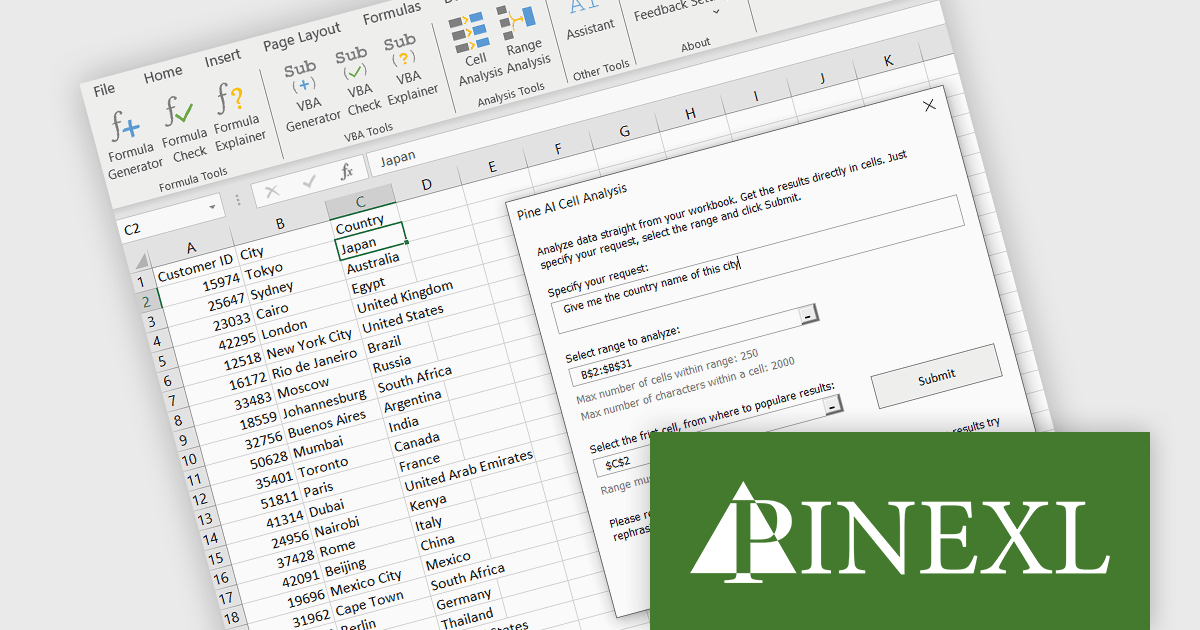
Pine AI Excel Add-In, developed by Pinexl, integrates OpenAI's ChatGPT into Microsoft Excel, enabling users to generate, debug, and interpret complex formulas and Visual Basic for Applications (VBA) code by simply describing their requirements. This tool enhances productivity by automating tasks such as data analysis, summarization, transformation, and translation directly within Excel spreadsheets. For instance, users can extract specific information from unstructured data, fill in missing details like country names based on city data, and translate text without leaving the Excel environment. By streamlining these processes, Pine AI reduces the time spent on manual data manipulation and extensive online research, making it a valuable asset for professionals seeking to optimize their workflow within Excel.
Pine AI's data analysis functionality has been separated into two tools; Range Analysis and Cell Analysis. The Range Analysis tool is the data analysis function of the preceding Data Analysis tool, allowing you to evaluate and summarize a range of cells. The Pine AI Cell Analysis tool allows you to analyze individual cells, make requests on that data, and have the findings returned directly to another cell in the same or a new worksheet within your current active workbook. Use Pine AI Cell Analysis to extract strings from text, obtain additional information based on cell values, and even translate cell content into any language.
Pine AI Excel Add-In is licensed per user on an annual subscription basis. To continue using the software you will need an active subscription. See our Pine AI Excel Add-In licensing page for full details.
Learn more on our Pine AI Excel Add-In product page.
ComponentOne Studio Blazor Edition by MESCIUS empowers developers to leverage their existing C# skills to build rich web applications. This comprehensive suite includes high-performance, native Blazor UI controls like FlexGrid, a powerful datagrid with data virtualization, and 50+ chart types for data visualization. It also offers essential input controls like Autocomplete and Combobox, boosting development efficiency and creating a seamless experience for both developers and users.
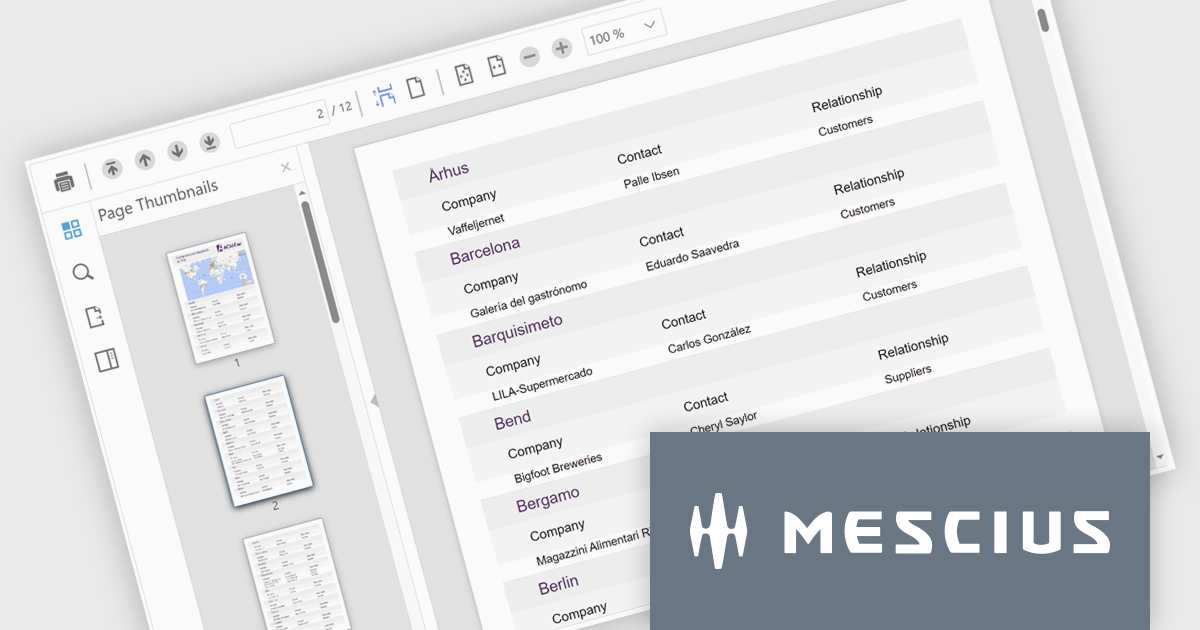
The ComponentOne Studio Blazor Edition 2024 v2 update enhances productivity with the production-ready FlexViewer for Blazor Server applications, enabling developers to integrate a powerful cross-platform document and report viewer into their projects. This update introduces essential features such as a document outline for streamlined navigation, a page setup panel for effortless customization, and interactive report parameters for dynamic filtering. These additions simplify the management and presentation of complex documents and reports while ensuring a seamless user experience.
To see a full list of what's new in 2024 v2, see our release notes.
ComponentOne Studio Blazor Edition is licensed per developer on a perpetual basis and includes a 12 month subscription. See our ComponentOne Studio Blazor Edition licensing page for full details.
ComponentOne Studio Blazor Edition is available individually or as part of ComponentOne Studio Enterprise.
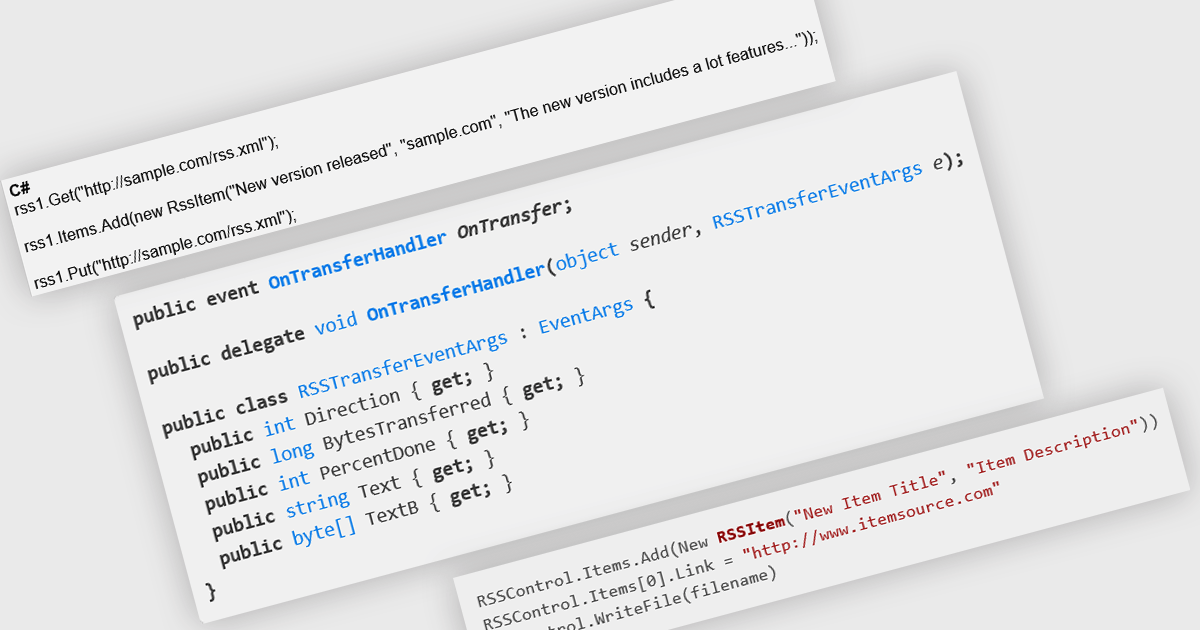
RSS, or Really Simple Syndication, is a web feed format used to publish frequently updated content. RSS support enables developers to create apps that easily distribute updates, news, or other information to users in a standardized format. This can be particularly useful for libraries, frameworks, or tools that need to inform users about new releases, security patches, or important announcements. By subscribing to an RSS feed, users can stay up-to-date with the latest information without manually checking for updates, streamlining their workflow and ensuring they are always using the most current versions of software.
Several .NET communications and messaging components offer RSS support including:
For an in-depth analysis of features and price, visit our comparison of .NET comms and messaging components.
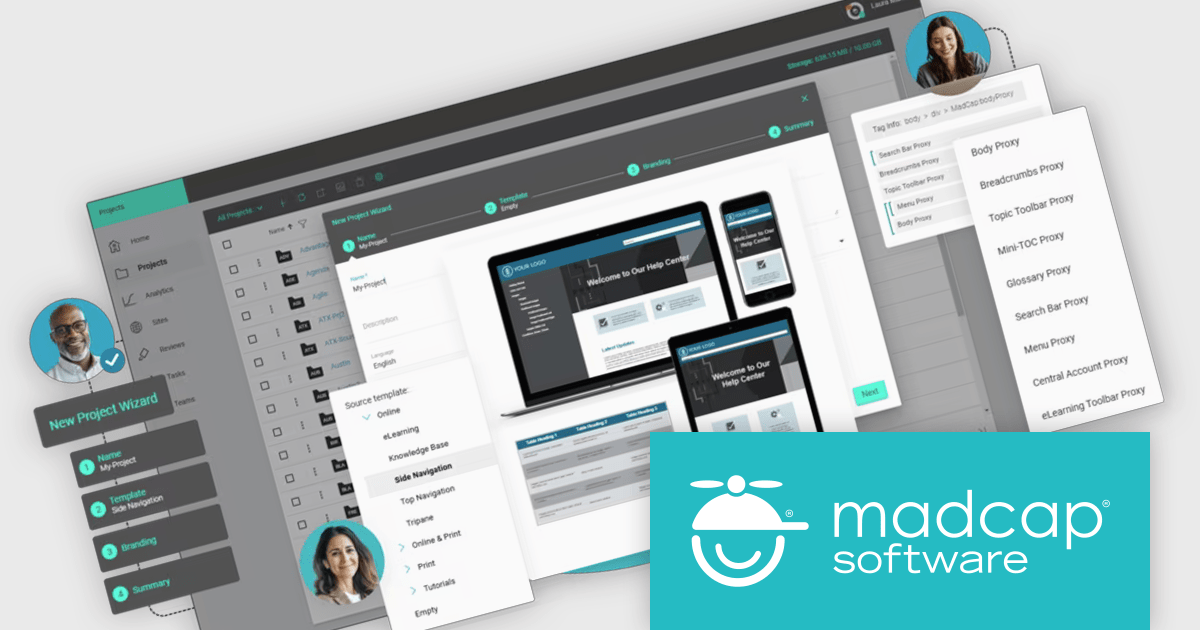
MadCap Central is a cloud-based content management and collaboration platform designed to enhance the efficiency of documentation workflows for technical writers, instructional designers, and content teams. Integrated with MadCap Flare, it allows teams to manage, publish, and review content more effectively by offering features like version control, task tracking, and streamlined review cycles. With built-in analytics and project visibility, it supports better decision-making by providing insights into content performance and usage. MadCap Central's collaborative environment enables teams to work simultaneously on projects, maintain consistent branding, and deliver high-quality documentation faster. Ideal for organizations that prioritize precision and consistency in user guides, knowledge bases, and eLearning content, it simplifies project management while ensuring content accuracy and alignment with team goals.
The MadCap Central December 2024 update introduces the ability to build projects directly within Central, streamlining the development process for software developers by consolidating project creation, authoring, and output management into a single cloud-based platform. This enhancement eliminates the need for external tools, enabling developers to efficiently manage their workflows, collaborate with team members, and maintain full control over their projects in a centralized environment. By integrating all essential tools within Central, this feature reduces complexity and enhances productivity, allowing developers to focus on delivering high-quality content and applications.
To see a full list of what's new in the December 2024 update, see our release notes.
MadCap Central is licensed per user and is available as an annual license. See our MadCap Central licensing page for full details.
For more information, see our MadCap Central product page.
Tel: (888) 850 9911
Fax: +1 770 250 6199


