













Proveedor oficial
Como distribuidores oficiales y autorizados, le suministramos licencias legítimas directamente de más de 200 editores de software.
Ver todas nuestras marcas.
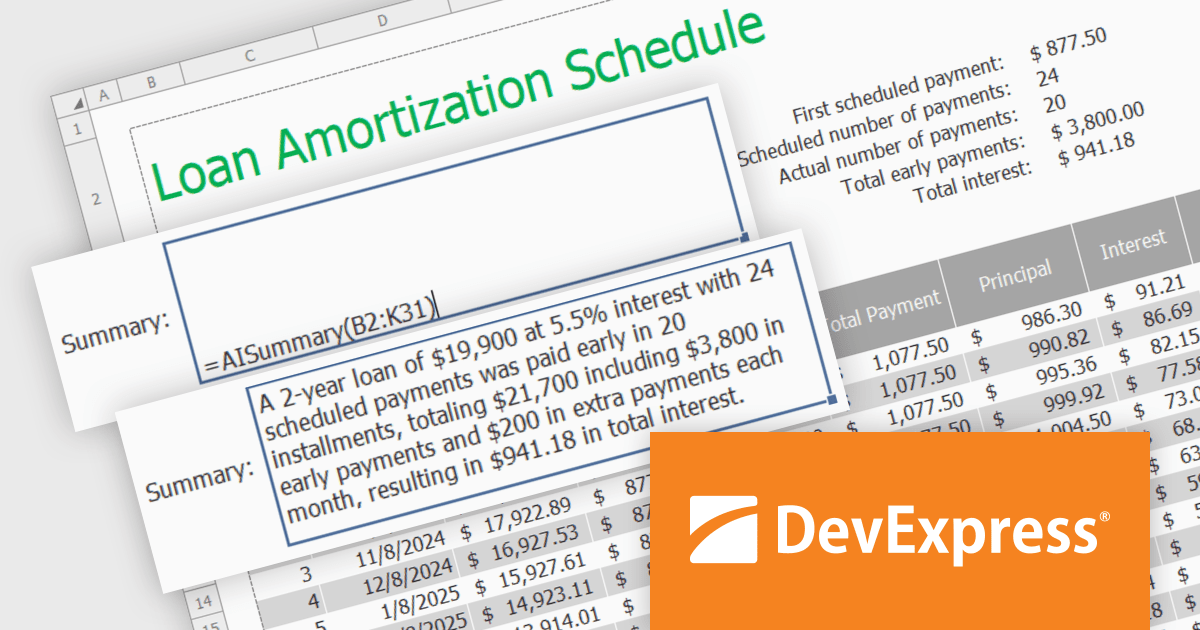
DevExpress DXperience is a comprehensive software development suite designed to enhance productivity and streamline the creation of high-performance applications across various platforms. It offers a wide range of tools and components for developers working with .NET frameworks including Windows Forms, WPF, ASP.NET, and Blazor as well as JavaScript, Angular, React, Vue, and jQuery. The suite includes powerful UI controls, data visualization tools, reporting capabilities, and cross-platform libraries that enable developers to build modern, responsive, and visually appealing applications efficiently.
In this blog post, DevExpress's Maria Nikulina shows you how to integrate OpenAI services with the DevExpress WinForms Spreadsheet Control (included with DXperience) to implement user-defined formulas for advanced calculations. These formulas let you automate repetitive tasks, efficiently analyze data, and execute advanced calculations not possible with built-in functions.
Steps include:
Detailed sample code is included.
Read the complete blog to learn how to take Excel formula calculations to a whole new level by integrating AI services.
DevExpress DXperience is licensed per developer and is available as a Perpetual License with a 12 month support and maintenance subscription. See our DevExpress DXperience licensing page for full details.
The DevExpress WinForms Spreadsheet Control is available to buy in the following products:
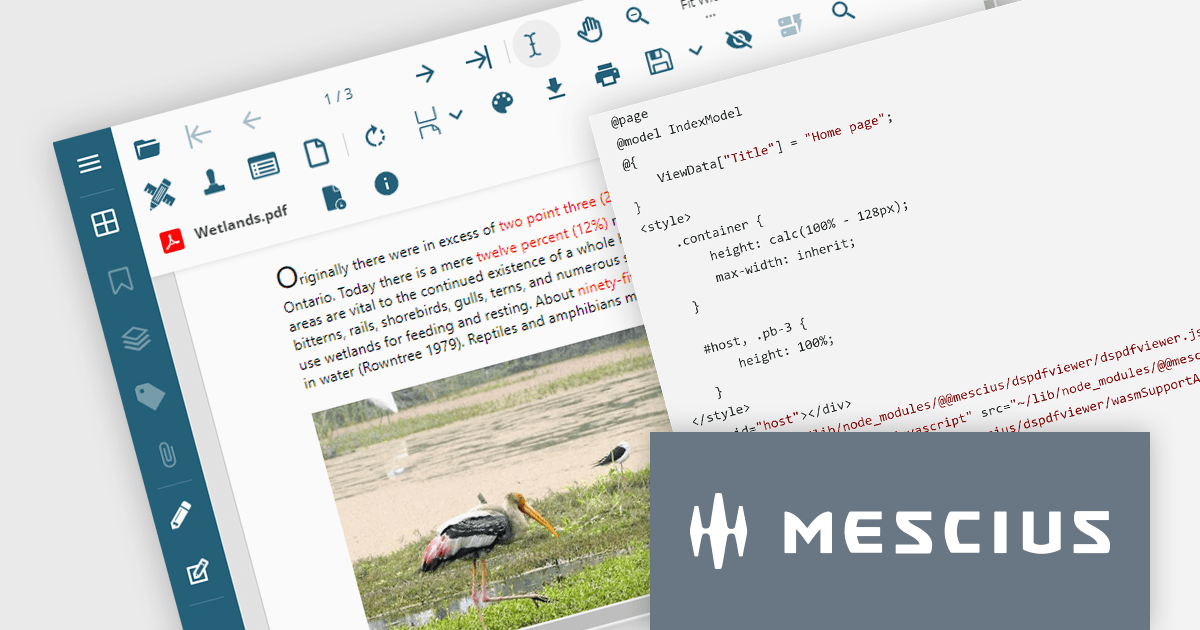
Document Solutions for PDF (DsPdf) by MESCIUS is a software development toolkit that provides .NET Core libraries and a JavaScript PDF viewer for manipulating and displaying PDFs. DsPdf enables developers to create, edit, annotate, and redact PDF documents directly within web applications. The included DsPdfViewer component offers a feature-rich, cross-platform solution for viewing and interacting with PDFs in modern browsers on various operating systems, including mobile devices.
The Document Solutions for PDF 7.2 release adds a cutting-edge WebAssembly (Wasm)-based PDF Viewer. This innovative solution leverages the power of WebAssembly to deliver a locally optimized, high-performance PDF editing experience directly within your web browser. This translates to a smoother, more intuitive user experience, regardless of network conditions or server load. The Wasm-based PDF Viewer is designed to cater to the demands of modern users, offering seamless cross-platform compatibility, advanced editing features, and a secure, privacy-focused environment.
To see a full list of what's new in version 7.2, see our release notes.
Document Solutions for PDF is licensed per developer and is available in several license options for differing distribution needs. Team licenses are also available for multiple developers within the same organization. See our Document Solutions for PDF licensing page for full details.
Document Solutions for PDF is available to buy in the following products:
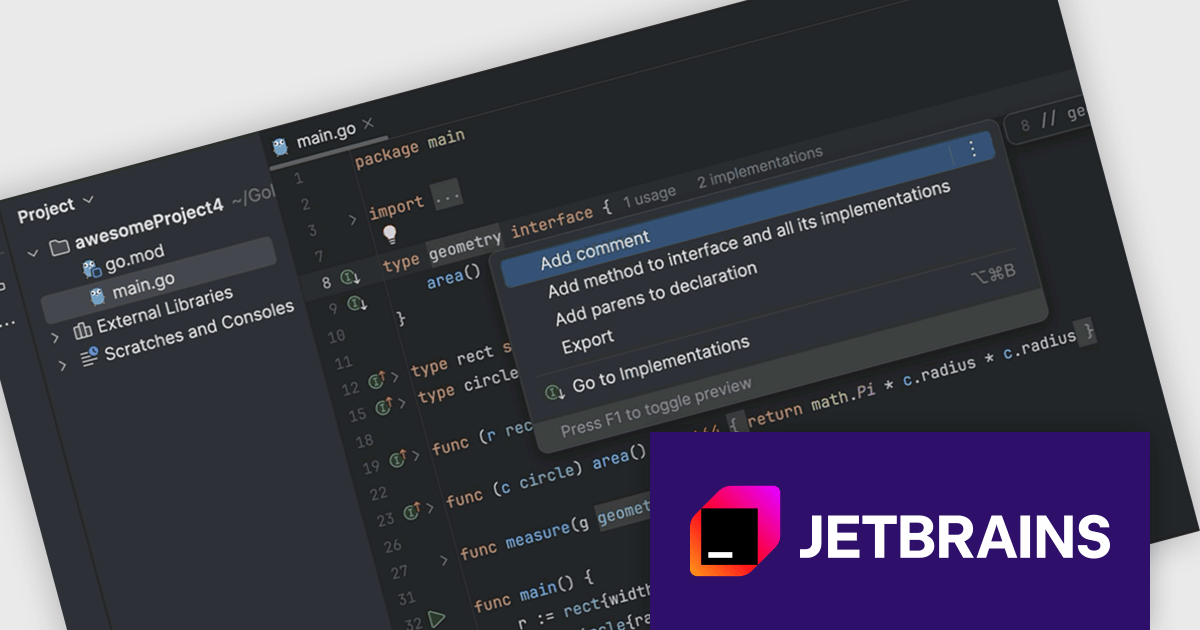
JetBrains GoLand is a dedicated integrated development environment (IDE) designed for Go programmers. It offers comprehensive features like intelligent code completion, advanced debugging tools, built-in testing frameworks, and code navigation aids for both individual and collaborative development. GoLand's focus on efficiency and productivity, along with its seamless integration with other JetBrains tools, makes it a powerful choice for professional Golang development.
The GoLand 2024.2 update significantly enhances developer productivity with the introduction of the 'Add method to interface and all its implementations' refactoring. This powerful new feature streamlines the process of modifying interface contracts by allowing you to add a new method to an interface and automatically generate corresponding method stubs in all implementing classes with a single action. This saves valuable time and reduces the risk of errors associated with manual code changes, enabling developers to focus on core functionality and maintain code consistency across the entire project.
To see a full list of what's new in version 2024.2, see our release notes.
GoLand is licensed per user, and is available as a commercial annual subscription license. We can supply new subscriptions, subscription renewals (including continuity discounts), lapsed renewals, and additional user licenses. See our GoLand licensing page for full details.
GoLand is available to buy in the following products:
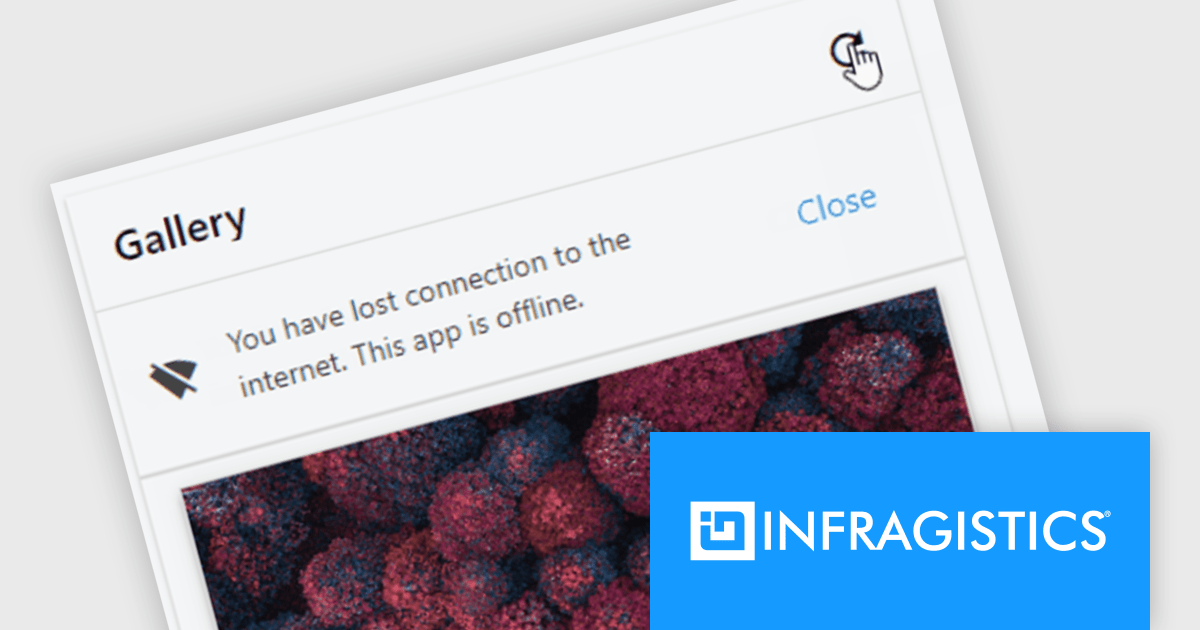
Infragistics Ignite UI for Web Components is a comprehensive library of pre-built, reusable UI components designed for constructing modern web applications using the Web Components standard. It offers a diverse collection of data grids, charts, and interactive elements, enabling developers to rapidly create high-performance, cross-platform applications without dependency complexities.
The Ignite UI for Web Components 24.1 update now includes a Banner component, offering developers a versatile tool for displaying prominent, persistent messages within applications. Positioned between the transient Snackbar and the modal Dialog, the Banner provides a non-intrusive way to convey crucial information to users. Its customizable features, including support for custom action buttons and icons, allow for tailored messaging and user interaction, enhancing application usability and user experience.
To see a full list of what's new in version 24.1 (4.10.0), see our release notes.
Infragistics Ignite UI for Web Componentsis part of Infragistics Ignite UI which is licensed per developer and is available as a Perpetual License with a 1, 2 or 3 year support and maintenance subscription. See our Infragistics Ignite UI licensing page for full details.
Ignite UI for Web Components is available to buy in the following products:
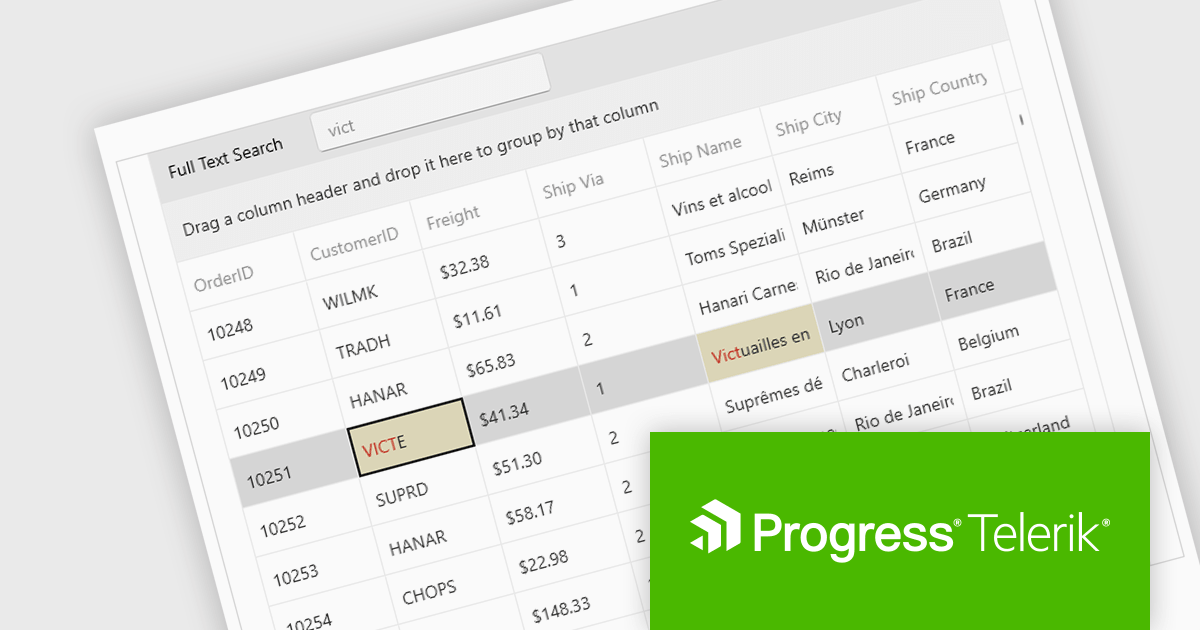
Telerik UI for WPF is an extensive UI library specifically designed for building modern and feature-rich business applications using the Windows Presentation Foundation (WPF) framework. It offers many customizable controls, ranging from data-driven grids and charts to specialized navigation and input components. The suite emphasizes performance and user experience, providing data virtualization for handling large datasets efficiently and ensuring visually appealing interactions.
The Telerik UI for WPF 2024 Q3 (2024.3.806) update enhances the DataGrid control by implementing "Search as You Type" behavior without filtering the items. This new option provides users with greater control over the grid search process with the ability to disable data filtering when performing search operations. By enabling users to tailor the filtering behavior, this feature ensures that search results are not inadvertently limited by active filters, potentially revealing more relevant data that would otherwise be hidden.
To see a full list of what's new in 2024 Q3, see our release notes.
Telerik UI for WPF is licensed per developer and is available as a perpetual license with a one year support subscription, which is available in three tiers: Lite, Priority or Ultimate. See our Telerik UI for WPF licensing page for full details.
Telerik UI for WPF is available to buy in the following products:
Tel: (888) 850 9911
Fax: +1 770 250 6199


