













Proveedor oficial
Como distribuidores oficiales y autorizados, le suministramos licencias legítimas directamente de más de 200 editores de software.
Ver todas nuestras marcas.

Gauge controls are visual components employed in software development to represent numerical data in a graphical format. They effectively communicate quantitative information at a glance, aiding rapid decision-making. Common types include radial, linear, and circular gauges. Primarily utilized in dashboards and monitoring interfaces, gauges excel at displaying performance metrics, system health indicators, and real-time data trends. Their intuitive design enhances user experience by providing immediate insights into key performance indicators (KPIs) and facilitating efficient analysis.
Several Vue.js UI suites offer gauge controls including:
For an in-depth analysis of features and price, visit our Vue.js UI suites comparison.
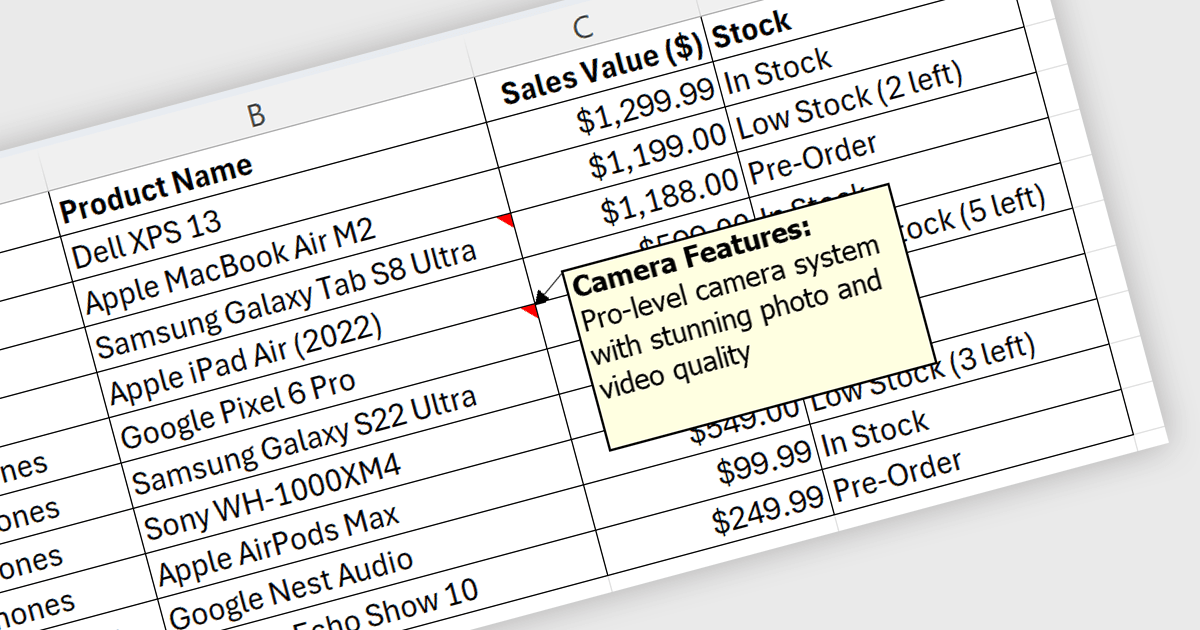
Spreadsheet cell comments/tooltips, provide a way to display additional information on hover over a specific cell. This enhances the user experience by offering context beyond the cell's main value. Common use cases include displaying formulas used for calculations, extended data not suitable for the main view, or data validation rules. They improve spreadsheet clarity and reduce the need for separate documentation or cluttered cell content.
Several .NET WPF Spreadsheet controls offer cell comments/tooltips including:
For an in-depth analysis of features and price, visit our WPF Spreadsheet controls comparison.
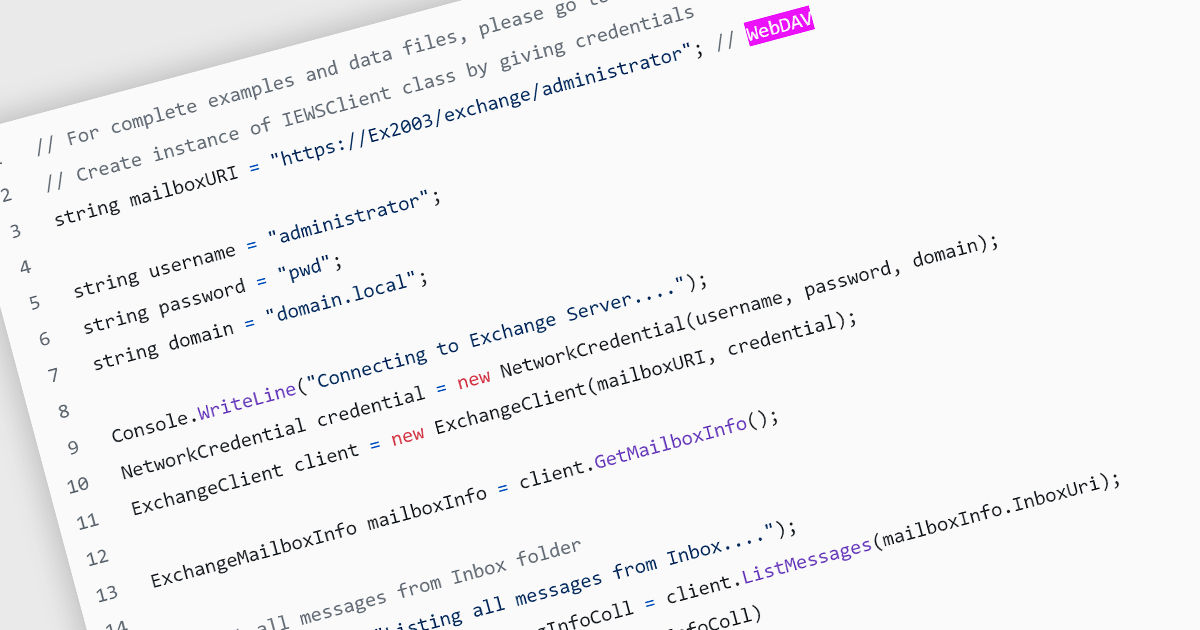
Web Distributed Authoring and Versioning (WebDAV) is an open-standard extension to HTTP (Hypertext Transfer Protocol). Its basic functionality enables file management through a web server, allowing users to share, copy, move, and edit files over the internet. As well as resource locking and other features, WebDAV also supports metadata handling and namespace management, which improves the organization and retrieval of documents. This protocol eliminates the need to download and upload files constantly, facilitating collaborative editing and file management on remote web servers.
Several .NET communications and messaging components support the WebDAV internet protocol, including:
For an in-depth analysis of features and price, visit our comparison of .NET communications and messaging components.
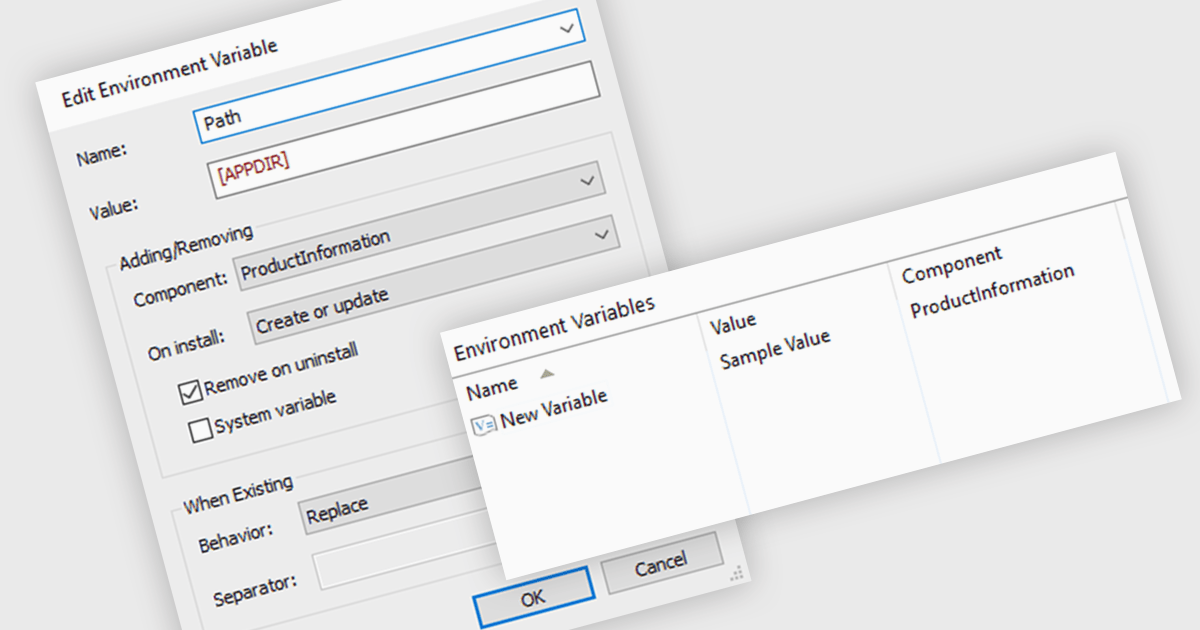
Environment variables offer a flexible mechanism for configuring application settings within an installer. By defining variables that can be modified before or during installation, developers can tailor software behavior to specific environments without recompiling. This approach promotes reusability, simplifies deployment, and ensures compatibility across different systems. Common use cases include specifying installation paths, database connection strings, and licensing information, enhancing both user experience and administrative control.
Several installation tools offer the ability to adjust environment variables including:
For an in-depth analysis of features and price, visit our comparison of Installation Tools.

In datagrids, tooltips are on-demand informational popups that appear when hovering over a cell. They provide critical context for truncated content, enhancing usability by allowing users to view the full data point without sacrificing grid layout or requiring them to navigate elsewhere. This improves data comprehension and reduces the need for scrolling or resizing columns, leading to a more efficient user experience.
Several jQuery grid controls offer support for tooltips including:
For an in-depth analysis of features and price, visit our jQuery grid controls comparison.
Tel: (888) 850 9911
Fax: +1 770 250 6199


