













Proveedor oficial
Como distribuidores oficiales y autorizados, le suministramos licencias legítimas directamente de más de 200 editores de software.
Ver todas nuestras marcas.
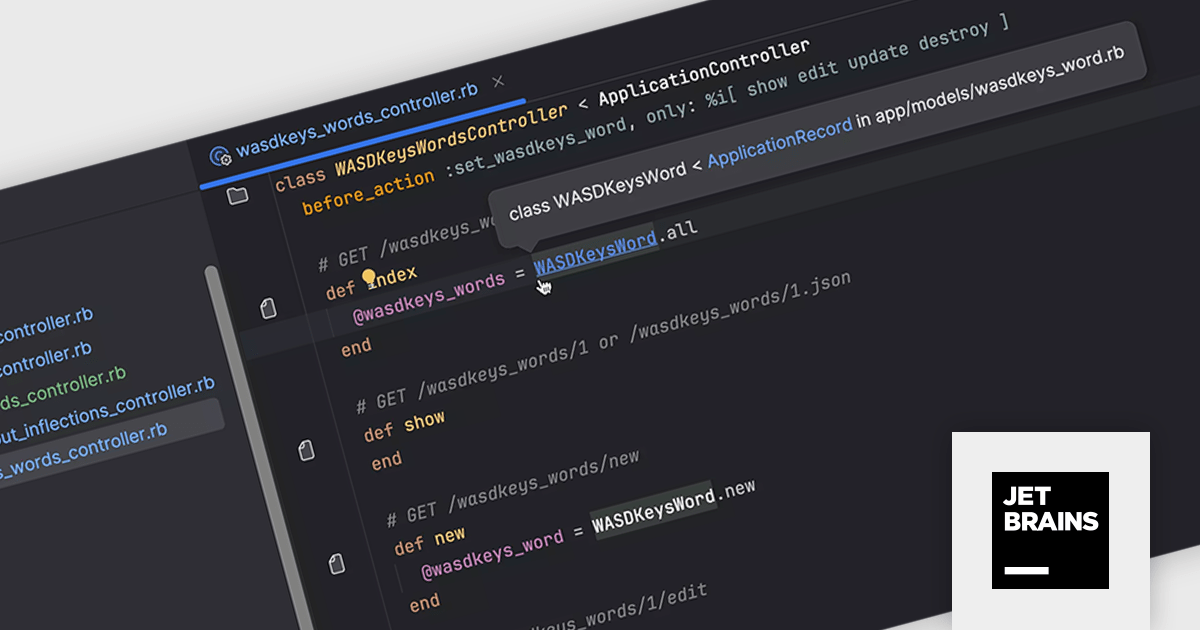
RubyMine by JetBrains is a powerful Integrated Development Environment (IDE) specifically designed for Ruby and Ruby on Rails development. It offers a comprehensive suite of features to boost your coding efficiency, including smart code completion, syntax highlighting, code refactoring tools, built-in debugging and testing frameworks, and seamless integration with popular libraries and databases. Whether you're a seasoned Rails developer or just starting out, RubyMine's intuitive interface and robust features can help you write cleaner, more maintainable code and accelerate your development workflow.
RubyMine 2024.1 enhances workflow efficiency for developers who utilize custom inflections in their Ruby projects. This update ensures seamless recognition of class and file names with these custom conventions, eliminating inconsistencies. Project view, tabs, and the Search Everywhere dialog now display the correct icons for these custom-inflected elements. Navigation and code insight functionality remain fully functional, even extending to acronyms used in controllers and models.
To see a full list of what's new in version 2024.1, see our release notes.
RubyMine is licensed per user, and is available as a commercial annual subscription license. We can supply new subscriptions, subscription renewals (including continuity discounts), lapsed renewals, and additional user licenses. See our RubyMine licensing page for full details.
For more information, visit our RubyMine product page.
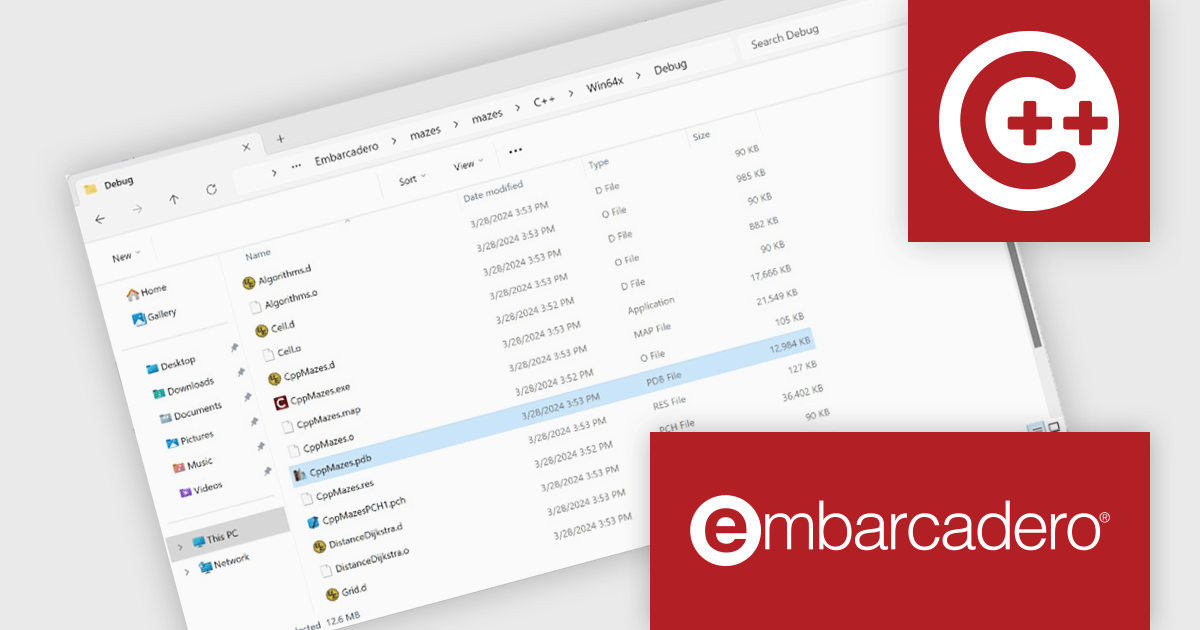
C++Builder by Embarcadero is a rapid application development environment that simplifies C++ development for Windows, iOS, macOS, and Android. It streamlines the process by offering visual UI design tools, pre-built components, and a powerful debugger, enabling faster creation of high-performance native applications.
The C++Builder 12.1 Athens update includes a brand new Clang-based C++ compiler that brings modern development to 64-bit versions of Windows. This high-quality toolchain offers a powerful 64-bit compiler and linker, ideal for large applications. Seamless integration with external libraries and existing C++ code ensures a smooth transition. Full IDE integration and support for VCL, FireMonkey, FireDAC, and RTL libraries make it a complete solution for modern C++ development on Windows.
To see a full list of what's new in C++Builder 12.1 Athens, see our release notes.
C++Builder Professional, Enterprise and Architect are licensed per Named, Network Named or Concurrent user and are available as a Perpetual License with an Update Subscription that includes support and free upgrades for 1 Year. C++Builder Professional is also available as a Named Annual user license. See our C++Builder licensing page for full details.
C++Builder is available to buy in the following products:
JetBrains AI Assistant is a plugin for their IDEs that uses large language models to enhance your coding experience. It can answer your questions about code, suggest completions and refactorings, and even help you write documentation and commit messages. It analyzes the context of your project to provide the most relevant suggestions, and you can chat with it directly within the IDE. It's a powerful tool for programmers looking to boost their productivity.
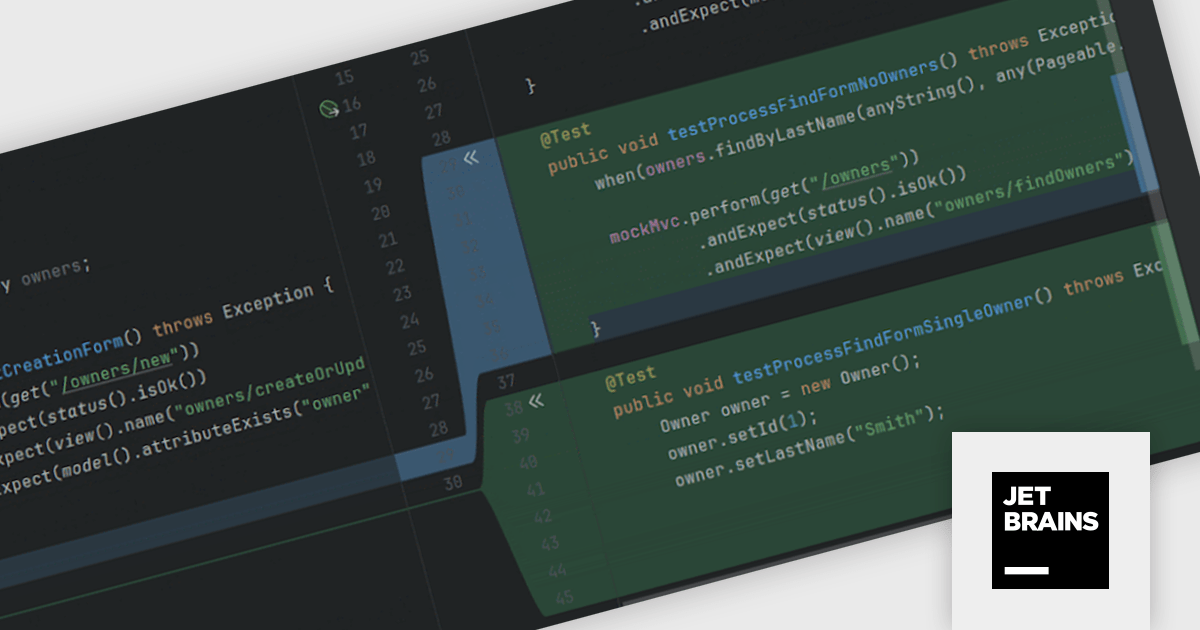
JetBrains AI Assistant 2024.1 includes improved test generation features that help you write better tests faster. It automatically locates existing test files, using them as templates to ensure that new test cases conform to the format and style of current ones. The AI Assistant meticulously analyzes your code along with any related documentation to propose tests that expose edge cases and potential anomalies. With a simple approval process, you can quickly integrate these suggestions and have robust tests prepared to execute, allowing you to devote more time to developing new code.
To see a full list of what's new in version 2024.1 see our release notes.
JetBrains AI Assistant requires that you already own a JetBrains IDE product with an active commercial subscription license and is licensed per user as a commercial annual subscription. We can supply new subscriptions, subscription renewals, lapsed subscription renewals, and additional developer licenses. See our JetBrains AI Assistant licensing page for full details.
For more information, visit our JetBrains AI Assistant product page.
PhpStorm by JetBrains is a sophisticated Integrated Development Environment (IDE) specifically designed for PHP and web development. It offers a range of features to enhance your coding experience, including syntax highlighting, intelligent code completion, on-the-fly error detection, built-in debugging tools, and advanced code refactoring capabilities. Additionally, it supports various web technologies like HTML, CSS, and JavaScript, making it a versatile tool for building complete web applications.
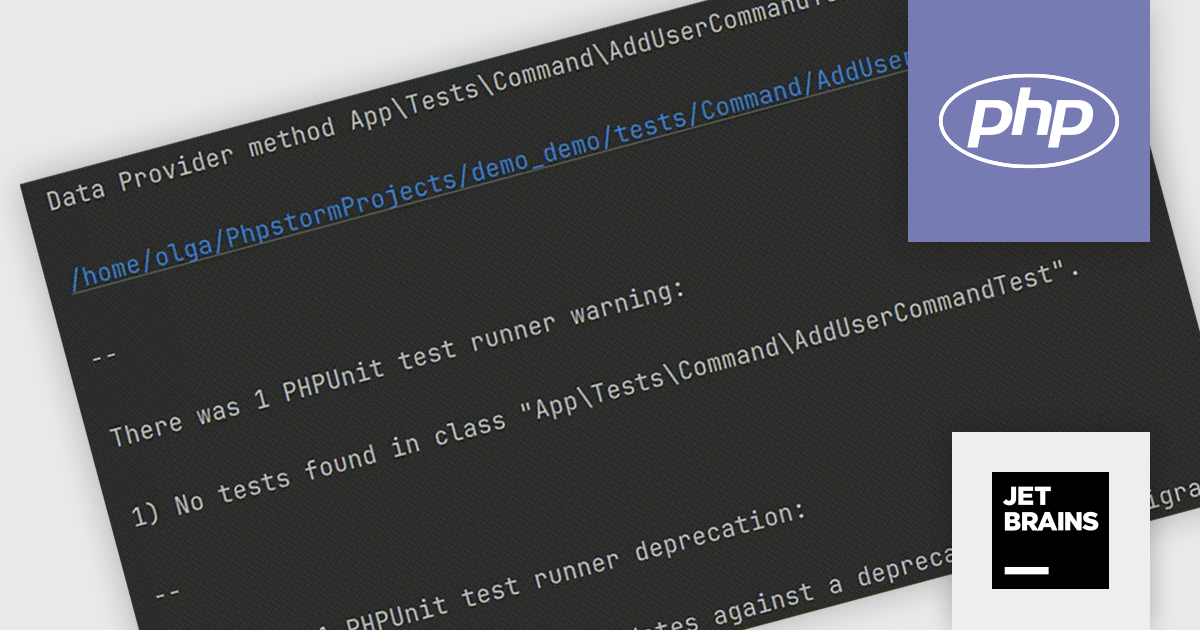
PhpStorm 2024.1 gains enhanced testing capabilities with comprehensive support for PHPUnit 11.0. Developers can now seamlessly execute tests leveraging the latest features and bug fixes offered by the newest PHPUnit iteration. PhpStorm streamlines the testing workflow by automatically detecting deprecated attributes within PHPUnit configuration files. This ensures efficient testing practices and eliminates the need for manual configuration updates.
To see a full list of what's new in version 2024.1, see our release notes.
PhpStorm is licensed per user, and is available as a commercial annual subscription license. We can supply new subscriptions, subscription renewals (including continuity discounts), lapsed renewals, and additional user licenses. See our PhpStorm licensing page for full details.
For more information, visit our PhpStorm product page.
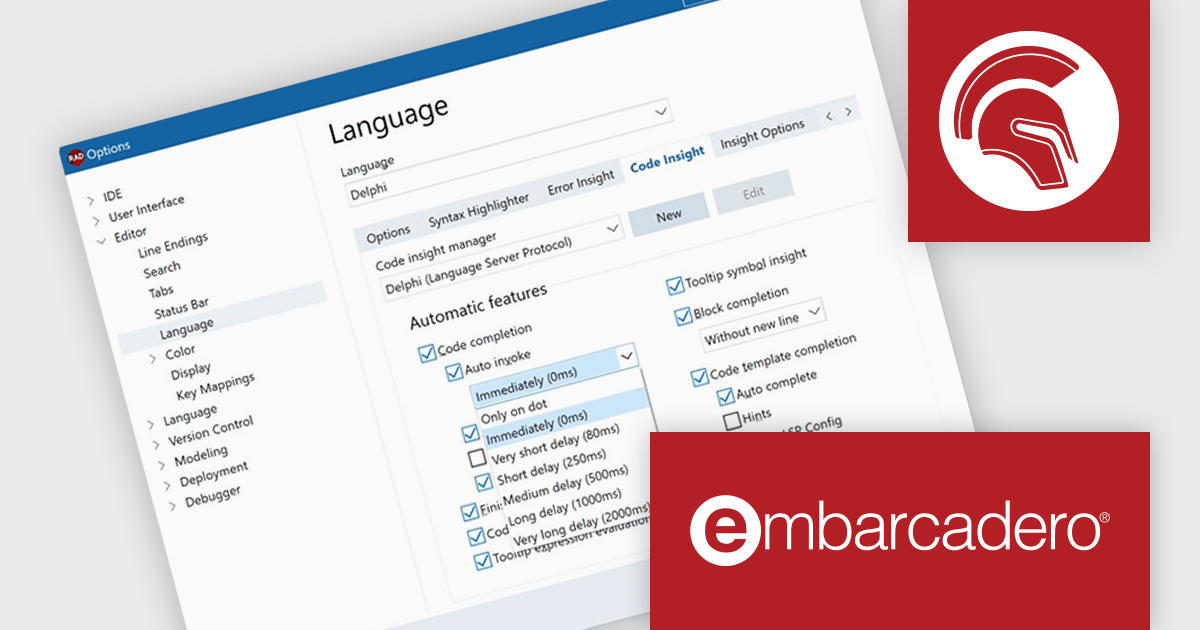
Delphi by Embarcadero is an advanced Integrated Development Environment (IDE) that allows you to build native applications for desktop, mobile, web, and console environments using a single codebase. It includes a visual designer, code editor, debugger, and component library, all specifically designed for rapid application development with the Object Pascal programming language. With Delphi, you can target Windows, macOS, iOS, Android, and Linux while leveraging a large developer community and extensive third-party plugin support.
Delphi 12.1 Athens improves Language Server Protocol (LSP) code completion functionality to allow users more control. You can now customize how specific keystrokes behave when code completion appears, both in regular and auto-invoked scenarios. These changes empower you to configure code completion to better suit your personal preferences.
To see a full list of what's new in version 12.1 Athens, see our release notes.
Delphi is licensed per Named, Network Named or Concurrent user and is available as a Perpetual License with an Update Subscription that includes support and free upgrades for 1 Year. See our Delphi licensing page for full details.
Delphi is available to buy in the following products:
Tel: (888) 850 9911
Fax: +1 770 250 6199


