













Proveedor oficial
Como distribuidores oficiales y autorizados, le suministramos licencias legítimas directamente de más de 200 editores de software.
Ver todas nuestras marcas.
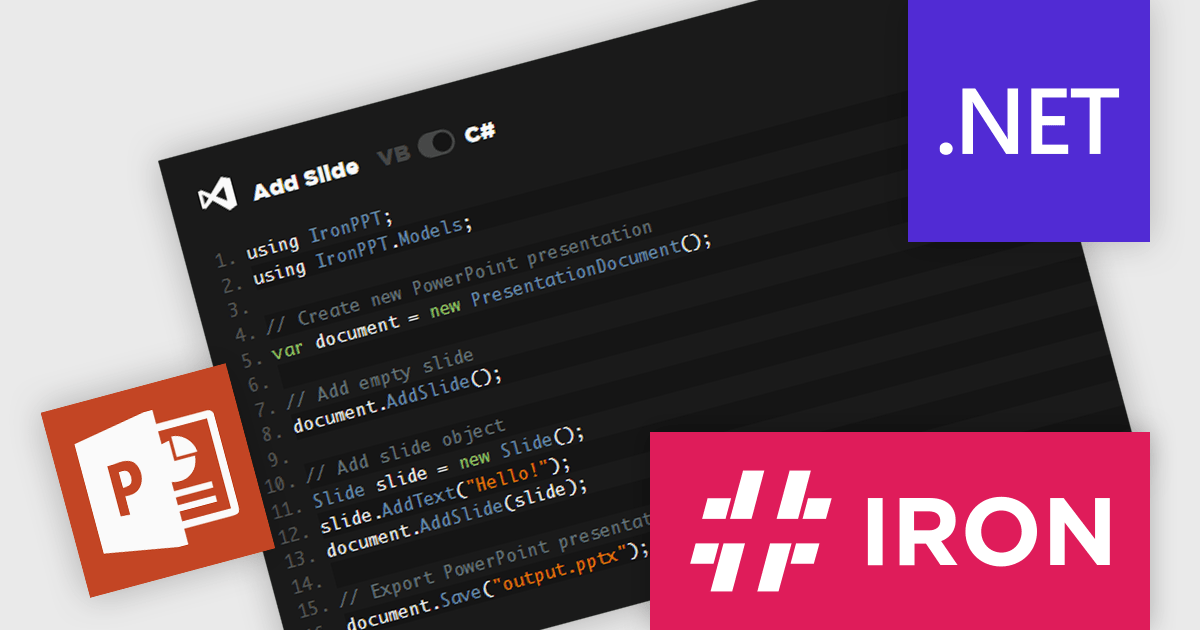
IronPPT for .NET is a newly-launched C# and VB.NET library from Iron Software for creating, editing, and managing PowerPoint presentations without Microsoft Office. It supports text, images, shapes, and slide management, with full compatibility across .NET 9, 8, 7, 6, Framework, Core, and Azure. Designed for cross-platform deployment, it enables automation, dynamic reports, and enterprise integration with minimal effort, streamlining workflows and enhancing productivity.
IronPPT for .NET simplifies PowerPoint presentation manipulation with an intuitive C# and VB.NET API that minimizes complexity and accelerates development. Its straightforward design allows developers to create, edit, and manage PPTX files with minimal code, reducing the learning curve and eliminating the need for Microsoft Office or Interop. By providing clear methods for adding text, images, shapes, and slides, it enables seamless integration into .NET applications, improving efficiency and maintainability. With support for the latest .NET versions and cross-platform deployment, IronPPT ensures a smooth development experience, allowing teams to focus on building robust presentation-driven solutions.
IronPPT for .NET is licensed based on the number of developers, developer locations, and projects. Licenses are perpetual and include 1 year of support and product updates. See our IronPPT for .NET licensing page for full details.
IronPPT for .NET is available individually or as part of Iron Suite for .NET.
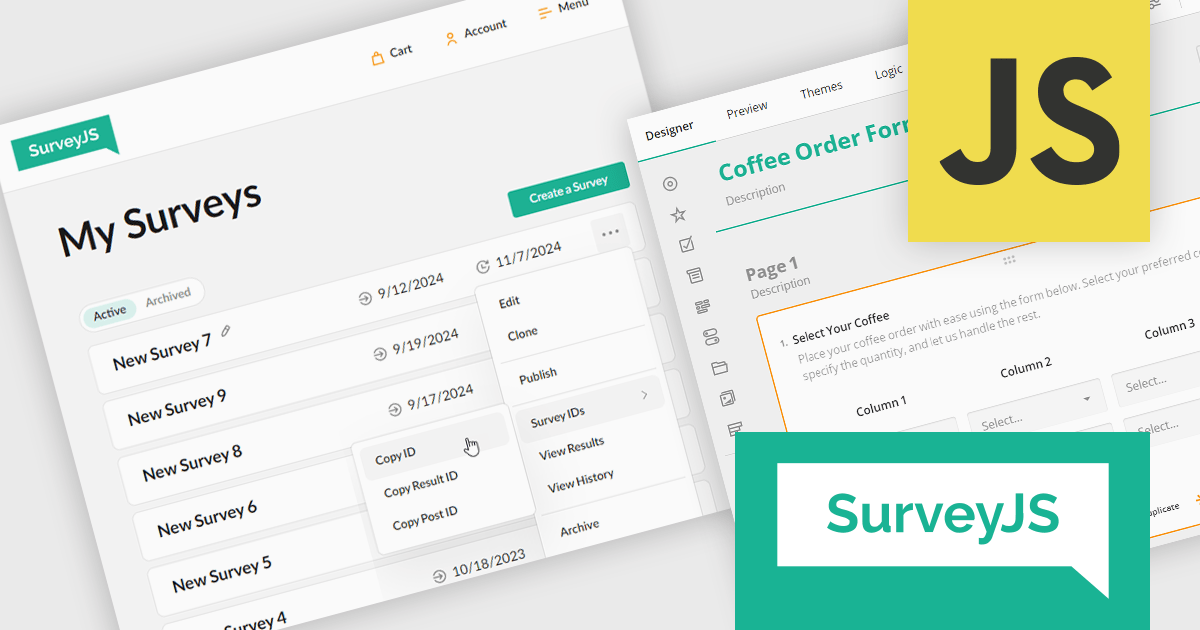
ComponentSource, a leading provider of software development tools, has announced a new partnership with SurveyJS, a versatile survey and form-building solutions provider. This collaboration aims to enable developers to enhance their data collection and user interaction experience with advanced tools and customizable solutions for survey creation, feedback gathering, and form automation.
SurveyJS offers a suite of modern, developer-friendly tools for building and managing surveys, forms, and data-driven applications. These tools help businesses streamline data collection and analysis with flexible, embeddable solutions.
By partnering with SurveyJS, ComponentSource expands its portfolio to include advanced survey and form-building tools, offering its customers powerful solutions for efficient data collection, analysis, and automation in industries relying on customizable and interactive user input interfaces. This partnership also strengthens ComponentSource's position as a leading provider of software development solutions, addressing the growing demand for flexible, embeddable survey tools in industries such as SaaS platforms, e-commerce, education, and enterprise software.
SurveyJS is licensed per developer with a one-time payment for indefinite use. Access to updates and technical support is available through a subscription. See our SurveyJS licensing page for full details.
For more information, visit our SurveyJS brand page.
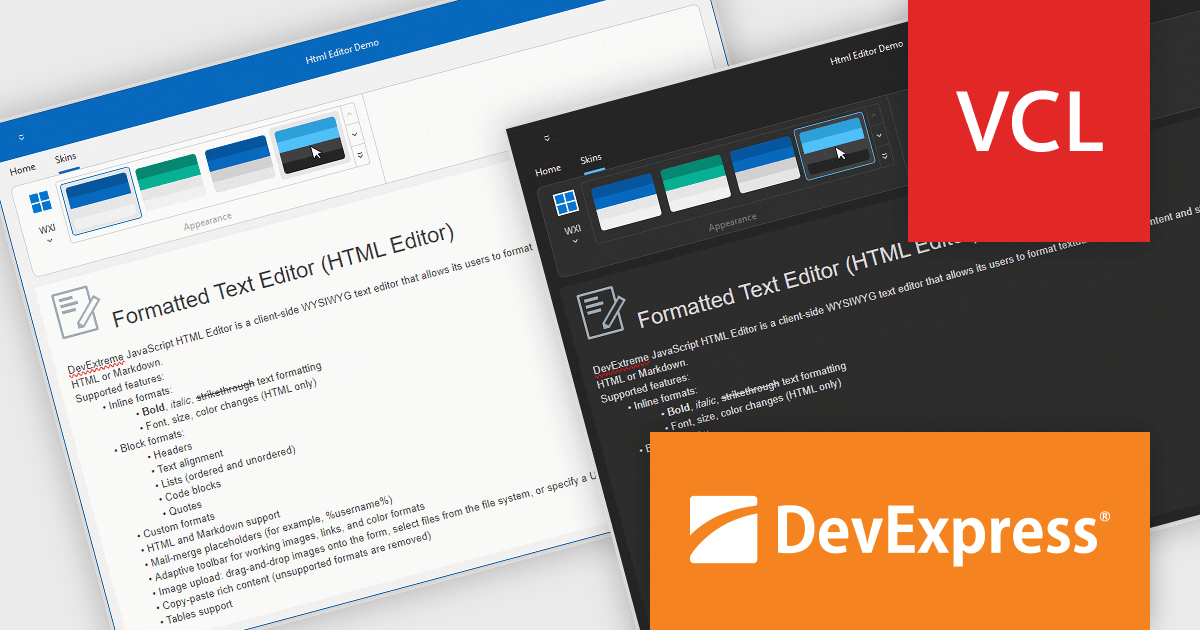
DevExpress VCL Subscription is a comprehensive suite for Delphi and C++ Builder developers that includes high-performance UI components, reporting tools, data visualization elements, and application templates. It lets you build rich, data-driven business applications with ease, offering ongoing updates, technical support, and royalty-free distribution rights, perfect for boosting developer productivity and delivering polished software experiences.
The DevExpress VCL Controls v24.2 update introduces hybrid development capabilities, enabling developers to seamlessly integrate JavaScript widgets into native VCL applications using an embedded WebView component. This allows for the creation of applications that combine the flexibility and modern features of web technologies with the performance and reliability of native VCL development. By supporting Delphi-driven configuration of JavaScript widgets and ensuring synchronized theme changes between DevExpress VCL Skins and DevExtreme CSS themes, this update simplifies the development of visually cohesive and functionally robust desktop applications tailored for Windows.
To see a full list of what's new in version 24.2, see our release notes.
DevExpress VCL Subscription is licensed per developer and is available as a Perpetual License with a 12 month support and maintenance subscription. See our DevExpress VCL Subscription licensing page for full details.
For more information, visit our DevExpress VCL Subscription product page.
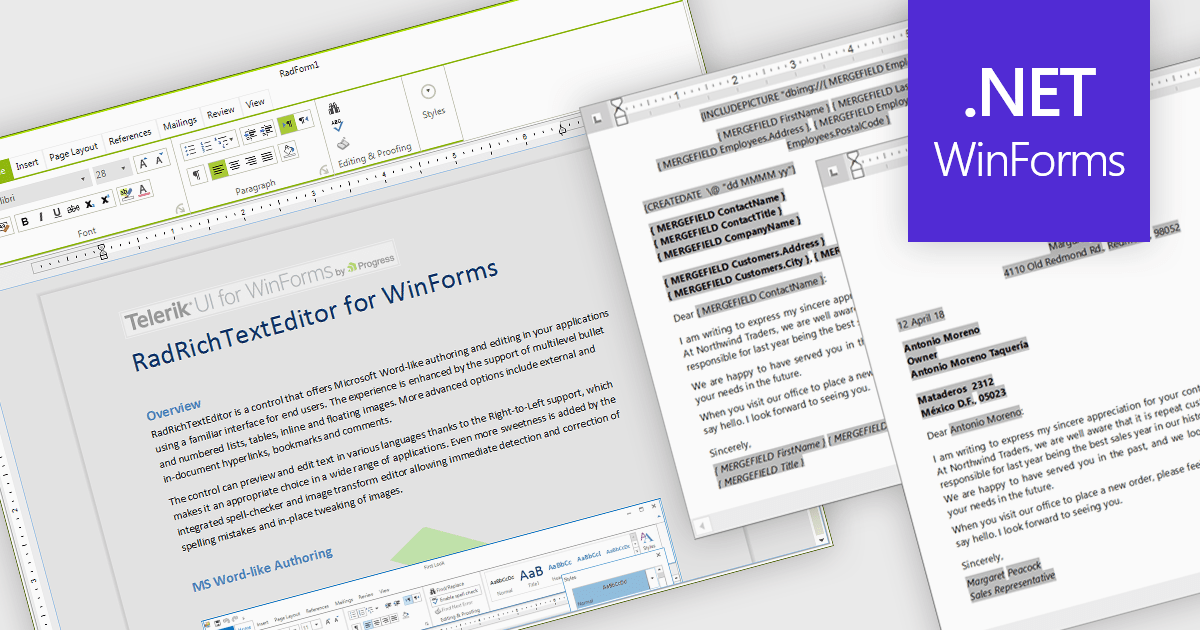
Rich text editors for WinForms let users create and format content in a familiar, word processor-like environment. These editors support advanced text styling, media embedding, and customizable toolbars, giving developers flexibility to build feature-rich desktop applications. With features like document import/export, content validation, and extensive formatting controls, they enhance the user experience while ensuring consistency across applications. Designed for accessibility and optimized for desktop performance, they integrate seamlessly into Windows-based workflows.
Several .NET WinForms UI suites offer rich text editors including:
For an in-depth analysis of features and price, visit our comparison of .NET WinForms UI Suites:
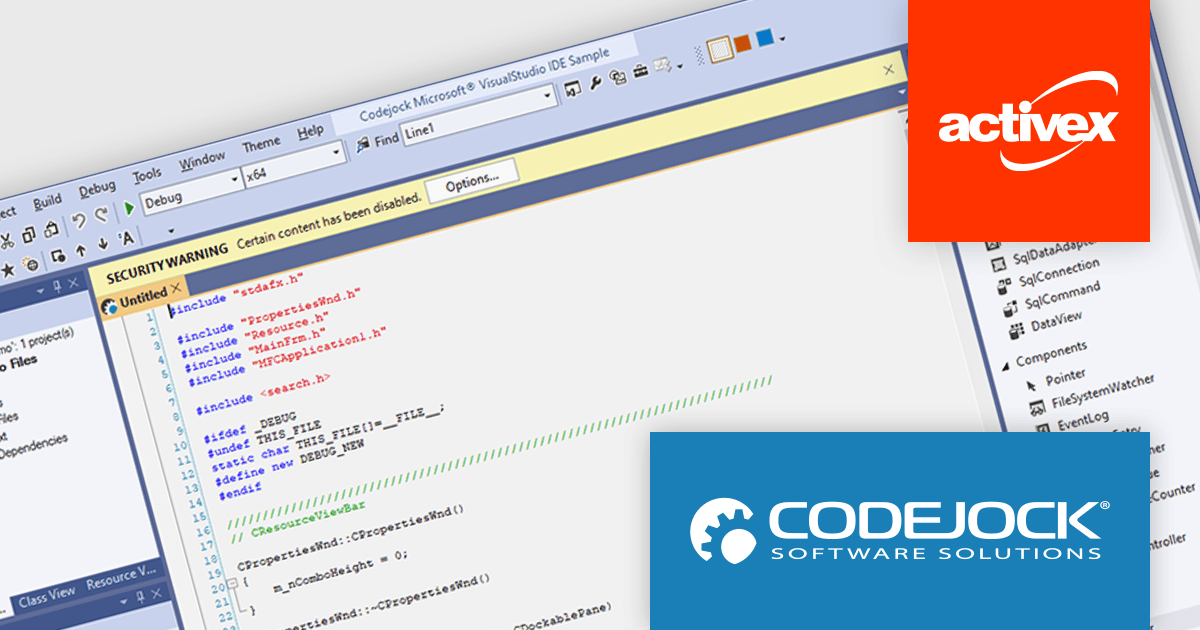
Codejock Suite Pro is a comprehensive collection of UI components and libraries designed to enhance the development process and create visually stunning applications. With a rich array of features including grids, charts, editors, docking windows and more, the suite empowers developers to rapidly build robust and user-friendly interfaces. Whether you're building enterprise applications, data visualization tools or custom user interfaces, Codejock Suite Pro provides the essential tools to elevate your projects and deliver exceptional user experiences.
The Codejock Suite Pro 24.0.0 introduces the ability for developers to embed interactive controls and menus directly onto the title bar of their application windows. This provides a more integrated and streamlined user experience, as frequently used functions can be readily available without requiring users to navigate through traditional menus or toolbars. It also opens up possibilities for more compact and efficient UI designs, especially for applications with limited screen real estate.
To see a full list of what's new in the 24.0.0 release, see our release notes.
Codejock Suite Pro is licensed per developer and is available as a perpetual license with 30 days or 1 year subscription (product updates and phone/email technical support). See our Codejock Suite Pro licensing page for full details.
For more information, visit our Codejock Suite Pro product page.
Tel: (888) 850 9911
Fax: +1 770 250 6199


