Visualisez des données avec des diagrammes interactifs
Transformez des structures complexes comme les organigrammes et les workflows en visuels clairs, dynamiques, faciles à mettre à jour et à comprendre.
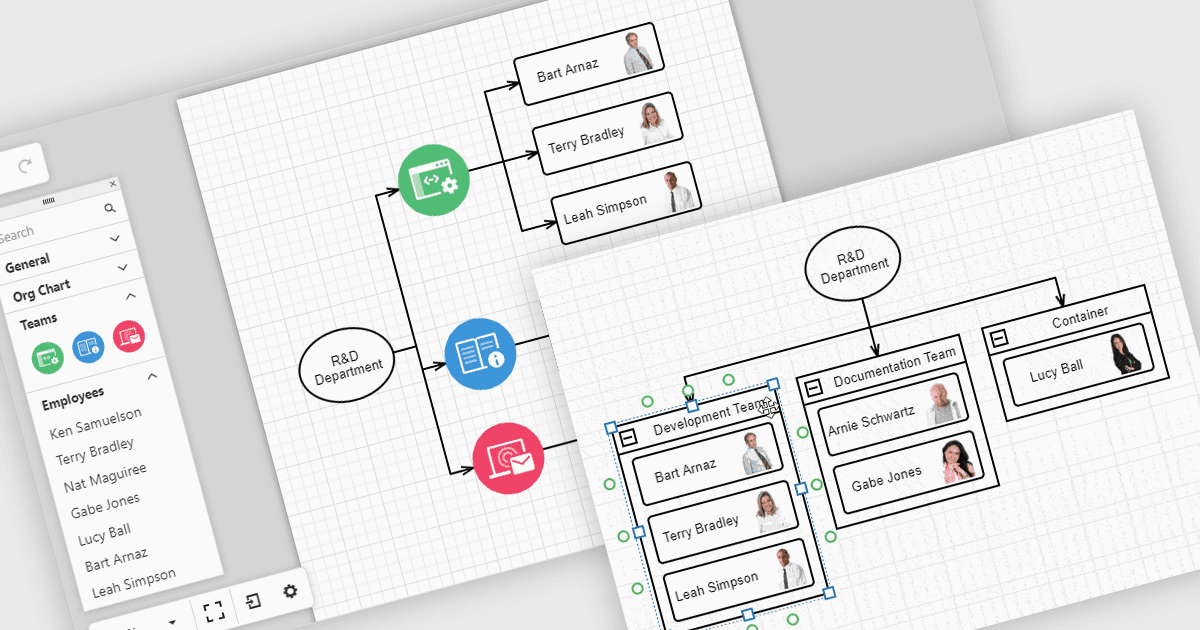
Les diagrammes dans les bibliothèques d’interface utilisateur aident à transformer des données complexes en visuels faciles à comprendre, que les équipes peuvent consulter et utiliser. Par exemple, les organigrammes présentent la structure d’une entreprise et les lignes de reporting dans une mise en page pouvant être mise à jour automatiquement à partir des données RH. Ces organigrammes peuvent être développés, réduits ou réorganisés grâce à des outils de glisser-déposer, ce qui facilite la compréhension des relations au sein des équipes et permet de tenir l’information à jour. Les diagrammes peuvent également servir pour les workflows, les arbres de décision et les cartes de réseau, offrant aux équipes une façon claire et flexible de présenter et de gérer l’information.
Plusieurs suites React UI proposent des contrôles de diagrammes, notamment :
- DevExtreme Complete par DevExpress vous permet de créer des diagrammes interactifs, notamment des organigrammes, des flux de processus et des structures réseau, avec des mises en page réactives.
- SmartClient par Isomorphic Software facilite la création de diagrammes avancée, en prenant en charge les organigrammes hiérarchiques, les arbres de décision et les visualisations de workflows.
- Syncfusion Essential Studio Enterprise vous permet de créer des diagrammes riches avec liaison de données, mises en page automatiques et édition interactive pour diverses applications d’entreprise.
Pour une analyse approfondie des fonctionnalités et des prix, consultez notre comparaison des suites React UI.