








Fournisseur officiel
Comme nous somme les distributeurs officiels et autorisés, nous vous fournissons des licences légitimes directement à partir de 200+ éditeurs de logiciels.
Voyez toutes nos marques.
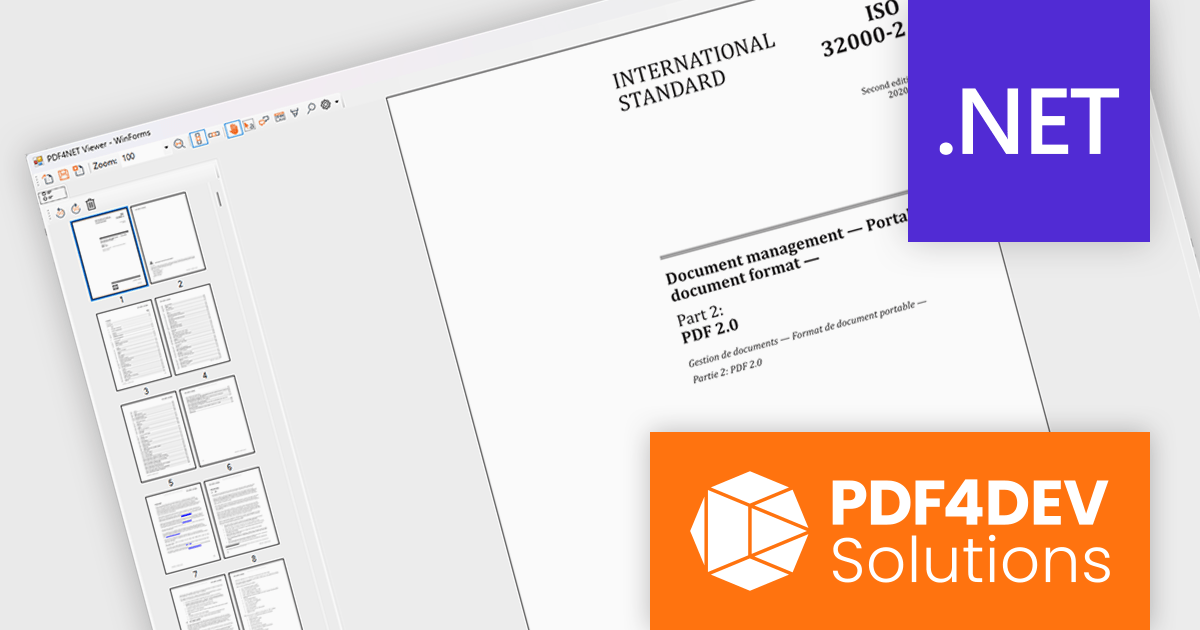
PDF4NET is a .NET library for generating, importing, and manipulating PDF documents on the fly from any .NET application. It does not rely on any Adobe products for creating or importing PDF files. PDF4NET hides the complex structure of PDF files behind a simple object model that allows creation of complex PDF files with a few lines of code.
PDF4NET now includes a PDF page thumbnails viewer control, providing a visual way to browse and navigate PDF documents. By displaying page previews in a dedicated panel, the control helps users move between pages more efficiently, especially in large or complex documents. It can be integrated into desktop applications to deliver a more familiar and user-friendly PDF viewing experience, making document exploration faster and more intuitive.
PDF4NET is licensed per developer. All licenses include a 12 month subscription which provides all major and minor product updates and technical support. See our PDF4NET licensing page for full details.
PDF4NET is available individually or as part of PDFBundle4NET.
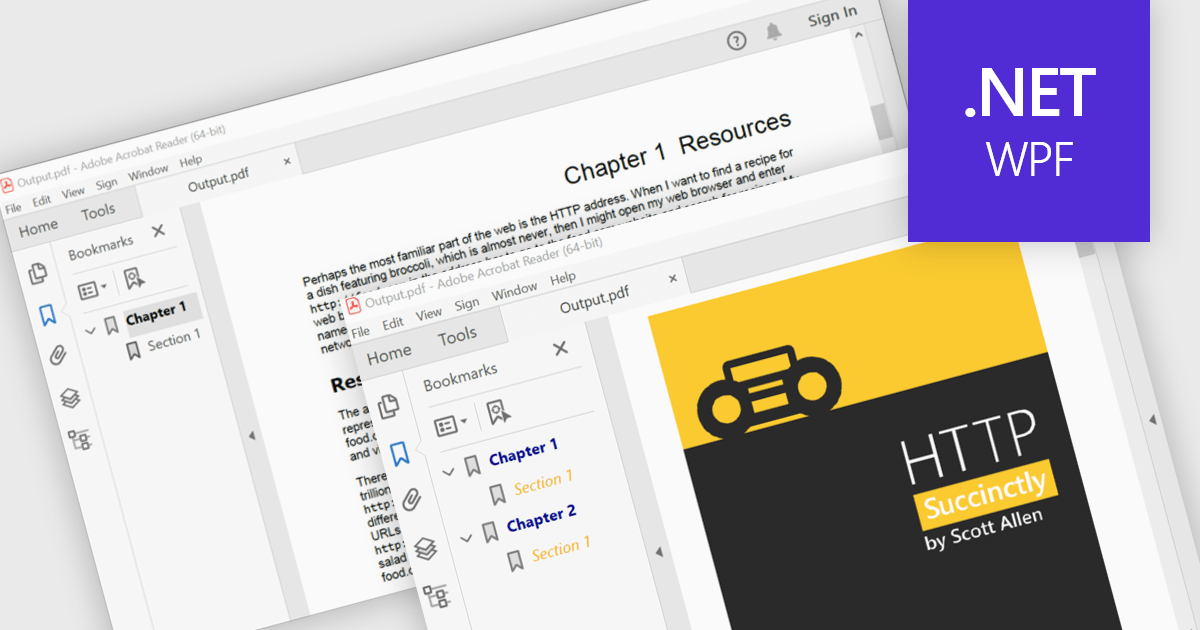
PDF bookmark navigation allows documents to include a structured list of bookmarks that link directly to specific chapters, sections, or pages, making it easier for users to move through content without extensive scrolling or searching. This improves navigation, saves time, and enhances the overall reading experience, particularly for large or information-rich documents. Common use cases include technical documentation, user manuals, contracts, reports, eBooks, training materials, and reference guides where users need quick access to specific topics or frequently referenced sections.
Several .NET WPF PDF components offer bookmark navigation including:
For an in-depth analysis of features and price, visit our comparison of .NET WPF PDF components.
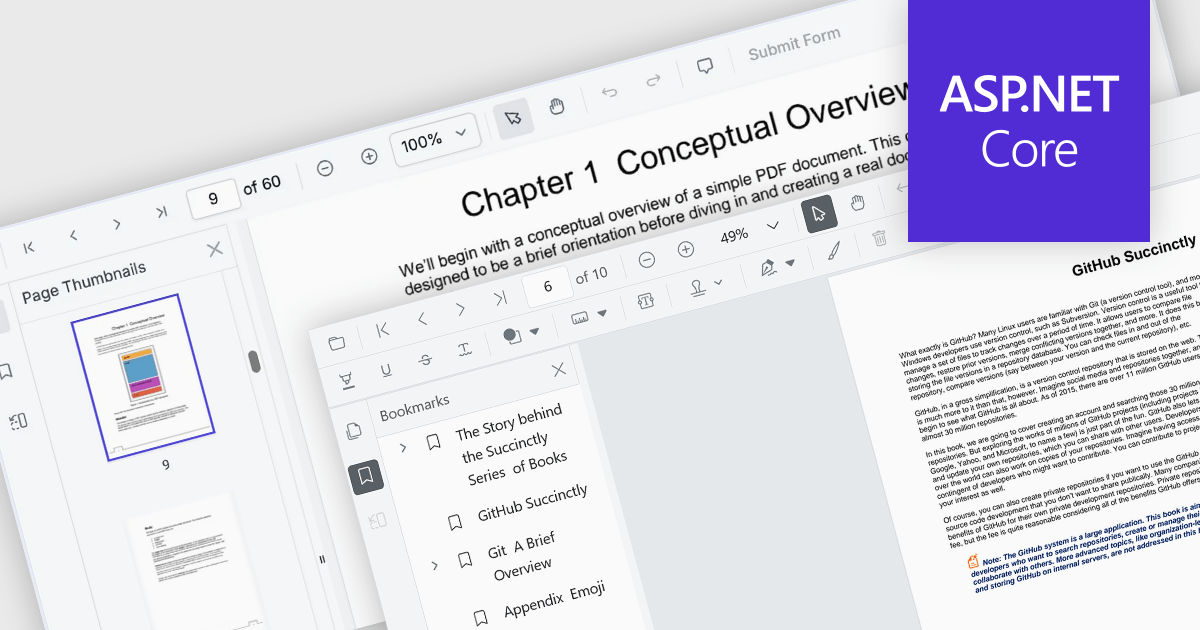
ASP.NET Core PDF viewer components provide several features for the seamless and efficient navigation of complex documents, enhancing the user experience in web applications. These viewers allow users to move through PDFs using intuitive controls that support structured document exploration. By leveraging advanced navigation features, developers can integrate smooth, user-friendly access to content, whether through previews in the form of thumbnail images, internal links, or predefined document structures i.e. a table of contents.
Common features include:
For an in-depth analysis of features and price, visit our ASP.NET Core PDF viewer components comparison.
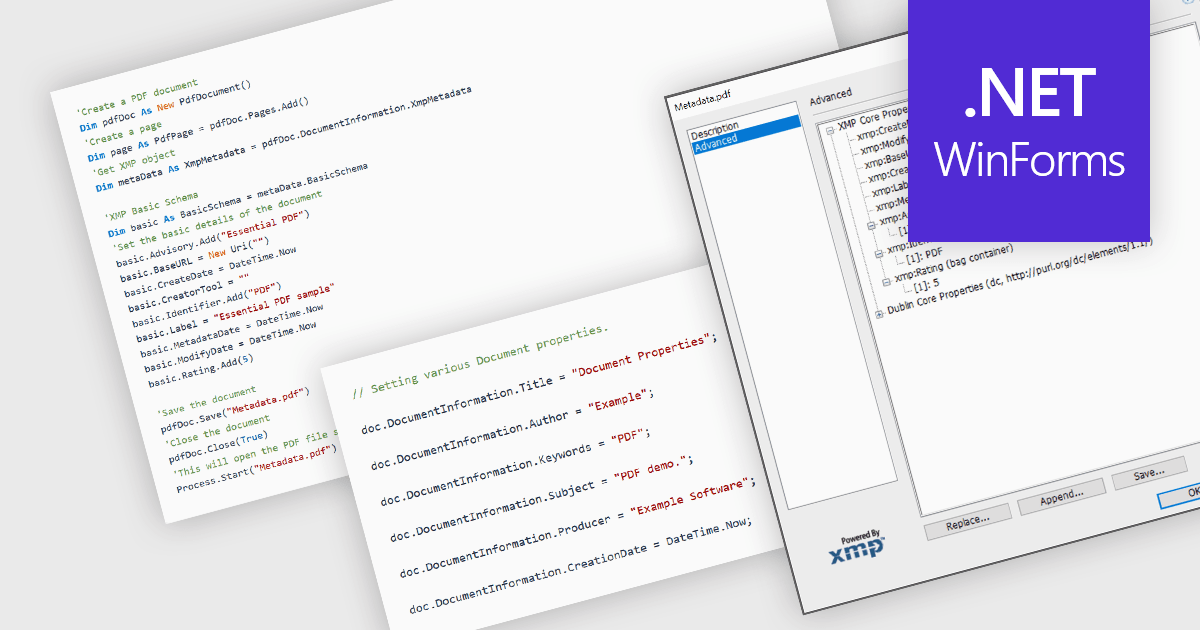
Managing the metadata of PDF documents involves viewing and maintaining information embedded within a PDF file, including standard document properties such as the title, author, subject, keywords, and creation date, as well as custom metadata. Maintaining accurate metadata helps improve document organization, supports search and indexing, simplifies document management, and assists with compliance and record-keeping by ensuring descriptive information remains consistent throughout a document's life cycle.
Several WinForms PDF components allow you to manage metadata, including:
For an in-depth analysis of features and price, visit our comparison of WinForms PDF components.
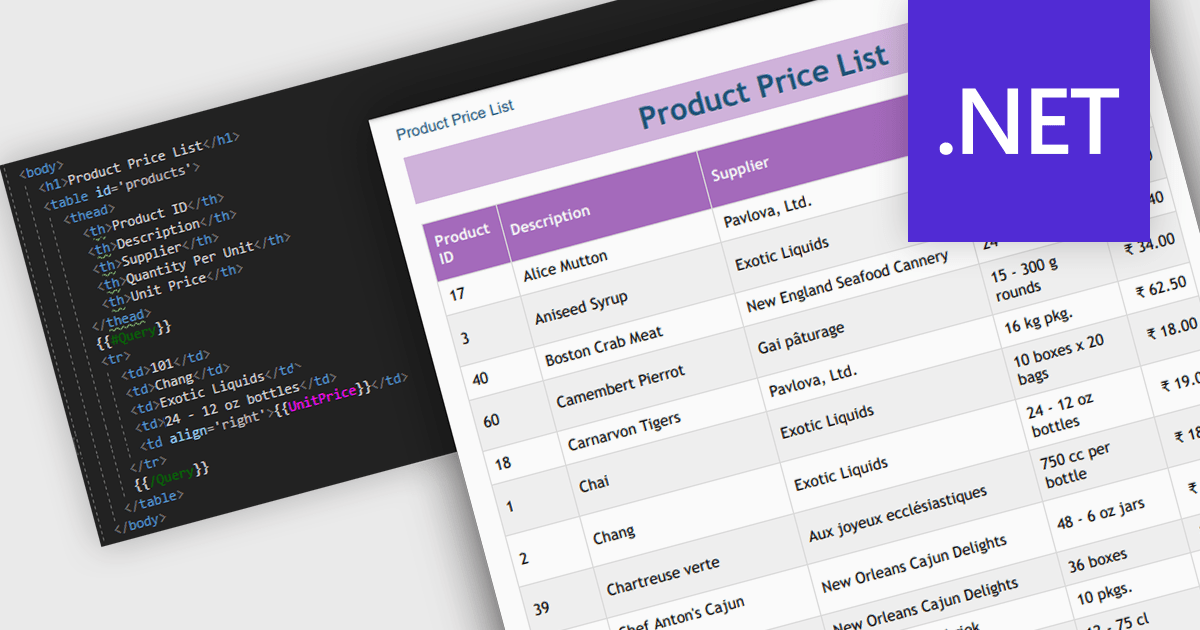
Convert HTML to PDF is a feature in a .NET PDF Viewer component that enables developers to generate PDF documents from HTML content, including text, images, styles, and web-based layouts, while preserving the original formatting. It is commonly used for creating reports, invoices, forms, and archived web content directly within .NET applications. The capability helps maintain consistent document presentation across platforms, supports automated document generation workflows, reduces the need for manual formatting, and allows existing HTML and CSS assets to be reused when producing professional-quality PDF output.
Several .NET PDF components offer convert HTML to PDF including:
For an in-depth analysis of features and price, visit our comparison of .NET PDF components.





Tél : (888) 850 9911
Fax : +1 770 250 6199


