








Fournisseur officiel
Comme nous somme les distributeurs officiels et autorisés, nous vous fournissons des licences légitimes directement à partir de 200+ éditeurs de logiciels.
Voyez toutes nos marques.
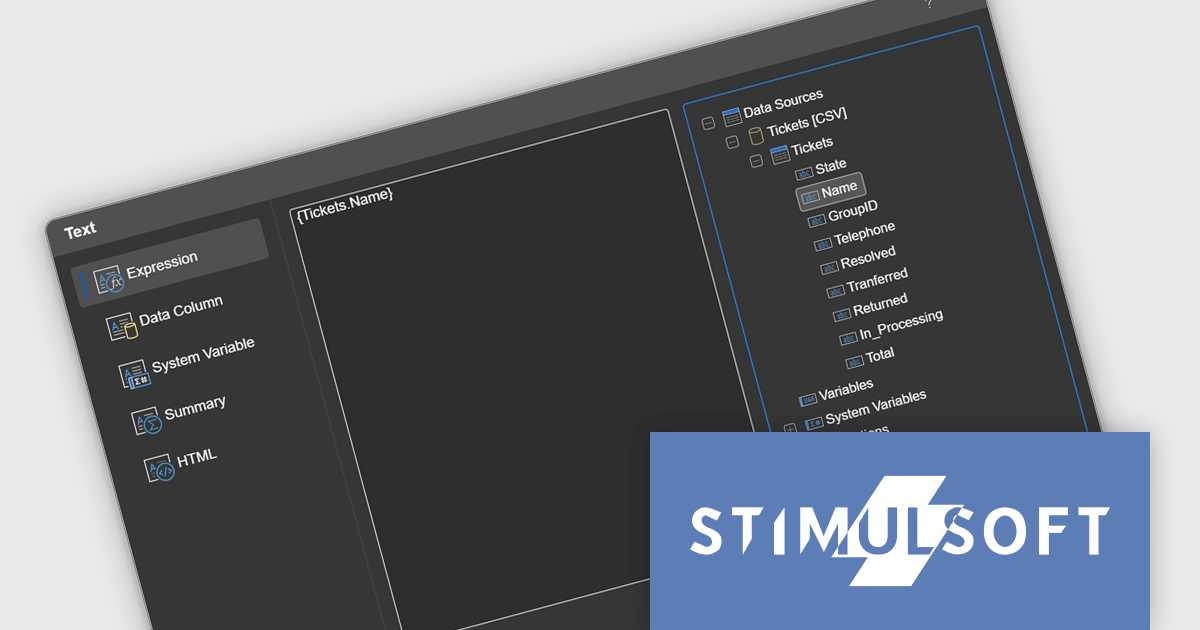
Stimulsoft Reports.JS provides a robust reporting toolkit designed specifically for JavaScript applications. This library leverages a client-side architecture, offering a pure JavaScript report engine for efficient report rendering directly within web browsers. The solution includes a user-friendly report designer for building reports with various data sources and visualizations, along with a report viewer for seamless integration and display within your JavaScript applications. This eliminates the need for server-side dependencies or browser plugins, simplifying the development process for embedding powerful reporting functionalities into your web projects.
The Stimulsoft Reports.JS 2025.1.1 update introduces integrated access to the data dictionary within component editors, enhancing the efficiency and precision of report design. This improvement enables developers to quickly reference and utilize data dictionary elements without switching contexts, simplifying the process of configuring and editing report components. By streamlining access to structured data, the update reduces the risk of errors, promotes consistency across reports, and accelerates the overall workflow, making it an essential enhancement for developers focused on creating complex and data-driven reports.
To see a full list of what's new in 2025.1.1, see our release notes.
Stimulsoft Reports.JS is licensed per developer and is available as a Perpetual license with 1 year support and maintenance. See our Stimulsoft Reports.JS licensing page for full details.
Stimulsoft Reports.JS is available individually or as part of Stimulsoft Ultimate.
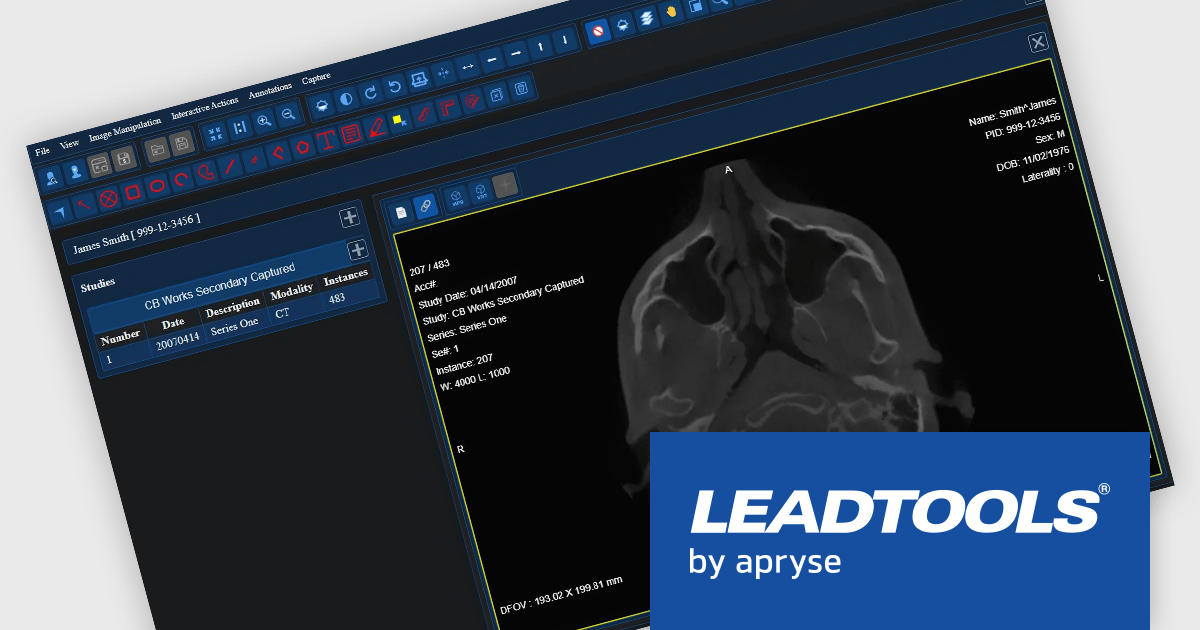
LEADTOOLS Medical SDK is designed to streamline the development of medical applications, offering support for DICOM datasets, 8-16 bit extended grayscale images, and advanced image annotation capabilities. It also includes specialized tools for displaying images, such as window leveling and LUT (Look-Up Table) processing, as well as medical-specific image processing. Additional features include lossless JPEG compression and the ability to process both signed and unsigned image data. The Medical Imaging Suite expands on this functionality with enhanced features, including HTML/JavaScript viewing for web-based medical image access.
The LEADTOOLS Medical SDK offers a React Medical Web Viewer that enables developers to build scalable, high-performance medical imaging applications with modular components. Its flexible architecture allows seamless integration with DICOMweb services, ensuring efficient data access and interoperability. Advanced client-side caching optimizes performance by reducing server load and accelerating image retrieval, while built-in 3D volume rendering enhances visualization for precise diagnostics. With customizable study layouts and robust annotation tools, developers can create tailored user experiences that meet diverse clinical needs while maintaining compliance with medical imaging standards.
LEADTOOLS Medical SDK is licensed as Development Licenses, for developers to use the SDKs, and Deployment Licenses, for the right to distribute end user solutions. See our LEADTOOLS Medical SDK licensing page for full details.
LEADTOOLS Medical SDK is available individually or as part of LEADTOOLS Medical Suite SDK.
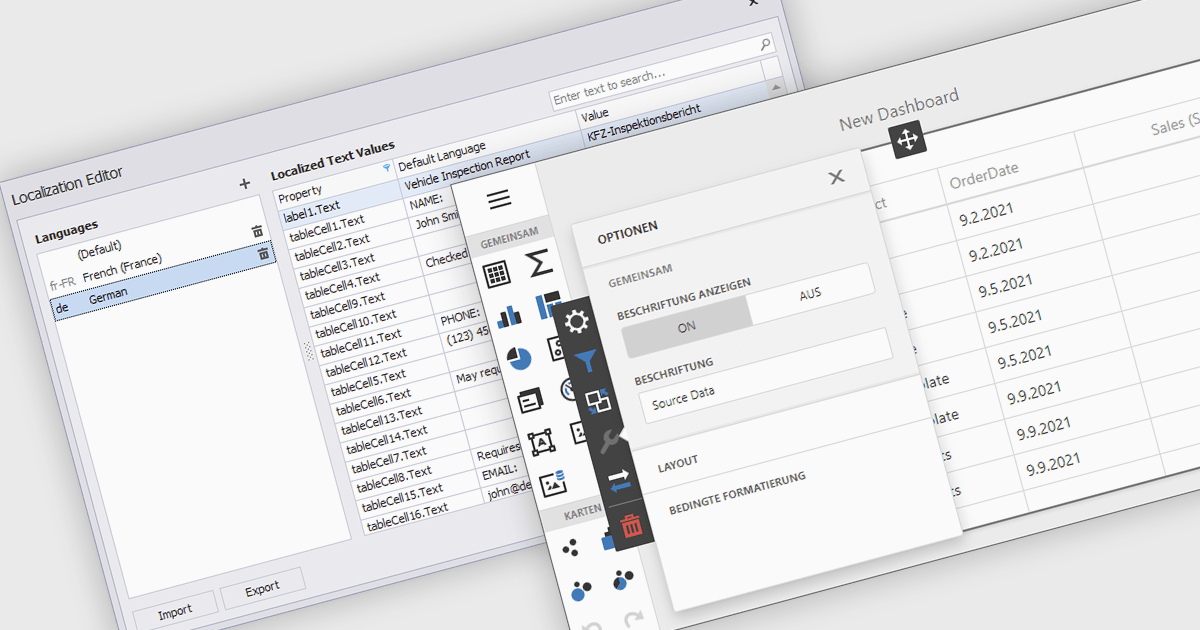
Localization is the process of adapting the user interface and data formatting to support multiple languages and regional conventions. This ensures users can interact with the editor in their preferred language while maintaining accuracy in date, number, and currency formats. It enhances usability, improves accessibility for global teams, ensures compliance with regional standards, and minimizes errors caused by inconsistent formatting. By enabling seamless multilingual collaboration, localization helps developers create inclusive, globally scalable applications that provide a consistent user experience across diverse markets.
Several React data editor collections offer localization support including:
For an in-depth analysis of features and price, visit our React data editors comparison:
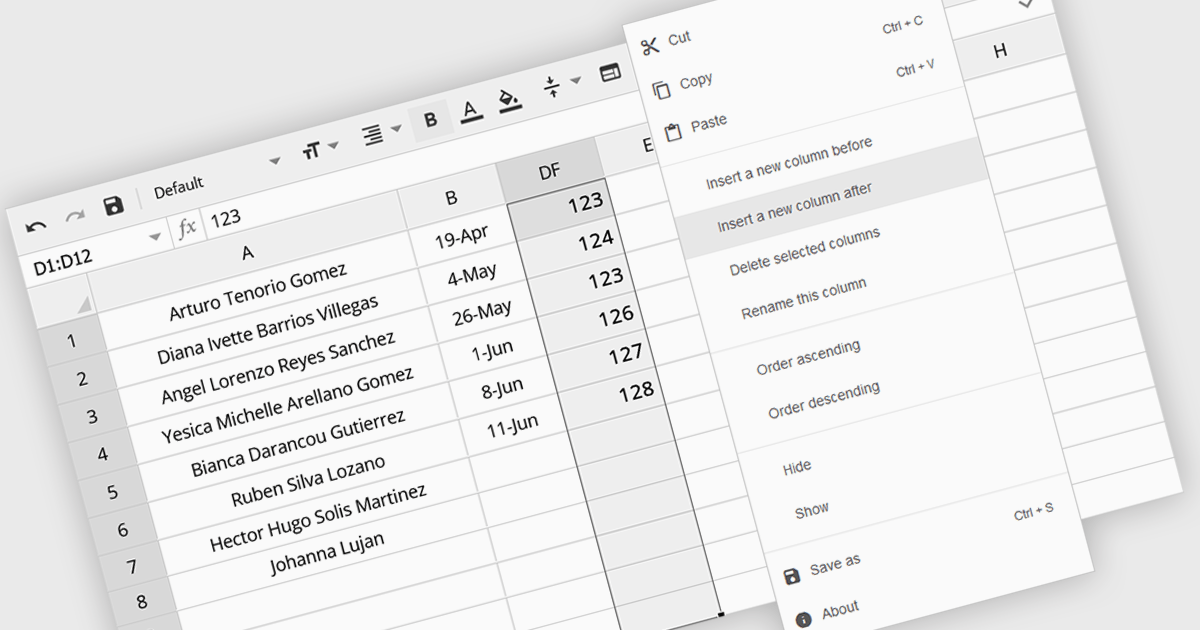
The option to insert columns in a spreadsheet gives users the flexibility to expand or reorganize their data as needed. This functionality allows for seamless adjustments, making it easier to add new data fields or restructure existing information. By enabling column insertion, users can customize their data views for more effective analysis and manipulation. This not only enhances productivity but also delivers a more responsive and adaptable interface that evolves with their data requirements, improving the overall user experience.
Several Angular spreadsheet controls offer the ability to insert columns including:
For an in-depth analysis of features and price, visit our Angular spreadsheet controls comparison.
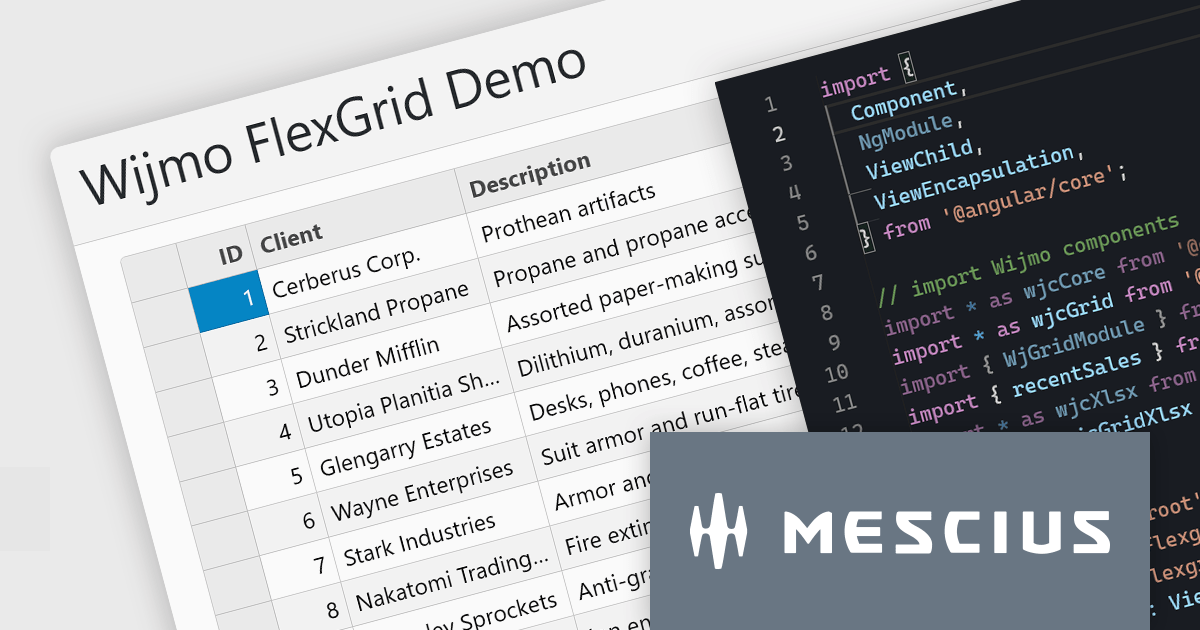
Wijmo is a complete collection of extensible, fast, flexible JavaScript UI components written in TypeScript. The framework-agnostic Wijmo components include first-class support for top frameworks including Angular, React, Vue and Web Components. Wijmo Enterprise has over 100 dynamic UI components to help cut your development time in half, allowing you to build lightweight, high-performance JavaScript applications using your favorite JavaScript framework.
In this blog post, MESCIUS Product Manager Joel Parks demonstrates how to leverage the FlexGrid control in Wijmo to display data tables for complex reports, dashboards, financial data, and more. Challenges include:
Read the complete blog to start building powerful JavaScript web applications to present and organize complex data.
Wijmo is licensed per developer. Developer licenses are perpetual and include 1 year subscription which provides upgrades, including bug fixes and new features. See our Wijmo licensing page for full details.
For more information, visit our Wijmo product page.





Tél : (888) 850 9911
Fax : +1 770 250 6199


