








Fournisseur officiel
Comme nous somme les distributeurs officiels et autorisés, nous vous fournissons des licences légitimes directement à partir de 200+ éditeurs de logiciels.
Voyez toutes nos marques.

ComponentSource and AlterNET Software have built a long standing partnership focused on making advanced .NET development tools more accessible to developers worldwide. AlterNET Software provides UI controls and frameworks for code editing, scripting, and UI design, enabling developers to extend applications with custom functionality across WinForms, WPF, and other .NET platforms.
A key part of this collaboration is their product AlterNET Studio, which brings together code editing, scripting, debugging, and UI design features into a single toolkit that developers can embed directly into their applications.
Through this partnership, ComponentSource expands its range of specialized developer tools, helping it stand out beyond standard UI libraries while supporting global distribution, licensing, and access to AlterNET Software products.
Learn more about AlterNET Software.
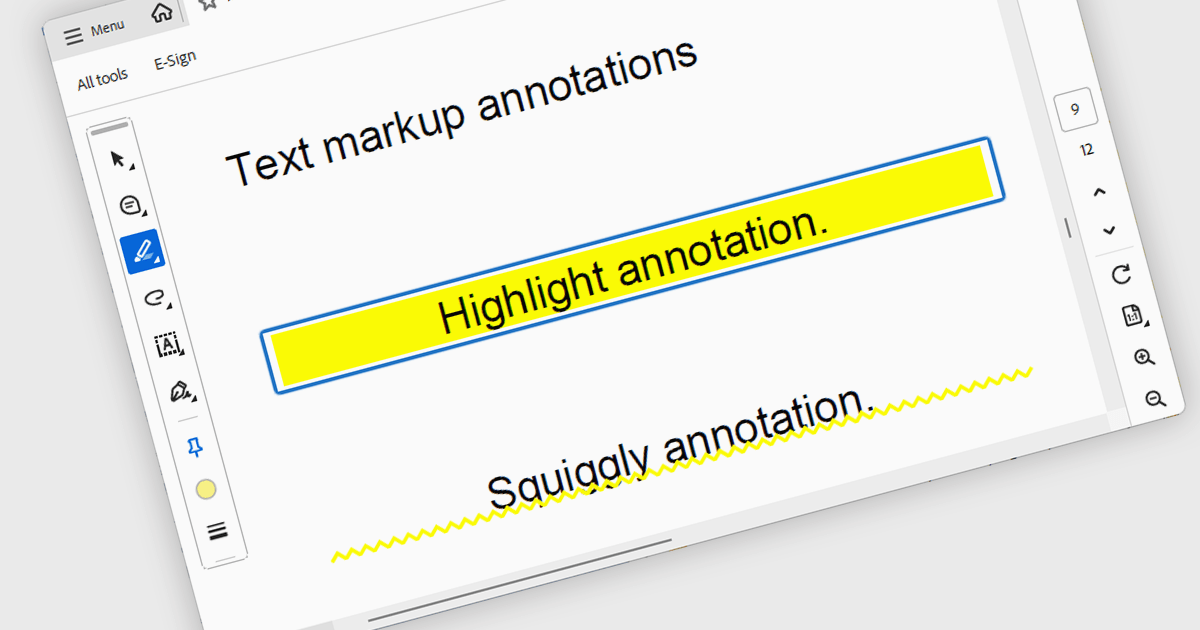
Highlight text annotation in PDF WPF .NET controls is a feature that visually marks text with a colored overlay to draw attention to important content without modifying the original document. For software developers, it helps deliver clearer document review experiences by making key passages easier to identify, supporting user feedback and content emphasis, and improving readability and interaction in PDF-based business applications.
Several .NET WPF PDF components offer highlight text annotation including:
For an in-depth analysis of features and price, visit our comparison of .NET WPF PDF components.
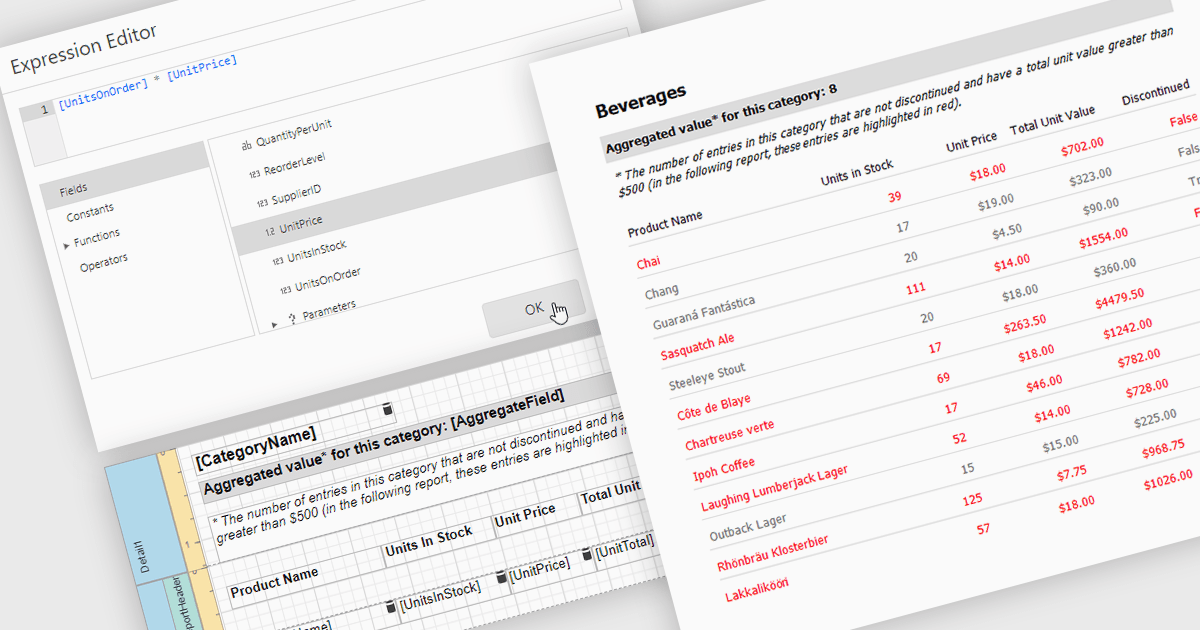
Calculated fields in reports allow you to apply custom expressions to one or more data fields, enabling data to be transformed directly within the reporting environment. This makes it possible to create new metrics such as percentages, ratios, or combined values without changing the underlying data source. As a result, reporting becomes more flexible and efficient, helping users uncover deeper insights and tailor outputs to specific needs. Calculated fields can also be used to group and sort data dynamically, improving how information is organized and presented. Common use cases include calculating profit margins, creating performance indicators, and combining fields to enhance report clarity.
Several .NET reporting controls offer calculated field functionality including:
For an in-depth analysis of features and price, visit our comparison of .NET Reporting controls.
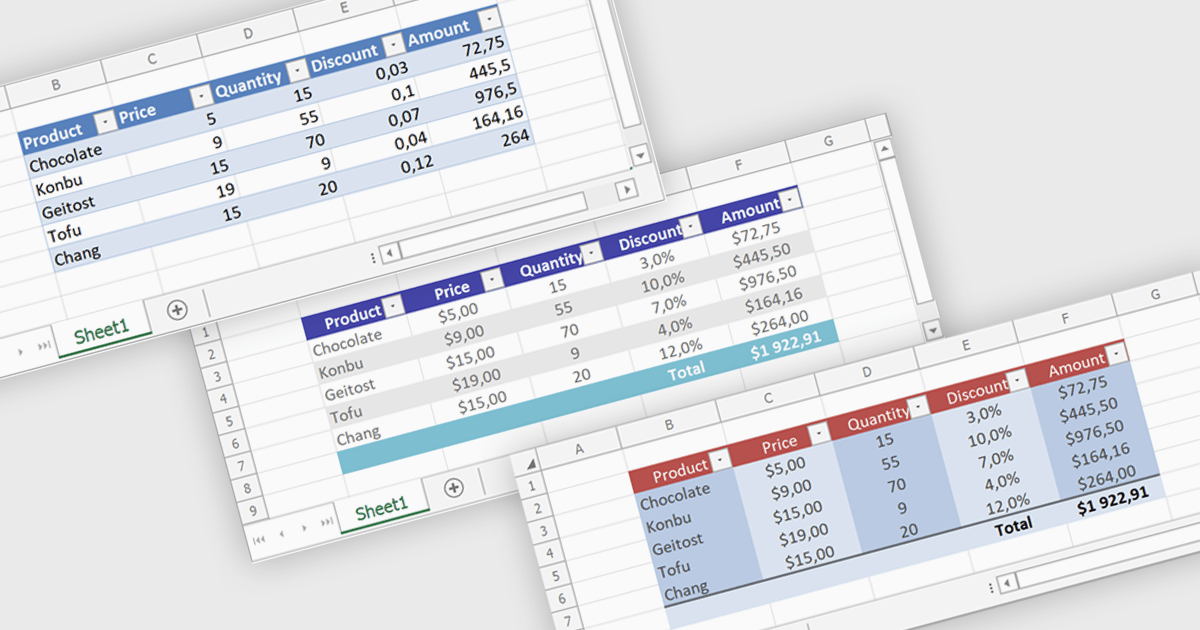
Spreadsheet tables provide a structured way to organize and manage data by grouping related information into defined rows and columns with built in functionality. They enhance usability by enabling automatic sorting and filtering, consistent formula application through calculated columns, and clearer data interpretation with structured references and styling. Tables can also expand dynamically as new data is added, reducing manual updates and errors. Common use cases include managing financial records, analyzing sales performance, tracking inventory, and working with data bound to external sources, making them a powerful tool for both everyday tasks and advanced data analysis.
Several .NET spreadsheet controls offer table support including:
For an in-depth analysis of features and price, visit our .NET spreadsheet controls comparison.
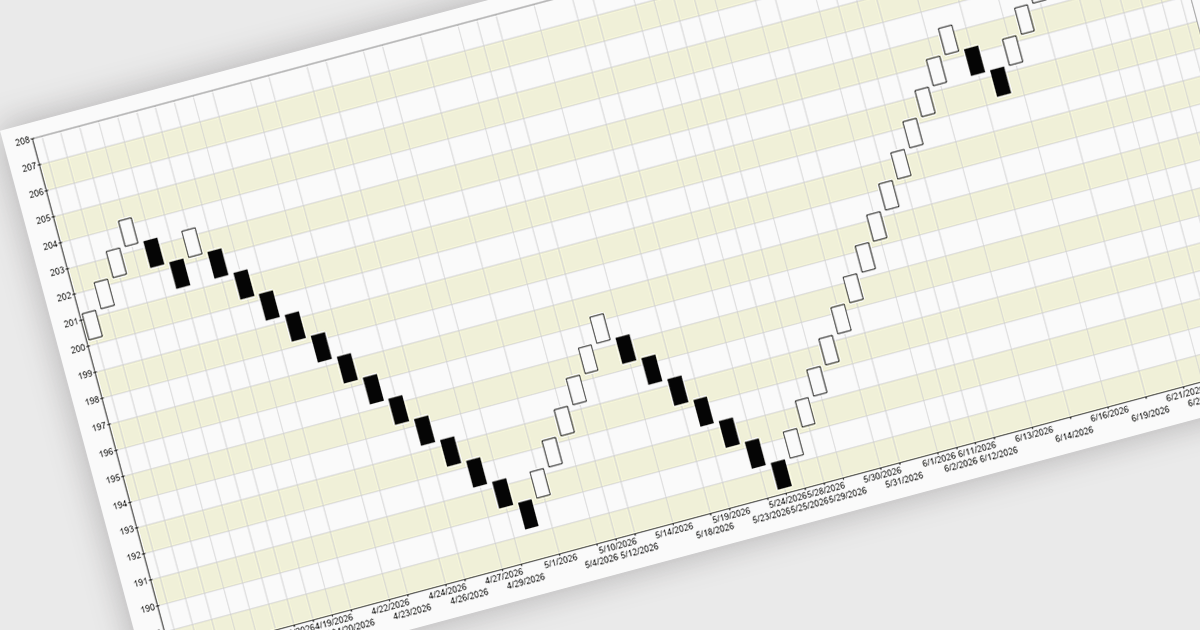
A Renko chart is a type of price chart used in technical analysis that focuses exclusively on price movement rather than time, displaying data as a series of uniform “bricks” that form only when the market moves by a predefined amount. This structure helps filter out minor price fluctuations, making trends and reversals easier to identify while reducing visual noise and improving clarity. As a result, traders can make more informed decisions, confirm trends with greater confidence, and simplify their analysis. Renko charts are commonly used in trend-following strategies, breakout trading, and support and resistance analysis, where a clear view of sustained price direction is more valuable than tracking every small market movement.
Several .NET Chart controls offer a Renko chart including:
For an in-depth analysis of features and price, visit our comparison of .NET Chart controls.





Tél : (888) 850 9911
Fax : +1 770 250 6199


