Nouvelles .NET

Amélioration des applications ASP.NET avec une barre d’outils

Août 17, 2023
Facilitez la navigation dans votre application grâce à des barres d’outils personnalisées riches en fonctionnalités.

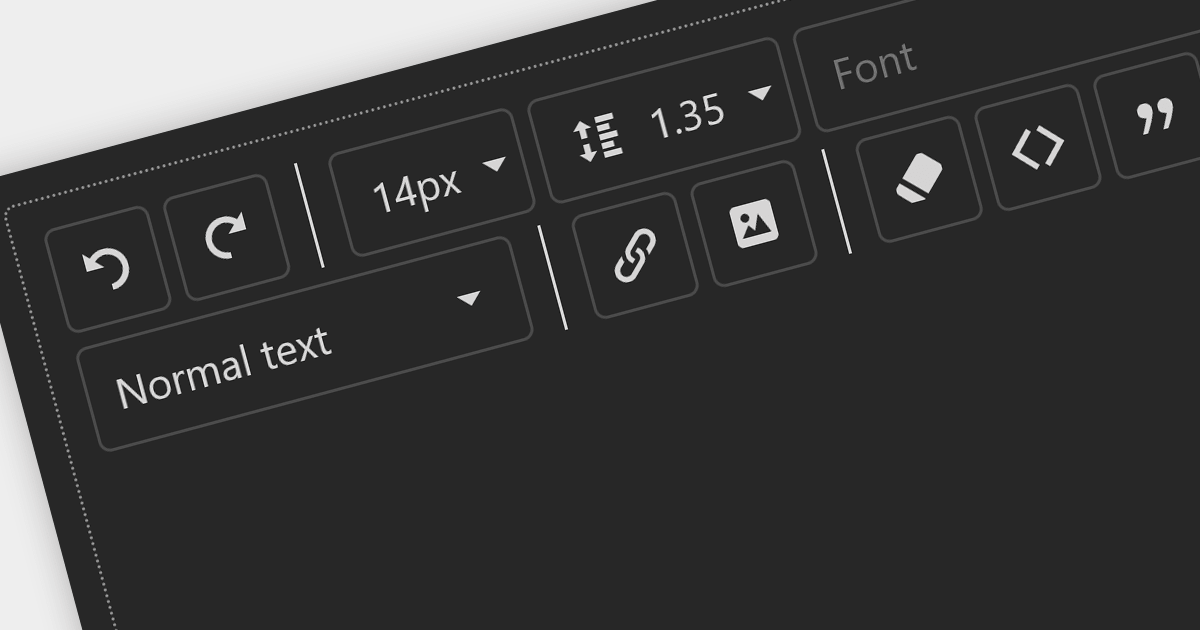
Toolbars are graphical user interface (GUI) elements that feature a curated selection of tools and functions that users commonly use. Adding a toolbar to your application allows users to speed up their workflow by providing all the tools they need in an easily accessible position within your application.

Here is a selection of ASP.NET UI suites that include toolbars:

  • DevExpress ASP.NET allows you to create intuitive and efficient ASP.NET user interfaces using a diverse range of customizable toolbar options.
  • Telerik DevCraft Ultimate lets you seamlessly integrate a variety of customizable toolbar elements, enhancing user experience.
  • Syncfusion Essential Studio Enterprise offers a range of dynamic ASP.NET toolbar controls. Quickly incorporate essential actions and functionalities into your Web applications.
  • WebUI Studio for ASP.NET (by Intersoft Solutions Corporation) includes interactive toolbar elements allowing you to tailor the appearance and behavior to meet your application's needs.

For an in-depth analysis of features and price, visit our comparison of ASP.NET user interface suites.
Compare ASP.NET UI Suites

Tirer parti des types de cellules dans ASP.NET Core

Août 10, 2023
Intégrez des types de cellules dynamiques dans vos applications ASP.NET Core pour traiter de façon polyvalente des données.

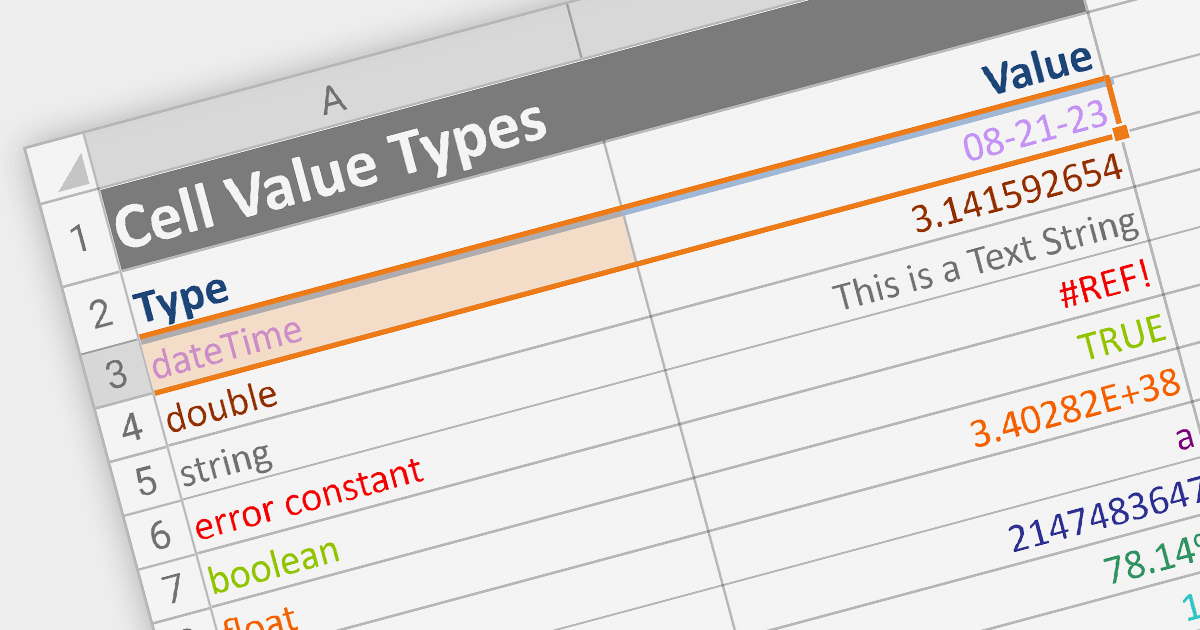
Cell types allow different data formats to be added to cells or ranges within a spreadsheet. Examples include text, number, date, formula, and sparkline. Cell types determine how data is displayed, validated, and interacted with in the spreadsheet. By using specific cell types, developers can customize the behavior and appearance of cells, allowing users to input and manipulate data accurately and efficiently in their applications.

Here are some ASP.NET Core spreadsheet controls that allow you to use multiple cell types:

  • DevExpress ASP.NET Core Spreadsheet (part of DevExpress ASP.NET and Blazor) allows you to effortlessly design dynamic spreadsheets enriched with diverse cell types. From  simple text to complex formulas, DevExpress offers a comprehensive toolkit for crafting interactive and data-rich sheets.
  • Telerik ASP.NET Core Spreadsheet (part of Telerik UI for ASP.NET Core) equips you with the tools to build interactive Web-based spreadsheets that support various cell types. Seamlessly integrate text, numbers, dates, and formulas, creating versatile solutions for data presentation and manipulation.
  • Syncfusion ASP.NET Core Spreadsheet (part of Syncfusion Essential Studio Enterprise) provides a broad range of varied cell types. From basic content to advanced functions, Syncfusion provides the flexibility to tailor your sheets to specific data needs.

For an in-depth analysis of features and price, visit our comparison of ASP.NET Core spreadsheets.
Compare ASP.NET Core Spreadsheets

Tirer parti des paramètres de rapport dans Blazor

Août 9, 2023
Améliorez vos rapports Blazor en ajoutant des paramètres dynamiques pour la personnalisation et l’interaction des utilisateurs.

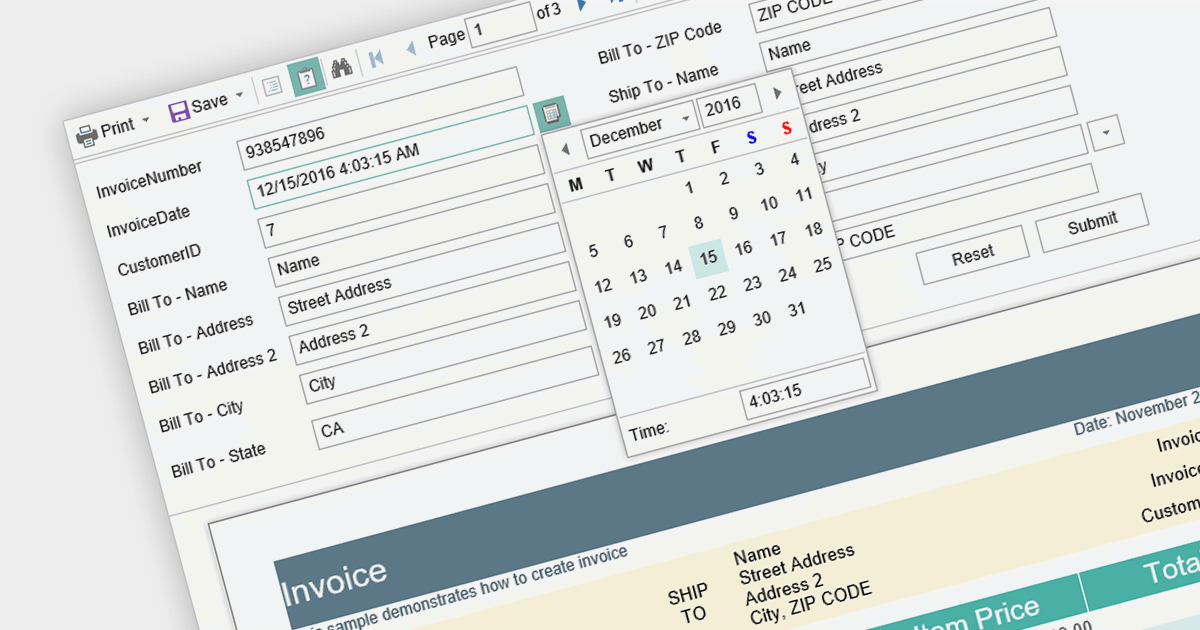
Report parameters are dynamic values that users can input or select when requesting a report. These parameters allow users to customize the report's content, appearance, and data filtering according to their specific needs. This helps to make reports more versatile, catering to various scenarios without requiring developers to create separate report templates.

Here is a selection of Blazor reporting controls that include support for parameters:

  • DevExpress Reports (Multi-Platform) (part of DevExpress Reporting) provides seamless integration with Blazor applications, allowing developers to create reports with customizable parameters. Users can interactively input or select values like date ranges or product categories, enabling reports to display data specific to their needs.
  • Stimulsoft Reports.Web offers a set of powerful tools for building reports in Blazor applications. The platform enables developers to incorporate parameterized reports, letting users set parameters like regions, time periods, or product types.
  • FastReport .NET makes it easy to integrate interactive reports into Blazor projects. With parameter support, users can manipulate report outcomes by inputting parameters like start and end dates, filtering data to obtain relevant results.

For an in-depth analysis of features and price, visit our comparison of Blazor reporting controls.
Compare Blazor Report Controls

Liaison de données dans les feuilles de calcul WinForms .NET 7

Juillet 28, 2023
Automatisez la mise à jour des données de feuille de calcul à l’aide de la liaison de données.

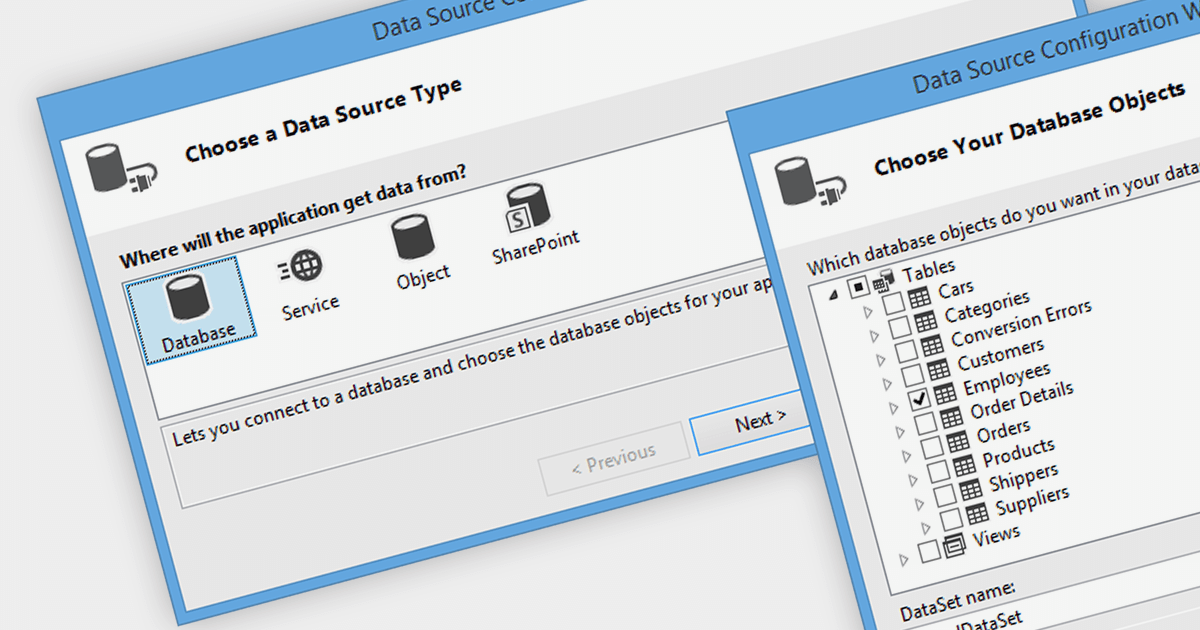
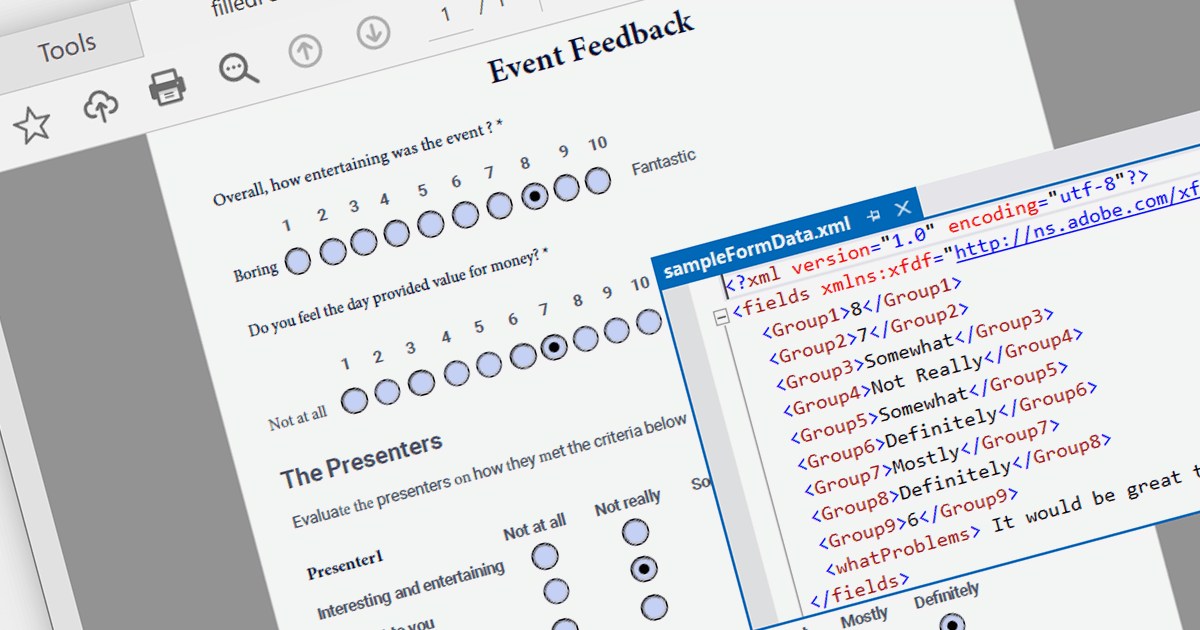
Data binding is a mechanism that connects data from a data source, such as a database or collection, to controls in a user interface such as a spreadsheet. It enables automatic synchronization of data between the source and the UI controls, allowing changes in one to be reflected in the other.

The following .NET 7 Windows Forms spreadsheet controls include support for data binding:

  • Aspose.Cells for .NET lets you bind data from various sources to worksheets, ranges, and individual cells. It supports two-way data binding, enabling easy synchronization between the UI and the data source.
  • DevExpress WinForms Spreadsheet (part of DevExpress WinForms) allows users to bind data from databases, collections, or other sources to spreadsheet cells and ranges. It supports automatic data synchronization, enabling real-time updates between the UI and the underlying data.
  • Spread.NET WinForms (part of Spread.NET by GrapeCity) enables data binding from various sources to cells, ranges, and tables. It supports both one-way and two-way data binding, providing flexibility in data manipulation.

For an in-depth analysis of features and price, visit our comparison of .NET 7 spreadsheets.
Compare .NET 7 Winforms Spreadsheets

Extraction de contenu à partir d’un fichier PDF dans .NET

Juillet 21, 2023
Rendez les données PDF plus accessibles en automatisant l’extraction des données.

PDF data extraction is the process of programmatically extracting textual and visual information from PDF documents. It enables developers to parse files, extract text, images, and other elements, facilitating tasks like document indexing, and text mining.

Several .NET PDF components provide content extraction capabilities, including:

  • Aspose.PDF for .NET is a comprehensive library that allows extracting text, images, and other elements from PDF files with ease.
  • IronPDF for .NET is a versatile PDF toolset enabling content extraction, conversion, and manipulation for PDF files in .NET applications.
  • LEADTOOLS PDF Pro is an advanced toolkit that allows developers to extract text and metadata from PDFs.
  • GrapeCity Documents for PDF is a feature-rich component for .NET, facilitating content extraction and management from PDF files.
  • XFINIUM.PDF CROSS PLATFORM EDITION is a cross-platform PDF library for .NET, offering efficient content extraction and processing functionalities.

For an in-depth analysis of features and price, visit our comparison of .NET PDF components.

Compare .NET PDF Components