








Fournisseur officiel
Comme nous somme les distributeurs officiels et autorisés, nous vous fournissons des licences légitimes directement à partir de 200+ éditeurs de logiciels.
Voyez toutes nos marques.

ComponentSource and Clever Components have worked together for 15 years, supporting developers with a range of reliable Internet, networking, and communication components. This long-standing partnership has helped bring powerful development tools to a global audience through ComponentSource's trusted distribution platform.
Clever Components was founded by a team of experienced developers dedicated to creating easy-to-use Internet development components. Since the release of the first version of Clever Internet Suite in 2002, the company has steadily expanded its product portfolio, including the launch of a .NET edition in 2004. Today, Clever Components delivers high-quality RAD components for C#, VB.NET, Delphi, and C++Builder, enabling developers to rapidly implement advanced Internet, email, FTP, and networking functionality within their applications. Clever Components' products closely align with ComponentSource’s mission to provide developers with trusted, productivity-enhancing solutions.
Together, ComponentSource and Clever Components continue to help developers accelerate internet-enabled application development while reducing complexity and risk. By combining Clever Components’ proven, feature-rich toolsets with ComponentSource's reach, licensing options, and customer support, the partnership remains well positioned to support developers' evolving needs and drive continued success in the years ahead.
Learn more about Clever Components.
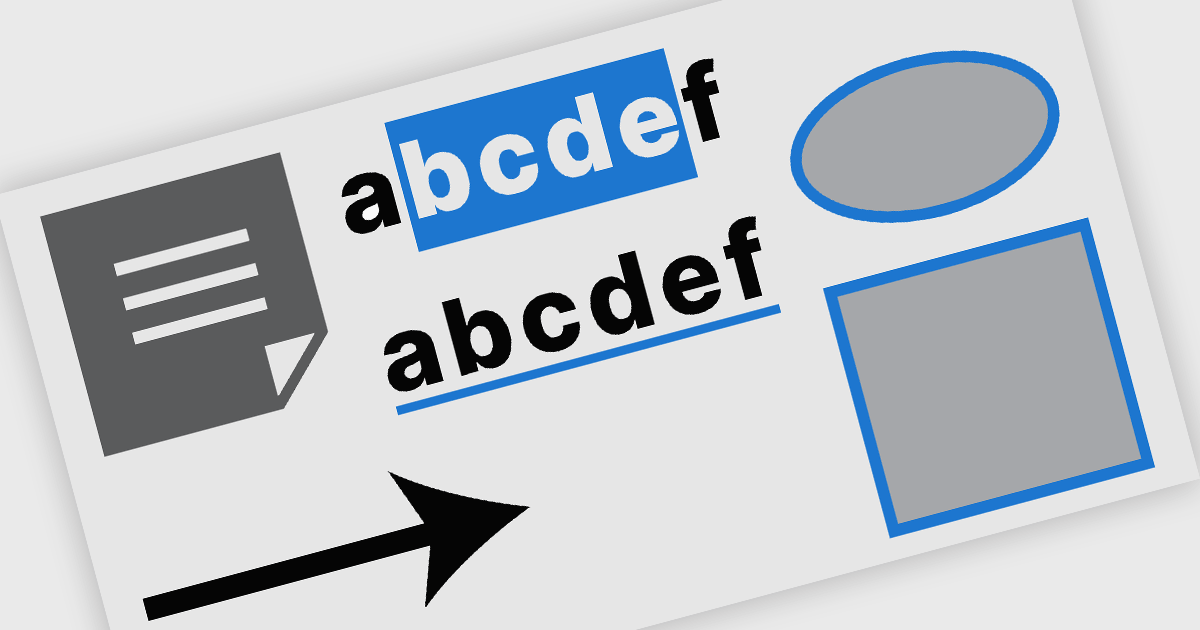
PDF annotation in .NET WinForms PDF viewer components refers to the ability to add visual and textual markup directly onto PDF documents without altering the original content. These tools allow users to draw shapes, highlight text, insert comments, and place notes within the viewing interface, supporting workflows such as document review, feedback, and approval. This functionality improves collaboration and clarity in document handling, making it well-suited for document processing tasks in WinForms applications.
Common features include:
For an in-depth analysis of features and price, visit our WinForms PDF viewer components comparison.
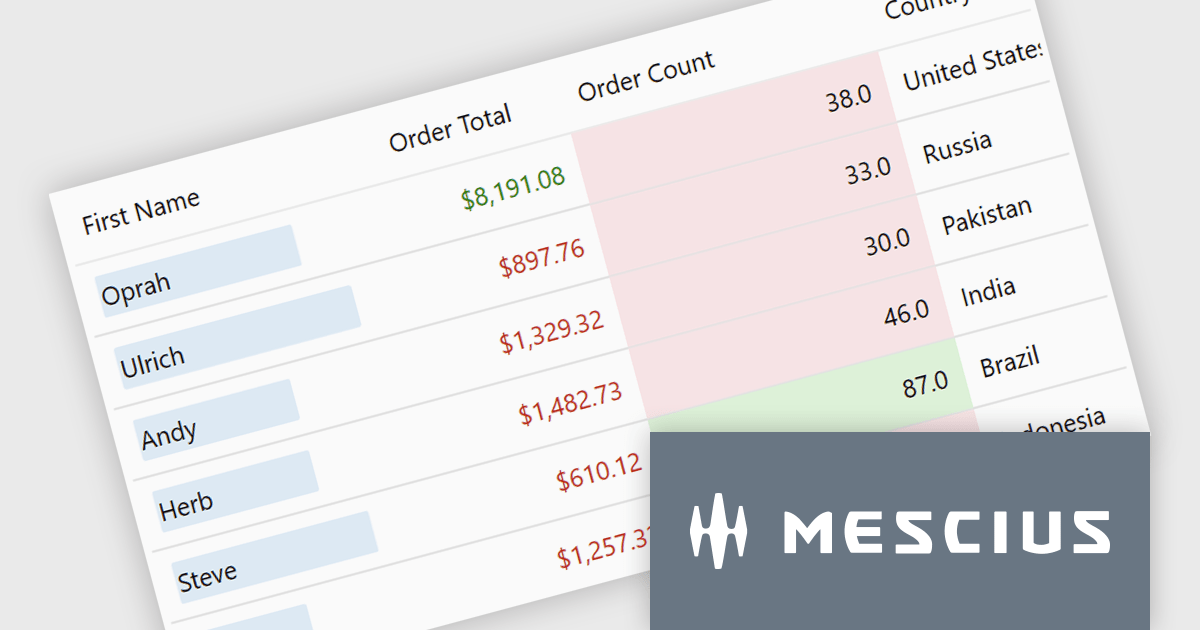
ComponentOne Studio Enterprise is a comprehensive suite of .NET UI controls developed by MESCIUS (formerly GrapeCity) designed for building rich, interactive desktop, web, and mobile applications. It provides developers with a broad range of tools and components-including data grids, charts, reports, input controls, and advanced data visualization features-for platforms such as WinForms, WPF, ASP.NET Core, Blazor, WinUI, and .NET MAUI. The suite emphasizes performance, flexibility, and ease of integration, helping teams create consistent, feature-rich user experiences across multiple application types while maintaining a unified development approach.
The ComponentOne Studio Enterprise 2025 v2 update adds a conditional formatting rules engine to FlexGrid for WinUI. This enables validation-driven formatting and data bars, allowing developers to highlight invalid values, enforce input consistency, and make comparisons directly within the grid. The update also introduces word-wrapped column headers, improving readability for longer labels and supporting more compact, maintainable layouts.
To see a full list of what's new in 2025 v2, see our release notes.
ComponentOne Studio Enterprise is licensed per developer on a perpetual basis and includes a 12 month subscription. Priority Support is also available. See our ComponentOne Studio Enterprise licensing page for full details.
Learn more on our ComponentOne Studio Enterprise product page.
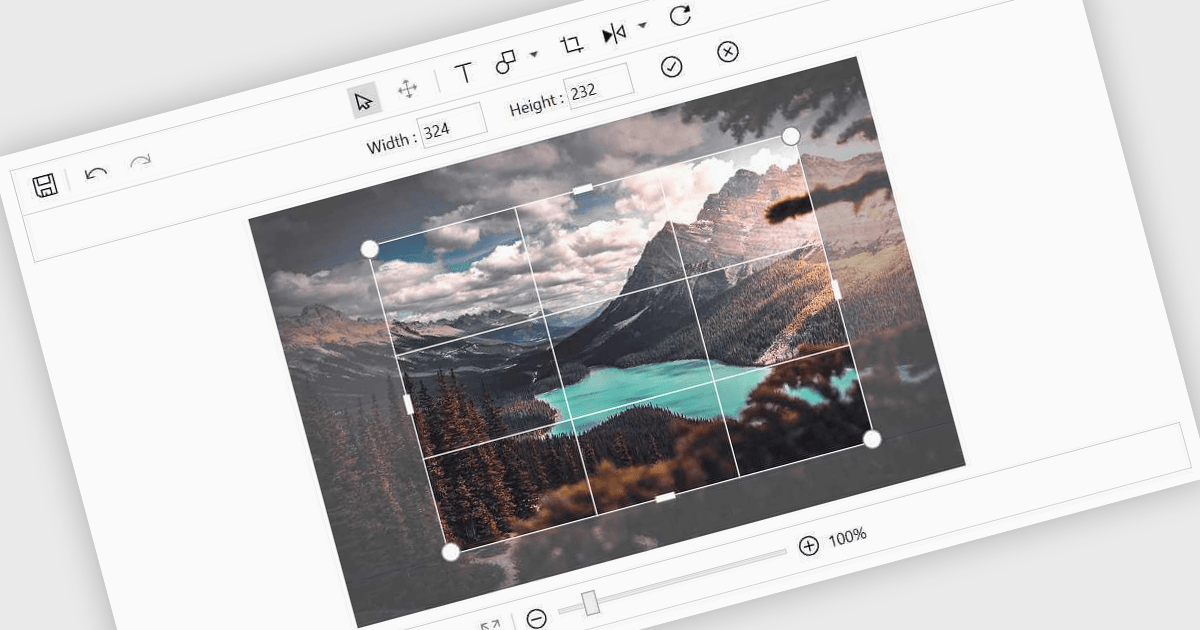
Image editing in a data editor component helps users work with images alongside other data fields. This includes basic functions like cropping, rotating, resizing, and adding annotations. It's useful for tasks such as cleaning up user-uploaded files, adjusting product photos, or marking up visual references—all without switching to another application. This keeps image handling part of the same process as your data updates.
Several .NET data editor collections provide an image editor, including:
For an in-depth analysis of features and price, visit our .NET data editors comparison.

ComponentSource and combit have partnered for 15 years, providing developers worldwide with powerful reporting, reporting designers, and data visualization tools to build professional, data-driven applications.
combit is a leading provider of reporting components for software developers, best known for List & Label – a multiple award-winning reporting tool used by development teams around the globe. Their components make it easier to design and integrate customized reports, dashboards, lists, and labels into business applications. Through ComponentSource, customers can conveniently license, and maintain these combit products, confident they’re choosing proven technology backed by professional support and ongoing innovation.
Together, ComponentSource and combit help development teams deliver applications faster, with flexible licensing options, reliable updates, and expert assistance. As demand for advanced reporting and analytics continues to grow, this long-standing collaboration ensures customers can rely on a trusted combination of combit’s technology and ComponentSource’s global distribution and customer service for many years to come.
Learn more about combit.





Tél : (888) 850 9911
Fax : +1 770 250 6199


