








Fournisseur officiel
Comme nous somme les distributeurs officiels et autorisés, nous vous fournissons des licences légitimes directement à partir de 200+ éditeurs de logiciels.
Voyez toutes nos marques.
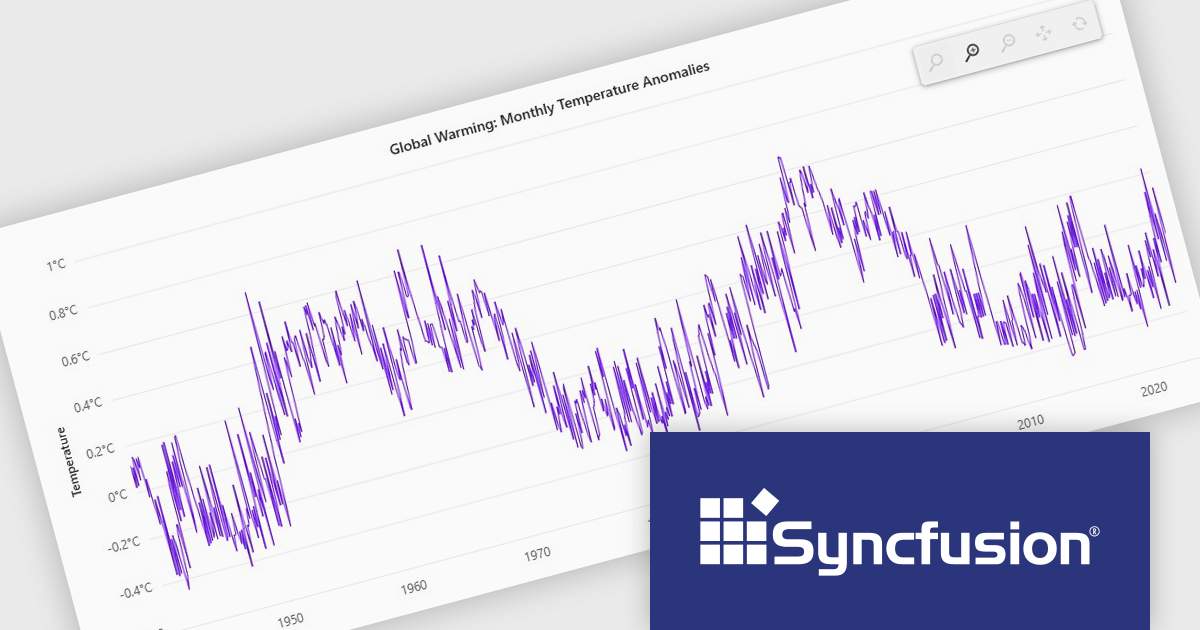
Syncfusion Essential Studio JavaScript is a comprehensive UI library offering over 80 high-performance, lightweight, and responsive components to transform your web apps. Built from scratch with TypeScript, it boasts modularity and touch-friendliness, letting you pick and choose specific features while ensuring smooth mobile interaction. With rich themes, global accessibility features, and extensive documentation, it powers everything from basic buttons to interactive charts and data grids, simplifying frontend development across JavaScript, Angular, React, and Vue.
The Syncfusion Essential Studio JavaScript 2024 Volume 4 update introduces a new toolbar feature that allows users to customize the position of the zoom toolbar within charts. With drag-and-drop functionality, this feature offers greater flexibility in interface design, enabling developers to optimize chart layouts for better usability and alignment with specific application requirements. By allowing the toolbar to be re-positioned anywhere within the chart area, this update enhances both user experience and chart readability, providing a more adaptable and professional solution for modern web applications.
To see a full list of what's new in 2024 Volume 4, see our release notes.
Syncfusion Essential Studio JavaScript is available as part of Syncfusion Essential Studio Enterprise which is licensed per developer starting with a Team License of up to five developers. It is available as a 12 Month Timed Subscription License which includes support and maintenance. See our Syncfusion Essential Studio Enterprise licensing page for full details.
Learn more on our Syncfusion Essential Studio JavaScript product page.
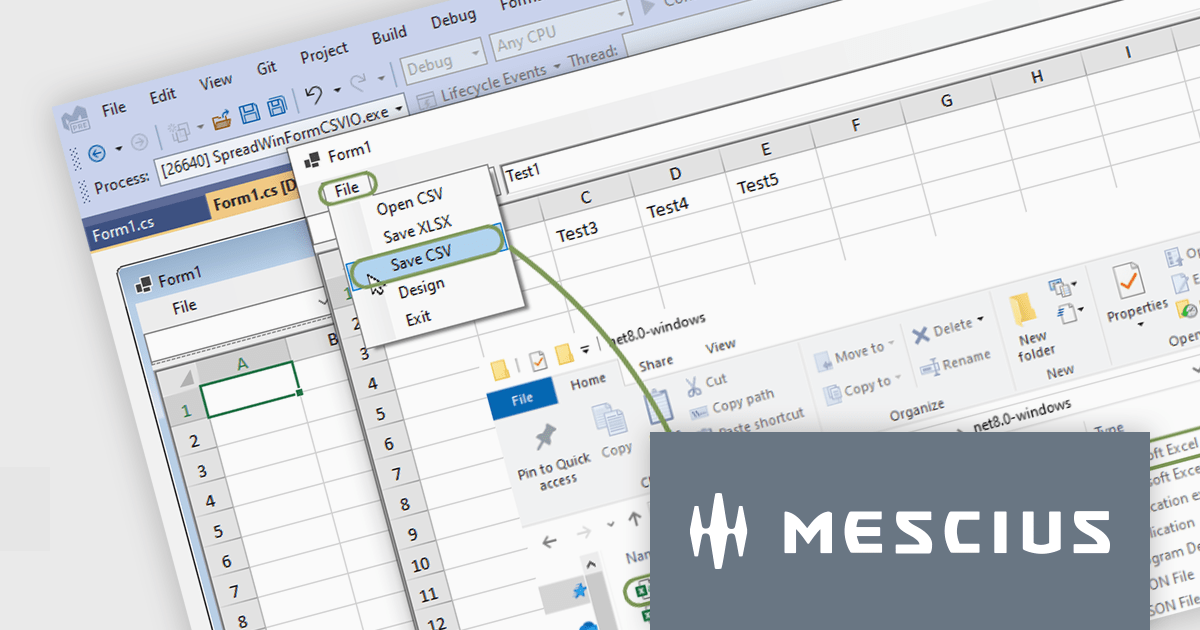
Spread.NET helps you create spreadsheets, grids, dashboards, and forms. It includes a powerful calculation engine with 450+ functions and the ability to import and export Excel spreadsheets. Leverage the extensive .NET spreadsheet API and powerful calculation engine to create analysis, budgeting, dashboard, data collection and management, scientific, and financial applications.
In this blog post, MESCIUS Product Marketing Specialist Mackenzie Albitz guides you through the four essential steps to import and export Excel spreadsheets on your way to creating robust .NET WinForms spreadsheet applications with Spread.NET. These steps include:
Sample code is included in the blog and you can download the sample app in either C# or VB.
Read the full blog post to discover how to use the full capabilities of the Spread.NET WinForms component.
Spread.NET is licensed per developer and is available as a Perpetual License with a 12 month support and maintenance subscription. We can supply any Spread.NET license including new licenses, maintenance renewals, and upgrade licenses. See our Spread.NET licensing page for full details.
For more information, visit our Spread.NET product page.
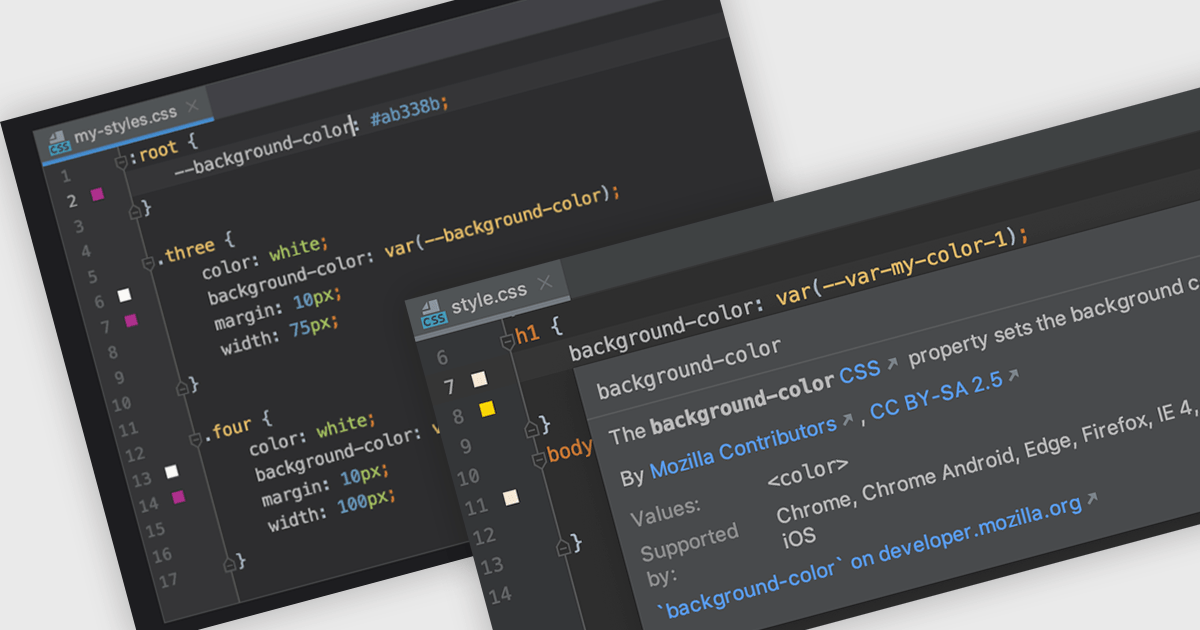
CSS (Cascading Style Sheets) is the language used to define the presentation of HTML documents. IDEs with CSS support include features that simplify writing, debugging, and managing stylesheets. With syntax highlighting, code completion, real-time validation, and integrated documentation, developers can catch errors early and speed up development. These tools enhance efficiency and accuracy, leading to cleaner code and better-performing web applications.
Several Integrated Development Environments (IDEs) offer Cascading Style Sheets (CSS) support including:
For an in-depth analysis of features and price, visit our comparison of IDEs.
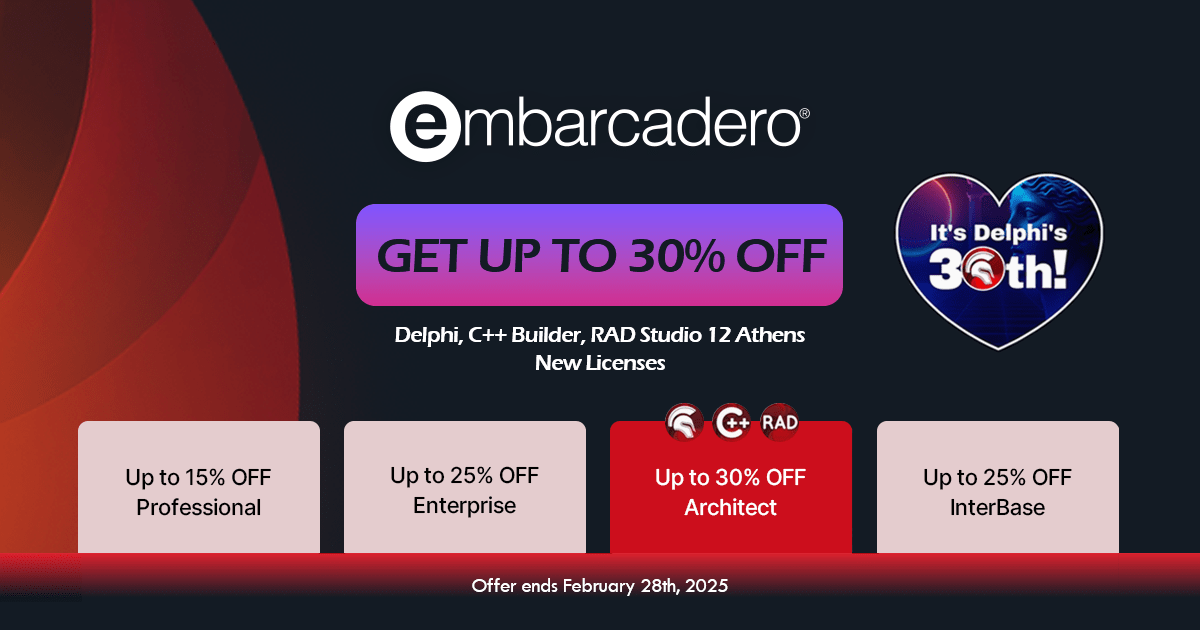
Embarcadero has announced a sale to celebrate the 30th anniversary of Delphi. Customers benefit from discounts of up to 30% on new perpetual licenses of its popular Delphi, C++Builder and RAD Studio products, as well as up to 25% on InterBase until the end of February 2025.
Delphi is a feature-rich IDE for developing cross-platform native applications with the Object Pascal programming language, offering robust tools for rapid application development (RAD). Available in the following editions:
C++ Builder is a RAD environment designed for creating high-performance applications in C++, featuring advanced visual design tools and broad platform compatibility. Available in the following editions:
RAD Studio is a versatile development suite that integrates Delphi and C++ Builder, streamlining the creation of native applications across multiple platforms. Available in the following editions:
InterBase is a compact yet powerful SQL database engine optimized for embedded, mobile, and enterprise solutions, offering strong security and seamless multi-platform support.
The special offer expires on February 28, 2025, so be sure to place your order before then to benefit from the discount. Our Embarcadero licensing experts are available to help with any queries you may have.
Advanced Installer by Caphyon is a versatile software packaging tool used by developers, IT administrators, and software vendors to create reliable, professional-grade installation packages. It simplifies the deployment process for applications across various platforms, offering features like built-in compliance checks, configuration of server roles, and seamless integration with development frameworks. By automating complex tasks, it helps teams save time and reduce errors, making it an indispensable tool for deploying enterprise applications, client-server solutions, and cloud-connected software.
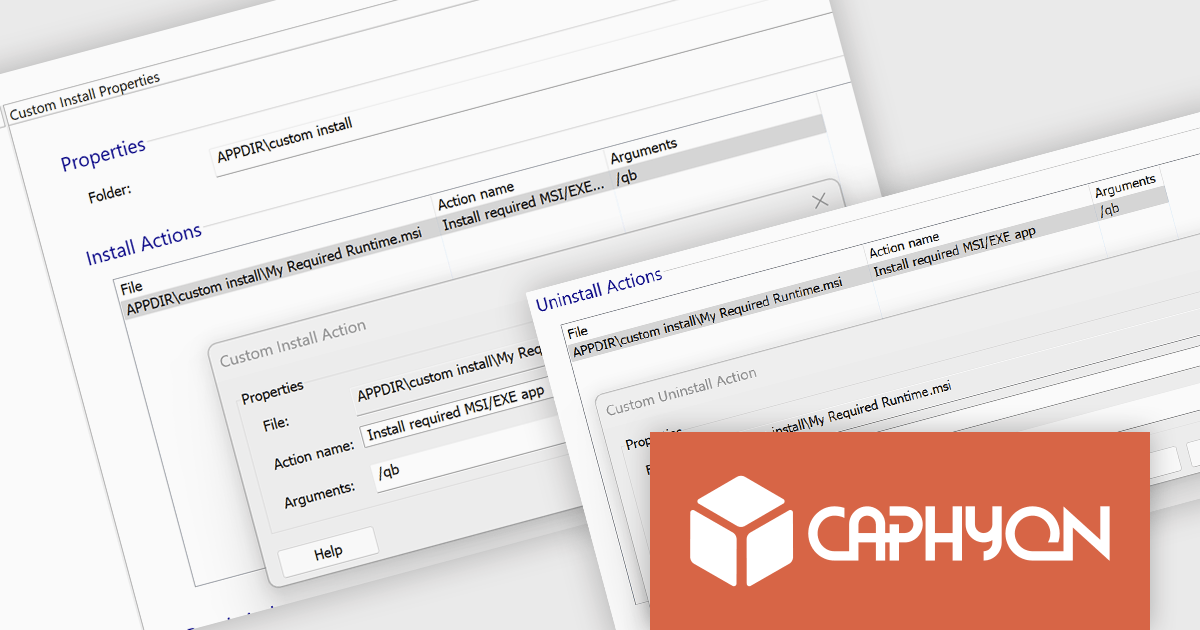
The Advanced Installer 22.4 update introduces enhanced installation control through the Custom Install Declaration, allowing developers to define precise installation parameters and manage runtime dependencies more effectively. This feature ensures a more flexible deployment process by enabling custom installation conditions and actions, reducing post-installation overhead. Additionally, it streamlines the uninstallation process by providing an option to automatically remove associated runtimes when an MSIX package is uninstalled, preventing orphaned dependencies and maintaining system integrity. With these improvements, developers gain greater control over application deployment, ensuring a cleaner, more efficient installation experience for end users.
To see a full list of what's new in version V22.4, see our release notes.
Advanced Installer is licensed per user and is available as an annual or perpetual license with 1 year support and maintenance. See our Advanced Installer licensing page for full details.
For more information, visit our Advanced Installer product pages:





Tél : (888) 850 9911
Fax : +1 770 250 6199


