








Fournisseur officiel
Comme nous somme les distributeurs officiels et autorisés, nous vous fournissons des licences légitimes directement à partir de 200+ éditeurs de logiciels.
Voyez toutes nos marques.
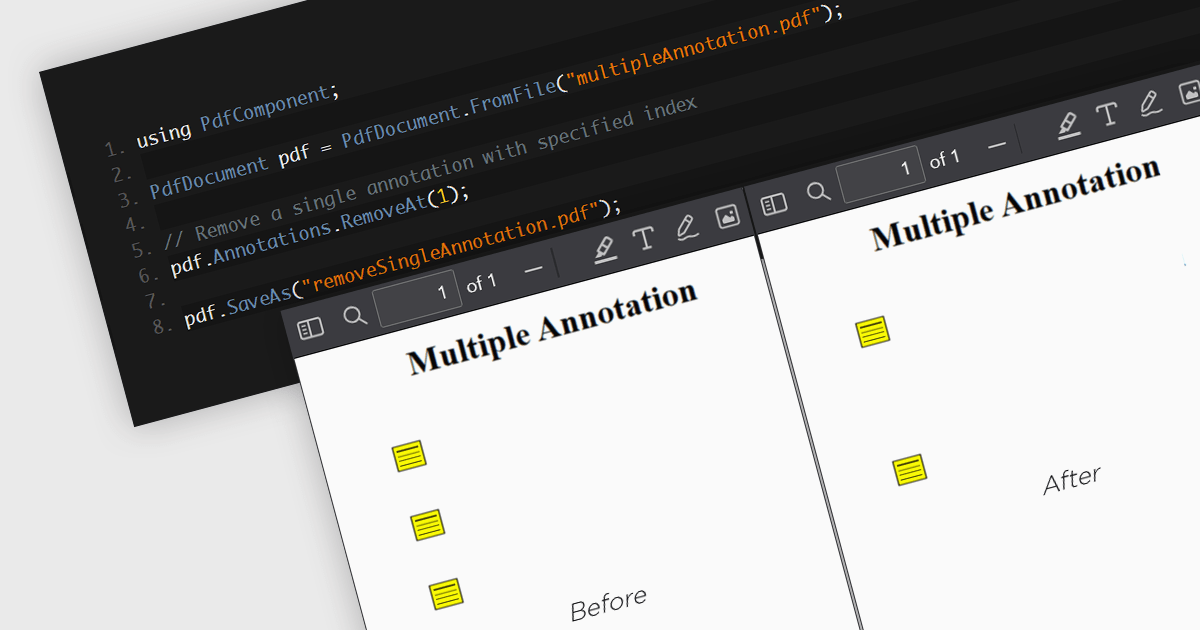
The removal of annotations from a PDF entails deleting any added notes, highlights, comments, or other markup elements that have been inserted into the document during its review or editing. This process reverts the PDF to its original state, yielding a clean version, free from any additional commentary or visual markers. By removing annotations, users can ensure that sensitive information is protected and additional notes have been removed, whilst preparing the document for final distribution or archiving.
Several .NET 8 PDF components allow you to remove annotations, including:
For an in-depth analysis of features and price, visit our comparison of .NET 8 PDF components.
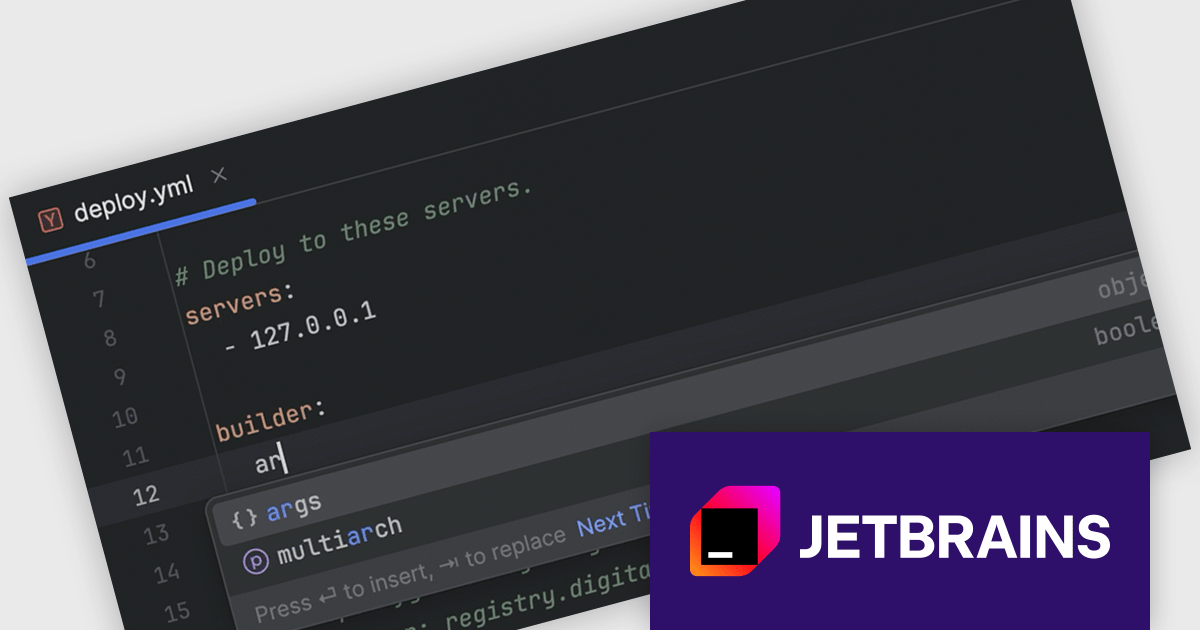
RubyMine by JetBrains is a powerful Integrated Development Environment (IDE) specifically designed for Ruby and Ruby on Rails development. It offers a comprehensive suite of features to boost your coding efficiency, including smart code completion, syntax highlighting, code refactoring tools, built-in debugging and testing frameworks, and seamless integration with popular libraries and databases. Whether you're a seasoned Rails developer or just starting out, RubyMine's intuitive interface and robust features can help you write cleaner, more maintainable code and accelerate your development workflow.
The RubyMine 2024.2 release enhances support for Kamal with code completion for configuration files. When working with deploy.yaml and .env files, you will benefit from intelligent code suggestions tailored to Kamal-specific properties, significantly improving your efficiency and accuracy. This feature streamlines the configuration process, reduces errors, and enhances your overall development experience with Kamal.
To see a full list of what's new in version 2024.2, see our release notes.
RubyMine is licensed per user, and is available as a commercial annual subscription license. We can supply new subscriptions, subscription renewals (including continuity discounts), lapsed renewals, and additional user licenses. See our RubyMine licensing page for full details.
RubyMine is available to buy in the following products:
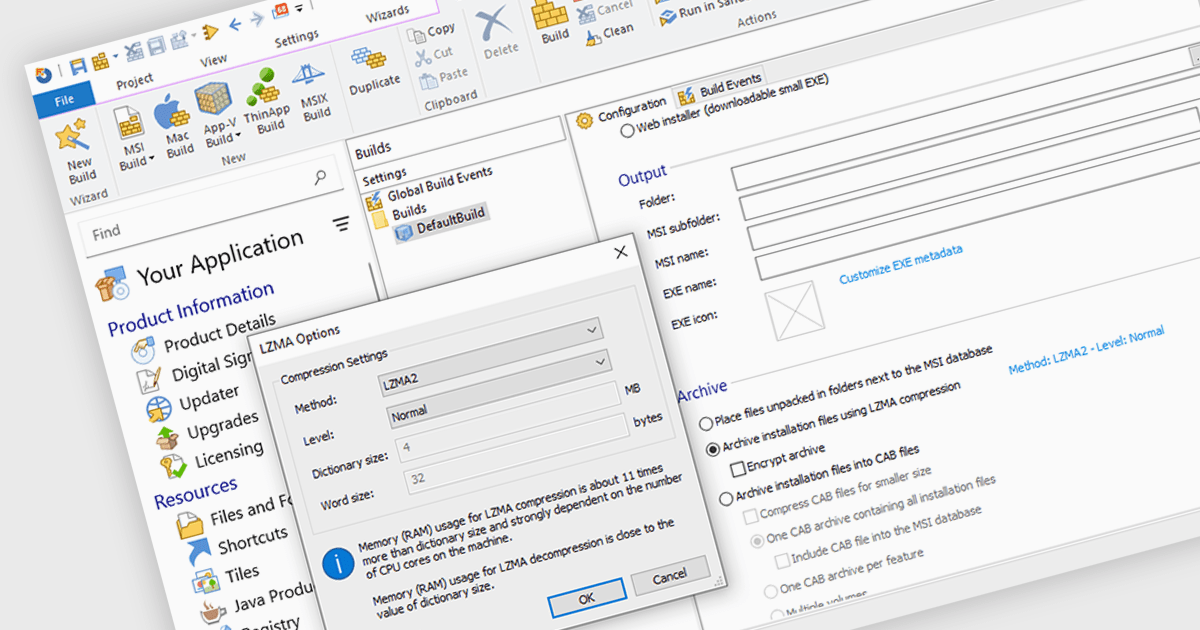
Data compression is a critical component of modern installation tools, enabling efficient delivery and reduced storage requirements. By reducing file sizes, compression accelerates download times, minimizes network bandwidth consumption, and optimizes installation package storage. Advanced compression algorithms specifically designed for software installation packages further enhance performance, ensuring swift and reliable deployment while preserving data integrity.
Several installation tools offer data compression including:
For an in-depth analysis of features and price, visit our comparison of Installation Tools.
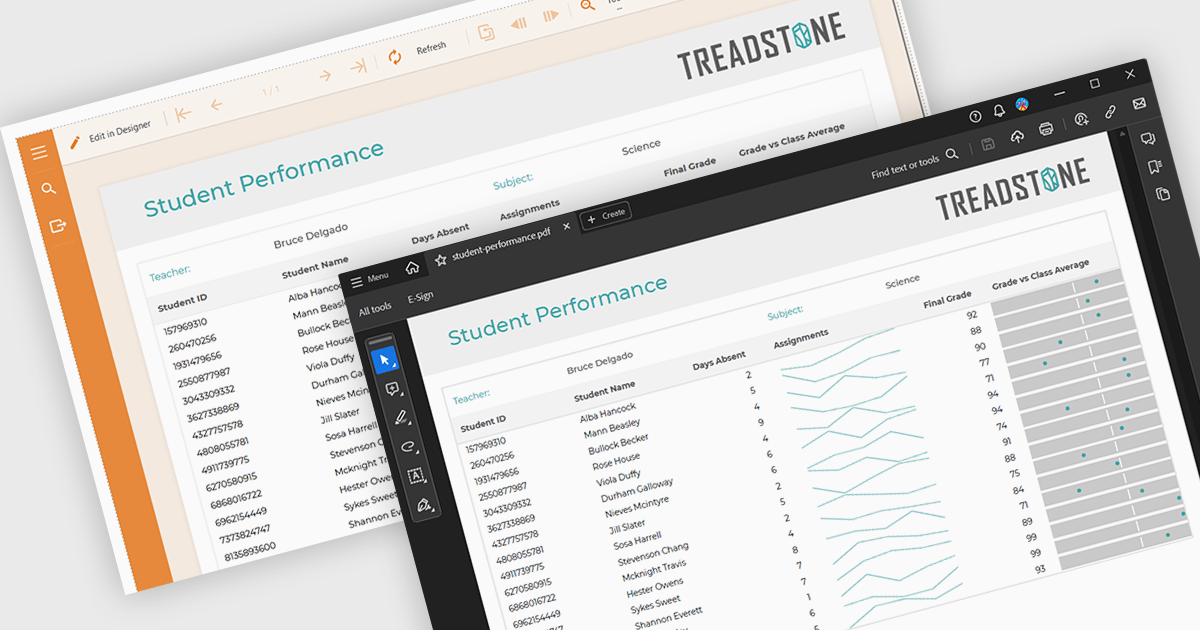
PDF export functionality within a reporting component enables the transformation of generated report data into a portable, high-fidelity PDF document. This capability offers significant advantages, including standardized document format compatibility, enhanced security through encryption options, optimized file size for efficient storage and transmission, and preservation of complex layout and formatting, ensuring consistent visual representation across different platforms and devices.
Several Angular reporting components offer PDF export support including:
For an in-depth analysis of features and price, visit Angular reporting components comparison.
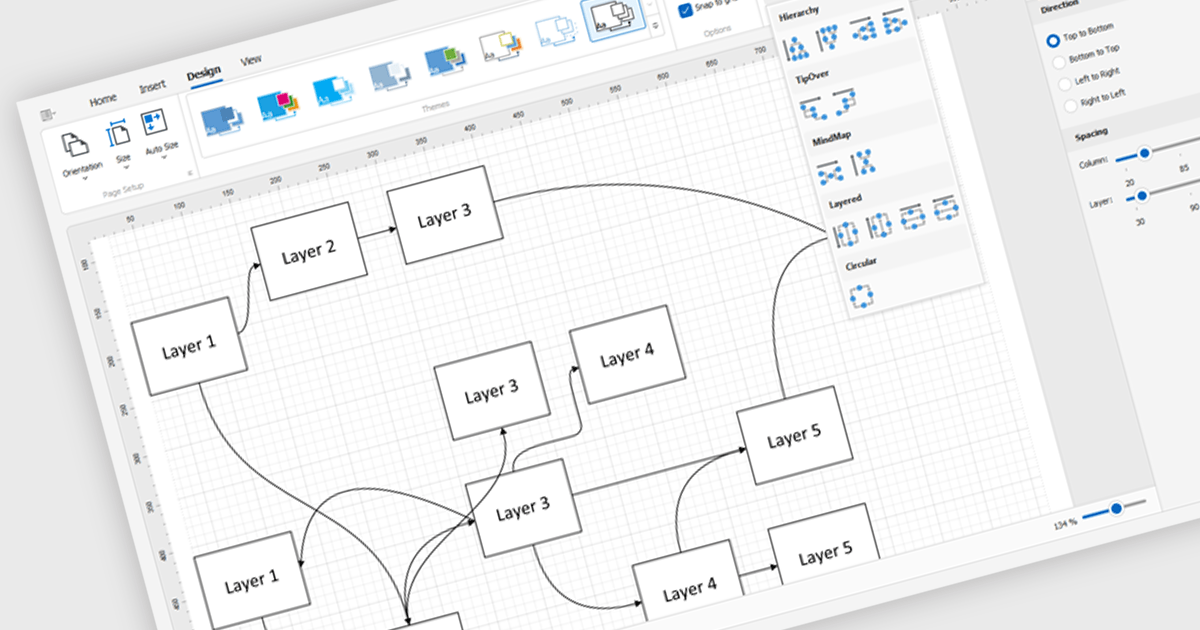
Diagram controls provide pre-built graphical elements for constructing various diagrams, flowcharts, and organizational charts within applications. These components accelerate development by offering customizable shapes, connectors, layouts, and interaction features, enabling developers to rapidly create visually appealing and interactive diagrams without extensive manual coding, thereby enhancing user experience and application functionality.
Many .NET WinForms UI Suite collections contain diagram controls including:
For an in-depth analysis of features and price, visit our comparison of .NET WinForms UI Suites.





Tél : (888) 850 9911
Fax : +1 770 250 6199


