








Fournisseur officiel
Comme nous somme les distributeurs officiels et autorisés, nous vous fournissons des licences légitimes directement à partir de 200+ éditeurs de logiciels.
Voyez toutes nos marques.
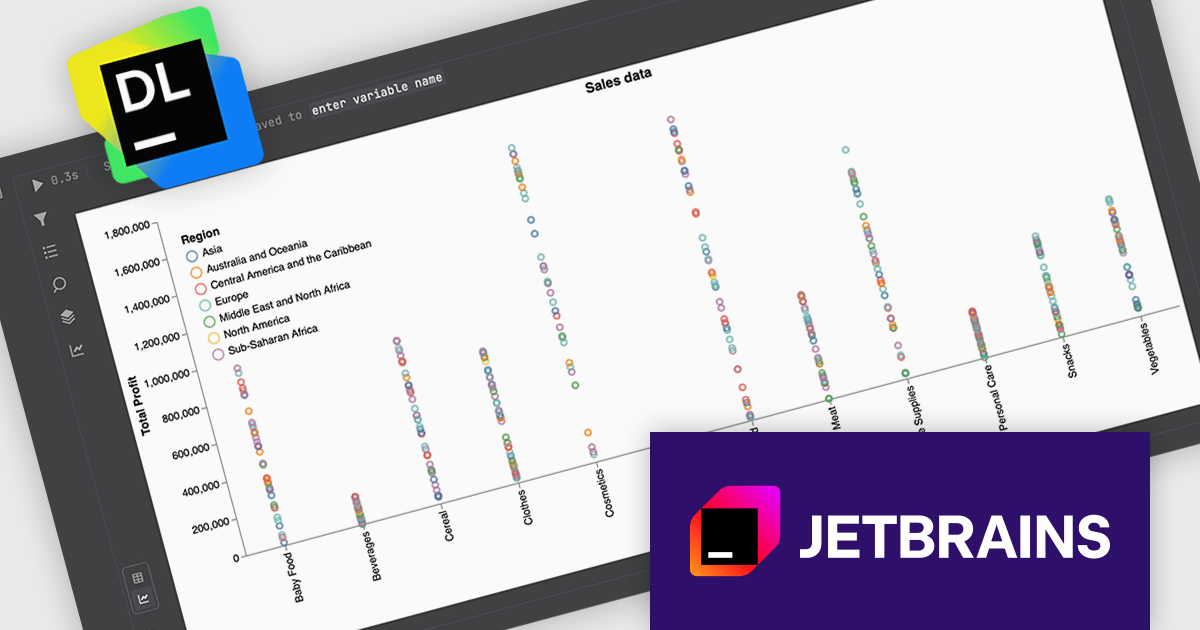
JetBrains Datalore is a collaborative data science platform that streamlines data exploration, analysis, and visualization through Jupyter-compatible notebooks. It helps teams with features like automatic visualizations, pre-configured environments, interactive controls, and collaboration functionalities. Datalore offers both cloud-based and self-hosted deployment options, catering to both individual and team-based data science processes.
The Datalore 2026.1 update now includes Data explorer cells, a new notebook cell type designed to simplify dataframe analysis without requiring additional code. With these cells, you can interactively explore datasets by filtering, searching, transforming, and visualizing dataframe contents directly within the notebook interface. This approach allows developers and data professionals to quickly inspect and understand their data, experiment with transformations, and generate visual insights.
To see a full list of what's new in version 2026.1, see our release notes.
Datalore is licensed per user, and is available as a commercial annual subscription license. See our Datalore licensing page for full details.
For more information, visit our Datalore product page.
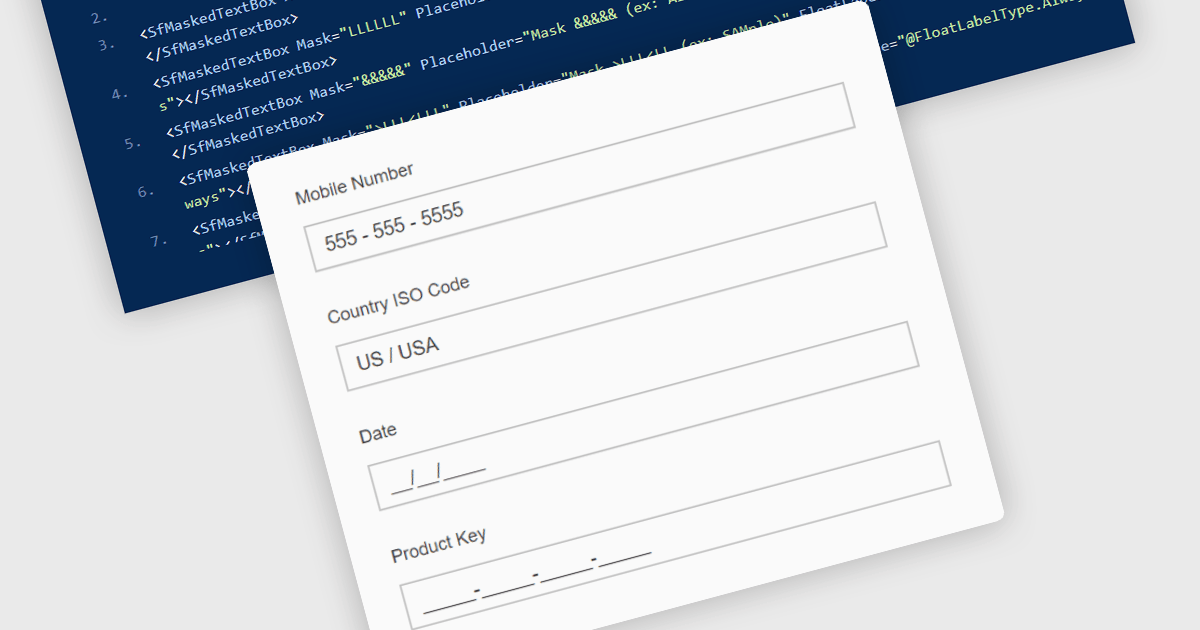
Masked Input Text Box editors are input components that enforce a predefined format while users type, ensuring that entered values follow a specific structure such as phone numbers, dates, postal codes, or identification numbers. By applying an input mask, the editor guides users to enter characters only in valid positions and formats, reducing the likelihood of invalid or incomplete data being submitted. This approach improves data consistency across applications, simplifies validation logic on both the client and server side, and reduces the need for additional parsing or correction of user input. For developers building data-driven Blazor applications, masked input editors help maintain reliable data entry while providing a clear and structured input experience directly within forms and data editing interfaces.
Many .NET Blazor data editor collections contain masked input text box editors including:
For an in-depth analysis of features and price, visit our comparison of .NET Blazor data editors.
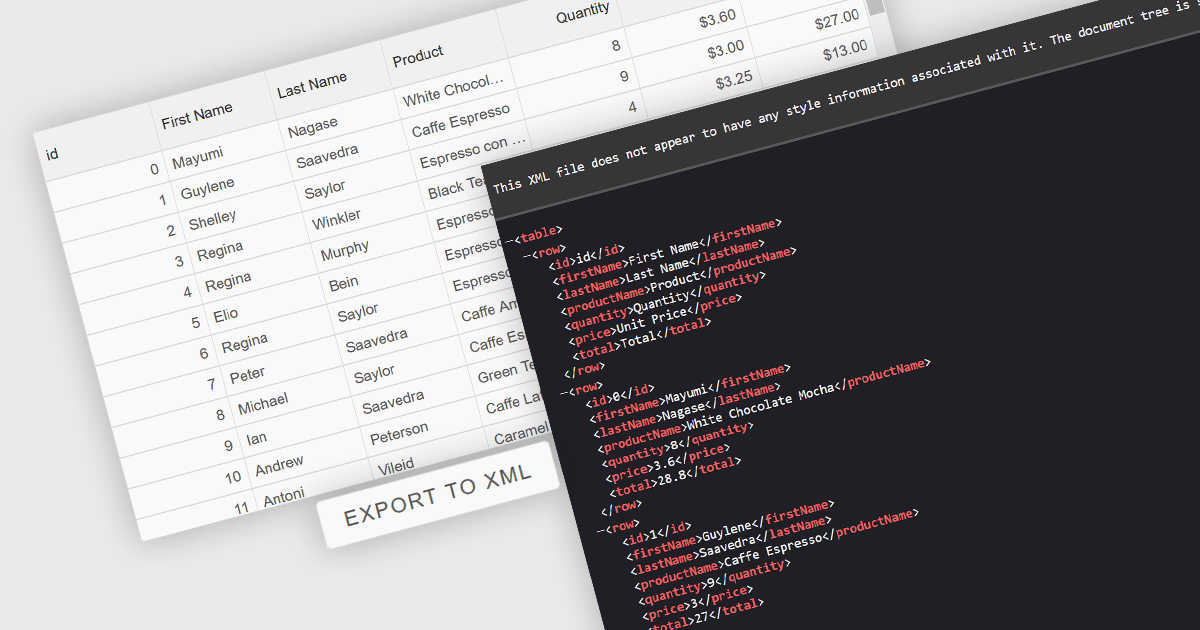
Exporting grid data to XML converts tabular data from a user interface grid into a structured, self-describing format for use beyond the application interface. By organizing data with clearly defined elements, XML ensures consistent interpretation across platforms and systems, regardless of the underlying technology. This enables reliable data exchange, supports interoperability between applications, and makes the data suitable for integration scenarios, long-term storage, and environments that rely on validated, standardized formats for processing and communication.
Several Angular grid components allow you to export to XML, including:
For an in-depth analysis of features and price, visit our comparison of Angular grid components.
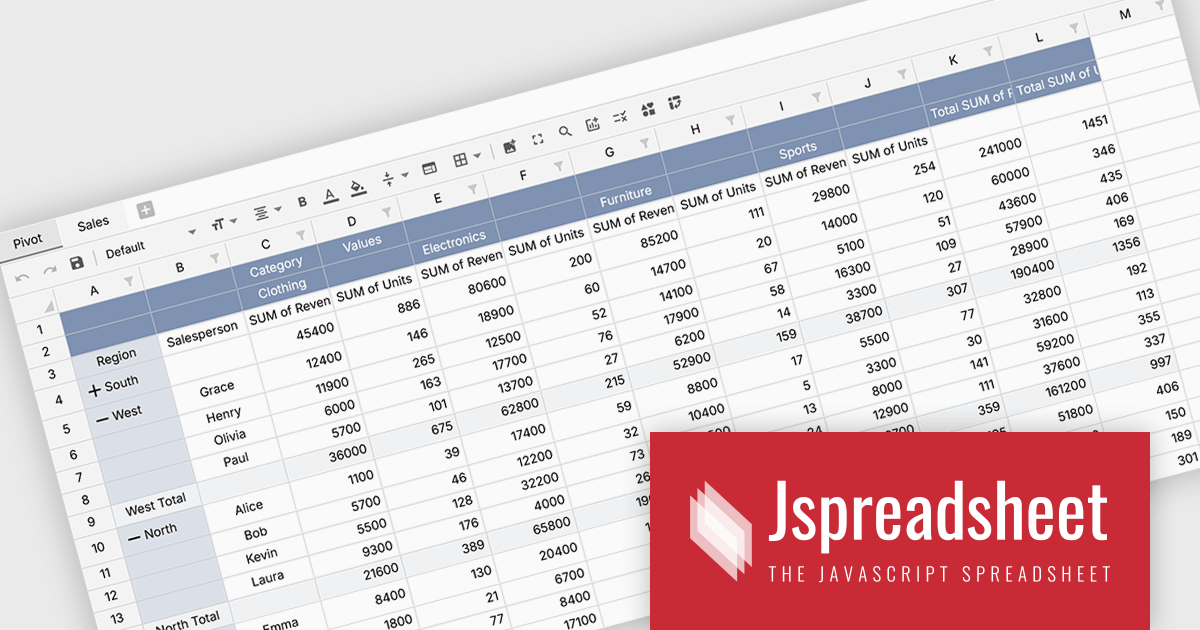
Jspreadsheet Pro is a flexible JavaScript-based spreadsheet solution that enables developers to create customizable, feature-rich data grids for web applications. It offers advanced formulas, data validation, and API integrations. Ideal for tasks like financial modeling, inventory management, and project tracking, it helps businesses efficiently manage and analyze data.
Jspreadsheet Pro introduces pivot table functionality that allows developers to summarize and analyze large datasets directly within browser based spreadsheet applications. It enables users to group data across multiple rows and columns, apply aggregation methods such as sum or average, and refine results through filtering and sorting. With built in spreadsheet formulas and cross worksheet references, developers can provide interactive data analysis capabilities without requiring external tools or additional backend processing.
Jspreadsheet Pro is licensed as an Annual or a Perpetual License with support and maintenance. We can supply any Jspreadsheet Pro license including new licenses, maintenance renewals, and upgrade licenses. See our Jspreadsheet Pro for full details.
For more information, visit our Jspreadsheet Pro product page.
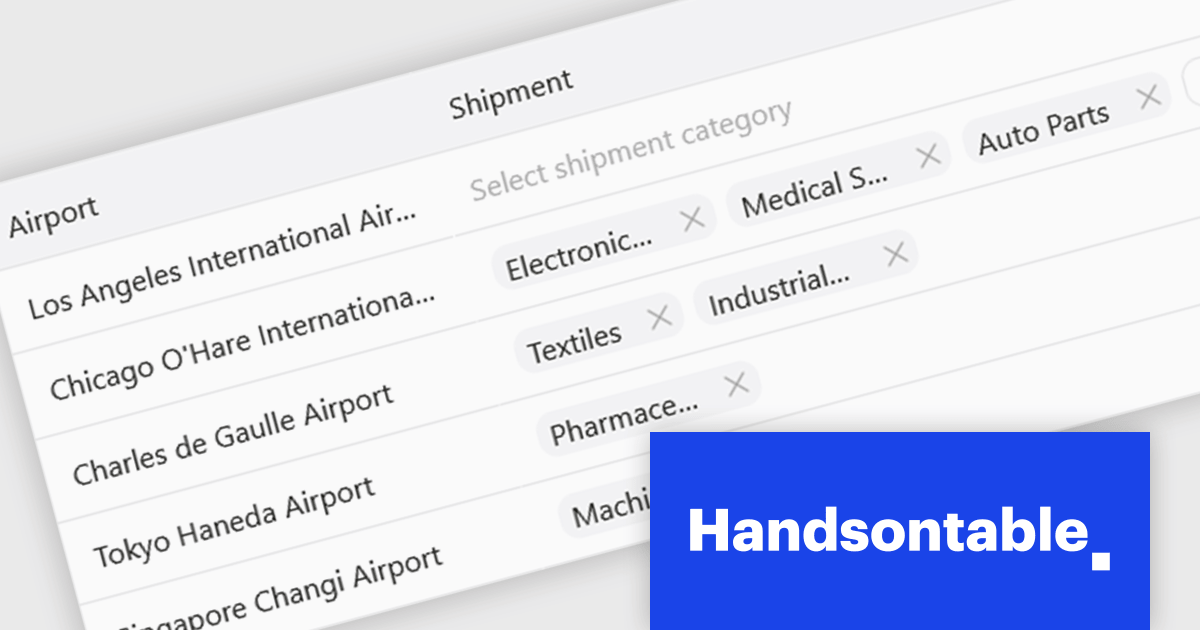
Handsontable is a JavaScript library designed to help developers build interactive data grids into their web applications. Offering a familiar spreadsheet-like interface, it allows users to edit, sort, and filter data with ease. Highly customizable and compatible with popular frameworks like React and Angular, Handsontable empowers developers to build robust data manipulation features into their web applications.
The Handsontable 17.0.0 update adds a new MultiSelect cell type that allows a single cell to hold multiple values, making it well suited for data such as tags, user roles, product categories, or shipment contents. Instead of restricting entries to one option, users can choose any number of items from a dropdown interface that includes search and filtering capabilities for quickly locating options. Full keyboard navigation ensures efficient interaction for power users.
To see a full list of what's new in version 17.0.0, see our release notes.
Handsontable is licensed per developer and is available as an Annual or Perpetual license with 1 year support and maintenance. See our Handsontable licensing page for full details.
For more information, visit our Handsontable product page.





Tél : (888) 850 9911
Fax : +1 770 250 6199


