








Fournisseur officiel
Comme nous somme les distributeurs officiels et autorisés, nous vous fournissons des licences légitimes directement à partir de 200+ éditeurs de logiciels.
Voyez toutes nos marques.
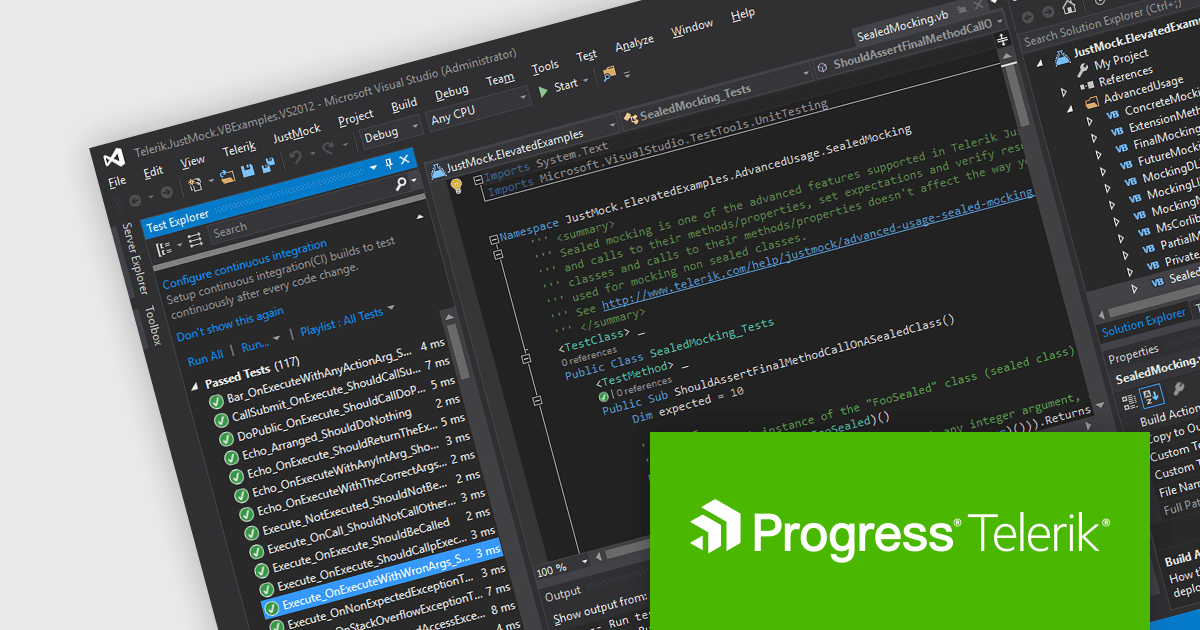
JustMock by Telerik is a professional-grade mocking framework designed to streamline unit testing in .NET development. It simplifies the creation of mock objects, enabling developers to isolate dependencies like databases and external services. This isolation allows for faster and more focused unit tests, ultimately leading to higher quality and more maintainable code. JustMock integrates seamlessly with popular testing frameworks and offers a flexible API, making it a valuable tool for developers of all experience levels.
The Telerik JustMock 2024 Q2 update adds support for Microsoft .NET MAUI, which enables developers working on cross-platform desktop and mobile applications to conduct effective unit tests on their code. By consistently applying unit testing methodologies throughout .NET MAUI's development cycle, developers ensure high-quality and reliable code across all supported platforms, including Windows, macOS, Android, and iOS.
To see a full list of what's new in 2024 Q2, see our release notes.
JustMock is licensed per developer and is available as a perpetual license with a 1 year support subscription, which is available in 3 tiers: Lite, Priority or Ultimate. See our JustMock licensing page for full details.
JustMock is available in the following products:
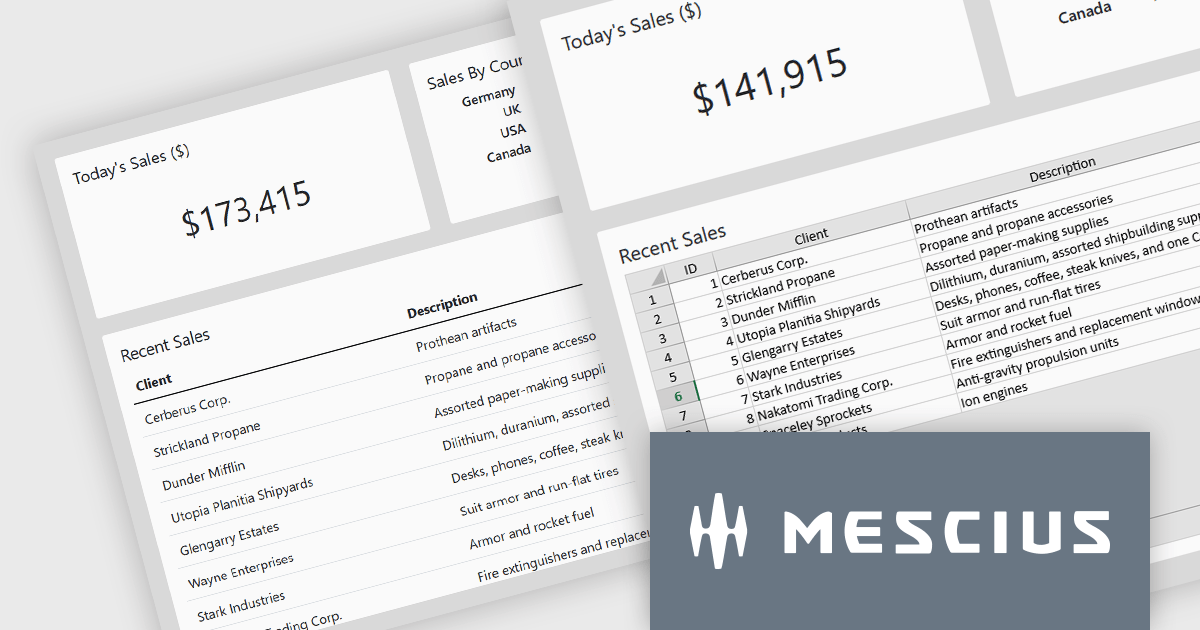
SpreadJS by MESCIUS is a high-performance JavaScript spreadsheet component designed to seamlessly integrate Excel-like functionality into web applications. It empowers developers to deliver robust spreadsheet experiences within their applications, complete with features like data import/export, complex formulas, conditional formatting, and extensive customization options. SpreadJS caters to a wide range of use cases, from financial modeling and data analysis to project management and interactive dashboards, ultimately allowing developers to build feature-rich and user-friendly web applications.
In this blog post, MESCIUS Product Manager Kevin Ashley demonstrates how to enhance an existing Vue app with the ability to import and export XLSX files using SpreadJS. Steps include:
Detailed sample code is included for each step.
View the complete blog and get starting working with Excel files in your Vue applications.
SpreadJS is licensed per developer and includes 1 Year Maintenance (major and minor version releases and unlimited support phone calls). SpreadJS requires an Annual or Perpetual Deployment License. The optional Add-ons are available at an additional cost, and require a SpreadJS license. See our SpreadJS licensing page for full details.
For more information, visit our SpreadJS product page.
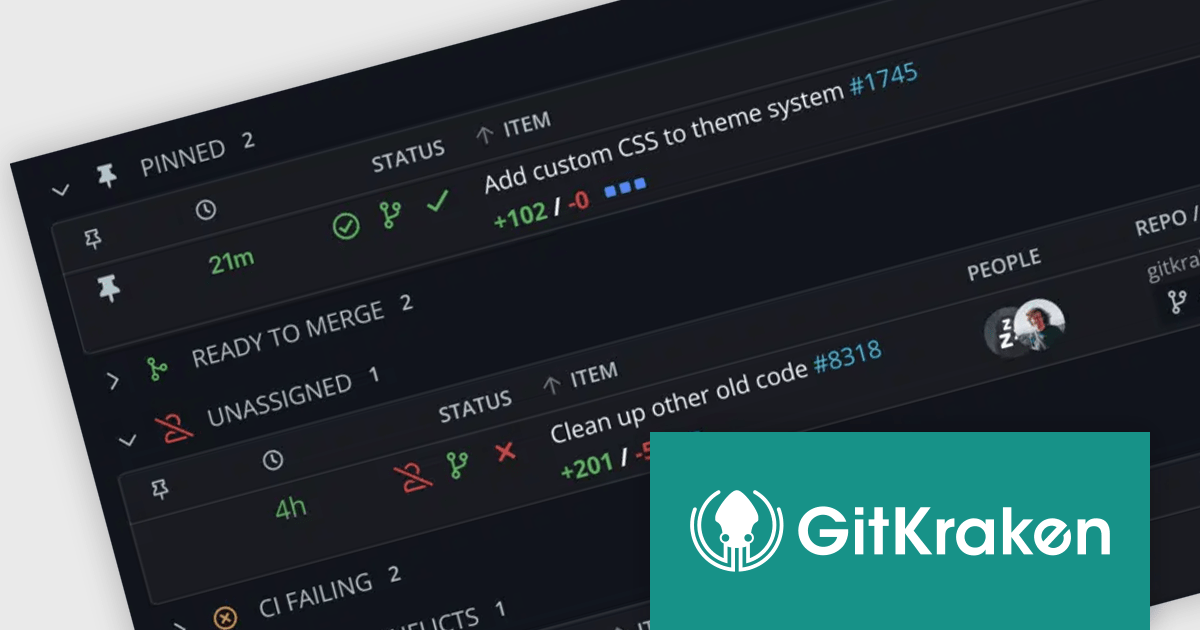
GitKraken is a suite of developer tools built around Git, a popular version control system. It offers a graphical user interface (GUI) that allows developers to interact with Git repositories visually instead of relying on command lines. This simplifies complex Git workflows like resolving merge conflicts and visualizing code history, making Git more accessible and efficient for developers of all experience levels.
The GitKraken 10.0.0 update streamlines workflow with the introduction of Launchpad, replacing the previous Focus View. This enhanced hub now boasts advanced search functionality, allowing users to pinpoint specific pull requests and issues directly within Launchpad. This eliminates the need to navigate away from the centralized view, keeping users focused and efficient.
To see a full list of what's new in 10.0.0, see our release notes.
GitKraken is licensed per user as an Annual license with free updates and technical support. See our GitKraken licensing page for full details.
Learn more on our GitKraken product page.
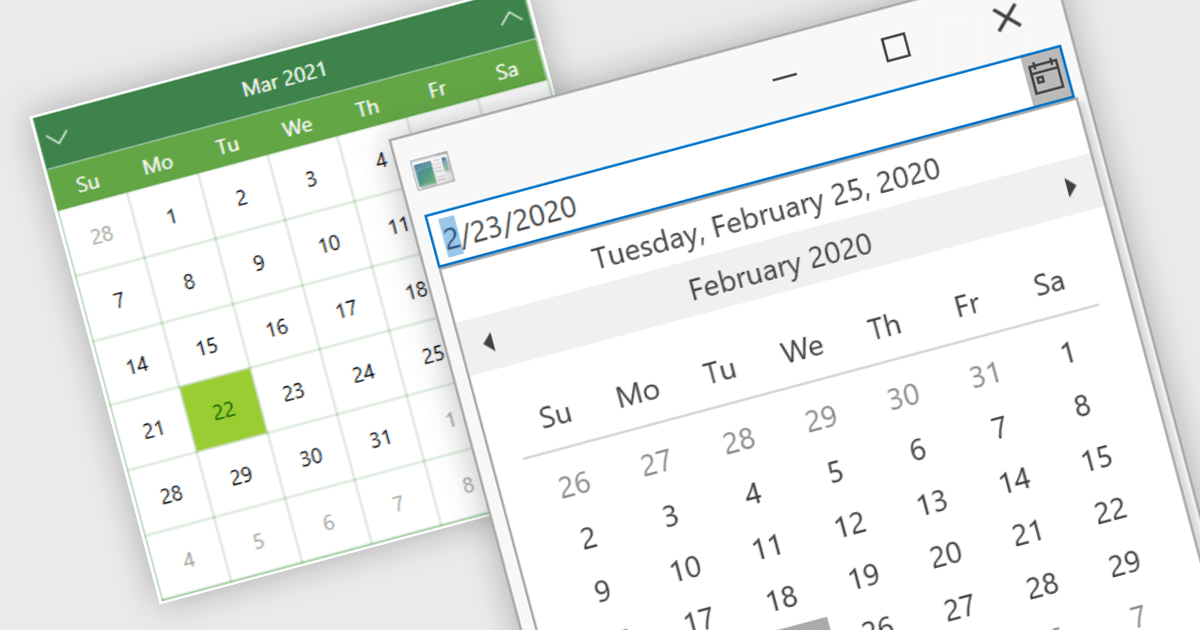
Calendar data entry components provide a familiar interface that allows users to visually navigate through days, months, and years, making it easier to find specific dates. They can also support features like multi-date selection or blackout dates for unavailable options. This functionality improves data entry accuracy and reduces the need for manual code to manage date operations, streamlining development workflows and potentially reducing errors.
Many .NET 8 WPF data editor collections contain calendar functionality including:
For an in-depth analysis of features and price, visit our comparison of .NET 8 WPF Data Editors.
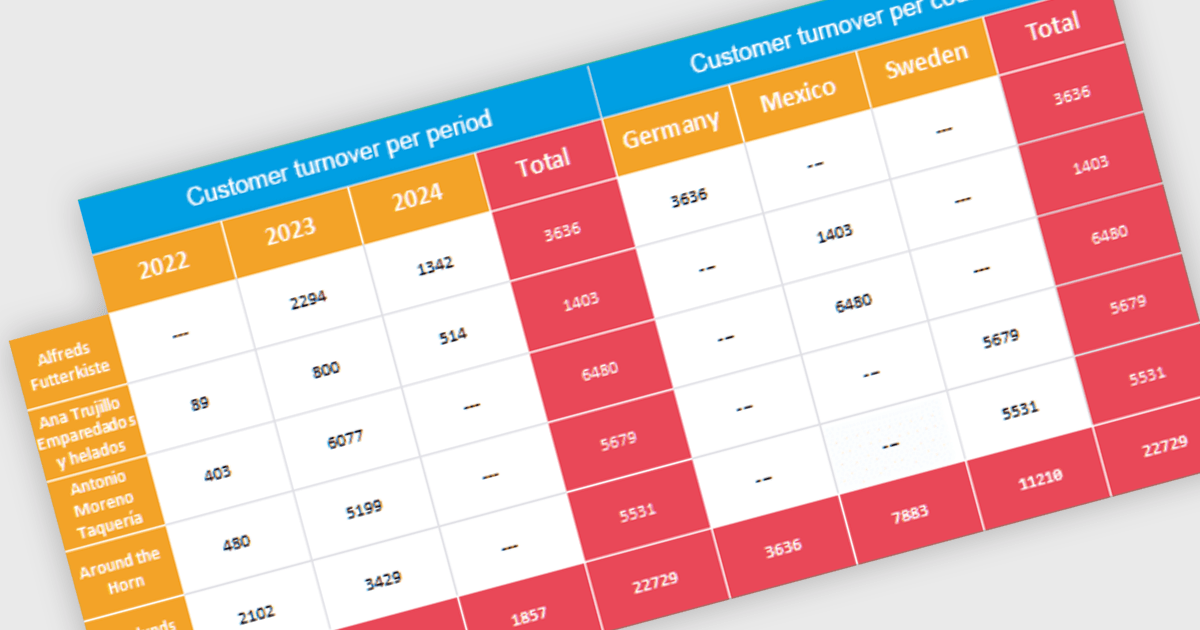
Cross tabs, also known as crosstabulations or contingency tables, are a data visualization technique used in reporting to reveal relationships between two or more categorical variables. By organizing data in a grid with categories on rows and columns, Cross tabs allow users to quickly spot patterns that might not be obvious in standard report formats. This is particularly useful for tasks like understanding user demographics or segmenting customer behavior.
Several .NET WPF Reporting Controls offer cross tabs including:
For an in-depth analysis of features and price, visit our comparison of .NET WPF Reporting Controls.





Tél : (888) 850 9911
Fax : +1 770 250 6199


