








Fournisseur officiel
Comme nous somme les distributeurs officiels et autorisés, nous vous fournissons des licences légitimes directement à partir de 200+ éditeurs de logiciels.
Voyez toutes nos marques.

As part of Telerik's commitment to providing cutting-edge solutions at the highest security and performance standards, it has announced an important update. Starting with the upcoming releases, its .NET-based products (listed at the end of this article) will exclusively support .NET Framework 4.6.2 and above, and .NET 6.0 and above. The last release supporting older framework versions is scheduled for the end of January 2024. After that, Telerik will provide one full year of support services for that release to ensure a smooth transition.
Support for the following .NET versions is ending:
By targeting .NET Framework 4.6.2 and .NET 6.0, Telerik is aligning with Microsoft’s lowest-supported framework versions for .NET Framework and .NET, respectively. This enables compatibility with Microsoft’s ongoing updates and support to deliver a more robust and secure experience to you. A shift to modern framework versions brings a host of benefits including:
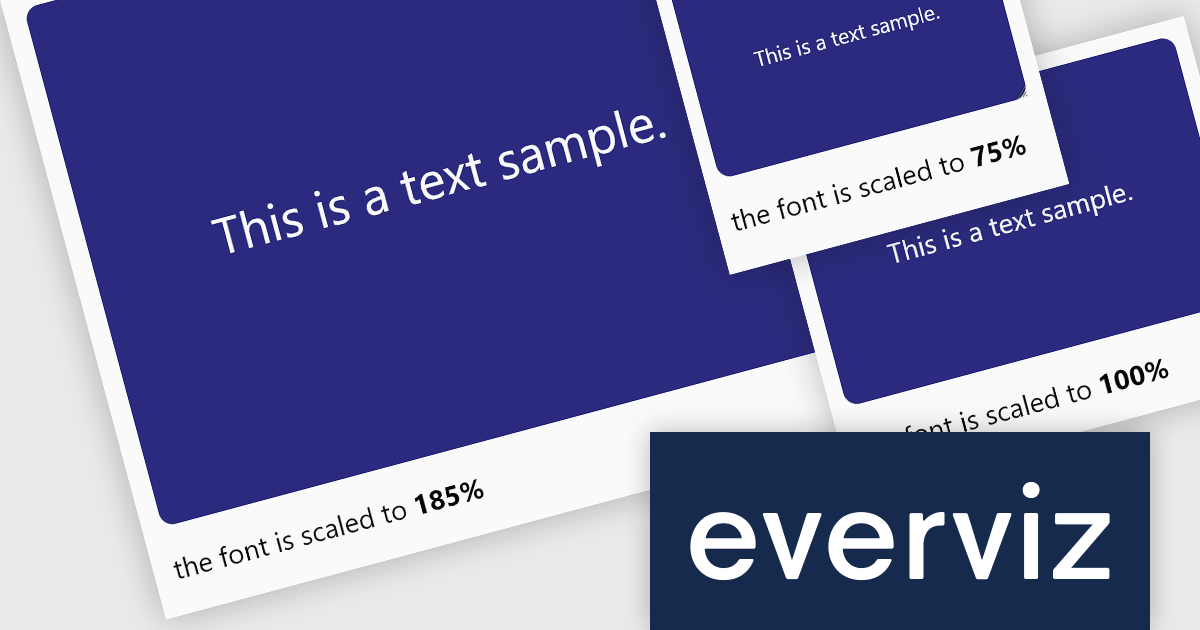
everviz is a cloud-based data visualization platform that empowers users to create visually appealing interactive charts, maps, and other visuals.
The October 2023 update of everviz adds a new dynamic font scaling feature. This allows chart text to be intelligently resized to fit your publishing destination, whether it's intended for print, video, or the web. It is particularly useful when exporting visualizations in video format, where the text size requirements are significantly different from those of an online article. Dynamic font scaling helps maintain a consistent visual quality across your visualizations.
To see a full list of what's new, see our release notes.
For more information, see our everviz product page.
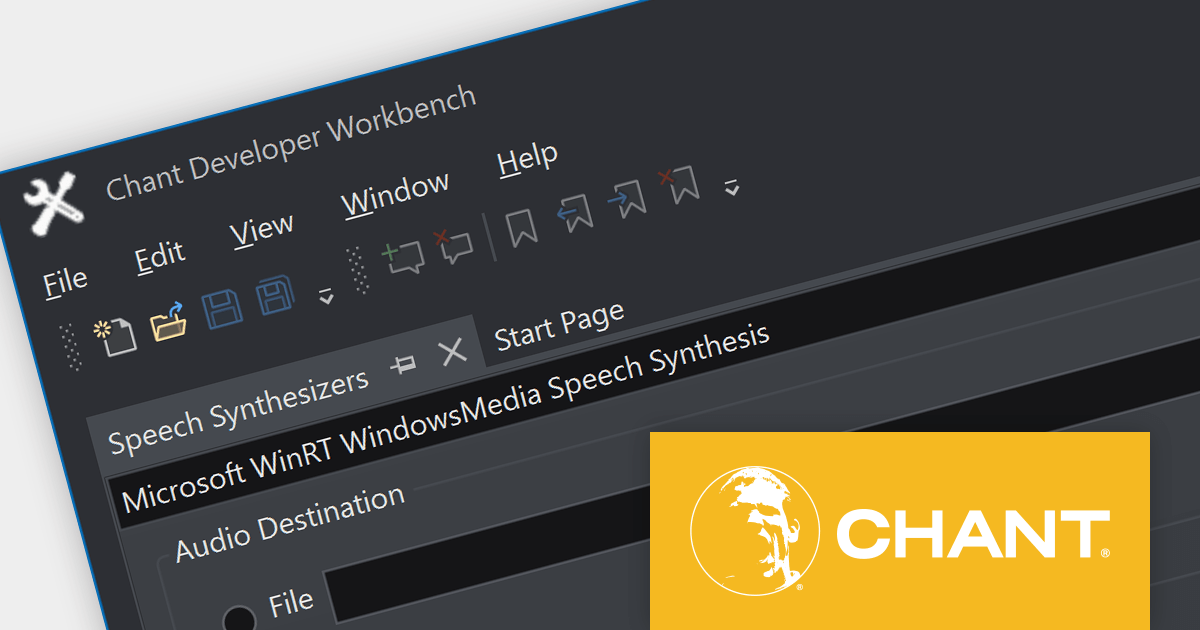
Chant Developer Workbench is a comprehensive development and testing environment for working with speech and natural user interface (NUI) technology. It provides a set of tools and class libraries for developing software that speaks, listens, and interacts with users.
Version 2023 (10.0.2.3) adds support for Java 21, the latest long-term support (LTS) release of the Java Development Kit (JDK). You can now develop Java apps that speak and listen, using the most up-to-date Java version. Java 21 introduces virtual threads, record patterns, sequenced collections, string templates, scoped values, and structured concurrency to enhance performance and simplify data handling.
To see a full list of what's new in version 2023 (10.0.2.3), see our release notes.
For more information, visit our Chant Developer Workbench product page.

amCharts 5: Stock Chart provides analytical tools for displaying time-based data, be it financial, stock or otherwise. It is a ready-made library that allows you to add interactive financial charts to a vast array of applications.
amCharts v5.5.3 adds built-in support for the Stochastic Momentum Index (SMI) to its bundled indicator control, allowing you to add the SMI to your charts via a simple user interface. This indicator reduces false signals by measuring the distance between the current closing price and the midpoint of the high/low price range. The SMI is a valuable technical indicator that can help traders identify potential trend reversals, capture momentum shifts, and make more informed trading decisions. Adding the SMI to your stock charts can help users gain a competitive edge in the market.
To see a full list of what's new in v5.5.3, see our release notes.
For more information, see our amCharts 5: Stock Chart product page.
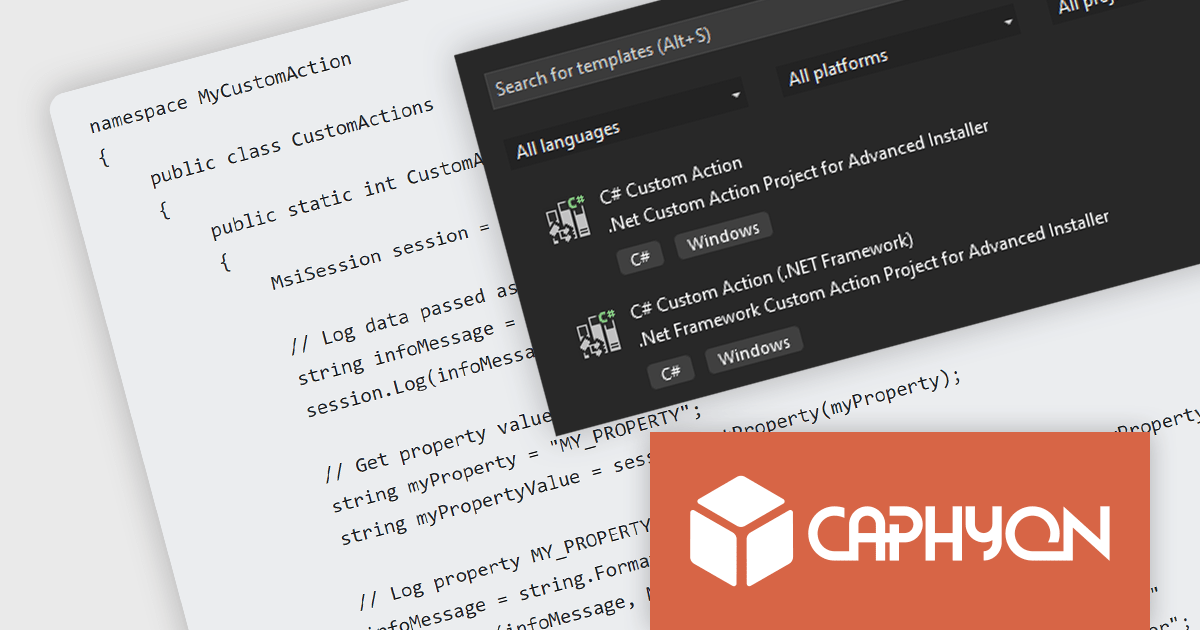
Advanced Installer by Caphyon is a powerful and versatile Windows installer authoring tool that enables developers and IT professionals to create professional-grade installation packages for their software applications. It offers a comprehensive set of features for building installers that are reliable, efficient, and compliant with industry standards.
The Advanced Installer V21.2 release adds the ability to run .NET and .NET Framework code as a predefined custom action. This allows users to automate complex configuration tasks, streamline the integration of third-party .NET components, and debug and test their installation processes.
To see a full list of what’s new in version 21.2, see our release notes
For more information, visit our Advanced Installer product pages:





Tél : (888) 850 9911
Fax : +1 770 250 6199


