








Fournisseur officiel
Comme nous somme les distributeurs officiels et autorisés, nous vous fournissons des licences légitimes directement à partir de 200+ éditeurs de logiciels.
Voyez toutes nos marques.
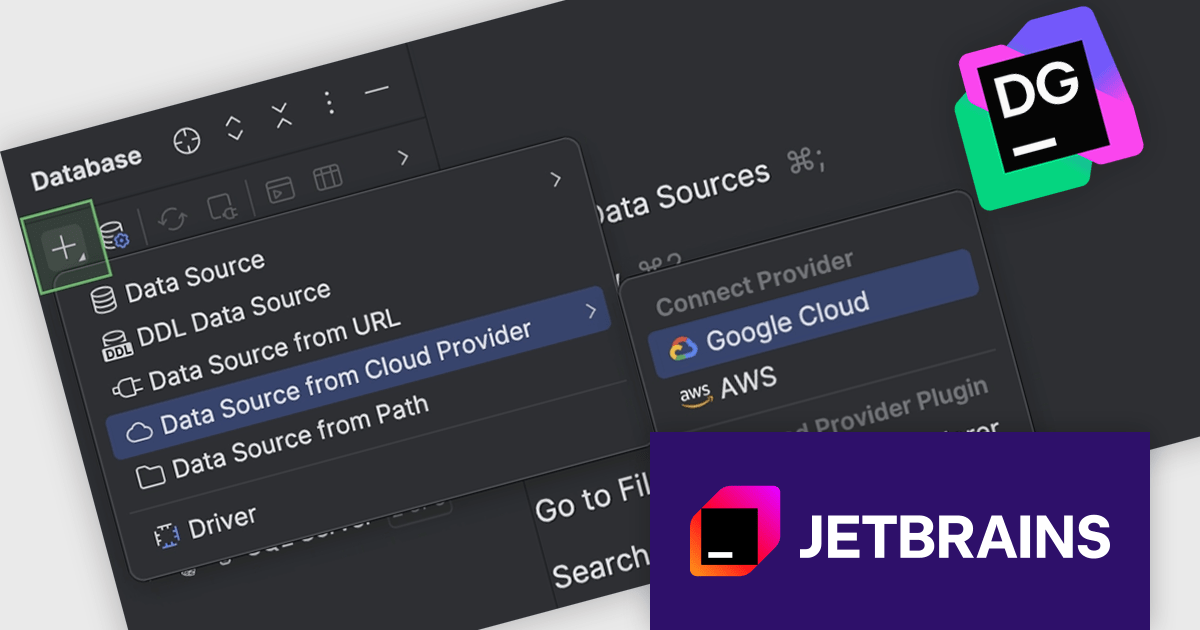
DataGrip is a multi-engine database environment that supports MySQL, PostgreSQL, Microsoft SQL Server, Oracle, Sybase, DB2, SQLite, HyperSQL, Apache Derby and H2. It includes an editor that provides intelligent coding assistance such as auto-completion, analysis and navigation. It also features a query console for running and profiling queries.
The new cloud integration in JetBrains DataGrip 2025.3 makes it much easier to work with databases hosted on major platforms. Instead of manually exporting credentials or switching tools, you can now link your AWS, Google Cloud, or Azure account directly, browse all your databases, and create a data source for any of them. This allows you to start querying or developing against remote databases much faster.
To see a full list of what's new in version 2025.3, see our release notes.
DataGrip is licensed per user, and is available as a commercial annual subscription license. We can supply new subscriptions, subscription renewals, lapsed renewals, and additional user licenses. See our DataGrip licensing page for full details.
DataGrip is available to buy in the following products:
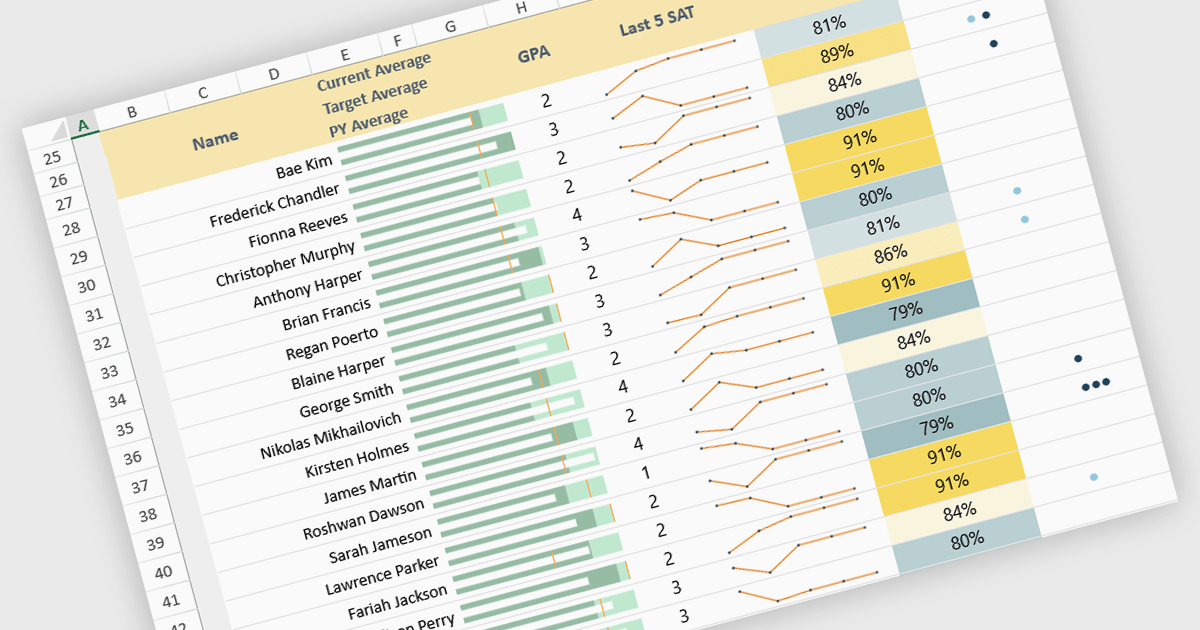
Sparklines in spreadsheets are small, in-cell charts that provide a concise visual summary of data trends without the need for full-sized graphs. They help users quickly identify patterns such as growth, decline, and volatility, making complex information easier to understand at a glance. Because sparklines update automatically with underlying data, they improve real-time analysis and are ideal for dashboards, performance tracking, and financial reporting. Common use cases include monitoring monthly sales performance, comparing product trends side by side, spotting anomalies in operational metrics, and enhancing executive summaries with clear, space-efficient visual context.
Several JavaScript spreadsheet controls offer sparkline functionality:
For an in-depth analysis of features and price, visit our comparison of JavaScript spreadsheet controls.
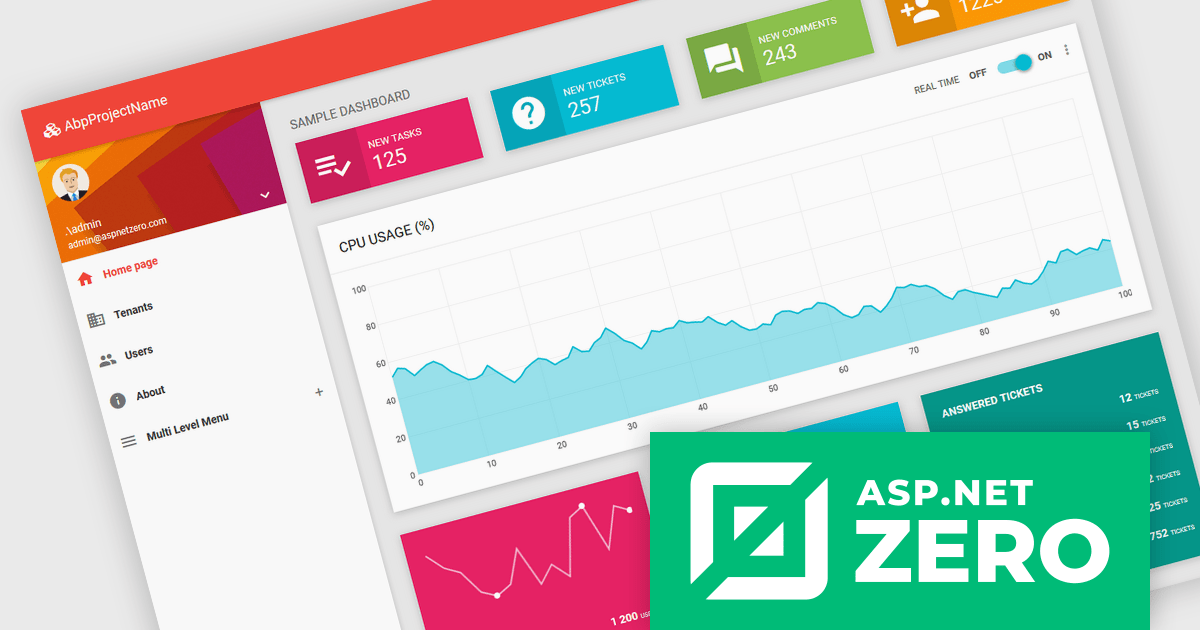
ASP.NET Zero is a comprehensive starting point for building new web applications, providing a modern UI, SOLID-based architecture, and implementations of common line-of-business requirements so developers can focus on business logic while working directly with full source code. It offers multiple architectural options, including ASP.NET Core MVC and ASP.NET Core with Angular, and includes ASP.NET Zero Power Tools, a Visual Studio extension and CLI utility that improves development by generating entities and their full application layers from the database to the user interface.
The ASP.NET Zero v15.0.0 release now fully supports .NET 10, delivering improved performance, greater runtime stability, and access to the latest .NET and C# features, ensuring long-term compatibility while providing developers with a faster, more memory-efficient, and better-tooled backend environment.
To see a full list of what's new in v15.0.0, see our release notes.
ASP.NET Zero is licensed based on the number of developers using the framework and the number of products being developed. See our ASP.NET Zero licensing page for full details.
For more information, visit our ASP.NET Zero product page.
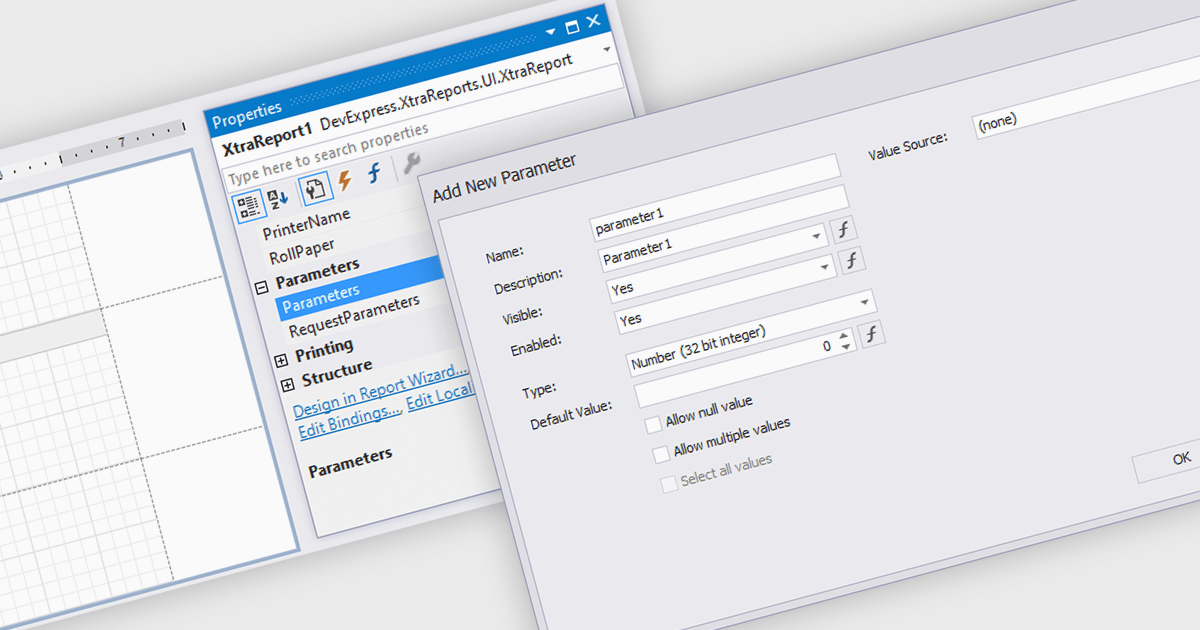
Dialog forms for parameters in reporting provide a structured and user friendly way to collect the inputs needed for accurate, relevant reports. Instead of relying on manual entry or remembered criteria, users are guided through fields that ensure consistent and valid information. This improves report quality and reduces errors in scenarios such as choosing date ranges, product categories, regions, or departments. By centralizing parameter entry in a clean interface, dialog forms let users focus on interpreting results rather than managing input details.
Several .NET WinForms reporting components allow you to create dialog forms for parameters, including:
For an in-depth analysis of features and price, visit our comparison of .NET WinForms reporting components.
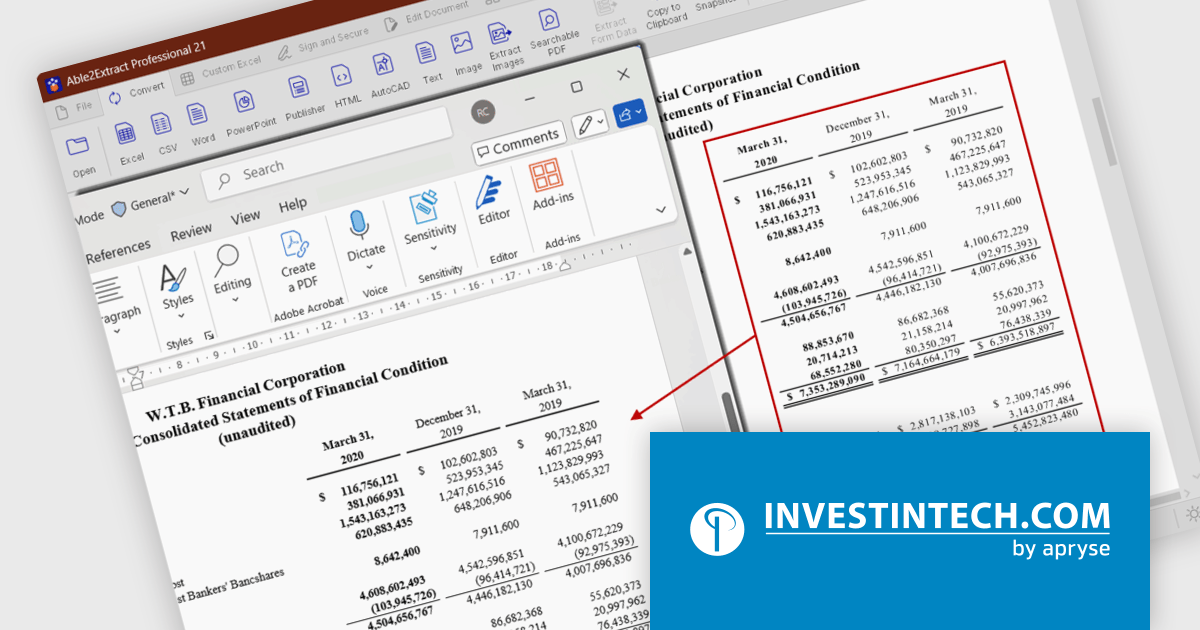
Able2Extract Professional by Investintech delivers accurate conversion of native and scanned PDFs to editable Microsoft Office (Word, Excel, PPT), AutoCAD, HTML, images and more, while ensuring that the original layout and formatting remain consistent after conversion. Besides PDF conversion, Able2Extract Professional allows users to batch create multiple PDF files at once, deal with interactive PDF forms, edit and customize PDF content and pages in many ways, and sign PDF documents with electronic and digital signatures.
The Able2Extract Professional 21 release significantly improves the PDF-to-Word conversion by enhancing its document structure analysis and table‑recognition capabilities. The conversion engine identifies and reconstructs paragraphs, so text flows naturally without random line breaks or disconnected fragments. In addition, tables in the PDF document are now more reliably detected: columns, rows, and even merged cells are preserved when exporting to Word so the tabular layout remains intact instead of collapsing into plain, unstructured text. Multi‑column layouts, common in newsletters, journals or technical reports, are also correctly identified and preserved, keeping the intended reading order and spacing. The result is Word output that more closely mirrors the original PDF.
To see a full list of what’s new in version 21, see our release notes.
Able2Extract Professional is licensed per user and is available with Investintech's Software Advantage Plan (SAP), an annual subscription which provides priority support, software updates and other benefits. See our Able2Extract Professional licensing page for full details.
For more information, visit our Able2Extract Professional product page.





Tél : (888) 850 9911
Fax : +1 770 250 6199


