Nouvelles Grids

Obtenez des informations grâce aux fonctionnalités avancées des tableaux croisés dynamiques

Novembre 6, 2024
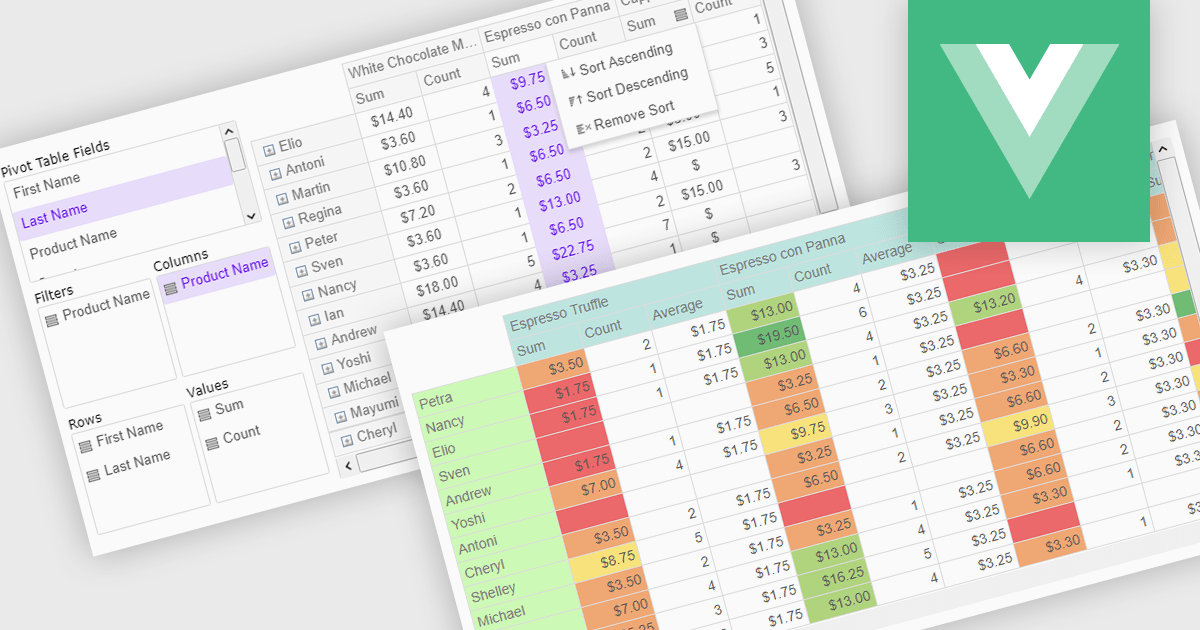
Débloquez des solutions métier essentielles grâce à un tableau croisé dynamique souple et intuitif qui simplifie l’analyse de données complexes grâce à une visualisation exceptionnelle.

Pivot grids or tables are dynamic tools that allow users to organize and analyze large datasets interactively by allowing them to group, filter, and summarize data across multiple dimensions. This functionality makes it easier to spot patterns and insights, supporting faster decision-making and data processing. Common use cases include help to identify trends in product performance or customer demographics, or financial applications, where users can analyze and forecast expense patterns. Pivot grids empower users with an adaptable and user-friendly interface, offering both high-level overviews and detailed insights with minimal effort.

Several Vue.js UI suites offer pivot grid components including:

  • DevExtreme Complete enables users to quickly summarize, filter, and analyze data with powerful pivot grids, enhancing insights and decision-making efficiency.
  • SmartClient by Isomorphic Software offers advanced pivot grid capabilities, allowing seamless data aggregation and flexible analysis for complex data sets within applications.
  • Kendo UI by Telerik provides intuitive pivot grids that help users organize, slice, and visualize data effortlessly, uncovering critical insights for business intelligence.
  • Wijmo by MESCIUS delivers dynamic pivot grid functionality, letting users group, filter, and drill into data to reveal patterns and trends effectively.

For an in-depth analysis of features and price, visit our comparison of Vue.js UI suites.
Compare Vue.js UI Suites

Rationalisez la présentation des données grâce à la fusion de cellules

Novembre 1, 2024
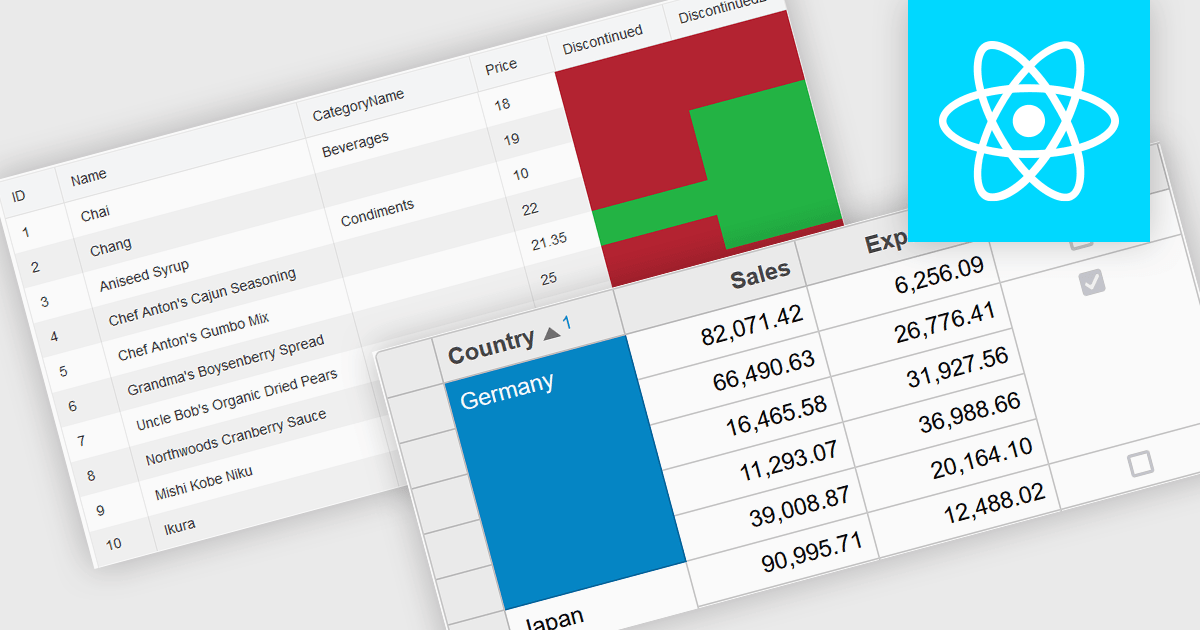
Créez des grilles personnalisées, plus claires et plus organisées, en fusionnant des cellules, ce qui facilite le parcours des données et améliore l’expérience utilisateur.

Cell merging in a grid allows developers to combine adjacent cells, creating a single, unified cell that spans multiple rows or columns. This feature enhances readability by allowing headers or labels to encompass related data fields, reducing redundancy and making complex data layouts more visually coherent. It enables efficient organization, supporting custom layouts that align with specific reporting needs and enhancing the grid's overall aesthetic. Cell merging helps streamline the user experience by condensing information into easily digestible sections, enabling users to focus on key insights without distraction.

Several React grid controls offer cell merge support including:

  • KendoReact Data Grid (part of KendoReact by Telerik) supports cell merging, enhancing readability and enabling customized data layouts.
  • Wijmo FlexGrid (part of Wijmo by MESCIUS) facilitates cell merging, enabling flexible, cleanly formatted grid layouts that improve data clarity and visual organization.
  • Jspreadsheet Pro Data Grid lets you merge cells, simplifying data views and delivering a streamlined experience for users handling complex datasets.
  • Syncfusion Grid Control for JavaScript (part of Syncfusion Essential Studio Enterprise) lets you merge cells for intuitive, organized, data presentations.

For an in-depth analysis of features and price, visit our React grid controls comparison.
Compare Merge Cell Grid Controls

Limitez la modification des données de grille dans les applications WPF

Octobre 23, 2024
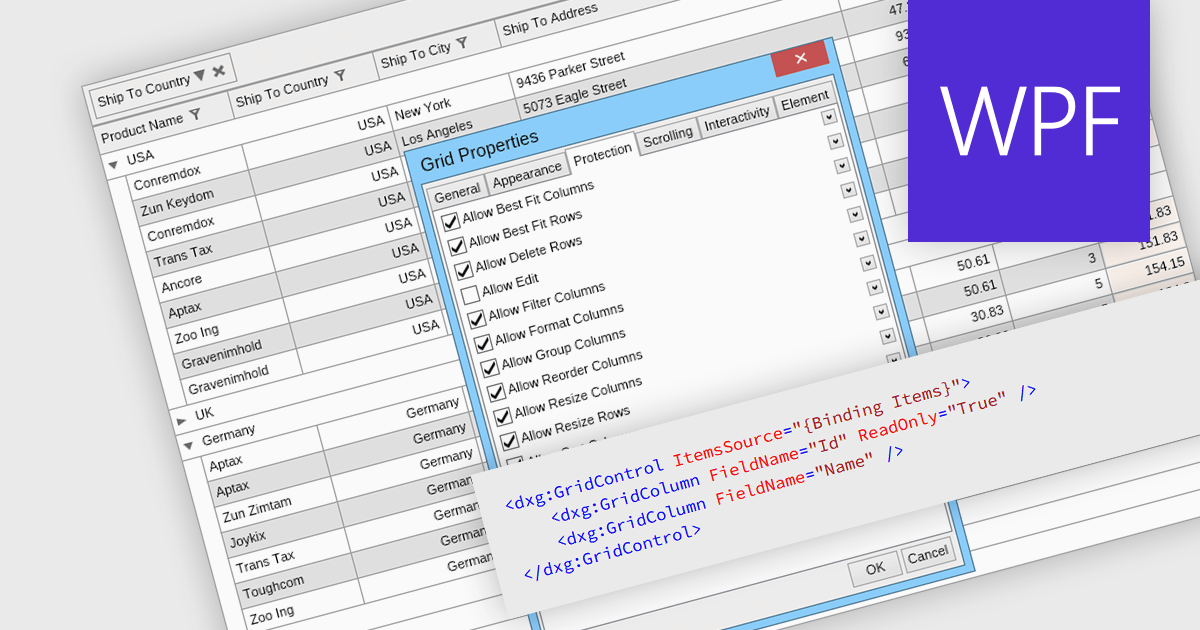
La possibilité d’afficher les colonnes en lecture seule dans les applications avec grille WPF vous permet de protéger l’intégrité et la cohérence des données, tout en préservant la visibilité.

Read-only columns in a data grid are vertically displayed fields that are not editable by users, but can still be viewed. These columns typically display information that is derived from other data or is considered static and should not be altered. By stopping users from directly modifying certain content, developers can ensure data integrity and consistency while still providing full visibility. This feature prevents accidental or intentional changes that might disrupt the system's functionality. Such restrictions streamline workflows by distinguishing between editable and non-editable data, reducing the risk of errors and improving overall system reliability.

Several WPF grid components allow you to display read-only columns, including:

  • DevExpress WPF Data Grid (part of DevExpress WPF) allows you to designate specific cells as read-only, ensuring data integrity by preventing unwanted edits.
  • FlexGrid for WPF (part of ComponentOne Studio WPF by MESCIUS) provides functionality to mark columns as read-only, enhancing control over user access and data protection.
  • Xceed DataGrid for WPF by Xceed Software helps maintain data consistency and security by restricting editing via read-only mode for any portion of the grid.
  • Infragistics XamDataGrid for WPF (part of Infragistics Ultimate UI for WPF) enables read-only configuration to protect sensitive data from modification whilst maintaining visibility.

For an in-depth analysis of features and price, visit our comparison of .NET WPF grid components.
Compare WPF Grid Components

Chargez et mettez à jour rapidement le contenu d’une grille à l’aide de JSON

Octobre 11, 2024
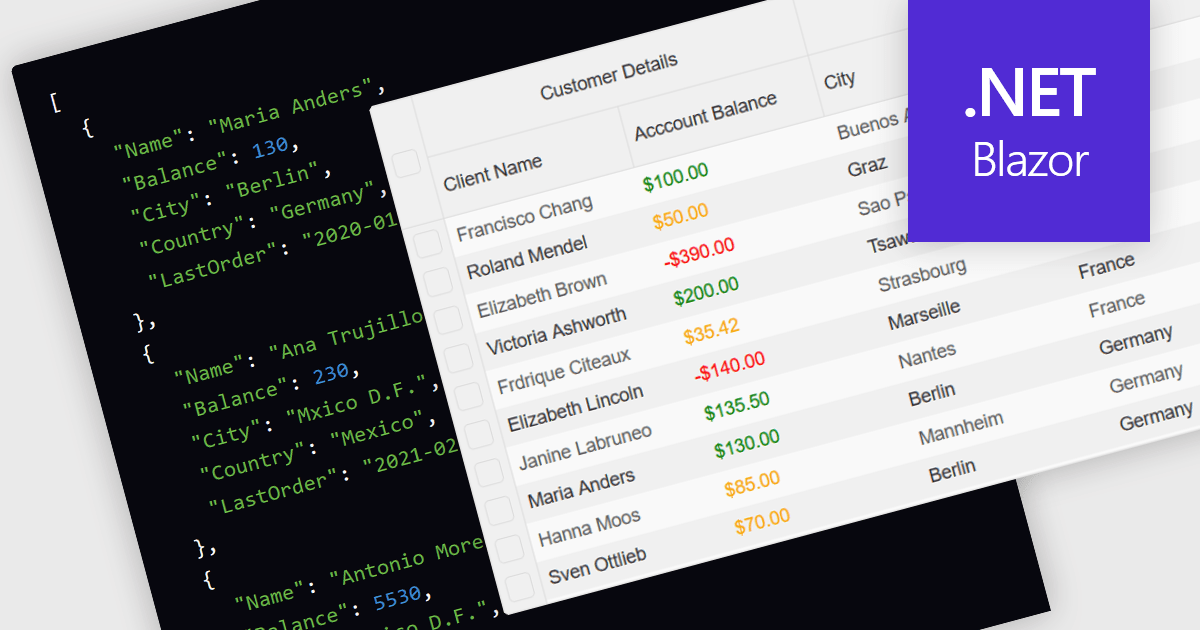
Les widgets de grille .NET Blazor qui prennent en charge JSON permettent des liaisons de données dynamiques et en temps réel, ce qui améliore la réactivité et l’évolutivité de la grille.

Support for JSON as a data source in .NET Blazor Grid controls allows developers to efficiently populate grid components with structured data, leveraging JSON's lightweight and easy-to-parse format. This approach enhances flexibility and scalability, as JSON is widely used for data interchange in web applications and can seamlessly integrate with various back-end services and APIs. By utilizing JSON, developers can dynamically bind data to the grid, enabling real-time updates and responsive user interactions. Moreover, JSON's hierarchical structure supports complex data representations, which simplifies the manipulation of nested objects and arrays, ultimately improving data handling within the Blazor framework.

Several .NET Blazor Grid controls offer JSON data source support including:

  • DevExpress Blazor Grid (part of DevExpress ASP.NET and Blazor) lets you bind data from JSON sources, enabling rapid and dynamic updates for a responsive user interface.
  • FlexGrid for Blazor (part of ComponentOne Studio Blazor Edition by MESCIUS) facilitates seamless integration with JSON, offering flexible data binding to boost performance.
  • jQWidgets Blazor Grid (part of jQWidgets) allows you to effortlessly connect to JSON sources, supporting dynamic data loads for interactive and scalable grid components.
  • Smart UI Blazor Grid (part of Smart UI / Smart HTML Elements) enables JSON-based data binding, providing real-time updates and streamlined data management.

For an in-depth analysis of features and price, visit our comparison of NET Blazor Grid controls.
Compare NET Blazor Grid controls

Transformez la présentation des données grâce à la fusion de cellules

Octobre 1, 2024
Les développeurs peuvent rationaliser des jeux de données complexes en fusionnant des cellules, ce qui améliore la clarté et l’expérience utilisateur dans les applications gourmandes en données.

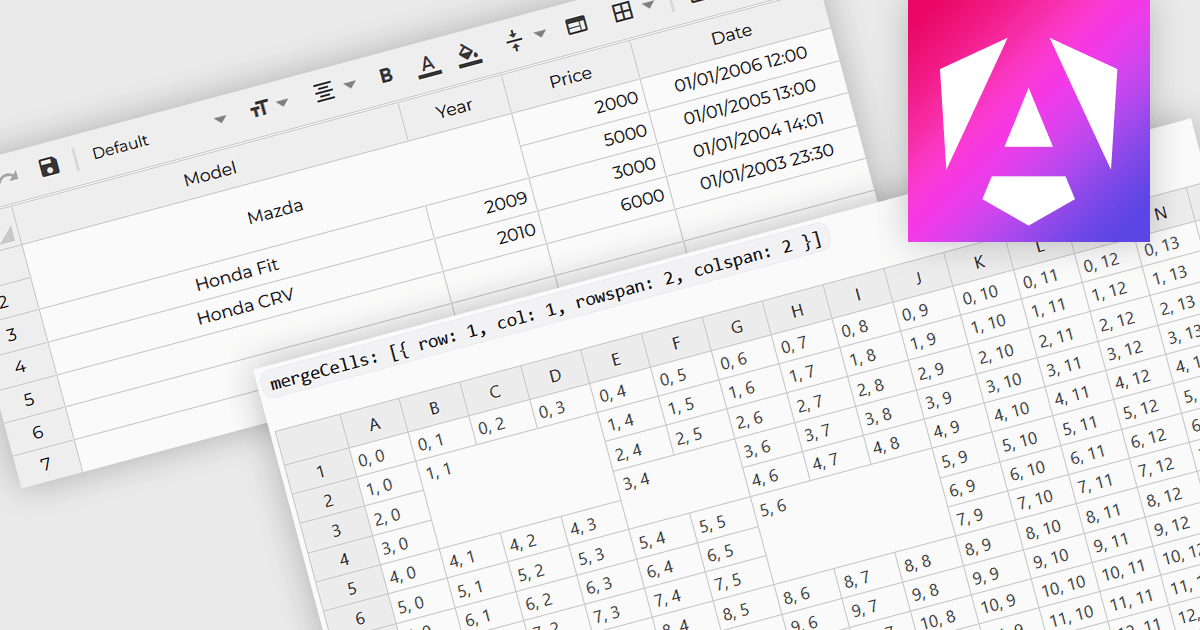
Cell merging refers to a grid component's ability to combine adjacent cells, either horizontally or vertically, to create a single unified cell. This is often used to display related data more efficiently by avoiding redundancy and improving the visual organization of complex datasets. For software developers, the benefit of cell merging lies in enhancing readability and clarity when representing hierarchical or grouped information. By merging cells, developers can present data in a more structured way, reducing clutter and allowing users to focus on key information without the distraction of repeated values.

Several Angular grid controls offer support for merging cells including:

  • Wijmo FlexGrid (part of Wijmo by MESCIUS) lets you seamlessly merge cells to create dynamic layouts, improving data presentation and reducing redundancy.
  • Syncfusion Grid control for JavaScript (part of Syncfusion Essential Studio Enterprise) allows you to merge cells for a cleaner, more structured display of grouped data.
  • Handsontable (by Handsoncode) facilitates efficient cell merging, making it easy to organize complex datasets for enhanced readability and focus.
  • Jspreadsheet Pro Data Grid (part of Jspreadsheet Pro) lets you merge cells across rows or columns, offering a flexible way to handle large, hierarchical data structures.

For an in-depth analysis of features and price, visit our Angular grid controls comparison.

Compare Angular Grid Controls