








Fournisseur officiel
Comme nous somme les distributeurs officiels et autorisés, nous vous fournissons des licences légitimes directement à partir de 200+ éditeurs de logiciels.
Voyez toutes nos marques.
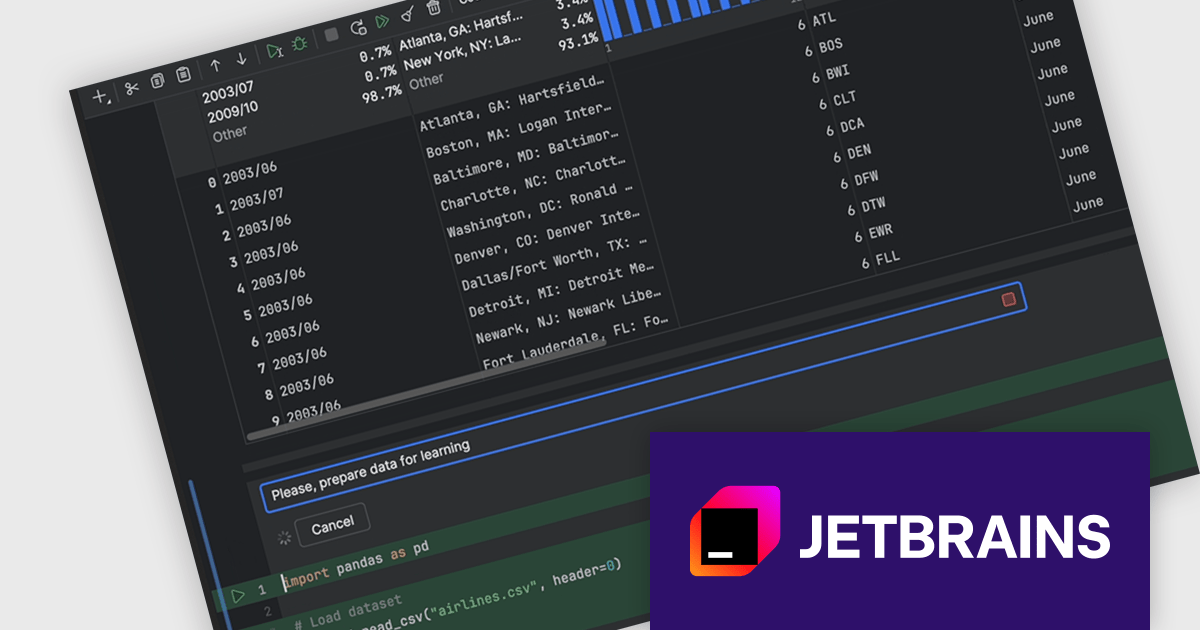
DataSpell by JetBrains is an Integrated Development Environment (IDE) specifically designed for data analysts and engineers. It allows you to write Python scripts, run SQL queries, analyze data in Jupyter notebooks, manage dbt workflows, and connect to databases, all within one seamless interface. DataSpell empowers you to stay focused on exploring insights and delivering high-quality results by combining rich data analysis tools with features like real-time error checking, code quality analysis, and built-in support for best practices like testing and documentation.
The DataSpell 2024.2 release improves its AI Assistant which now seamlessly integrates into Jupyter notebooks, transforming them into intelligent coding environments. With AI cells, you can effortlessly request code generation, seek guidance on the next analytical steps, refine existing code, and troubleshoot errors directly within your notebook. This innovative feature empowers users to accelerate their data science workflows, enhance code quality, and unlock new possibilities through collaborative interaction with AI.
To see a full list of what's new in version 2024.2, see our release notes.
DataSpell is licensed per user as a commercial annual subscription. See our DataSpell licensing page for full details.
DataSpell is available to buy in the following products:
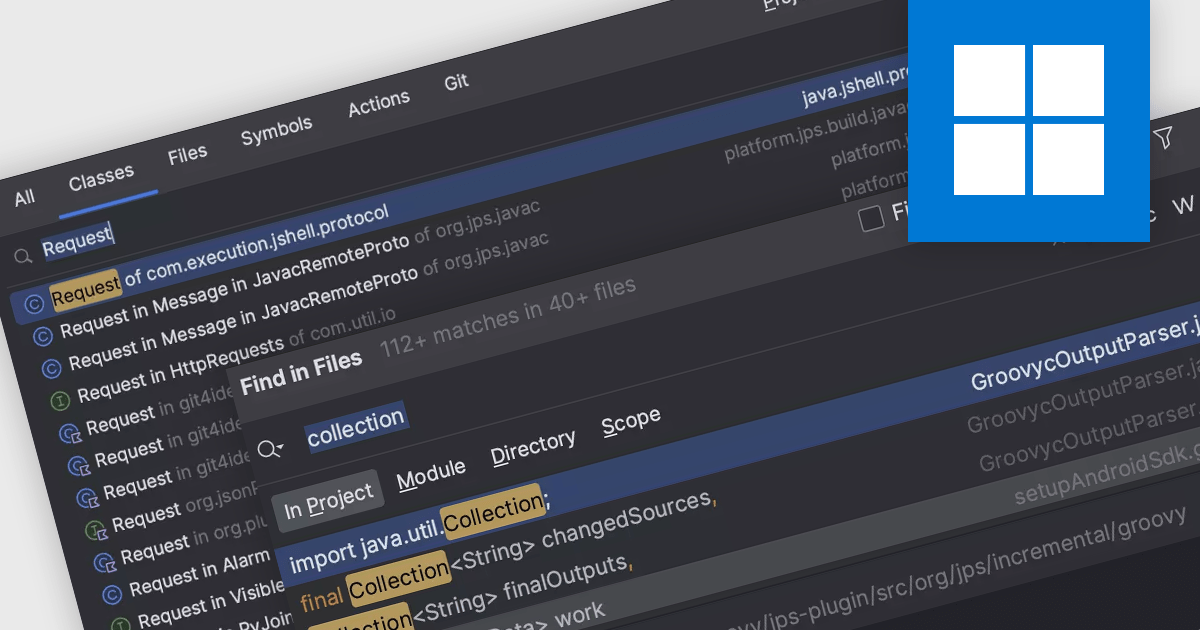
Code navigation offers the ability to efficiently move between different parts of a codebase, such as functions, classes, variables, and other code elements. Effective code navigation significantly improves productivity and maintainability by reducing the time spent searching for code and enhancing overall comprehension.
Several IDEs offer support for code navigation including:
For an in-depth analysis of features and price, visit our IDEs comparison.
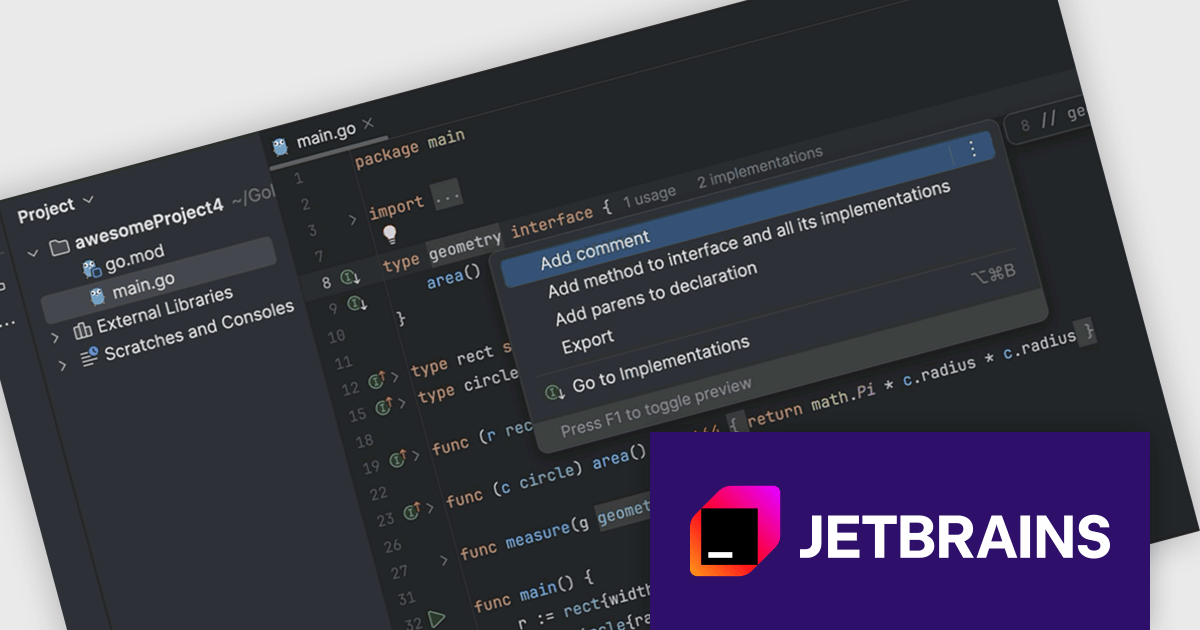
JetBrains GoLand is a dedicated integrated development environment (IDE) designed for Go programmers. It offers comprehensive features like intelligent code completion, advanced debugging tools, built-in testing frameworks, and code navigation aids for both individual and collaborative development. GoLand's focus on efficiency and productivity, along with its seamless integration with other JetBrains tools, makes it a powerful choice for professional Golang development.
The GoLand 2024.2 update significantly enhances developer productivity with the introduction of the 'Add method to interface and all its implementations' refactoring. This powerful new feature streamlines the process of modifying interface contracts by allowing you to add a new method to an interface and automatically generate corresponding method stubs in all implementing classes with a single action. This saves valuable time and reduces the risk of errors associated with manual code changes, enabling developers to focus on core functionality and maintain code consistency across the entire project.
To see a full list of what's new in version 2024.2, see our release notes.
GoLand is licensed per user, and is available as a commercial annual subscription license. We can supply new subscriptions, subscription renewals (including continuity discounts), lapsed renewals, and additional user licenses. See our GoLand licensing page for full details.
GoLand is available to buy in the following products:
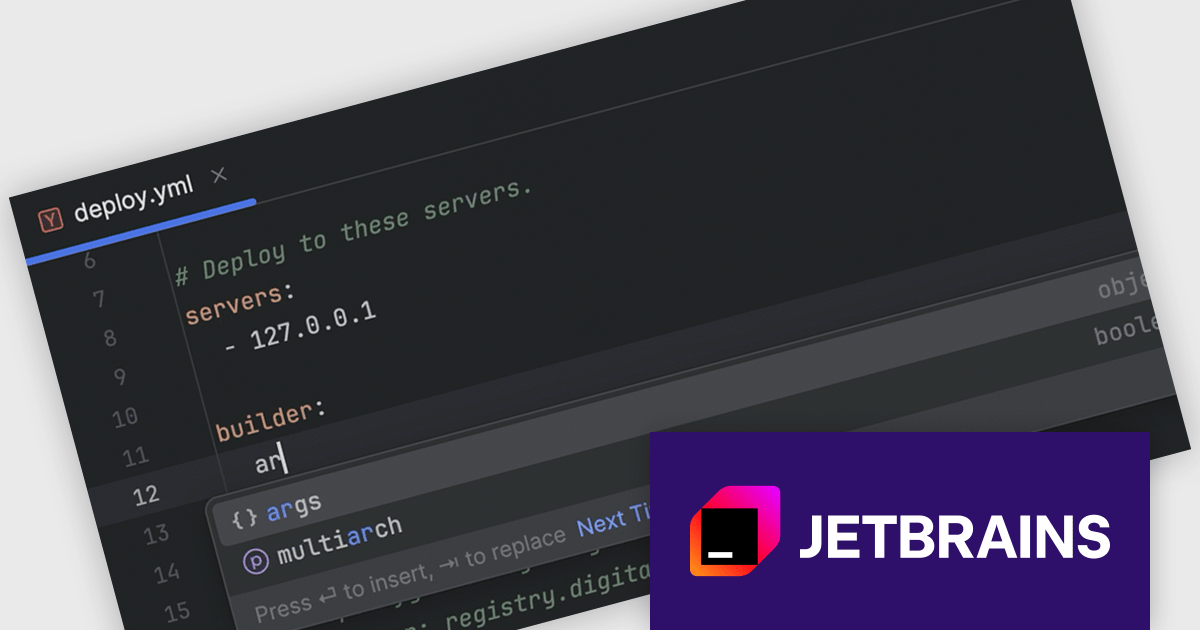
RubyMine by JetBrains is a powerful Integrated Development Environment (IDE) specifically designed for Ruby and Ruby on Rails development. It offers a comprehensive suite of features to boost your coding efficiency, including smart code completion, syntax highlighting, code refactoring tools, built-in debugging and testing frameworks, and seamless integration with popular libraries and databases. Whether you're a seasoned Rails developer or just starting out, RubyMine's intuitive interface and robust features can help you write cleaner, more maintainable code and accelerate your development workflow.
The RubyMine 2024.2 release enhances support for Kamal with code completion for configuration files. When working with deploy.yaml and .env files, you will benefit from intelligent code suggestions tailored to Kamal-specific properties, significantly improving your efficiency and accuracy. This feature streamlines the configuration process, reduces errors, and enhances your overall development experience with Kamal.
To see a full list of what's new in version 2024.2, see our release notes.
RubyMine is licensed per user, and is available as a commercial annual subscription license. We can supply new subscriptions, subscription renewals (including continuity discounts), lapsed renewals, and additional user licenses. See our RubyMine licensing page for full details.
RubyMine is available to buy in the following products:
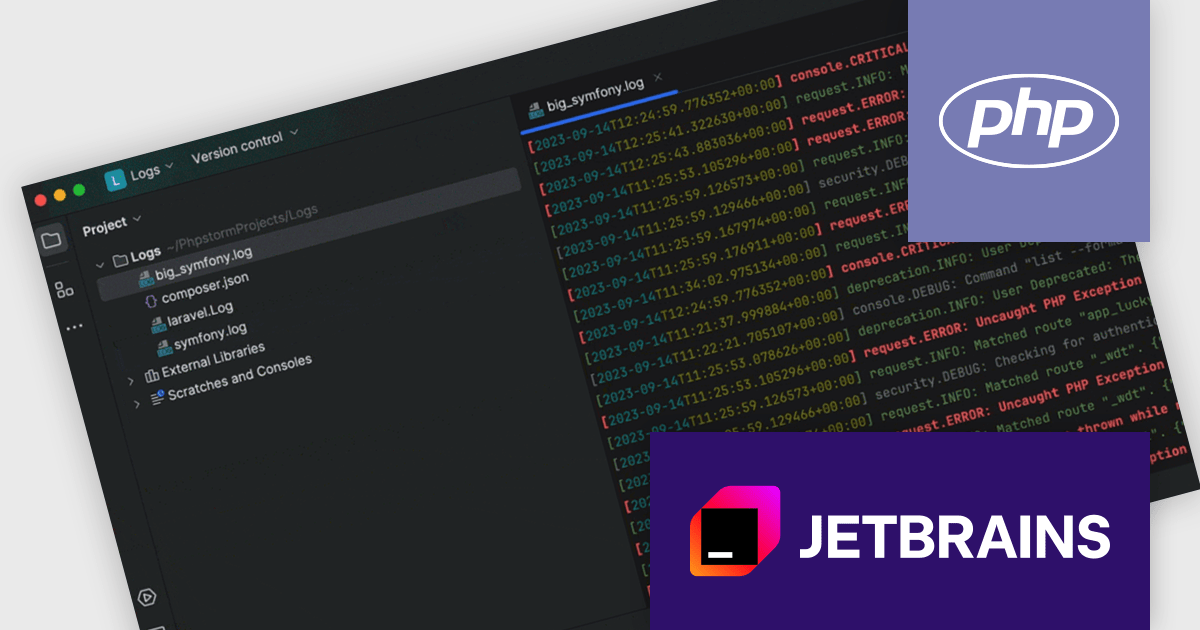
PhpStorm by JetBrains is a sophisticated Integrated Development Environment (IDE) specifically designed for PHP and web development. It offers a range of features to enhance your coding experience, including syntax highlighting, intelligent code completion, on-the-fly error detection, built-in debugging tools, and advanced code refactoring capabilities. Additionally, it supports various web technologies like HTML, CSS, and JavaScript, making it a versatile tool for building complete web applications.
The PhpStorm 2024.2 release introduces robust support for Laravel, Symfony, and WordPress log files, enhancing your debugging and troubleshooting capabilities. You can now directly inspect log files within the IDE, benefiting from features like syntax highlighting for dates, times, and event severity levels. Hyperlinks within log entries provide quick access to relevant code sections, streamlining your investigation process and accelerating issue resolution.
To see a full list of what's new in version 2024.2, see our release notes.
PhpStorm is licensed per user, and is available as a commercial annual subscription license. We can supply new subscriptions, subscription renewals (including continuity discounts), lapsed renewals, and additional user licenses. See our PhpStorm licensing page for full details.
PhpStorm is available to buy in the following products:





Tél : (888) 850 9911
Fax : +1 770 250 6199


