








Fournisseur officiel
Comme nous somme les distributeurs officiels et autorisés, nous vous fournissons des licences légitimes directement à partir de 200+ éditeurs de logiciels.
Voyez toutes nos marques.
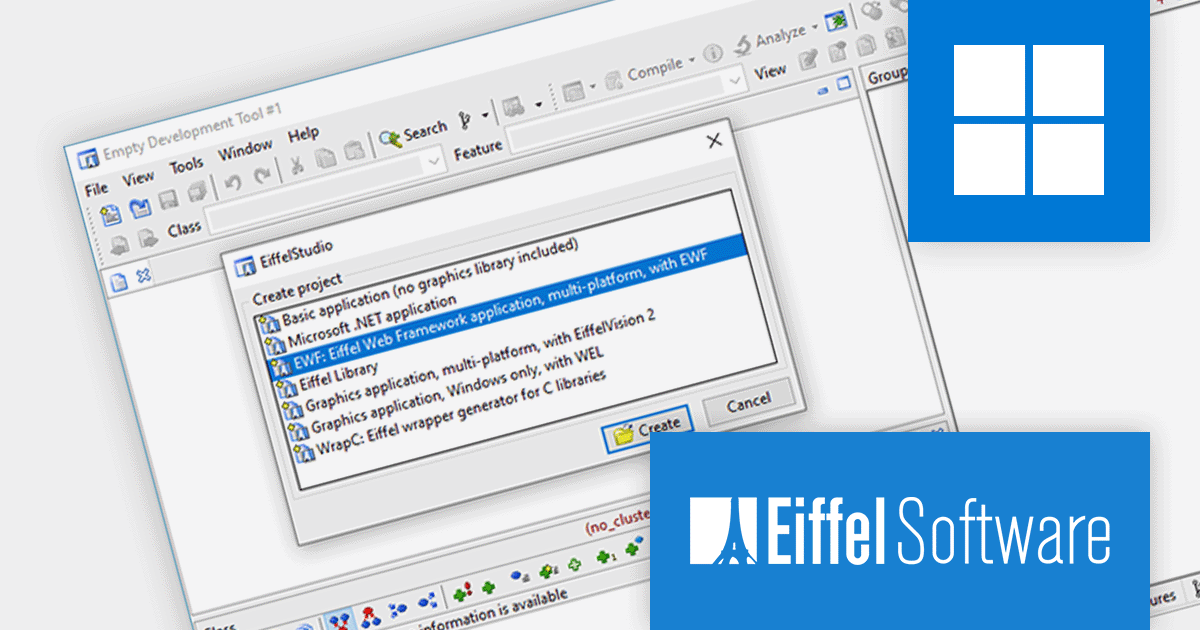
EiffelStudio is an integrated development environment (IDE) for the Eiffel programming language. It provides a comprehensive set of tools and services for developing, testing, and deploying Eiffel applications. EiffelStudio includes a compiler, interpreter, debugger, browser, metrics tool, profiler, diagram and code inspector tool, and more. EiffelStudio provides Eiffel programmers with everything they need to write, test, and deploy their applications.
EiffelStudio 23.09 offers a major improvement with full cross-platform support thanks to a new .NET implementation. This allows developers to create Eiffel applications that run on any device, from the Web to desktops to mobile platforms. The Eiffel .NET compiler now supports .NET Core (targeting .NET 6 and .NET 7) on Microsoft Windows, Linux, and other platforms. This opens up a whole new ecosystem to Eiffel developers, enabling them to build applications that will deploy and run on all major platforms without any changes.
To see a full list of what's new in version 23.09, see our release notes.
For more information, visit our EiffelStudio product page.
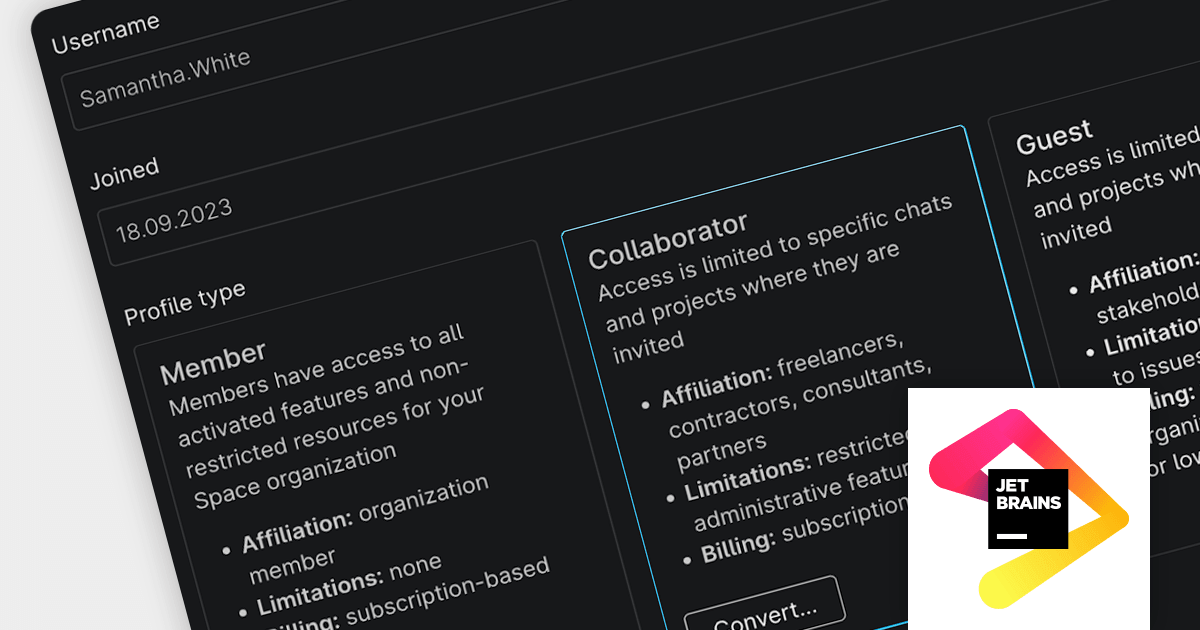
Space is an all-in-one team collaboration platform that tightly integrates communication, process management and software development tools in a single Web or desktop interface.
The latest release of Space adds a Collaborator role, which allows you to involve external users directly in your pipeline to increase productivity, shorten the feedback cycle and deliver results faster. It also ensures that all project information is in one place and increases the transparency of your development process and ease of collaboration. Additionally, administrators can choose to grant Collaborators additional permissions, such as the ability to create and edit projects, teams, and other resources.
To see a full list of what’s new in the new version, see our release notes.
For more information, visit our Space product page.
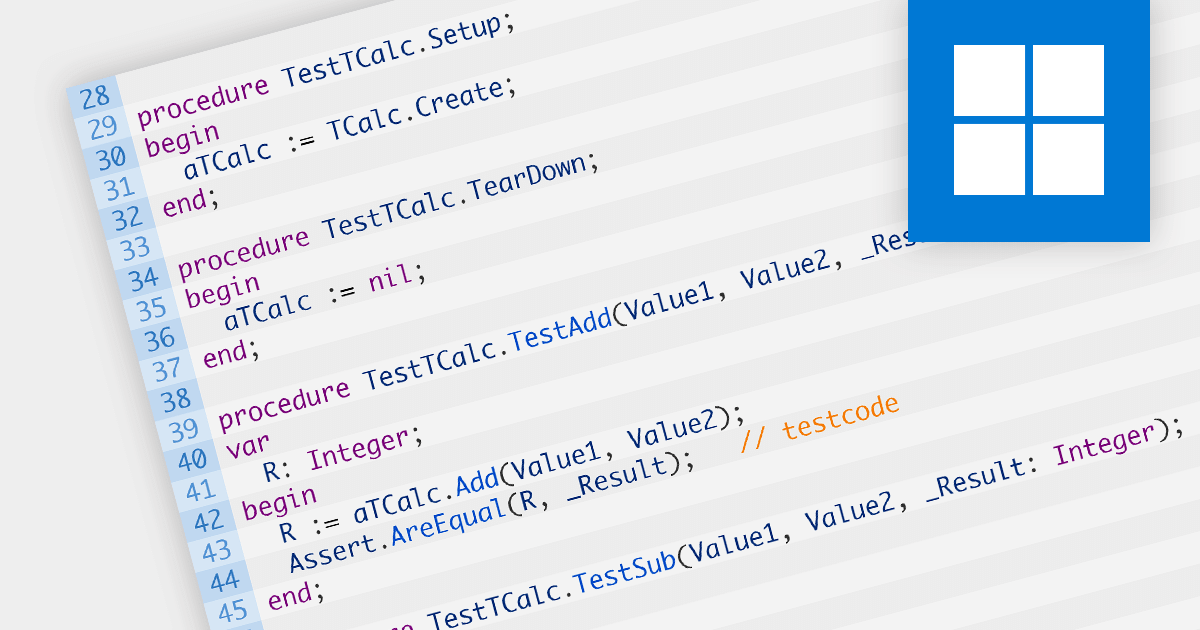
Unit testing involves testing individual units of code to ensure their correctness and functionality. It focuses on testing small, isolated parts of a program, typically individual functions or methods, in isolation from the rest of the system. Unit testing helps identify bugs early in the development cycle, promotes code reusability, and improves overall code quality and maintainability.
Several IDEs offer unit testing including:
For an in-depth analysis of features and price, visit our comparison of IDEs.
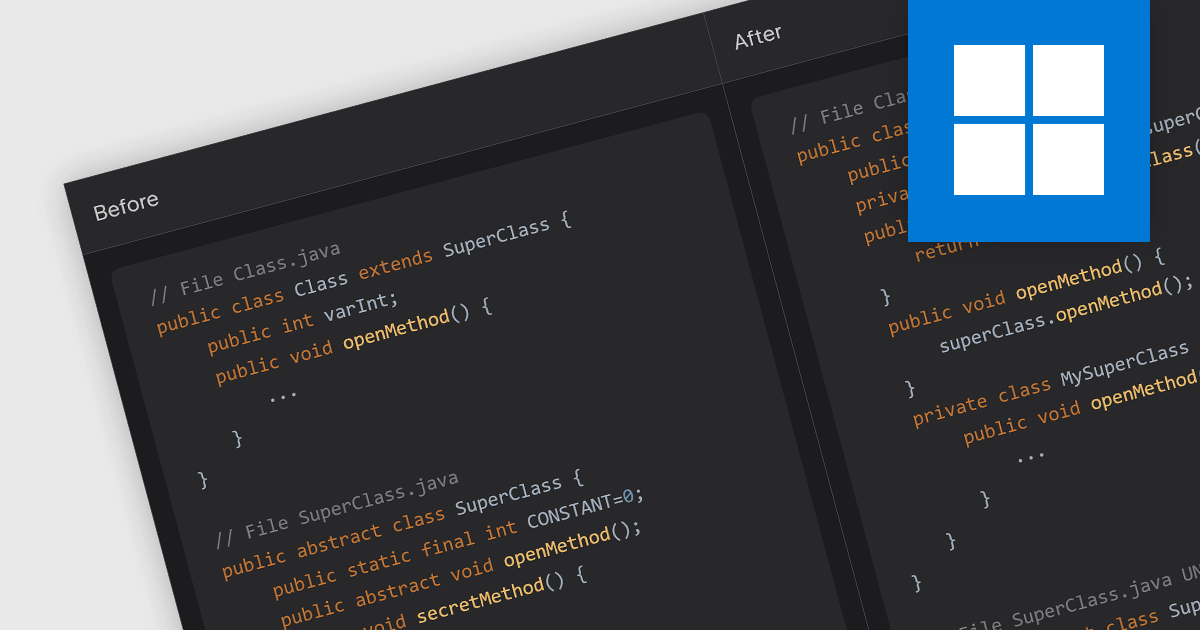
Code refactoring is the process of restructuring existing code without changing its external behavior. It typically includes actions such as renaming variables, extracting methods, rearranging code blocks, and optimizing algorithms. Refactoring can improve the readability, design, structure, performance, and/or implementation of the software, without altering its functionality.
Several IDEs offer code refactoring capabilities, including:
For an in-depth analysis of features and price, visit our comparison of IDEs.
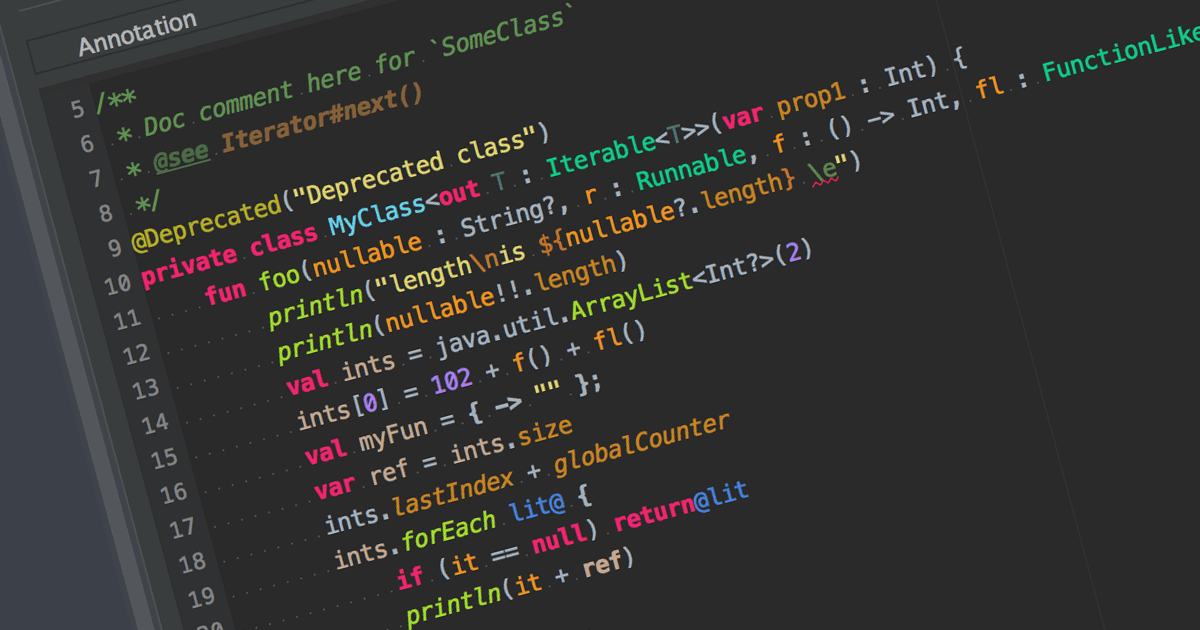
Syntax highlighting is a feature in text editors and IDEs that colorizes code based on programming language syntax. It improves code readability by visually differentiating keywords, variables, and other elements. This reduces syntax-related errors, helping developers quickly spot mistakes and better understand the structure and logic of their code.
Many IDEs offer syntax highlighting, including:
For an in-depth analysis of features and price, visit our comparison of IDEs.





Tél : (888) 850 9911
Fax : +1 770 250 6199


