








Fournisseur officiel
Comme nous somme les distributeurs officiels et autorisés, nous vous fournissons des licences légitimes directement à partir de 200+ éditeurs de logiciels.
Voyez toutes nos marques.
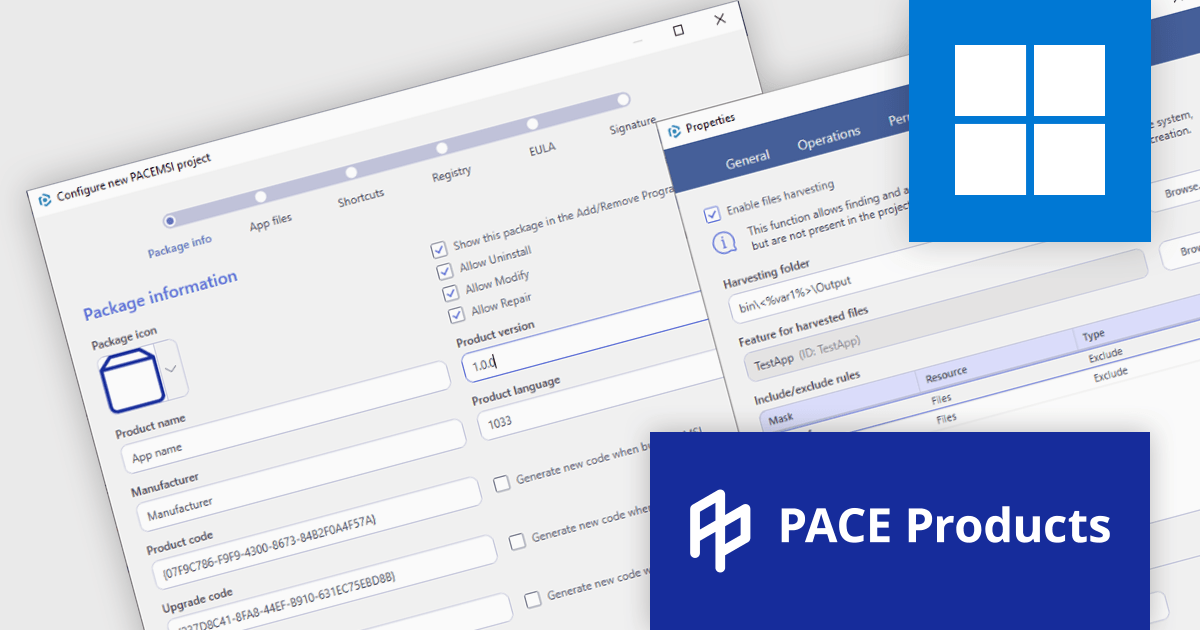
PACE Suite by Infopulse is an application packaging tool that streamlines the creation, editing, and deployment of software installers. It supports various formats like MSI, MSIX, and AppX, and allows for capturing installations, customizing packages, and automating quality checks. Additionally, PACE Packager Hub, a companion product, provides workflow management and team collaboration functionalities for efficient application packaging operations.
The PACE Suite 6.2 update introduces a File Harvesting feature that simplifies MSI creation by automatically capturing dynamic files generated during compilation. This function, which is automatically invoked on each MSI package creation, finds and adds files that exist in a specified folder on the file system but are not present in the project. Additionally, you can apply inclusions/exclusion filters to identify only the files needed, it can work with relative and absolute paths, and it supports user-defined variables in paths. This eliminates the need for manual file selection, reducing errors and ensuring all necessary components are included in your installer for a smooth deployment process.
To see a full list of what's new in 6.2, see our release notes.
PACE Suite is licensed per user and is available as both subscription and perpetual licenses with 1 year support and maintenance. See our PACE Suite licensing page for full details.
For more information, visit our PACE Suite product page.

Executable file authoring capabilities within installation tools streamline the deployment process for developers. By integrating the installation logic directly into the executable (.exe) file, users simply need to run this single file. This eliminates the need for separate installers and automates tasks like file copying, registry modifications, and shortcut creation, ensuring compatibility with the target Windows environment.
Several installation tools offer EXE authoring including:
For an in-depth analysis of features and price, visit our Installation Tools comparison.
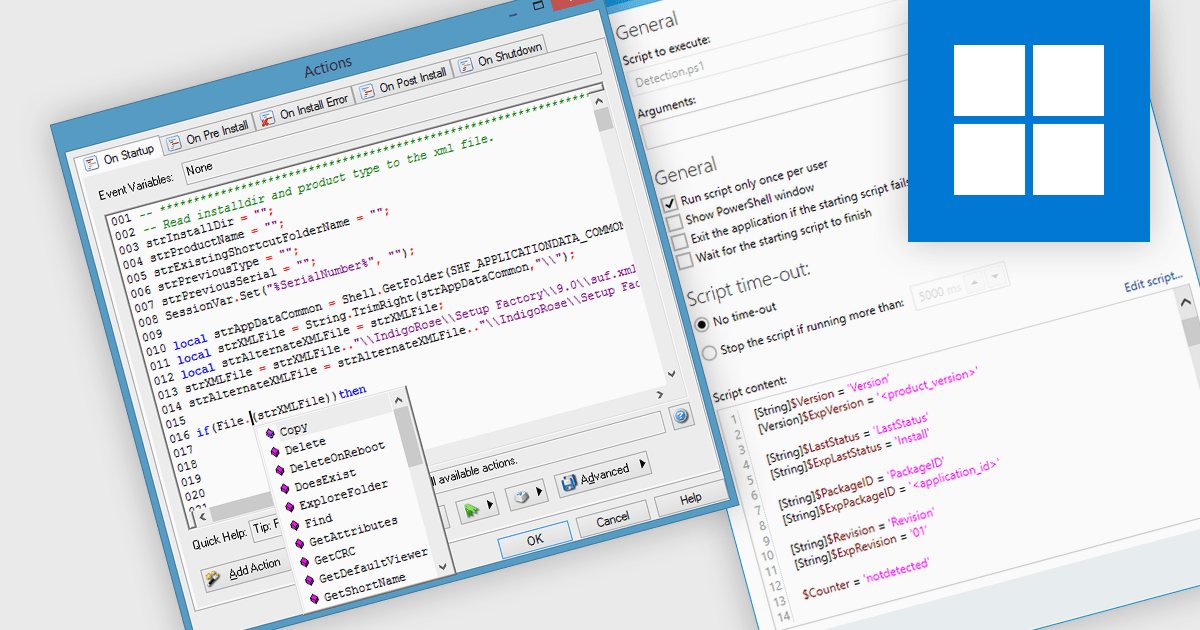
Installation tools leverage scripting to handle conditional logic, enabling the installation to adapt to different system configurations or user selections. Scripting plays a vital role in streamlining Windows installation tools. By employing languages like PowerShell or batch files, IT professionals can automate repetitive tasks during deployment, such as software installation, configuration adjustments, and user environment setup. This not only reduces manual effort and human error but also ensures consistency and efficiency in provisioning large numbers of Windows machines.
Several installation tools offer support for scripting, including:
For an in-depth analysis of features and price, visit our Installation Tools comparison.
TeamCity On-Premises by JetBrains is a self-hosted solution for Continuous Integration and Continuous Delivery (CI/CD). It automates the software build, testing, and deployment process, allowing development teams to identify and fix bugs early, and deliver high-quality software faster. TeamCity On-Premises provides features like on-the-fly build progress reporting, pre-tested commits, and configuration as code for increased development efficiency and control.
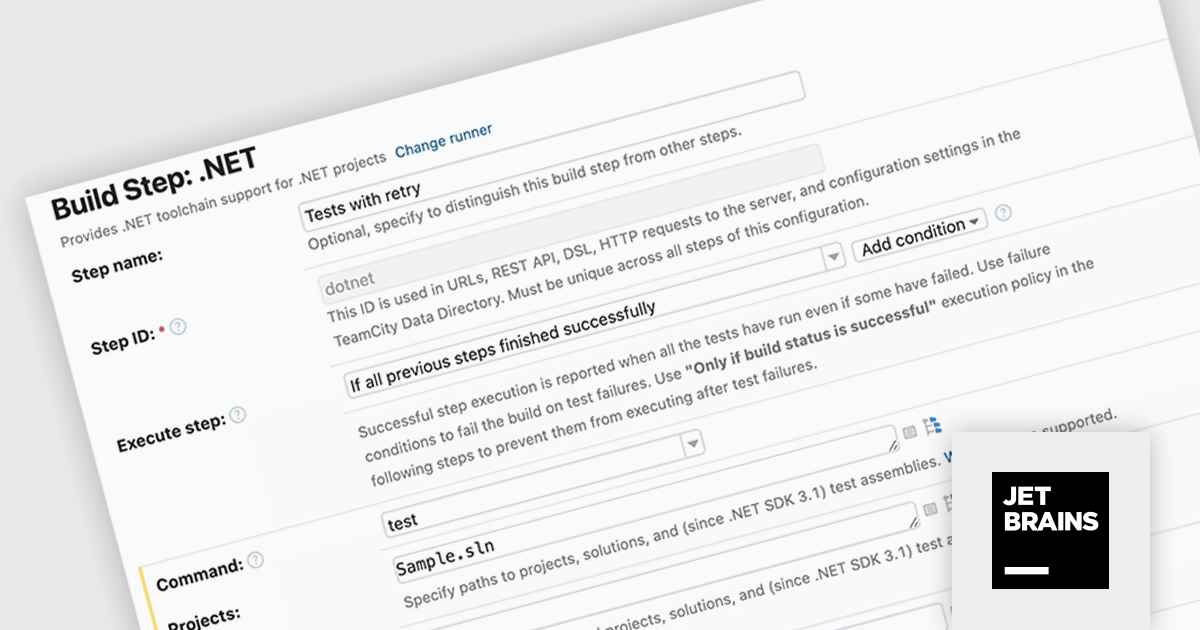
The TeamCity On-Premises 2024.03 release adds new .NET test retry policies to help mitigate transient test failures. These are tests that intermittently pass or fail, often due to external factors outside the control of your test code. By retrying failed tests, you can improve the overall stability of your builds and ensure they only fail due to genuine issues.
To see a full list of what's new in version 2024.03, see our release notes.
TeamCity On-Premises is licensed per server and per build agent, and is available as a commercial perpetual license. See our TeamCity On-Premises licensing page for full details.
For more information, visit our TeamCity On-Premises product page.
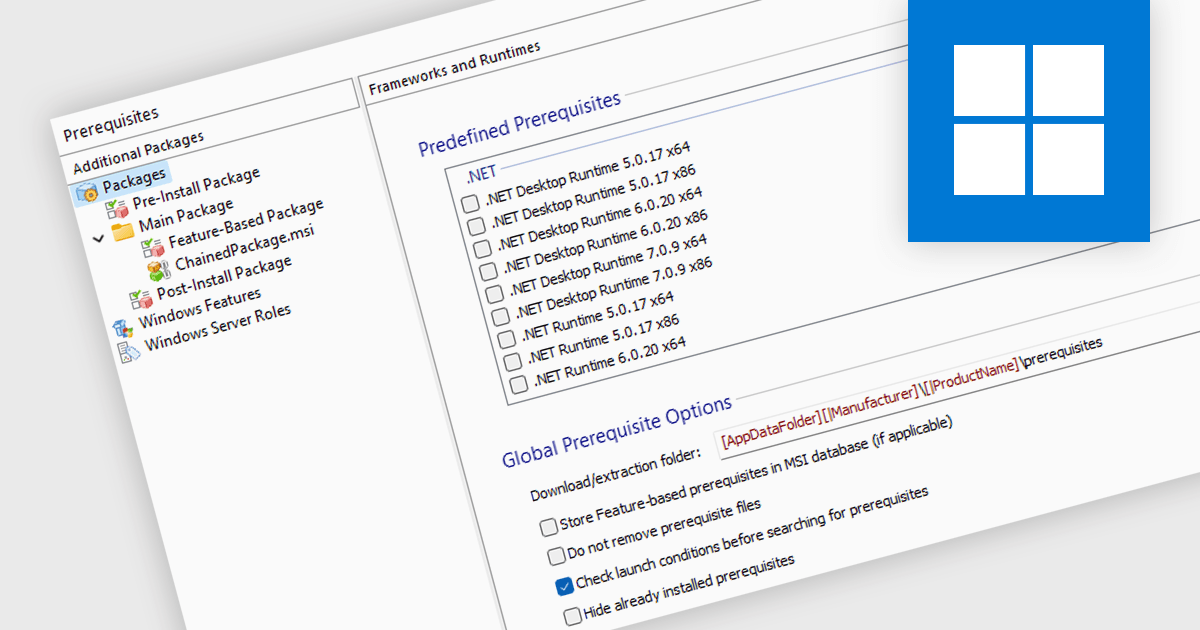
Prerequisite management refers to the functionality within an installation tool that automates the verification and installation of software dependencies required for a successful primary software deployment. This streamlines the installation process, reduces the risk of errors caused by missing dependencies, and ensures a consistent environment for the target software to run.
Several Installation Tools provide prerequisite management features, including:
For an in-depth analysis of features and price, visit our comparison of Installation Tools.





Tél : (888) 850 9911
Fax : +1 770 250 6199


