








Fournisseur officiel
Comme nous somme les distributeurs officiels et autorisés, nous vous fournissons des licences légitimes directement à partir de 200+ éditeurs de logiciels.
Voyez toutes nos marques.
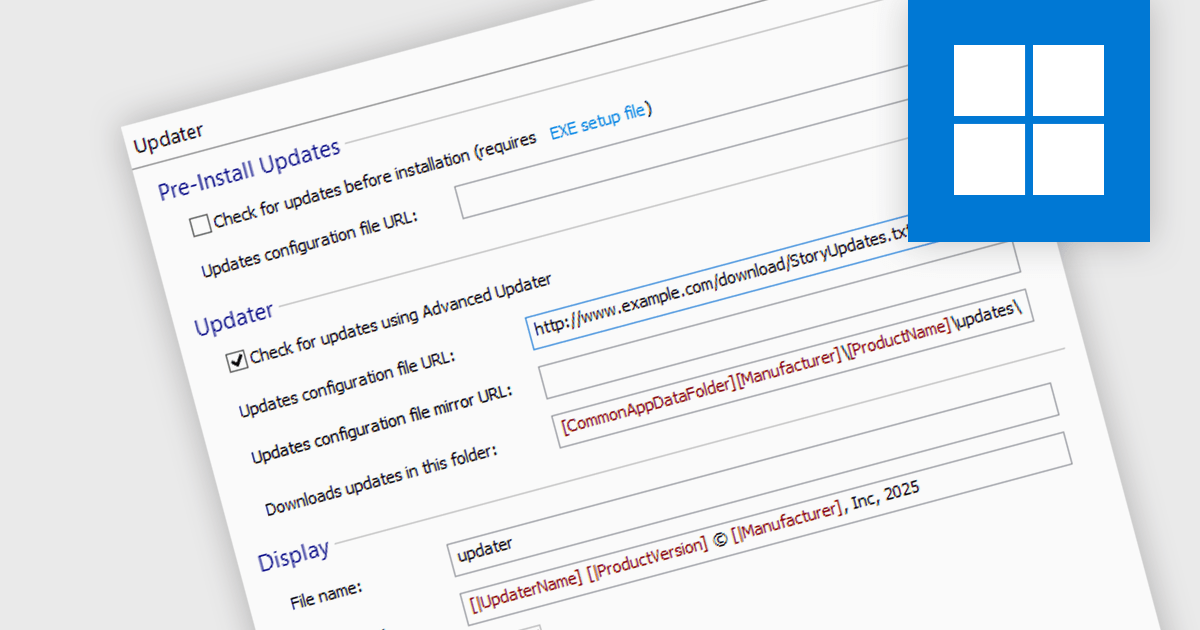
Automatic update / patching functionality allows software to download and apply updates without user intervention. This keeps applications secure, stable, and up to date by quickly addressing vulnerabilities, improving performance, and adding new features. For developers, it simplifies maintenance by reducing manual patching, minimizing downtime, and ensuring consistency across deployments. By automating updates, software stays aligned with evolving security requirements and compatibility standards, improving reliability and user experience while lowering operational overhead.
Several installation tools offer the ability to automatically install updates or patches including:
For an in-depth analysis of features and price, visit our comparison of installation tools.
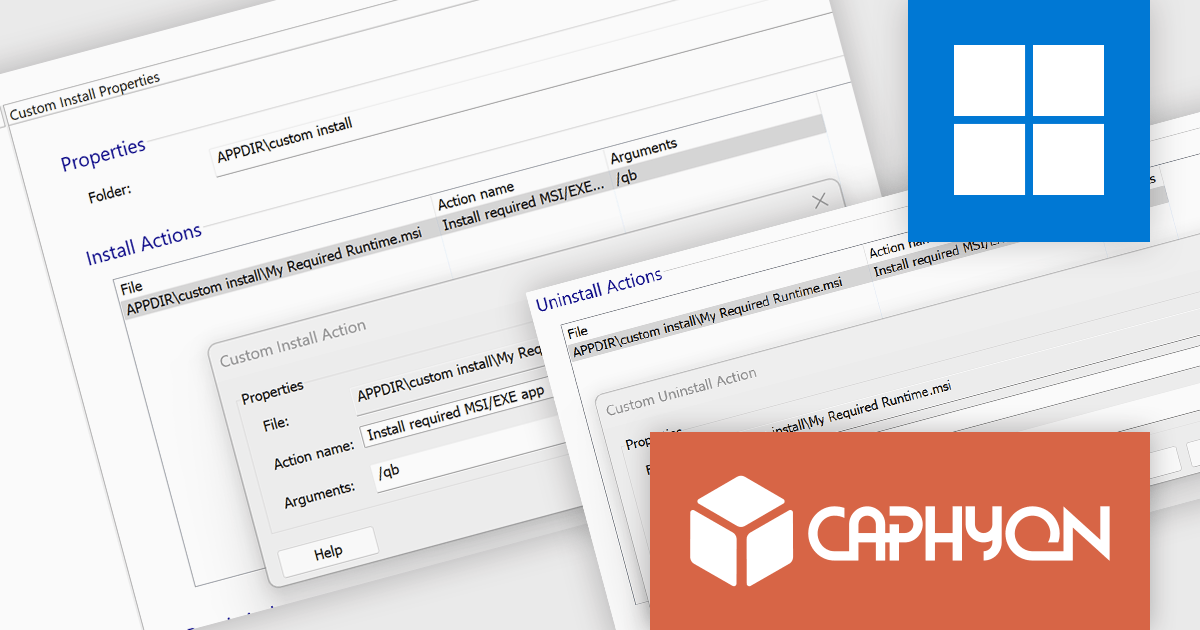
Advanced Installer by Caphyon is a versatile software packaging tool used by developers, IT administrators, and software vendors to create reliable, professional-grade installation packages. It simplifies the deployment process for applications across various platforms, offering features like built-in compliance checks, configuration of server roles, and seamless integration with development frameworks. By automating complex tasks, it helps teams save time and reduce errors, making it an indispensable tool for deploying enterprise applications, client-server solutions, and cloud-connected software.
The Advanced Installer 22.4 update introduces enhanced installation control through the Custom Install Declaration, allowing developers to define precise installation parameters and manage runtime dependencies more effectively. This feature ensures a more flexible deployment process by enabling custom installation conditions and actions, reducing post-installation overhead. Additionally, it streamlines the uninstallation process by providing an option to automatically remove associated runtimes when an MSIX package is uninstalled, preventing orphaned dependencies and maintaining system integrity. With these improvements, developers gain greater control over application deployment, ensuring a cleaner, more efficient installation experience for end users.
To see a full list of what's new in version V22.4, see our release notes.
Advanced Installer is licensed per user and is available as an annual or perpetual license with 1 year support and maintenance. See our Advanced Installer licensing page for full details.
For more information, visit our Advanced Installer product pages:
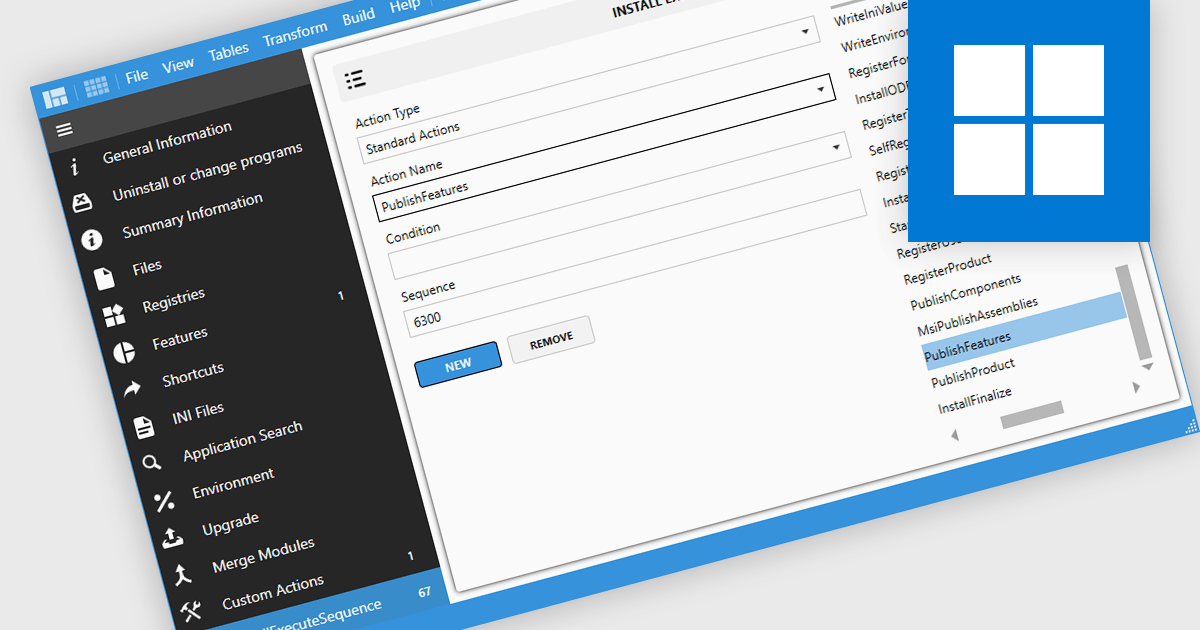
Installation tools that integrate with Windows' "Add or Remove Programs" feature allow developers to seamlessly register, modify, repair, or uninstall their applications through the system’s centralized management interface. This feature, part of the Windows "Programs and Features" utility, provides a consistent way for users to manage software. By leveraging these tools, developers can ensure their applications follow Windows standards for installation and uninstallation, while also customizing behaviors to suit specific needs. This integration not only streamlines software maintenance but also enhances user experience, reduces configuration errors, and ensures better alignment with system management practices.
Several installation tools offer Add & Remove Programs management including:
For an in-depth analysis of features and price, visit our comparison of Installation Tools.
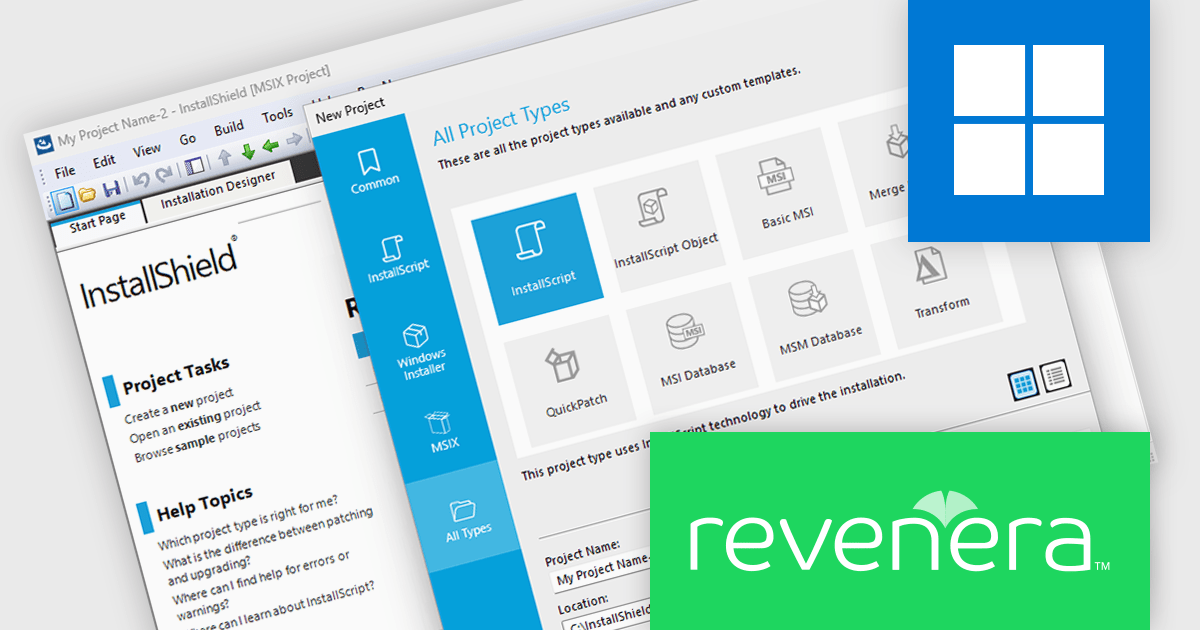
InstallShield by Revenera is a leading Windows installation development solution that specializes in building installers and managing software packages. InstallShield offers a streamlined interface and comprehensive features, enabling developers to efficiently create professional installers, configure prerequisites, manage updates, and customize the installation experience for diverse user needs.
The InstallShield 2024 R2 release introduces support for Windows Server 2025. This crucial enhancement empowers developers to proactively define installation conditions specifically tailored for this new operating system. By leveraging this functionality, developers can ensure seamless and reliable deployments on Windows Server 2025. This translates to greater control over the installation process, allowing for customized behaviors based on the target environment. This proactive minimizes potential compatibility issues and enhances the overall user experience for those deploying applications on the latest Windows Server platform.
To see a full list of what's new in version 2024 R2, see our release notes.
InstallShield is licensed per user and is available as a 3 Year Timed Subscription. See our InstallShield Professional licensing page or InstallShield Premier licensing page for full details.
For more information, visit our InstallShield Professional or InstallShield Premier product pages.
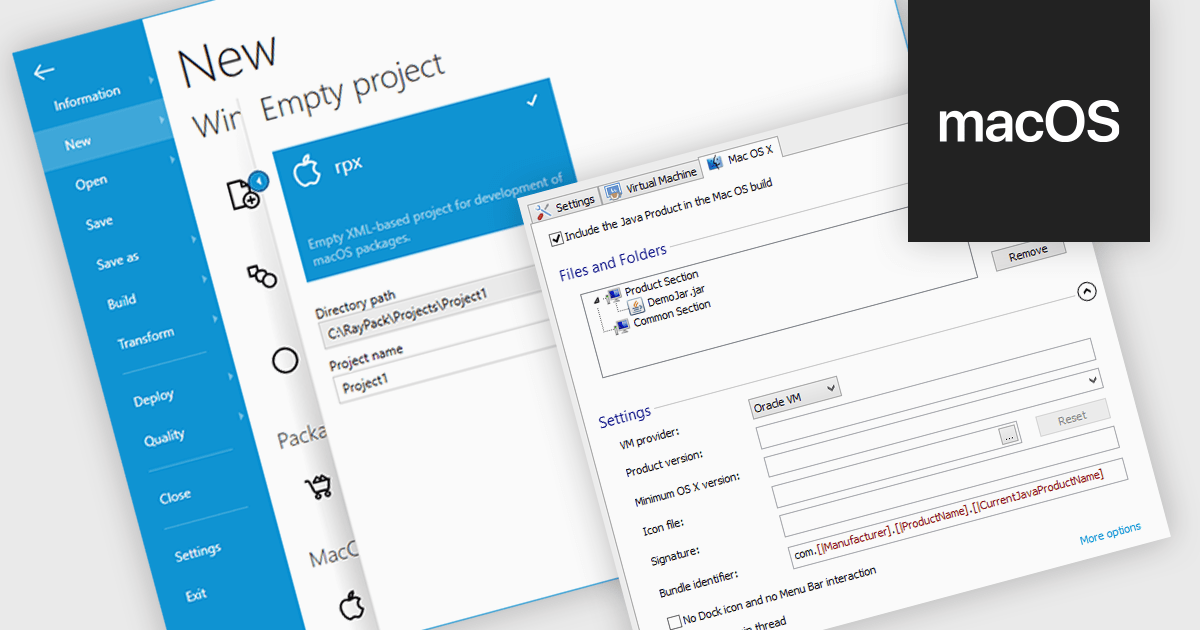
The ability to target macOS enables developers to create and distribute software packages specifically designed for Apple's operating system. This functionality allows for optimized installation processes tailored to macOS, including features like automated dependency resolution, user-friendly interfaces, and integration with macOS-specific system settings. By targeting macOS, developers can ensure a smooth and seamless user experience for their software on Apple devices, enhancing software adoption and user satisfaction.
Several installation tools create installers that target macOS including:
For an in-depth analysis of features and price, visit our installation tools comparison.





Tél : (888) 850 9911
Fax : +1 770 250 6199


