Nouvelles PDF

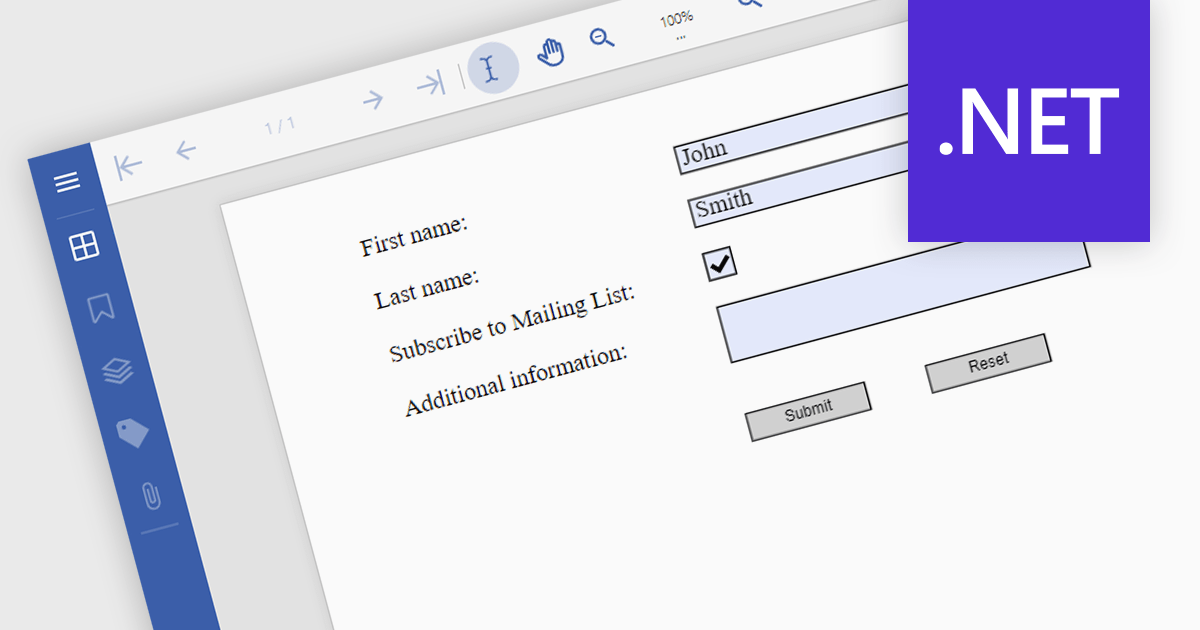
Optimisez la collecte de données avec PDF Form Submission

Août 20, 2024
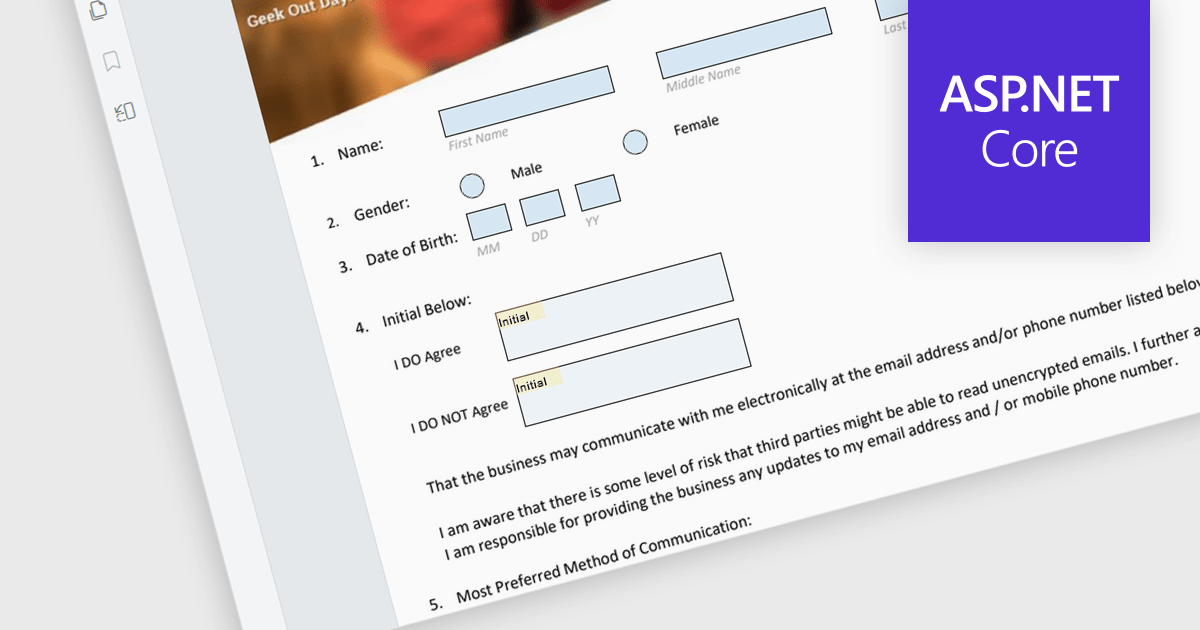
Les actions de validation permettent aux applications d’envoyer les données du formulaire PDF vers un emplacement prédéfini, ce qui simplifie la collecte et le traitement des données.

A submit action within a PDF form is a designated button or field that, when activated, sends the completed form data in a structured format, like FDF, XFDF, HTML, or PDF to a specified destination, such as a web server, email address, or database. This action streamlines data collection and processing, enabling quick and efficient transmission of information without requiring the user to manually extract or send the data. It enhances the usability of PDF forms, particularly in scenarios where timely data submission is crucial, such as in online applications, surveys, or order forms.

Several .NET PDF viewer components allow you to submit a PDF form, including:

  • Document Solutions for PDF by MESCIUS is a .NET API library containing a PDF viewer that enables users to fill, sign, and submit PDF forms for efficient data processing.
  • Telerik UI PDF for WinForms (part of Telerik UI for WinForms) augments applications with PDF form viewing and editing functionality for easy data submission.
  • XFINIUM.PDF CROSS PLATFORM EDITION offers a Viewer Edition which enables developers to add PDF form submission capabilities across various platforms.
  • Syncfusion ASP.NET Core PDF (part of Syncfusion Essential Studio Enterprise) provides web applications with PDF viewing capabilities, including a submit form action.

For an in-depth analysis of features and price, visit our comparison of .NET PDF viewer components.

Compare .NET PDF Viewer Components

Consolidez des fichiers externes dans vos PDF

Août 15, 2024
Les composants PDF WinForms, avec prise en charge des pièces jointes, vous permettent de centraliser les informations afin de rendre les workflows plus efficaces et rationalisés.

Attaching files to PDF documents involves embedding external files directly into the PDF structure. This capability offers several advantages, including consolidating related data into a single package, improving file management, and enhancing document accessibility. Practical use cases span various industries, from attaching supporting documents to invoices and contracts in business applications to embedding multimedia content like images or audio files within educational or marketing materials.

Several .NET 8 WinForms PDF components support attachments including:

  • ComponentOne Studio WinForms PDF (part of ComponentOne Studio WinForms Edition by MESCIUS) lets you easily embed and attach files within PDF documents.
  • IronPDF for .NET allows you to attach files to PDF documents programmatically, providing a robust solution for document management and distribution.
  • XFINIUM.PDF CROSS PLATFORM EDITION facilitates the attachment of files in PDFs ensuring your PDFs contain comprehensive, linked resources.
  • Syncfusion Windows Forms PDF (part of Syncfusion Essential Studio Enterprise) enables easy file attachment within PDFs, streamlining document creation.

For an in-depth analysis of features and price, visit our comparison of .NET 8 WinForms PDF components.

Compare .NET 8 WinForms PDF Components

Convertissez des pages PDF en images dans les applications WPF .NET 8

Août 1, 2024
Les composants de visionneuse PDF WPF peuvent convertir des PDF en formats d’image (JPG, PNG et TIFF) pour intégrer du contenu PDF dans des workflows basés sur des images.

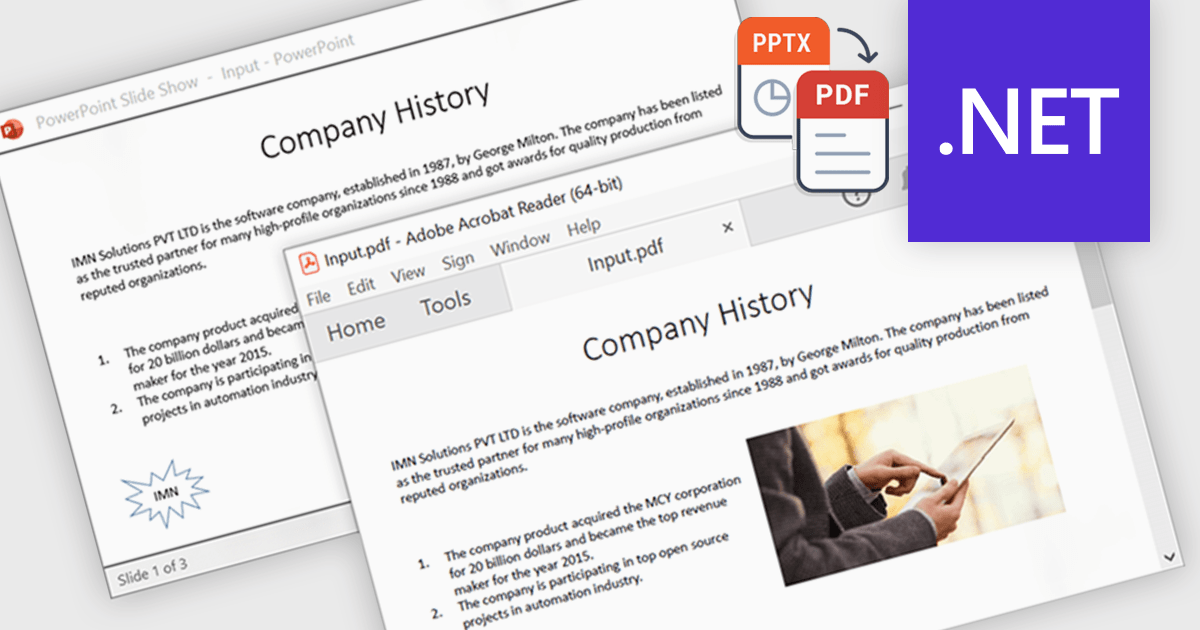
PDF to image conversion within in WPF PDF Viewer components enables developers to programmatically export individual PDF pages as images such as PNG, JPEG, or BMP. This capability enables applications to create image-based representations of PDF content, facilitating tasks such as generating thumbnails, exporting visual data, or integrating PDF content into image-centric workflows, enhancing application versatility and user experience.

Several .NET 8 WPF PDF viewer components support PDF to image conversion including:

  • ComponentOne Studio FlexViewer (part of ComponentOne Studio WPF Edition by MESCIUS) lets you convert pages or entire PDFs to various image formats in high fidelity.
  • Telerik WPF PDFViewer (part of Telerik UI for WPF) allows the conversion of PDF document pages into high-quality images for diverse applications.
  • ImageGear for .NET facilitates customizable PDF to image conversion with advanced image processing options.
  • XFINIUM.PDF Cross Platform Edition enables conversion from PDF to image with support for multiple image formats and resolutions.
  • Syncfusion WPF PDF (part of Syncfusion Essential Studio Enterprise) offers PDF to image conversion capabilities, including options for image quality, size, and format.

For an in-depth analysis of features and price, visit our comparison of .NET 8 WPF PDF Viewer Components.

Compare .NET 8 WPF PDF Viewer Components

Protégez les PDF à l’aide d’un mot de passe dans votre application WPF

Août 1, 2024
Les contrôles PDF WPF, offrant des fonctionnalités robustes de protection par mot de passe, permettent d'afficher, de modifier, de créer en toute sécurité des documents dans le framework.

Password protection in a PDF component is a security feature enabling the encryption of PDF documents to restrict unauthorized access. Crucial for applications where sensitive data is handled, setting passwords ensures that only authorized individuals can view or make changes to the document, thereby protecting confidential information from unauthorized access and data breaches. This functionality safeguards sensitive information by controlling who can view, modify, print, or copy the document's content, providing an essential layer of protection for confidential data and increasing the trustworthiness of the application that holds it.

Several Windows Presentation Foundation (WPF) PDF components allow you to add password protection to PDF files, including:

  • ComponentOne Studio WPF PDF by MESCIUS enables you to easily add password protection to PDF files, ensuring secure document access and control in WPF applications.
  • Telerik UI PDF for WPF (part of Telerik UI for WPF) facilitates adding password protection to PDFs, enhancing security by restricting unauthorized access and modifications.
  • IronPDF for .NET by Iron Software enables developers to add user and administrator passwords to PDFs and provides comprehensive PDF protection for WPF applications.
  • XFINIUM.PDF WPF/UWP EDITION offers several PDF security features including password protection via user and owner passwords, ensuring sensitive data remains protected.

For an in-depth analysis of features and price, visit our comparison of WPF PDF components.

Compare WPF PDF Components

Améliorez la fonctionnalité de recherche PDF via les métadonnées

Juillet 25, 2024
Les composants PDF .NET, avec prise en charge des métadonnées personnalisées, améliorent la recherche et la gestion des documents grâce à l’intégration de données définies par l’utilisateur.

.NET PDF components that support custom metadata empower developers to embed rich, searchable data within PDF documents. By defining and populating custom metadata fields, organizations can significantly enhance document discoverability and retrieval. This capability is invaluable for applications requiring robust search functionality, enabling users to efficiently find documents based on specific criteria beyond standard properties. Ultimately, this leads to improved document management, streamlined workflows, and increased productivity.

Several .NET PDF viewer components allow you to create custom metadata, including:

  • Document Solutions for PDF by MESCIUS is a feature-rich library for .NET that enables users to define and attach custom metadata to PDFs, enhancing searchability.
  • XFINIUM.PDF CROSS PLATFORM EDITION allows you to create customized metadata, ensuring precise document classification with seamless cross-platform accessibility.
  • Syncfusion Blazor PDF (part of Syncfusion Essential Studio Enterprise) facilitates the addition of custom metadata, streamlining document retrieval and boosting productivity.

For an in-depth analysis of features and price, visit our comparison of .NET PDF viewer components.

Compare .NET PDF Viewer Components