








Fournisseur officiel
Comme nous somme les distributeurs officiels et autorisés, nous vous fournissons des licences légitimes directement à partir de 200+ éditeurs de logiciels.
Voyez toutes nos marques.
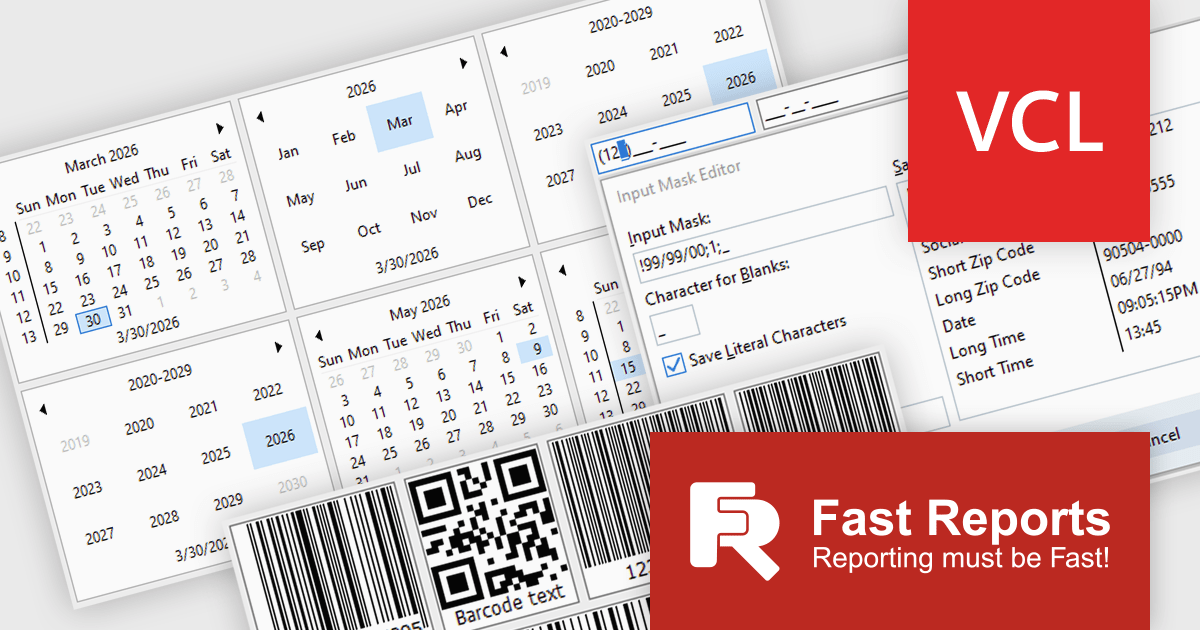
FastReport VCL Reporting Lazarus is a powerful reporting solution for the Lazarus IDE built on Free Pascal, enabling developers to design and generate rich, band oriented reports for Windows and Linux applications. It provides a visual report designer with support for text, images, tables, and scripting in multiple languages, allowing the creation of diverse report types such as invoices, catalogs, and business forms. With integrated data handling, export to widely used formats, and full source code access, it offers extensive customization and flexibility. Its cross platform compatibility, multi language support, and seamless alignment with FastReport VCL make it an efficient choice for developers building scalable, data driven applications.
The latest FastReport VCL Reporting Lazarus release introduces new UI editor components that enhance application development by providing more advanced input controls and extended customization beyond standard components. This enables developers to implement richer user interfaces with built in support for features such as barcode generation, masked input, and currency handling, reducing the need for custom development and third party libraries.
FastReport VCL Reporting Lazarus is licensed per named user and is available as a Perpetual license with 1 year of technical support and product updates. See our FastReport VCL Reporting Lazarus licensing page for full details.
Learn more on our FastReport VCL Reporting Lazarus product page.
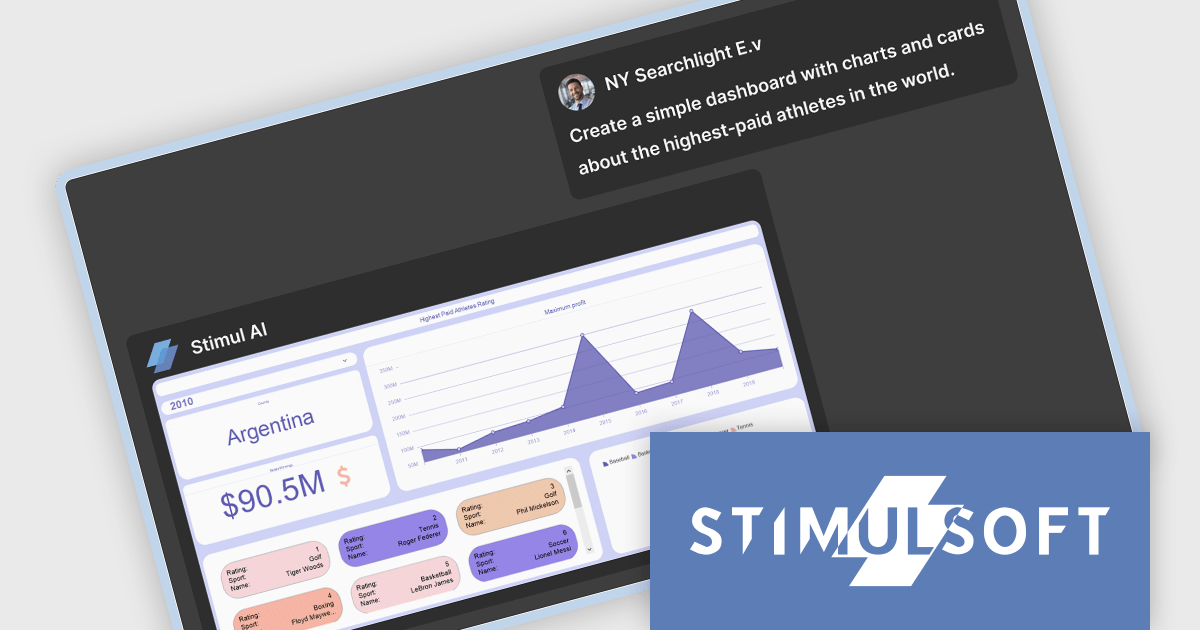
Stimulsoft BI Designer is a powerful reporting tool designed to create visually appealing and interactive reports. It allows users to design and develop complex reports with ease, integrating data from various sources and presenting it in a clear, concise, and informative manner. With its rich feature set, Stimulsoft BI Designer is widely used in diverse industries, including finance, healthcare, retail, and manufacturing, to generate reports for analysis, decision-making, and compliance purposes. Key benefits include its intuitive interface, extensive customization options, and support for multiple data sources, making it an essential tool for organizations seeking to enhance their reporting capabilities and gain valuable insights.
The Stimulsoft BI Designer 2026.2.1 update introduces an AI assistant for dashboard creation that enables developers to generate fully functional dashboards from text prompts. By supporting both new and existing data sources and handling everything from simple to complex dashboard structures, it improves implementation while maintaining flexibility. The ability to apply styles on demand further enhances efficiency, allowing developers to focus on data logic and application integration rather than UI configuration.
To see a full list of what's new in 2026.2.1, see our release notes.
Stimulsoft BI Designer is available as a perpetual license and is licensed per creator. A creator is a person who creates reports, dashboards, or forms in a standalone (desktop) designer or online designer. The creator may install one copy of the standalone (desktop) designer. See our Stimulsoft BI Designer licensing page for full details.
Stimulsoft BI Designer is available individually or as part of Stimulsoft Ultimate.
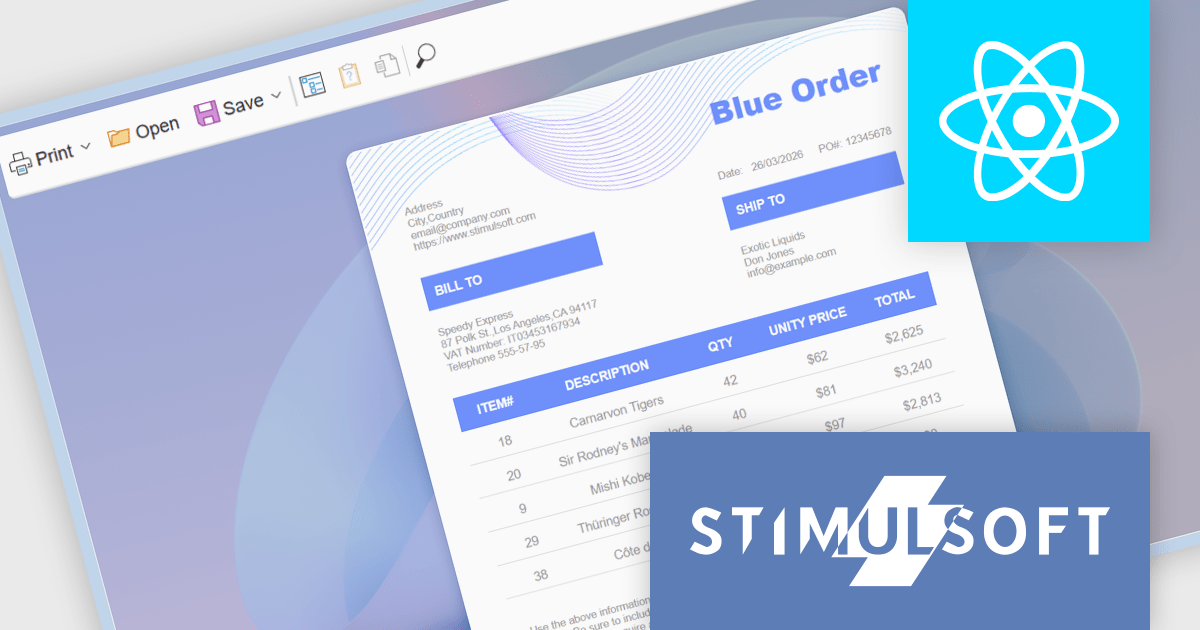
Stimulsoft Reports.WEB is a cross-platform reporting solution designed for integration within web applications. It leverages a client-server architecture for report generation, viewing, printing, and exporting directly in web browsers. Its powerful .NET report engine offers efficient report processing, a user-friendly HTML5 report designer for building reports with various data sources and visualizations, and an interactive HTML5 viewer for seamless report display within web applications. This integration allows developers to implement robust reporting functionalities without browser plugins or additional client-side dependencies.
The Stimulsoft Reports.WEB 2026.2 update introduces a native React Viewer component that allows developers to embed report viewing and interaction directly within React applications using standard npm and NuGet packages. This approach simplifies integration and deployment by aligning with familiar tooling and workflows, while the clear separation between client-side and server-side components supports scalable architecture and easier maintenance. It also enhances performance through efficient client-side rendering and provides a consistent way to deliver interactive reporting functionality within modern web development environments.
To see a full list of what's new in 2026.2, see our release notes.
Stimulsoft Reports.WEB is licensed per developer and is available as a perpetual license with 1 year support and maintenance. See our Stimulsoft Reports.WEB licensing page for full details.
Stimulsoft Reports.WEB is available individually or as part of Stimulsoft Ultimate.
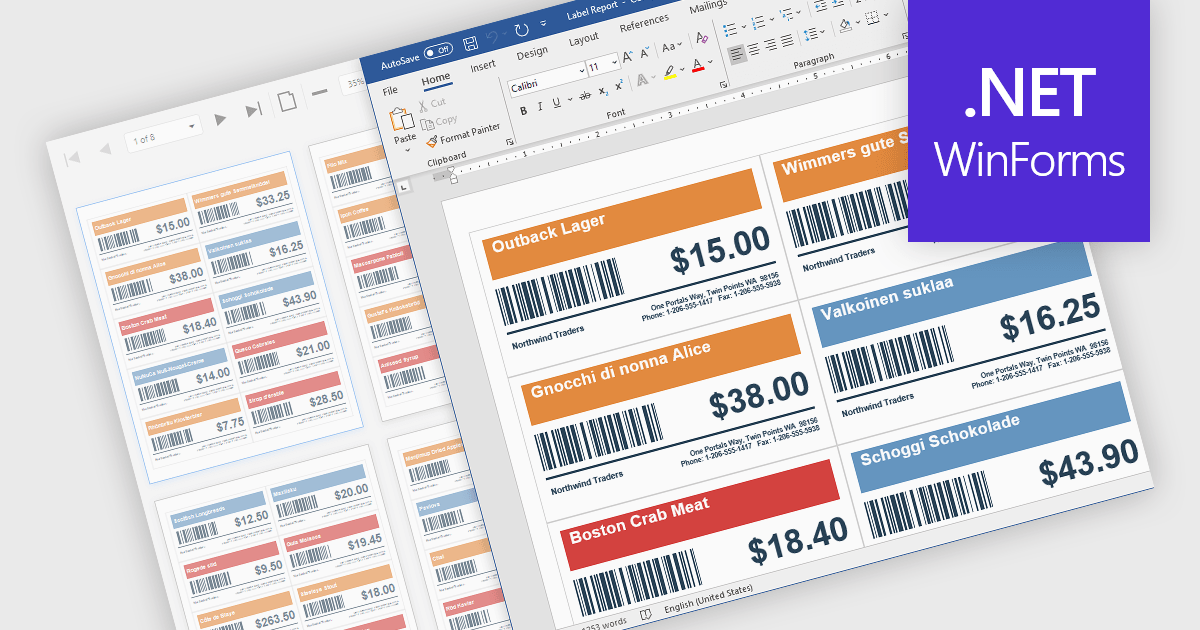
Barcodes in reports involve adding machine readable codes, such as QR codes or linear barcodes, into printed or digital reports to enable quick scanning and automated data capture. This improves accuracy by reducing manual entry, increases efficiency through faster access to information, and supports integration with systems like inventory, CRM, or ERP platforms. It also enhances traceability for tracking items, documents, or transactions. Common use cases include inventory management, order processing, healthcare records, and invoice or ticket verification where speed and reliability are essential.
Several .NET WinForms Reporting controls include Barcodes including:
For an in-depth analysis of features and price, visit our comparison of .NET WinForms Reporting Controls.
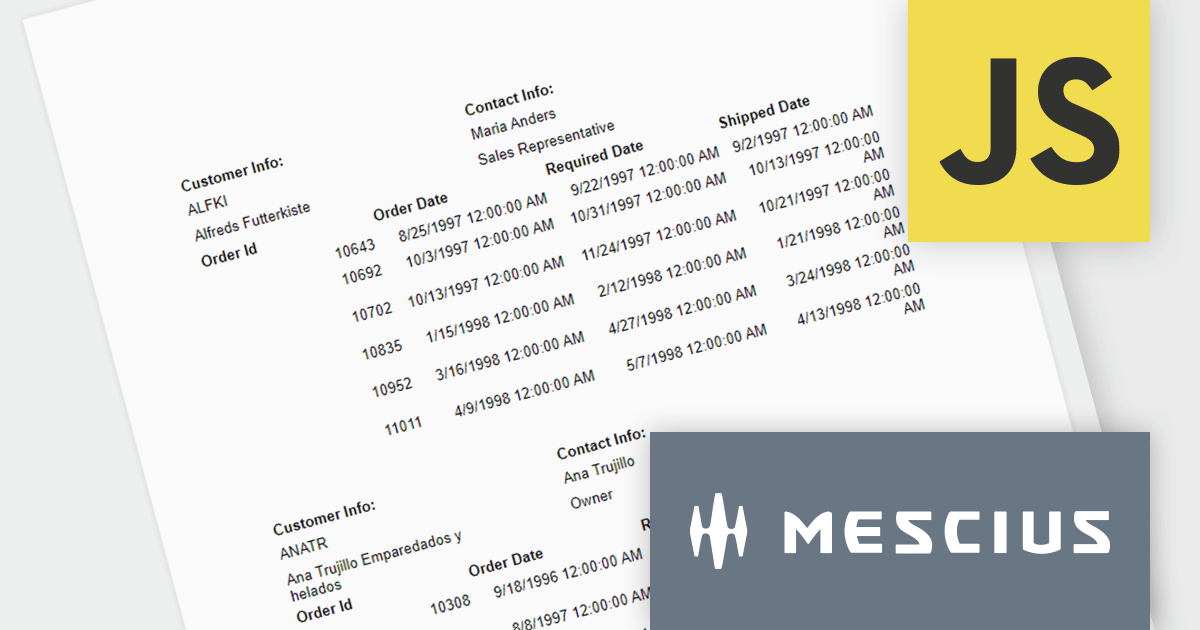
ActiveReportsJS is a powerful, lightweight reporting tool designed to integrate advanced reporting capabilities into any JavaScript application. ActiveReportsJS enables developers to create, view, export, and print richly formatted reports entirely on the client side - with zero server dependencies.
In this blog post, MESCIUS Product Consultant Victor Stahlman demonstrates how to build nested data regions in ActiveReportsJS to create master-detail reports that display related data, such as customers and their orders, within a structured layout. He walks your through configuring datasets, nesting controls like Lists and Tables, and applying filters to correctly link and present hierarchical data relationships in your reports. Key topics include:
By implementing nested data regions in ActiveReportsJS, you can transform flat datasets into structured, master-detail reports that are easier to read and analyze.
Read the complete blog to get started building scalable, dynamic JavaScript reports that deliver more meaningful insights to your users.
ActiveReportsJS is licensed on an annual subscription or perpetual basis and is available as a Single Deployment License for non-commercial use, and as a Single Domain License or Unlimited Domain License for commercial and/or SaaS use. See our ActiveReportsJS licensing page for full details.
For more information, visit our ActiveReportsJS product page.





Tél : (888) 850 9911
Fax : +1 770 250 6199


