








Fournisseur officiel
Comme nous somme les distributeurs officiels et autorisés, nous vous fournissons des licences légitimes directement à partir de 200+ éditeurs de logiciels.
Voyez toutes nos marques.
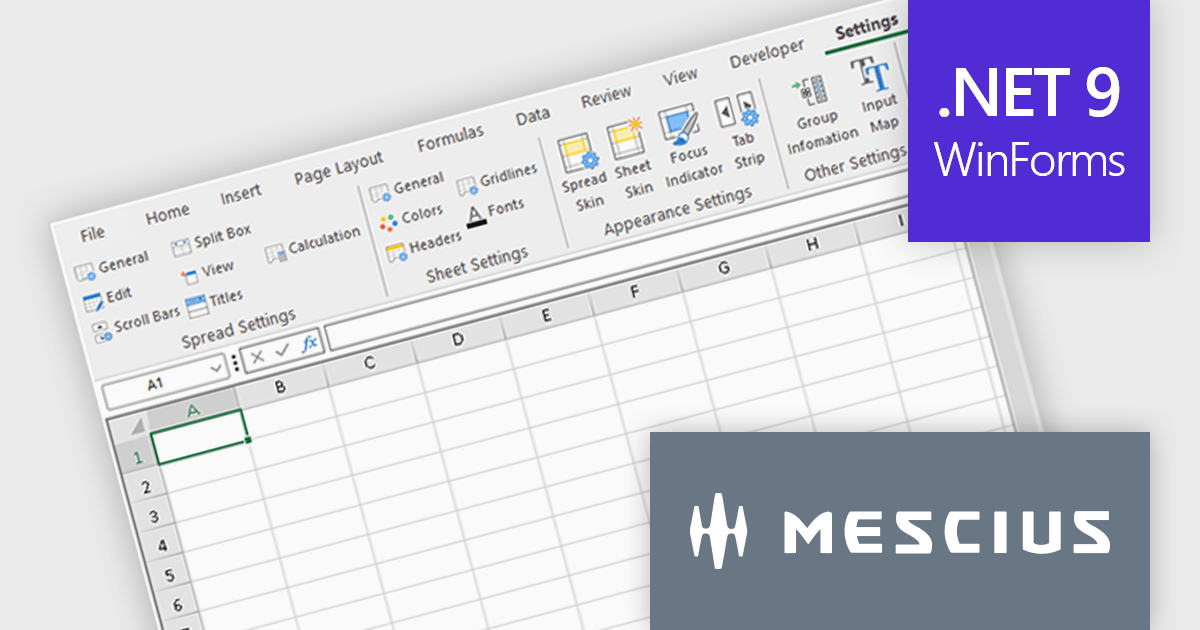
Spread.NET by MESCIUS is a powerful tool for building Excel-like applications in your .NET projects. It lets you create interactive spreadsheets, grids, dashboards, and even forms within WinForms, ASP.NET, and WPF applications. With its rich feature set, including a robust calculation engine, formula support, and Excel compatibility, Spread.NET empowers developers to build data analysis tools, budgeting apps, scientific dashboards, and more, all within the familiar .NET environment.
The Spread.NET 18.2 update refines the RibbonBar in WinForms to improve the efficiency and clarity of UI design during development. With expanded icon visibility, developers can more easily access and identify commands, reducing visual ambiguity and speeding up layout tasks. The addition of new layout options for the collapsed state offers greater control over how the RibbonBar adapts to different form sizes, enabling more responsive and space-efficient interface designs. These improvements help streamline the design-time experience, allowing developers to build cleaner, more functional applications with less manual configuration.
To see a full list of what's new in v18.2, see our release notes.
Spread.NET is licensed per developer and is available as a Perpetual License with a 12 month support and maintenance subscription. We can supply any Spread.NET license including new licenses, maintenance renewals, and upgrade licenses. See our Spread.NET licensing page for full details.
For more information, visit our Spread.NET product page.
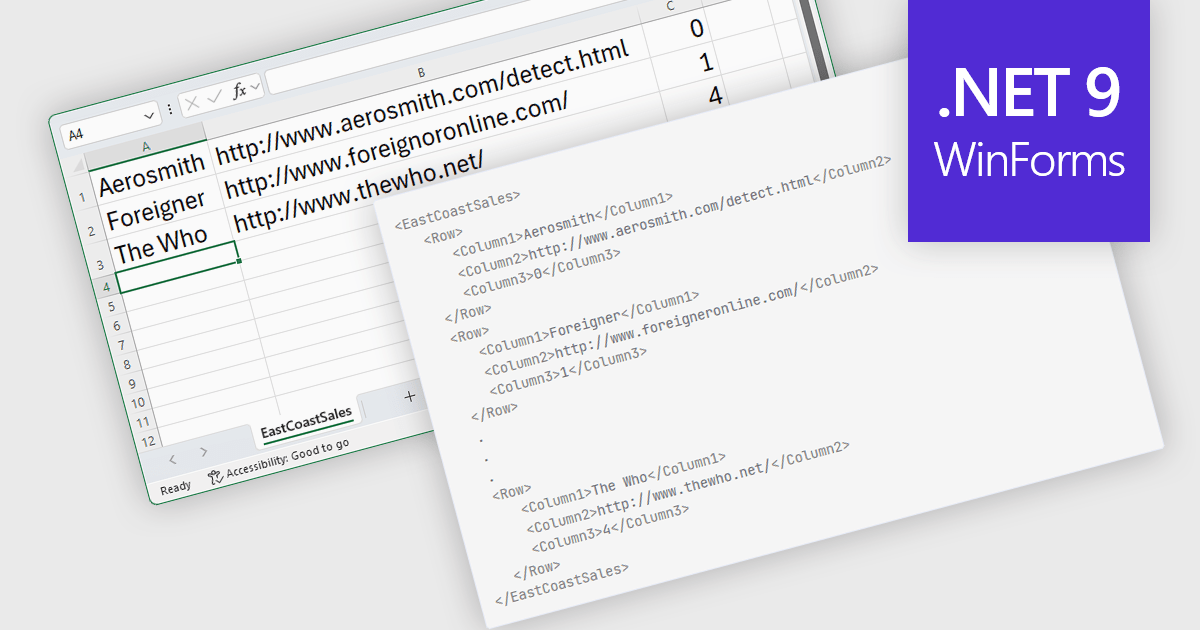
Export to XML in a .NET WinForms Spreadsheet control allows developers to convert and save spreadsheet data into an XML (Extensible Markup Language) format, preserving the structure, content, and metadata of the spreadsheet in a standardized and portable form. This capability is particularly useful for integrating spreadsheet data with other systems, enabling data exchange, storage, or transformation. By using XML, the exported data can be consumed by a wide range of applications and platforms, making it easier to support interoperability and maintain consistency across different environments.
Several .NET 9 WinForms Spreadsheet controls offer Export to XML including:
For an in-depth analysis of features and price, visit our comparison of .NET 9 WinForms Spreadsheet Controls.
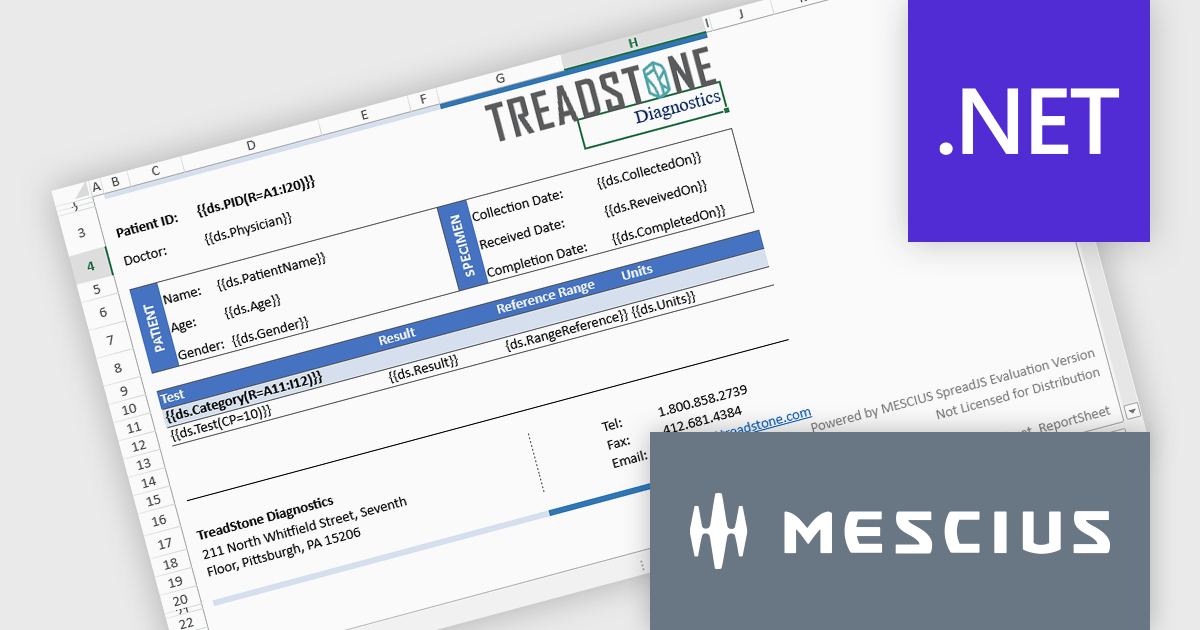
Document Solutions for Excel, .NET Edition by MESCIUS is designed to enable developers to create and manipulate Microsoft Excel documents programmatically within .NET applications. It provides a robust API for interacting with Excel spreadsheets, allowing developers to automate tasks such as data extraction, formatting, and generation of reports. The framework offers comprehensive support for various Excel features, including formulas, charts, conditional formatting, and data validation. It also provides tools for handling large datasets and optimizing performance, making it suitable for both small-scale and enterprise-level applications.
Document Solutions for Excel, .NET Edition improves pagination by enabling images and shapes to stay anchored to their top-left cell, maintaining consistent positioning as content flows across pages. This enhancement ensures that visual elements such as charts, icons, and shapes are treated as part of the cell's content, allowing them to paginate along with the data they relate to. As a result, developers can generate dynamic, multi-page Excel documents with accurate and predictable layouts, without having to manually reposition or reformat visuals. This not only saves time during document generation but also improves the overall quality and reliability of exported reports, forms, and other structured content.
Document Solutions for Excel is licensed per developer and is available in several license options for differing distribution needs. Team licenses are also available for multiple developers within the same organization. See our Document Solutions for Excel, .NET Edition licensing page for full details.
Document Solutions for Excel, .NET Edition is available to buy in the following products:
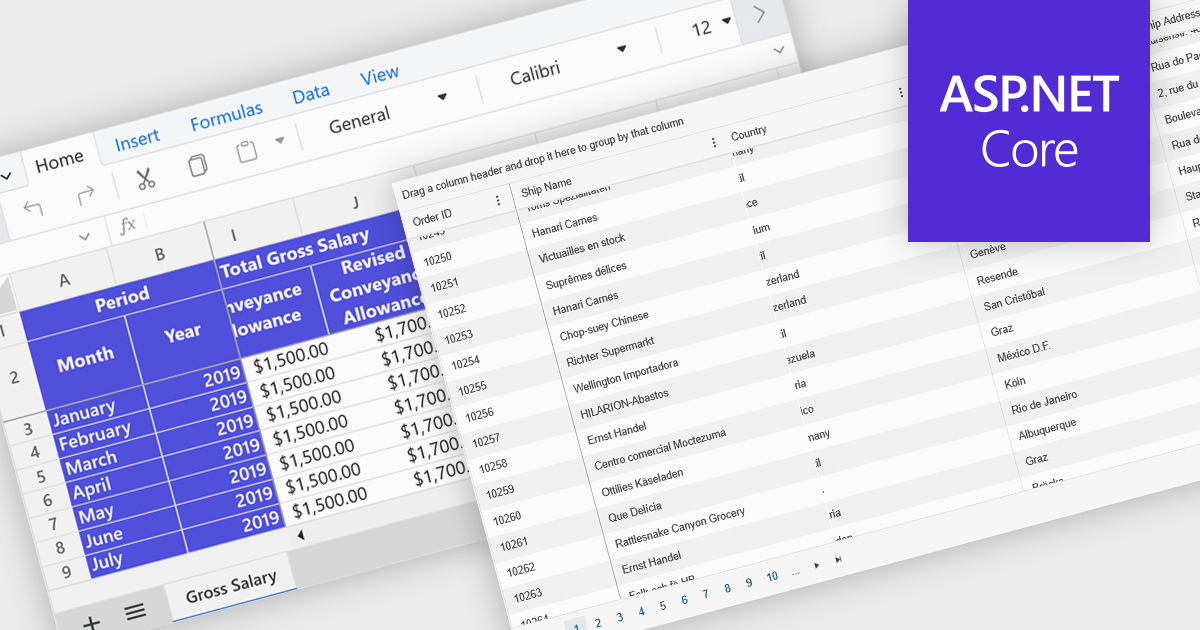
Freeze Panes in spreadsheets is a feature that keeps selected rows or columns visible while you scroll through your data. This helps maintain context in large spreadsheets by keeping headers or labels in view, making it easier to read, analyze, and enter information accurately. Common use cases include freezing the top row in a budget sheet to keep month names visible, or locking the first column to see item names while reviewing data across many columns. It is especially valuable in financial reports, sales tracking, and project management tools where clarity and precision are essential.
Several ASP.NET Core spreadsheet controls offer freeze pane support including:
For an in-depth analysis of features and price, visit our ASP.NET Core spreadsheet controls comparison.
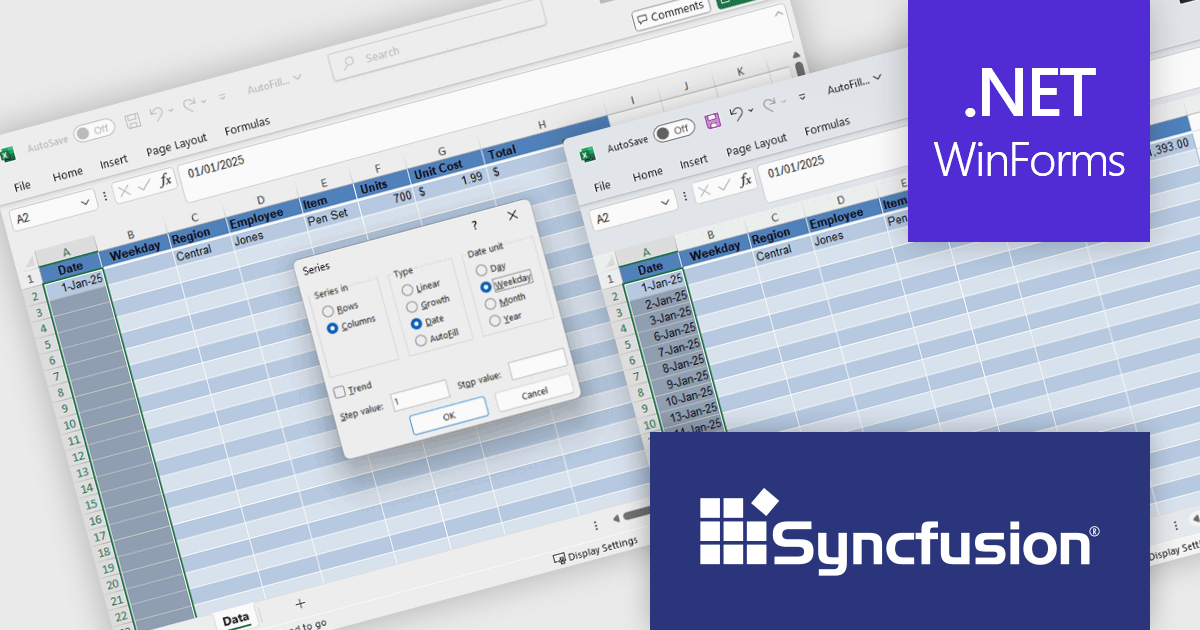
Syncfusion Essential Studio Windows Forms (available as part of Syncfusion Essential Studio Enterprise) is a powerful UI component suite designed to enhance your WinForms development. It boasts over 100 high-performance controls, ranging from essential grids and charts to advanced schedulers and diagrams, enabling you to craft visually appealing and feature-rich applications with ease. Its extensive customization options and built-in themes allow for tailored user experiences, while touch-friendly design ensures seamless interaction across devices.
The Syncfusion Essential Studio Windows Forms 2025 Volume 2 update introduces Auto Fill and Fill Series support in the Excel Library, enabling developers to programmatically populate cell ranges based on detected patterns, sequences, or trends. This enhancement improves spreadsheet generation by reducing manual data entry and allows for efficient creation of structured data such as incremental numbers, dates, or custom-defined sequences. It improves automation in Excel-based workflows, supports consistent data output, and integrates smoothly into existing .NET applications for more dynamic and intelligent document processing.
To see a full list of what's new in 2025 Volume 2 (30.1.37), see our release notes.
Syncfusion Essential Studio Windows Forms is available as part of Syncfusion Essential Studio Enterprise which is licensed per developer starting with a Team License of up to five developers. It is available as a 12 Month Timed Subscription License which includes support and maintenance. See our Syncfusion Essential Studio Enterprise licensing page for full details.
Learn more on our Syncfusion Essential Studio Windows Forms product page.





Tél : (888) 850 9911
Fax : +1 770 250 6199


