








Fournisseur officiel
Comme nous somme les distributeurs officiels et autorisés, nous vous fournissons des licences légitimes directement à partir de 200+ éditeurs de logiciels.
Voyez toutes nos marques.
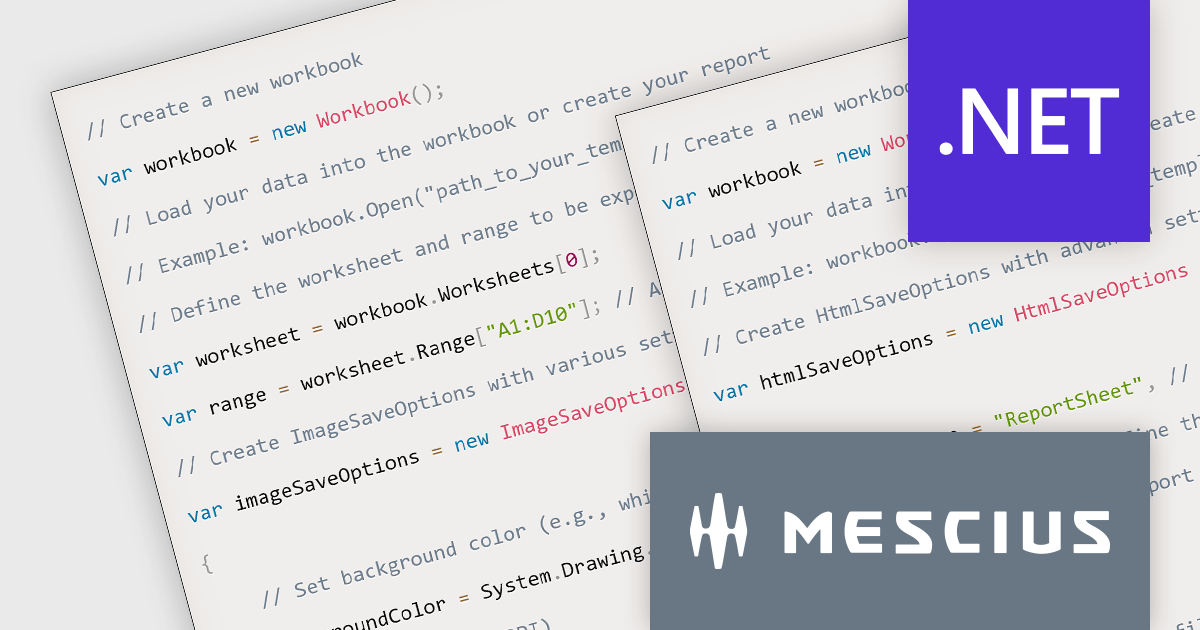
Document Solutions for Excel, .NET Edition is a high-speed, small-footprint, server-side spreadsheet API that requires no dependencies on Excel. The interface-based API is modeled on Excel's document object model which means you can import, calculate, query, generate, and export any spreadsheet scenario. Using DsExcel, you can programmatically create Excel reports, sorted and filtered tables, sorted and filtered pivot tables, dashboard, add charts, sparklines, conditional formats, import and export Excel templates and also convert spreadsheets to PDF, HTML, or an image format.
In this blog post, MESCIUS Software Engineer Prabhat Sharma demonstrates the exporting capabilities of the DsExcel API including exporting Excel XLSX to formats such as PDF, image, JSON, and HTML. Source code is included for each step, showing you how to use Document Solutions to export reports in each format.
Read the complete blog and learn how to make your data more accessible and versatile.
Document Solutions for Excel, .NET Edition is licensed per developer and is available in several license options for differing distribution needs. Team licenses are also available for multiple developers within the same organization. See our Document Solutions for Excel, .NET Edition licensing page for full details.
Learn more on our Document Solutions for Excel, .NET Edition product page.
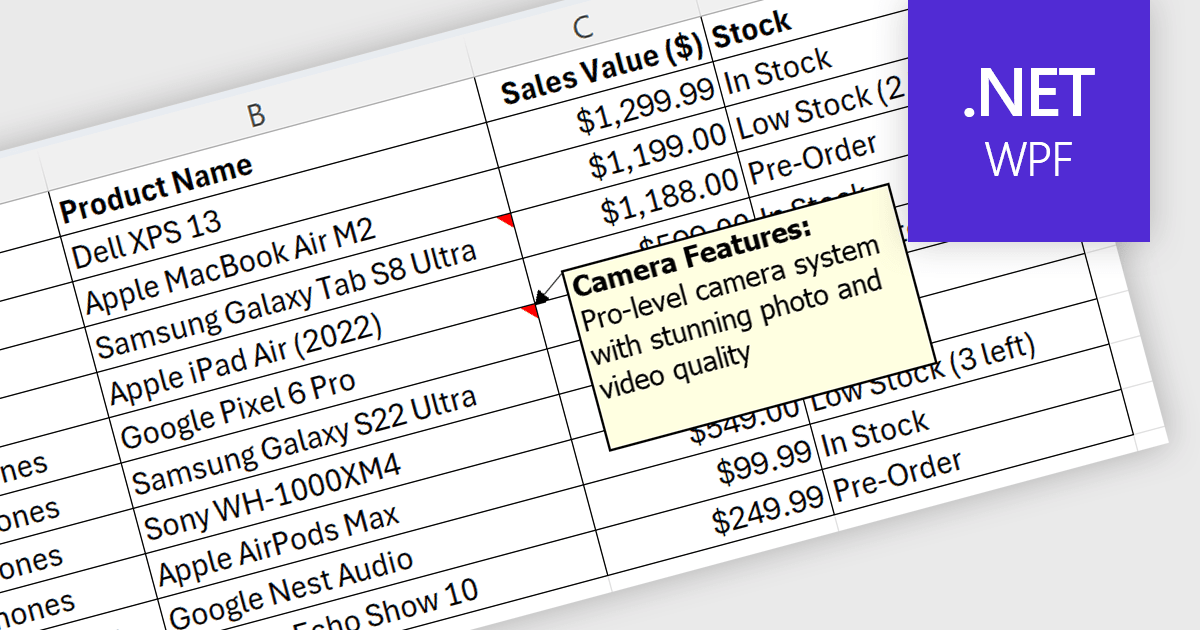
Spreadsheet cell comments/tooltips, provide a way to display additional information on hover over a specific cell. This enhances the user experience by offering context beyond the cell's main value. Common use cases include displaying formulas used for calculations, extended data not suitable for the main view, or data validation rules. They improve spreadsheet clarity and reduce the need for separate documentation or cluttered cell content.
Several .NET WPF Spreadsheet controls offer cell comments/tooltips including:
For an in-depth analysis of features and price, visit our WPF Spreadsheet controls comparison.
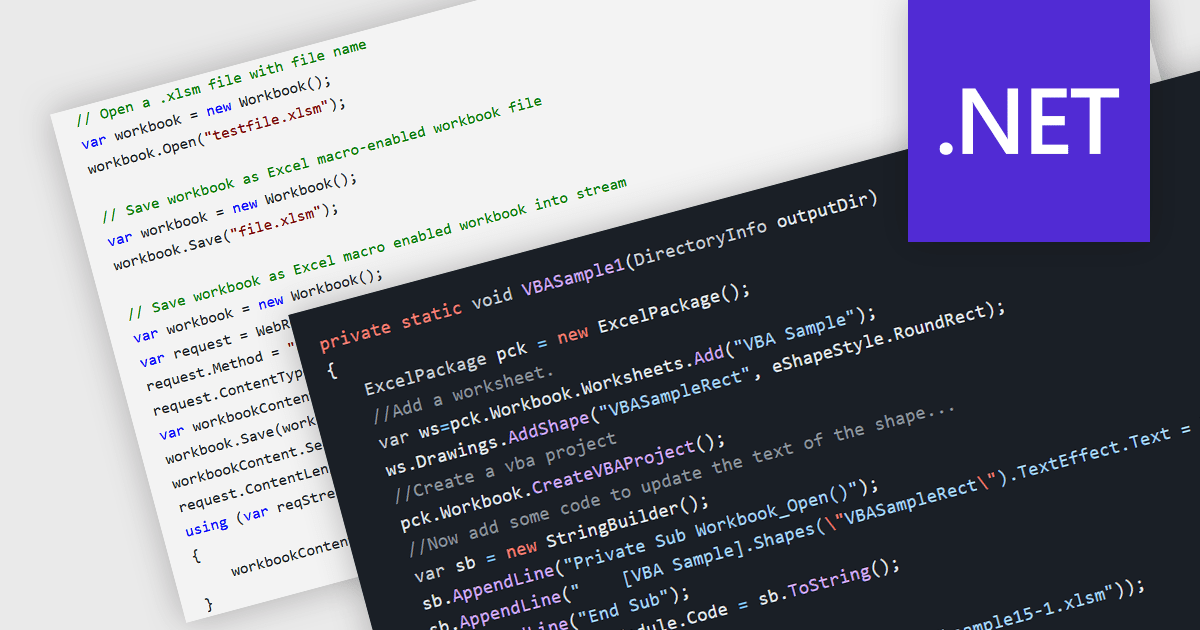
.NET spreadsheet components with VBA code and macro support empower developers to integrate existing Excel automation functionalities within their applications. This unlocks the benefits of the .NET framework, enhancing performance, security, and scalability of spreadsheet operations. Developers can access, modify, and save embedded VBA scripts, ensuring seamless operation in environments that support VBA execution. This fosters continued automation and functionality even when legacy systems or non-VBA-enabled environments are involved, while also enabling code updates, debugging, and preparation for code-execution-friendly settings.
Several .NET spreadsheet components offer VBA code/macro support, including:
For an in-depth analysis of features and price, visit our comparison of .NET spreadsheet components.
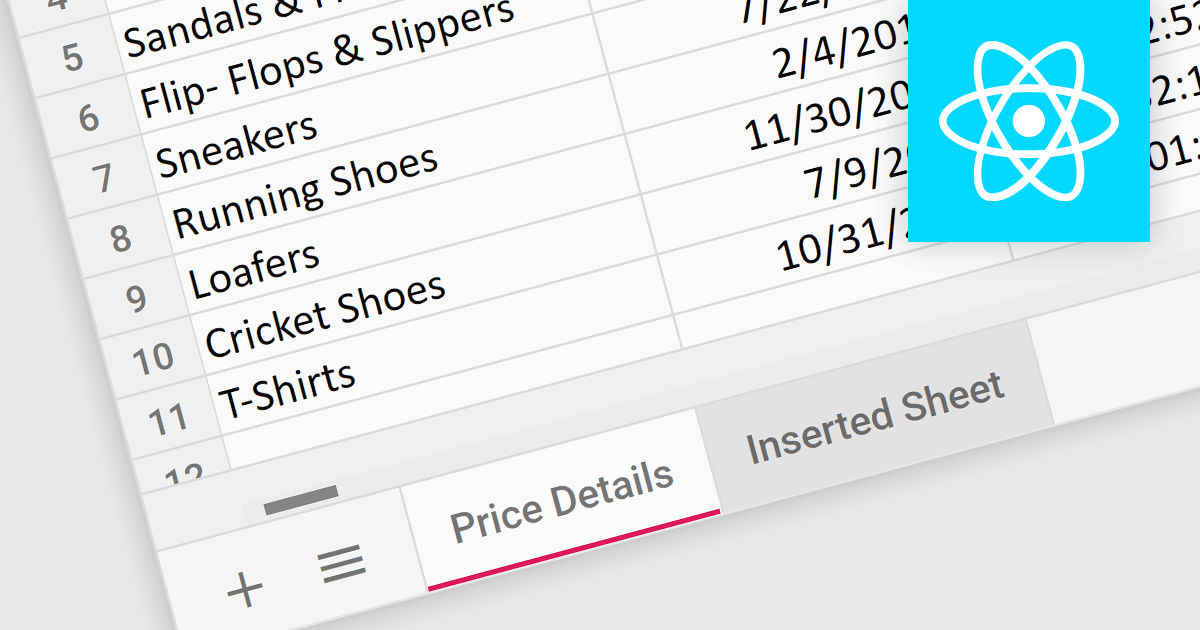
Worksheet tabs act as a visual and interactive index, enabling users to seamlessly navigate between distinct sections within a single workbook. This efficient organization facilitates data comparison and analysis. The clear visual distinction between tabs reduces cognitive load and enhances comprehension, making it easier for users to grasp the overall structure and navigate the information within the workbook.
Several React Spreadsheet controls offer support for tabs including:
For an in-depth analysis of features and price, visit our React Spreadsheet controls comparison.
SpreadJS by MESCIUS is a JavaScript library offering a comprehensive spreadsheet solution for enterprise web applications. It delivers an Excel-like user experience with features like data tables, extensive charting, formatting options, and a powerful formula engine supporting over 500 functions. SpreadJS integrates with popular frameworks like React, Angular, and Vue.js, enabling developers to build high-performance, customizable spreadsheet functionalities within their web applications.
The SpreadJS v17.1 release enables incremental computation, which breaks down the entire calculation into pieces during execution. This enables responsiveness to user actions when the calculation task is large, preventing the UI from being unresponsive when a workbook has many formulas. Developers will only need to set the incrementalCalculation attribute of the Workbook class to true. This computation procedure is also displayed in the status bar.
To see a full list of what's new in 17.1.0, see our release notes.
SpreadJS is licensed per developer and includes 1 Year Maintenance (major and minor version releases and unlimited support phone calls). SpreadJS requires an Annual or Perpetual Deployment License. The optional Add-ons are available at an additional cost, and require a SpreadJS license. See our SpreadJS licensing page for full details.
Learn more on our SpreadJS product page.





Tél : (888) 850 9911
Fax : +1 770 250 6199


