








Fournisseur officiel
Comme nous somme les distributeurs officiels et autorisés, nous vous fournissons des licences légitimes directement à partir de 200+ éditeurs de logiciels.
Voyez toutes nos marques.
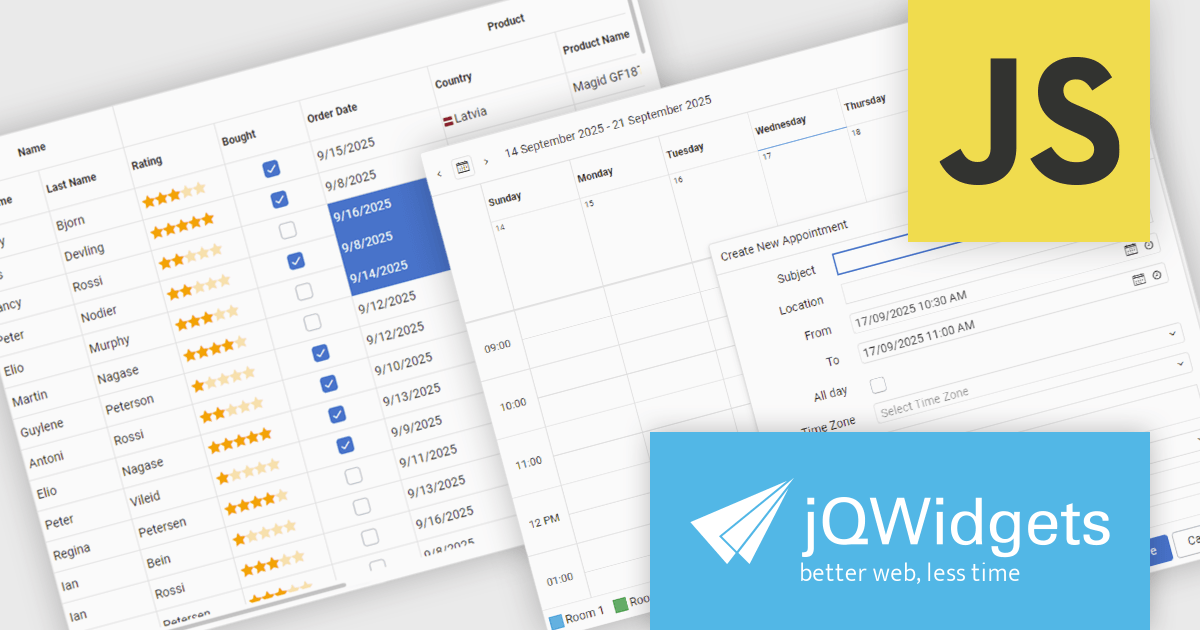
jQWidgets is a comprehensive JavaScript UI framework offering a robust collection of over 60 widgets, themes, and utilities for building professional-grade, cross-platform web applications. Built on jQuery, HTML5, and CSS, it provides extensive functionality including data grids, charts, navigation, input validation, and more. jQWidgets simplifies web development, ensuring your applications work seamlessly across desktop browsers, tablets, and smartphones.
The jQWidgets v24.0.0 update introduces a new Tailwind CSS-based theme that improves the process of styling and customizing user interfaces. By leveraging Tailwind’s utility-first framework, it enables flexible UI customization directly within markup, reducing the need for custom CSS and complex overrides. This integration ensures consistent design across components, promotes cleaner code, and aligns with modern front-end development practices. This release allows teams to deliver responsive, cohesive, and visually consistent applications with greater speed and precision.
To see a full list of what's new in v24.0.0, see our release notes.
jQWidgets is licensed per developer and is available as a Perpetual license 1 year support and maintenance. See our jQWidgets licensing page for full details.
Learn more on our jQWidgets product page.
Infragistics Ignite UI for Angular is a comprehensive suite of Angular components and UI controls designed to accelerate development of high-performance, enterprise-grade web applications. It offers a rich collection of data grids, charts, and other UI elements, along with advanced features like pivoting, docking, and hierarchical data management. Built on Angular, the toolkit integrates into existing projects and provides a foundation for building modern, responsive, and interactive user interfaces.
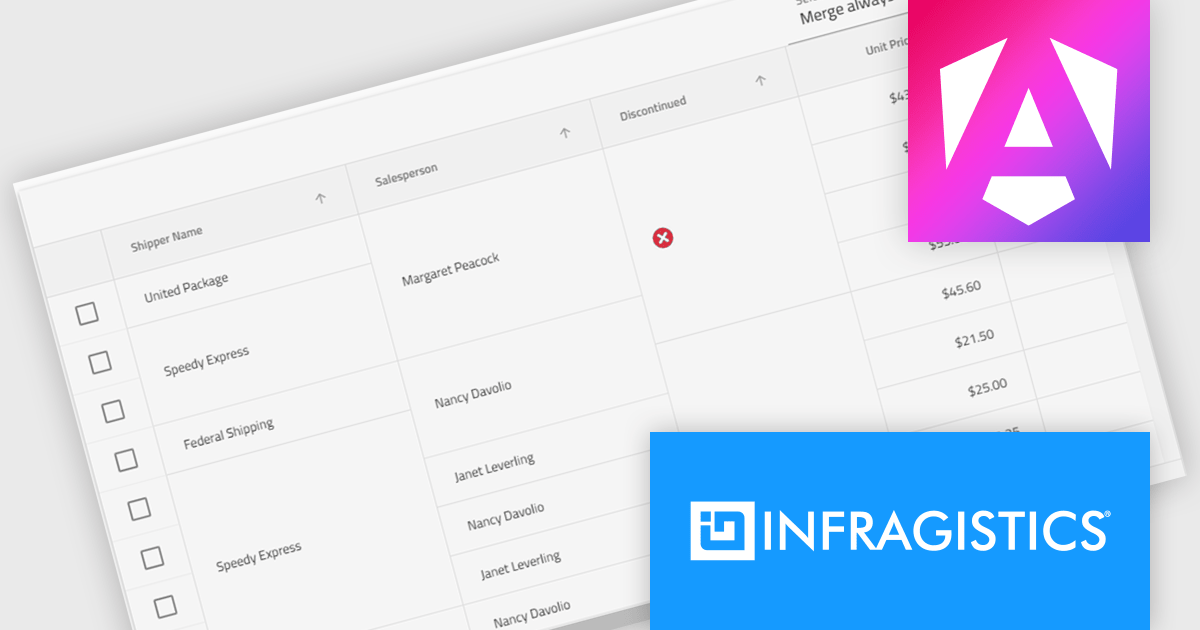
The Ignite UI for Angular 20.1 release introduces a new cell merging feature that enhances data readability by automatically combining vertically adjacent cells with identical values into a single, larger cell. This visual simplification reduces redundancy and makes it easier for users to analyze grouped or repeating information. Developers can apply merging based on default behavior that matches identical values or configure custom logic to control when cells should merge. This flexible approach ensures the feature adapts to a wide range of data presentation needs in complex enterprise applications.
To see a full list of what's new in version 20.1, see our release notes.
Infragistics Ignite UI for Angular is part of Infragistics Ignite UI which is licensed per developer and is available as a Perpetual License with a 1, 2 or 3 year support and maintenance subscription. See our Infragistics Ignite UI licensing page for full details.
Infragistics Ignite UI for Angular is available in the following products:
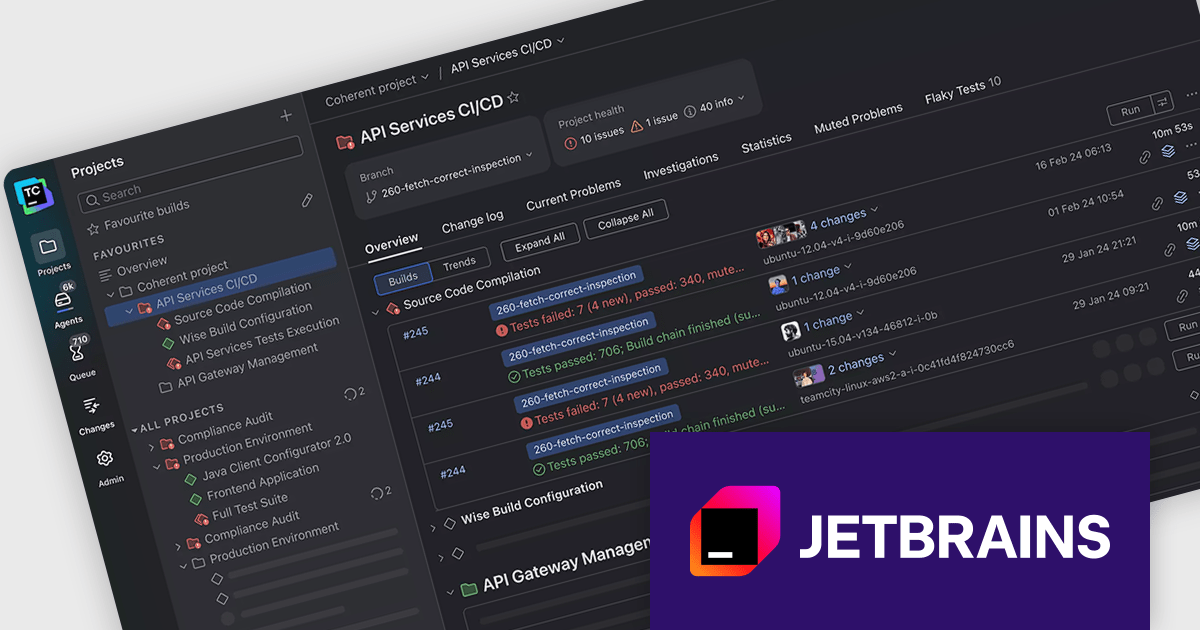
JetBrains has announced upcoming renewal pricing adjustments for TeamCity On-Premises, their CI/CD solution for modern DevOps teams. Starting November 3rd, 2025, the 50% renewal discount will no longer apply to new TeamCity On-Premises licenses (TeamCity Enterprise server or TeamCity agent). New licenses purchased from that date will be renewed annually at the full standard price.
All existing licenses purchased before November 3, 2025, will continue to benefit from the current renewal discounts.
To lock in the current pricing, license administrators can renew before the deadline. After November 3, 2025 all new renewals will reflect the updated pricing.
The new pricing is shown below:
| Product | Current SRP | New SRP |
|---|---|---|
| TeamCity On-Premises Server with 3 Build Agents - 1 Year Renewal | $1199/€1199 | $2399/€2399 |
| TeamCity On-Premises Build Agent - 1 Year Renewal | $179/€179 | $359/€359 |
SRP = Suggested Retail Price as at Oct 1st, 2025.
Previously, TeamCity On-Premises licenses could be renewed within 12 months of the expiry date and still be eligible for the renewal discount. Now, for existing TeamCity On-Premises licenses (purchased before November 3), licenses must be renewed within one month of the expiry date to benefit from the 50% renewal discount.
Act Now: To get your renewal licenses at the current price, before the price increase!
Click your product in the table above and use the 'Get Quote' form to receive your renewal price, or contact us to discuss new or renewal subscription licensing.
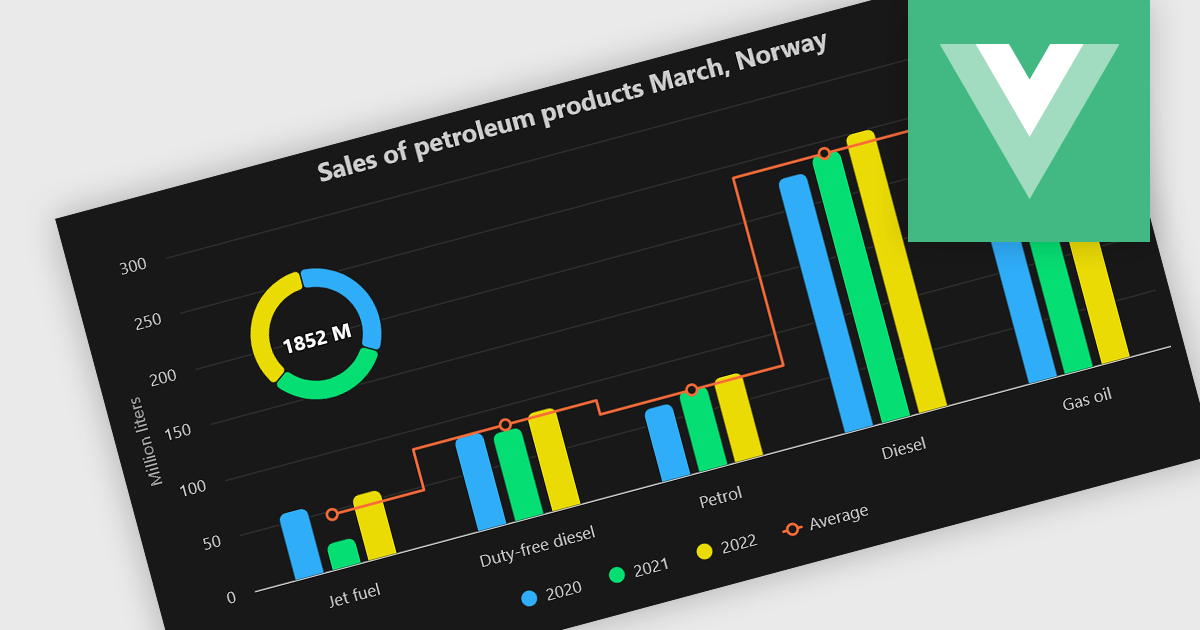
A combination chart or combo chart is a versatile type of data visualization that displays multiple chart types, such as columns, lines, or areas, to represent different data series within a single graphic. Combination charts are especially useful in scenarios where a single data type cannot fully convey the complexity of the dataset. By presenting different series types together, combination charts enhance the clarity and depth of insight available in a single view, be it on the same axis or across dual axes. This helps users to analyze complex relationships, trends and correlations between metrics more effectively than separate charts would allow.
Several Vue.js chart components allow you to combine series types on the same chart, including:
For an in-depth analysis of features and price, visit our comparison of Vue.js chart components.
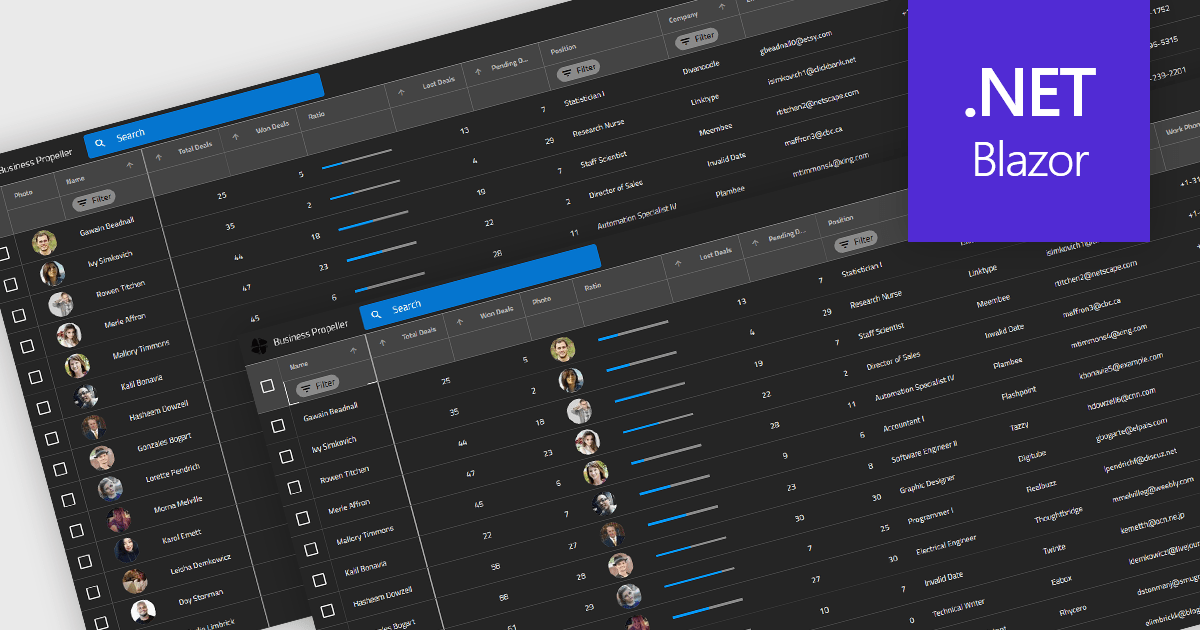
Reordering columns in grid components enables end users to customize the layout of data by dragging column headers into new positions at runtime. This feature improves usability and flexibility, users can adapt the interface to their workflow, prioritize visible information, and reorganize data presentation without developer intervention. A robust implementation also supports programmatic reordering (for restoring user preferences or responding to logic), individual column reordering permissions, and integration with features like column persistence and layout saving.
Several Blazor grid controls offer support for column reordering including:
For an in-depth analysis of features and price, visit our Blazor grid controls comparison.





Tél : (888) 850 9911
Fax : +1 770 250 6199


