








Fournisseur officiel
Comme nous somme les distributeurs officiels et autorisés, nous vous fournissons des licences légitimes directement à partir de 200+ éditeurs de logiciels.
Voyez toutes nos marques.
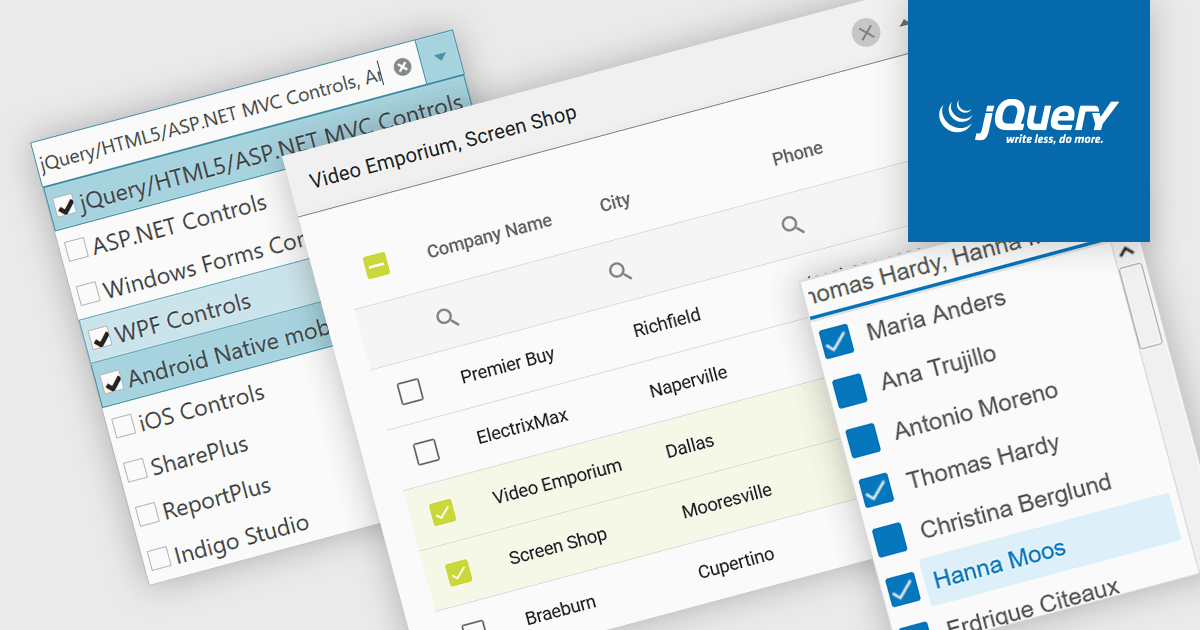
A checked combobox is a data editor component used in user interfaces that consists of a text box with a drop-down panel. This panel displays a predefined list of items, in a clean and organized layout, from which users can input data by making a singular or multiple selections using the adjacent checkboxes. The values are then typically displayed as a comma-separated summary in the collapsed field. This type of control provides developers with a convenient way to implement multi-select functionality within their applications, and is especially effective in scenarios such as filtering datasets or configuring settings, without consuming additional space on the interface.
Several jQuery data editor collections include checked comboboxes, including:
For an in-depth analysis of features and price, visit our comparison of jQuery data editors.

Axosoft is a trusted provider of agile project management software that helps teams ship software on schedule and with confidence. With powerful features like the Release Planner, burndown charts, and Standup Mode, Axosoft makes it easy to visualize workflows, track team progress, and predict release dates. Supporting Scrum, Kanban, or fully customized agile methodologies, Axosoft combines dashboards, configurable notifications, and wiki pages to keep teams aligned and informed throughout the development lifecycle.
Over the past decade, ComponentSource and Axosoft have built a strong, trusted relationship rooted in a shared goal: supporting developers. By offering Axosoft’s tools through its global distribution platform, ComponentSource has enabled customers around the world to access reliable agile project management solutions. This partnership has not only broadened Axosoft’s reach but has also ensured that developers benefit from simplified licensing, dedicated support, and easy access to best-in-class agile tools.
The 10-year partnership between ComponentSource and Axosoft has brought clear value to the developer community: better project visibility, improved collaboration, and predictable, on-time releases. As this milestone is celebrated, ComponentSource looks forward to building on shared success, continuing to provide innovative solutions that help software teams deliver their very best.
Learn more about Axosoft.
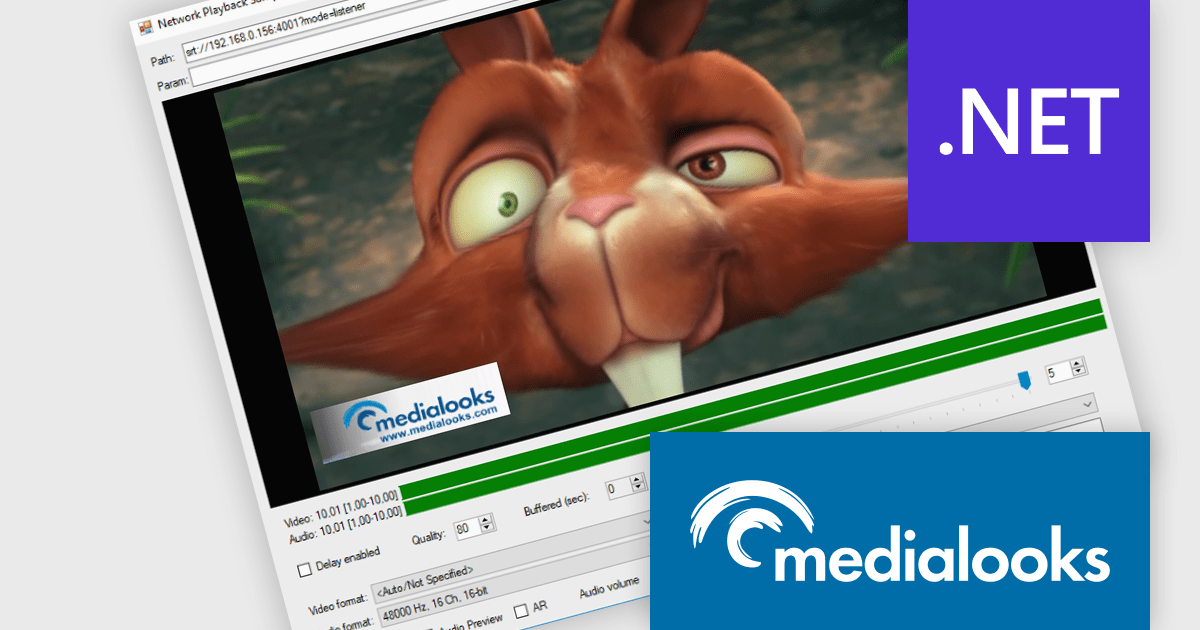
MPlatform SDK by Medialooks is a Windows-based software development kit designed for building real-time video applications with professional-grade capabilities. It provides a modular architecture that supports live video ingest, playout, processing, mixing, and streaming, all within a single framework. The SDK handles a wide range of formats and devices, including SDI, NDI, RTMP, and SRT, making it suitable for broadcast automation, live production, and surveillance solutions. With native support for GPU acceleration, timecode handling, and seamless integration into C++, C#, and .NET environments, MPlatform SDK enables developers to create complex video workflows with reduced development overhead.
The MPlatform SDK v2.10 update adds support for WebRTC 2.0, enabling developers to leverage a modern, more efficient real-time communication layer with backward compatibility to existing API code. It integrates a new signaling infrastructure—including a Docker-based server and web client optimized for platforms like iOS and macOS—and updates the WebRTC core to the latest version, improving connection stability, reducing reliance on TURN servers, and unlocking features such as multi‑peer mixing, mix‑minus configurations, and duplex video/audio streams. This results in more robust browser-native and native app integrations with minimal integration effort and enhanced flexibility.
MPlatform SDK is licensed per developer and is available as a perpetual license with 1 year support and maintenance. See our MPlatform SDK licensing page for full details.
Learn more on our MPlatform SDK product page.
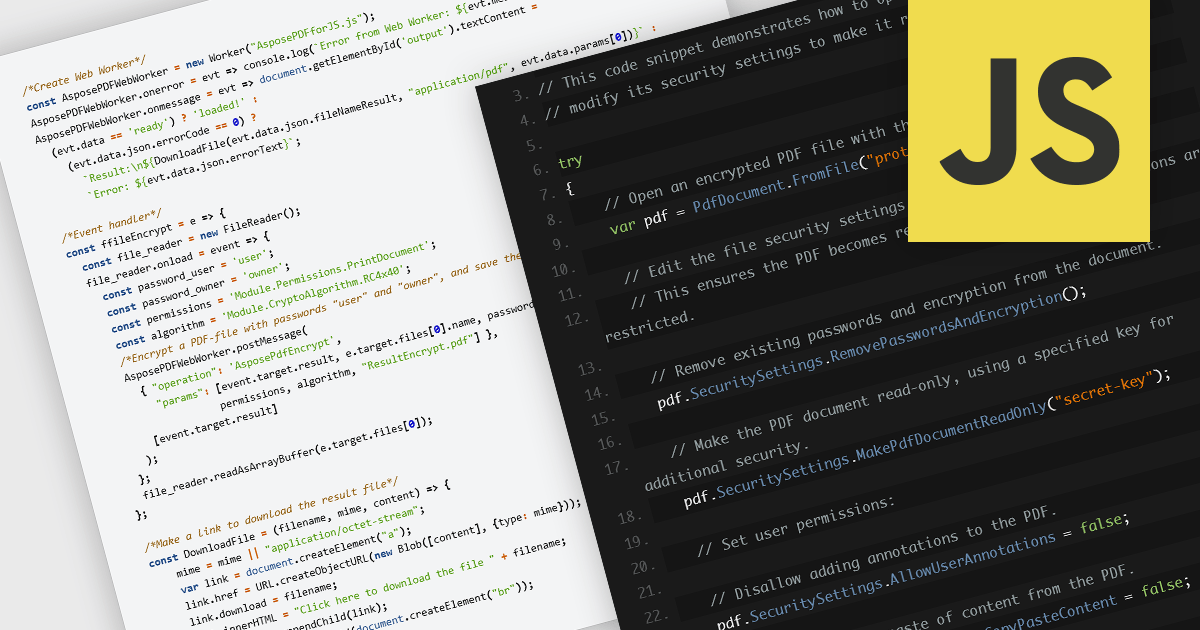
Encrypting and decrypting PDF files is a key feature in many modern PDF components, allowing developers to protect sensitive information and control access to documents. Encryption applies a security layer to the PDF, typically requiring a password to open or modify the file, while decryption reverses the process for authorized users. These capabilities are essential for applications that handle confidential business data, legal documents, or personal records, ensuring compliance with security policies and data protection regulations.
Several JavaScript PDF controls offer the ability to encrypt or decrypt PDF files including:
For an in-depth analysis of features and price, visit our JavaScript PDF controls comparison.
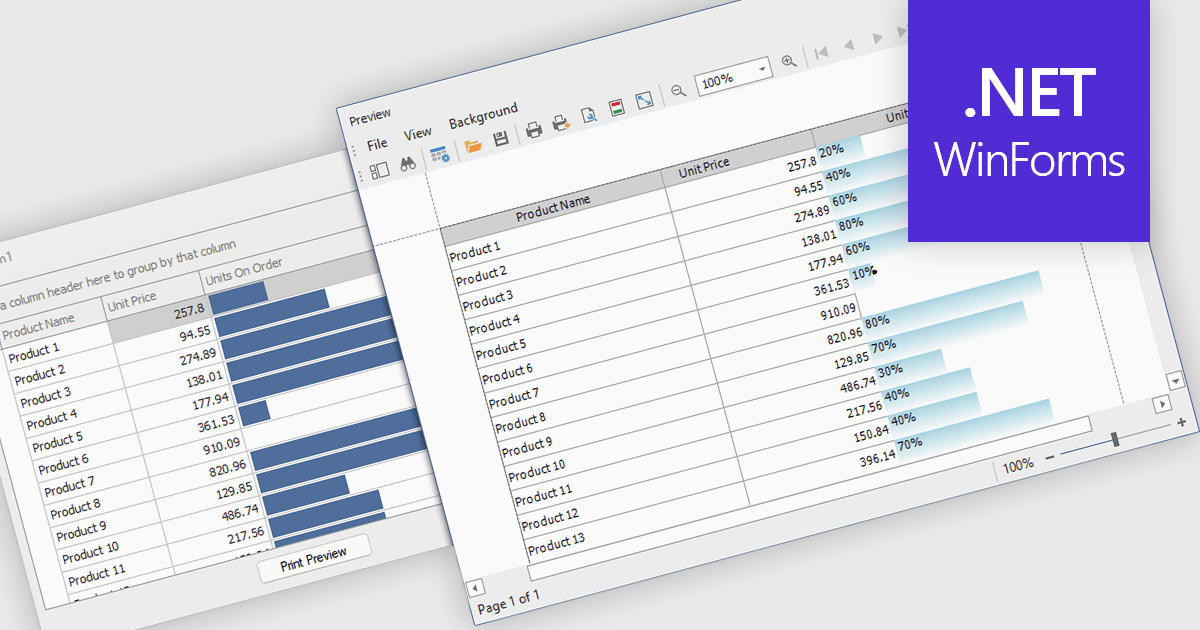
ProgressBar cell types in a .NET WinForms grid control are specialized cells that visually represent progress or completion levels within a grid layout, using horizontal progress bars. These cells are particularly useful for tracking status indicators, such as task completion or data processing percentages, directly within tabular views. They provide a clear, immediate representation of numeric progress values, enhancing readability without requiring users to interpret raw numbers. For developers, integrating ProgressBar cells simplifies the task of conveying progress-related information in data-driven interfaces, offering a familiar and consistent user experience aligned with standard Windows Forms controls.
Several .NET WinForms grid controls offer ProgressBar cell type controls, including:
For an in-depth analysis of features and price, visit our .NET WinForms grid controls comparison.





Tél : (888) 850 9911
Fax : +1 770 250 6199


