








Fournisseur officiel
Comme nous somme les distributeurs officiels et autorisés, nous vous fournissons des licences légitimes directement à partir de 200+ éditeurs de logiciels.
Voyez toutes nos marques.
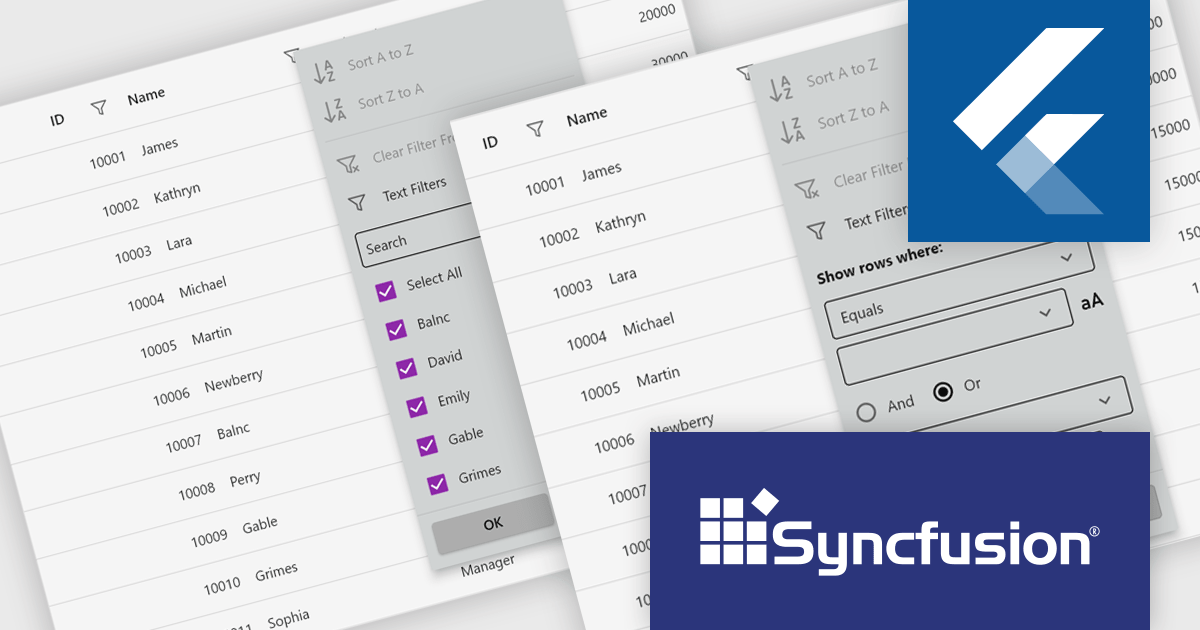
Syncfusion Essential Studio Flutter (available as part of Syncfusion Essential Studio Enterprise) is a powerful UI toolkit that enables you to build beautiful and performant mobile apps for Android and iOS using Flutter. It provides a rich suite of pre-built widgets for common design elements like charts, data grids, calendars, and PDF viewers. These widgets are highly customizable and allow you to quickly implement stunning visuals and advanced functionalities without spending time on repetitive coding.
The Syncfusion Essential Studio Flutter 2025 Volume 2 update introduces filter pop-up appearance customization in the DataGrid, giving developers greater control over the visual design of filter interfaces. This enhancement allows for precise styling of built-in widgets within both checkbox and advanced filter pop-up menus, enabling seamless alignment with application design systems. By tailoring the look and feel of these components, developers can deliver a more consistent and intuitive user experience across data filtering workflows.
To see a full list of what's new in 2025 Volume 2 (30.1.37), see our release notes.
Syncfusion Essential Studio Flutter is available as part of Syncfusion Essential Studio Enterprise which is licensed per developer starting with a Team License of up to five developers. It is available as a 12 Month Timed Subscription License which includes support and maintenance. See our Syncfusion Essential Studio Enterprise licensing page for full details.
Learn more on our Syncfusion Essential Studio Flutter product page.
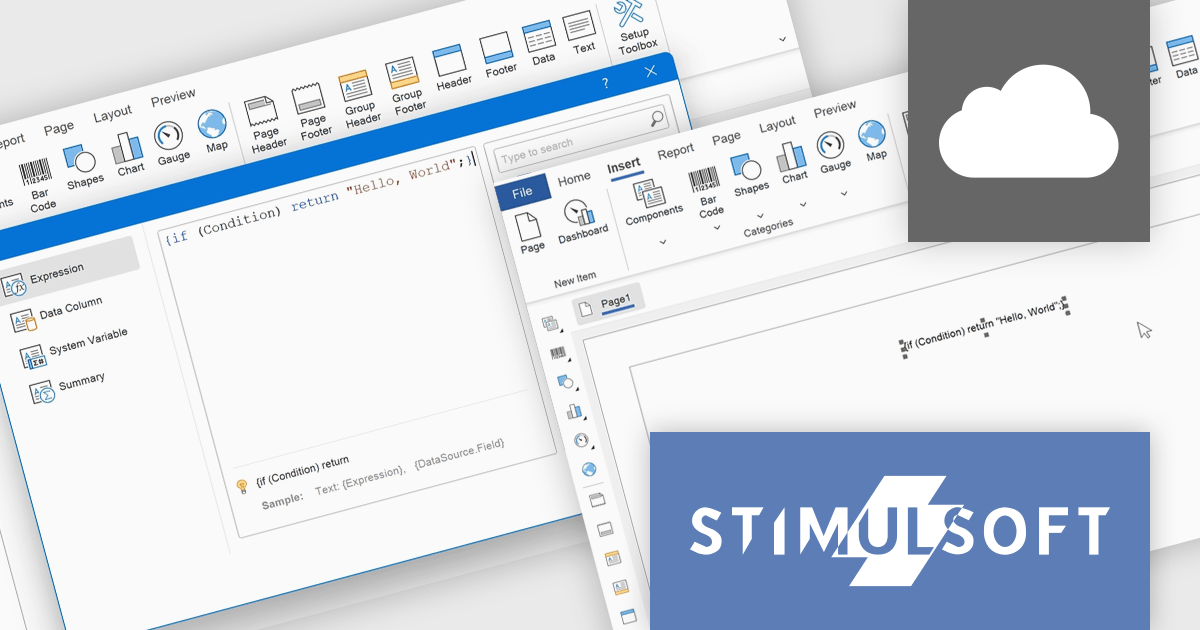
Stimulsoft BI Cloud is a cloud-based business intelligence platform that allows organizations to create, manage, and share interactive dashboards and reports. By offering a user-friendly interface and a wide range of data visualization tools, Stimulsoft BI Cloud enables users to gain valuable insights from their data, make informed decisions, and improve overall business performance.
The Stimulsoft BI Cloud v2025.3.1 update introduces support for executing C# scripts in Interpretation Mode, allowing developers to implement custom logic directly within reports using standard C# constructs such as conditions, loops, and user-defined functions. This enhancement enables dynamic data handling across events, expressions, and functions without the need for pre-compilation, improving report customization and development efficiency. Developers can reference report variables, data columns, and built-in functions within scripts, while also maintaining control through configurable execution settings, including script timeouts and permissions at both report and global levels.
To see a full list of what's new in 2025.3.1, see our release notes.
Stimulsoft BI Cloud is available as an annual license and is licensed per creator. A creator has an account on the server, has access from the client-side, registered as an editor, and uses the product to work with report templates and dashboards - create, edit, view, delete, etc. See our Stimulsoft BI Cloud licensing page for full details.
Stimulsoft BI Cloud is available in the following products:
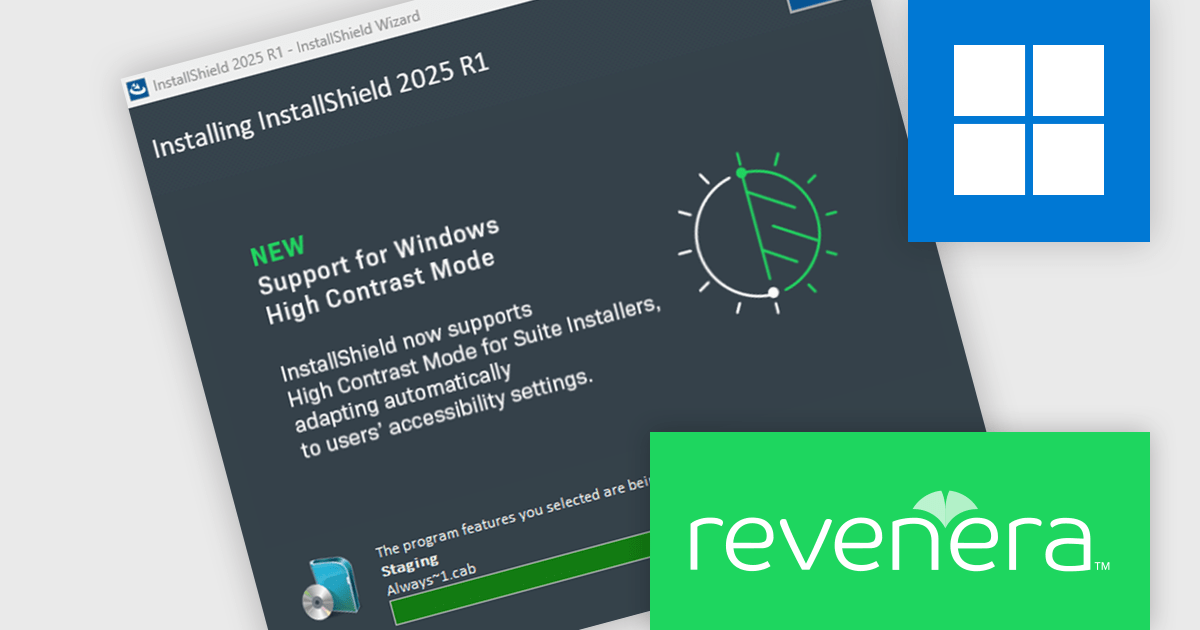
InstallShield by Revenera is a leading Windows installation development solution that specializes in building installers and managing software packages. InstallShield offers a streamlined interface and comprehensive features, enabling developers to efficiently create professional installers, configure prerequisites, manage updates, and customize the installation experience for diverse user needs.
The InstallShield 2025 R1 release improves accessibility by enhancing support for high contrast mode in Advanced UI and Suite/Advanced UI installations. In previous versions, essential elements like body and header text, as well as navigation buttons, could become unreadable when high contrast mode was active, creating barriers for visually impaired users. The updated installer ensures that all text and button labels remain clearly legible, aligning with modern accessibility standards and offering a more inclusive experience during software installation.
To see a full list of what's new in version 2025 R1, see our release notes.
InstallShield is licensed per user and is available as a 3 Year Timed Subscription. See our InstallShield Professional licensing page or InstallShield Premier licensing page for full details.
For more information, visit our InstallShield Professional or InstallShield Premier product pages.
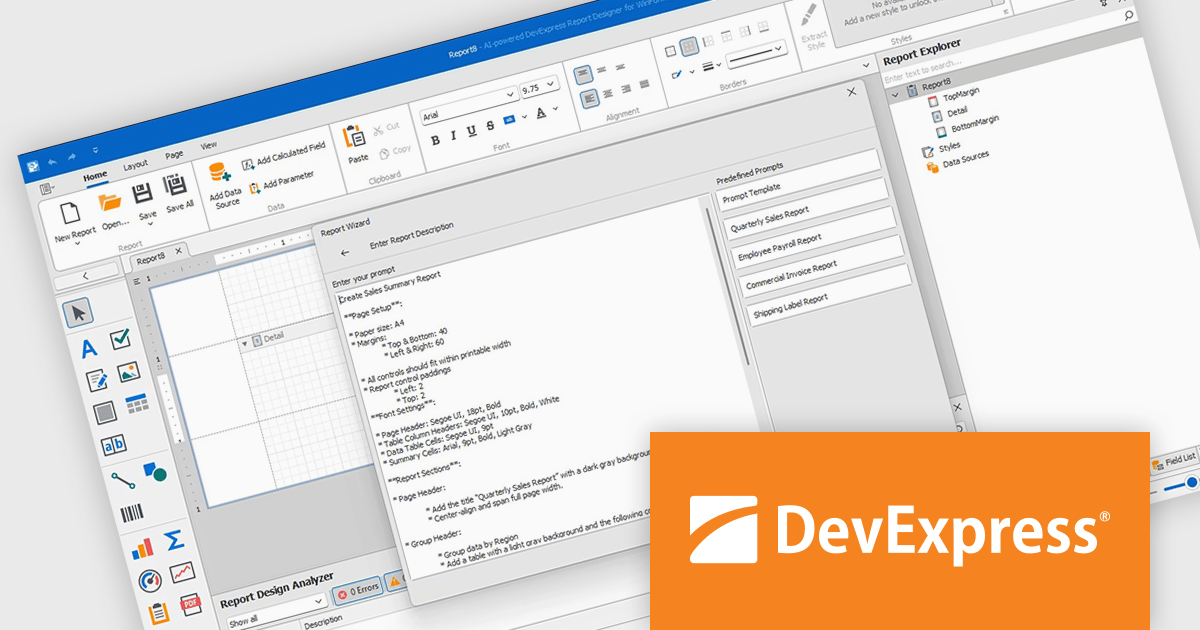
DevExpress Reporting is a comprehensive suite of reporting tools that empowers developers to create visually stunning and highly customizable reports for various applications. With its rich feature set, including data binding, layout design, printing, and exporting capabilities, DevExpress Reporting enables the efficient creation of reports that meet the most demanding business requirements.
The DevExpress Reporting v25.1 update introduces a new AI-powered Report Wizard (currently in Community Technology Preview), bringing natural language capabilities directly into the report design workflow. By allowing users to describe the report they need in plain text, the wizard interprets this input and automatically generates a matching report layout. This greatly reduces the time and expertise required to design reports, particularly for users who may not be familiar with the underlying report schema or expression syntax. It’s especially useful for quickly prototyping reports or enabling non-technical users to contribute to report design without writing code or manually configuring elements.
To see a full list of what's new in version 25.1, see our release notes.
DevExpress Reporting is licensed per developer and is available as a Perpetual License with a 12 month support and maintenance subscription. See our DevExpress Reporting licensing page for full details.
DevExpress Reporting is available to buy in the following products:
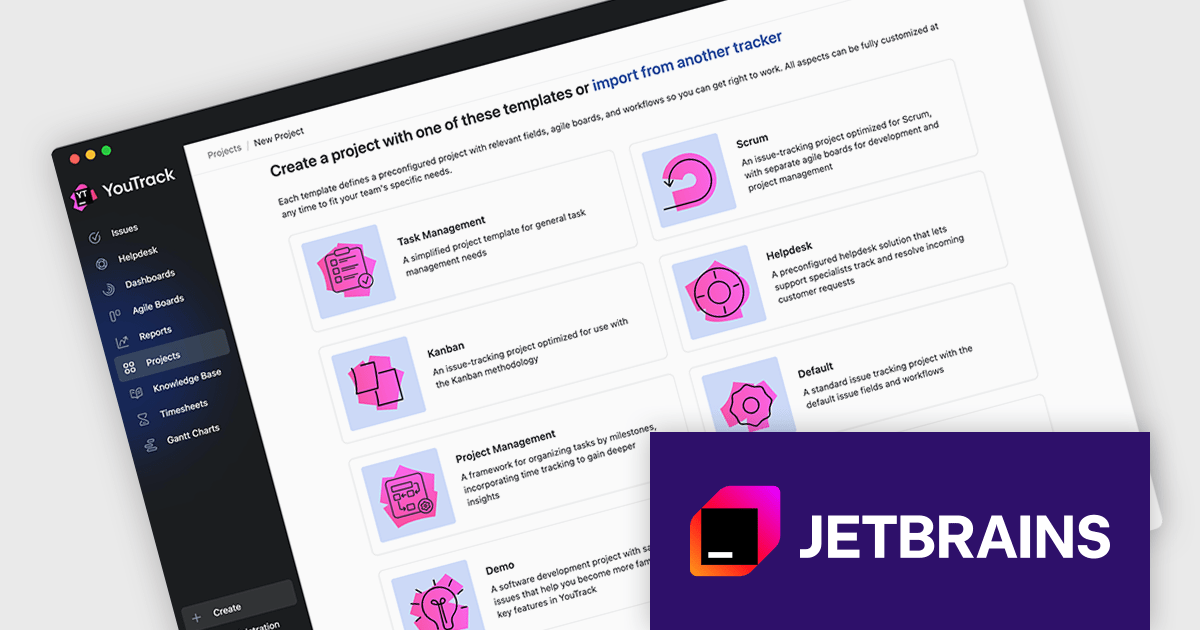
JetBrains YouTrack is a versatile project management and collaboration tool designed for both software development and non-technical teams. Powered by a robust and flexible issue tracking core, YouTrack provides comprehensive features for managing tasks, projects, and workflows of any size. Its intuitive interface fosters efficient collaboration and communication, while agile boards and reporting tools offer real-time visibility and control. Available in both cloud and on-premises options, YouTrack scales effortlessly to accommodate small startups and large enterprises alike, making it a powerful solution for teams seeking to streamline their work and boost productivity.
The YouTrack 2025.2 release introduces an updated project creation wizard, now featuring a curated set of project templates tailored to different team needs. For lightweight task tracking, the new Task Management template offers a simplified setup. Teams with more complex workflows can opt for the Project Management template, which supports tracking different types of work and recording time spent. Meanwhile, the Marketing template introduces structured fields for organizing tasks by activity type, campaign, and channel. These new templates provide a faster, more context-aware way to launch projects that align with how your team works.
To see a full list of what's new in version 2025.2, see our release notes.
YouTrack Server (installed on your server) is licensed per server and per user, as a Perpetual license with 1 year of free updates and technical support. YouTrack Cloud (hosted in the cloud by JetBrains) is licensed per user as an Annual license which includes updates and technical support. See our YouTrack licensing page for full details.
For more information, visit our YouTrack product page.





Tél : (888) 850 9911
Fax : +1 770 250 6199


