








Fournisseur officiel
Comme nous somme les distributeurs officiels et autorisés, nous vous fournissons des licences légitimes directement à partir de 200+ éditeurs de logiciels.
Voyez toutes nos marques.
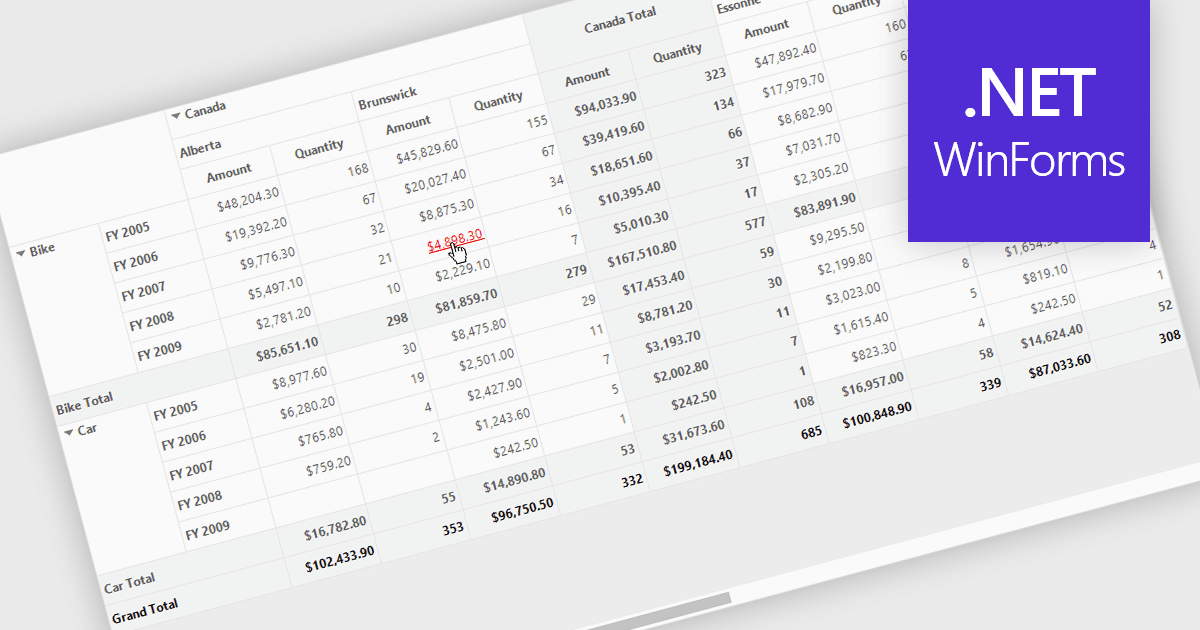
Hyperlinks in grids allow individual cells to function as clickable links, enabling users to navigate directly to related records, pages, or external resources. This makes data more interactive and improves usability by reducing manual searching. Users can quickly access additional context such as detailed views, reports, or linked systems without leaving the grid. Common use cases include linking customer names to profiles, order IDs to transaction details, or connecting data to external documentation, helping improve productivity and efficiency.
Several .NET WinForms grid controls offer hyperlink cell types, including:
For an in-depth analysis of features and price, visit our .NET WinForms grid controls comparison.
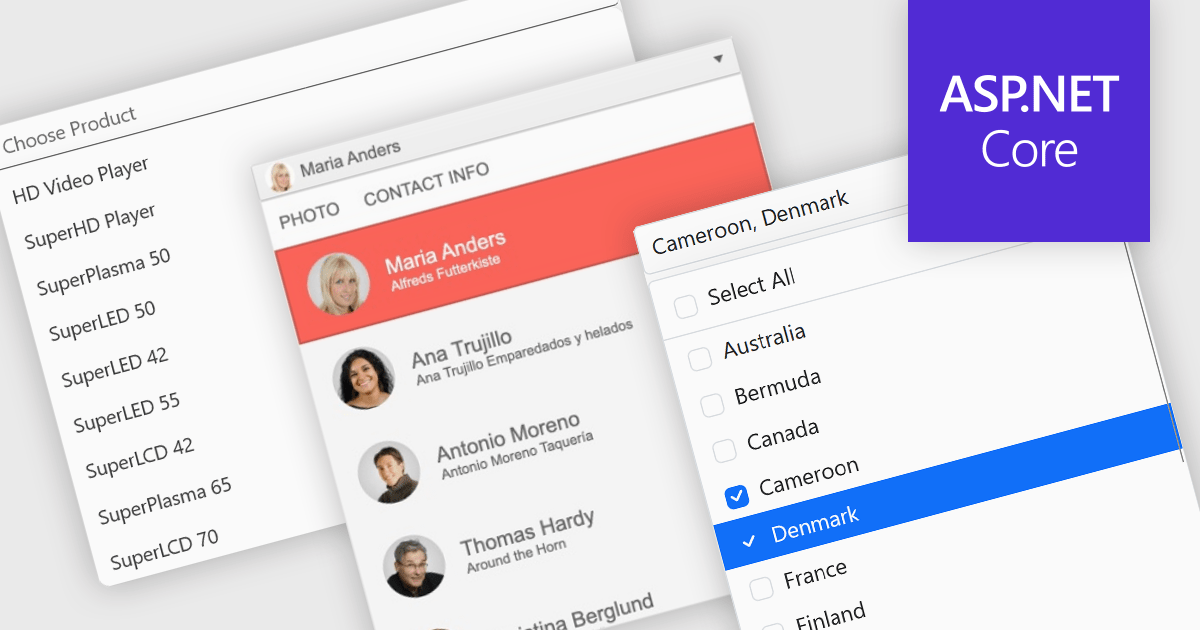
Dropdowns and lists provide structured ways for users to select and manage values within grids, forms, or tables. By constraining input to predefined options, these controls help maintain data consistency, reduce entry errors, and improve overall usability. They are commonly used in business applications where accuracy and efficiency are important, such as configuration panels, data management tools, and enterprise systems.
Common features include:
For an in-depth analysis of features and price, visit our ASP.NET Core data editor components comparison.
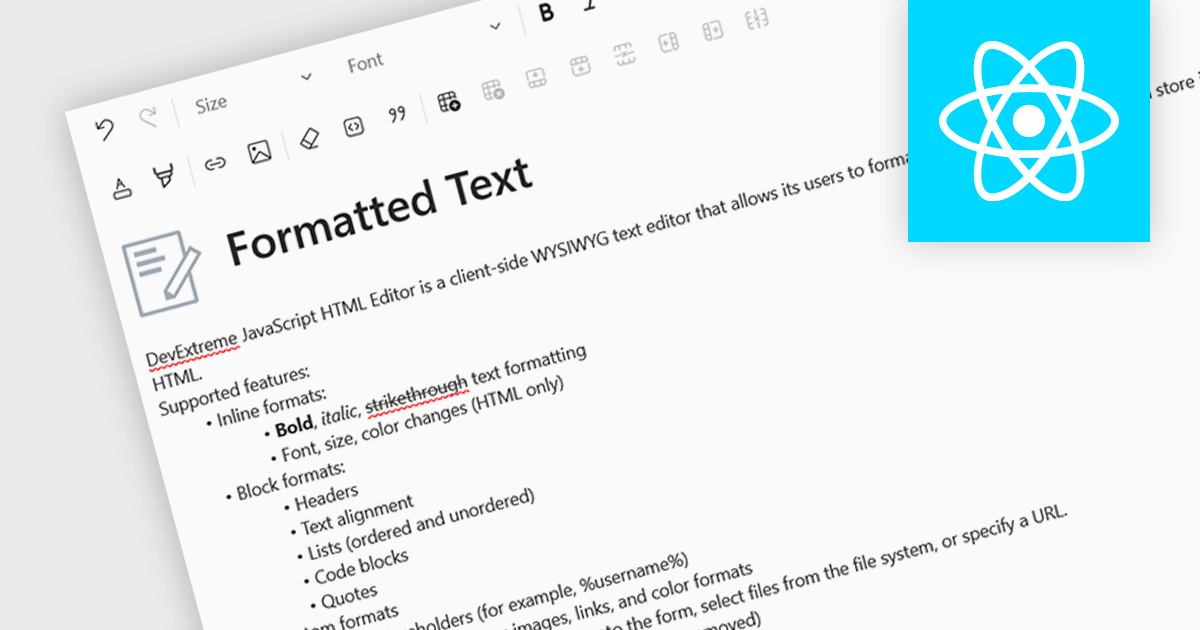
An RTF (Rich Text Format) editor allows users to create and modify formatted text, such as bold, italics, fonts, colors, and embedded elements. This capability is particularly useful in applications where descriptive or user-generated content must retain presentation alongside data, such as CMS platforms, reporting tools, or enterprise data grids. By integrating rich text editing at the component level, it enables more expressive data entry, reduces the need for external editors, and ensures formatting consistency when storing and rendering content across systems.
Several React data editor collections include RTF (rich text format) functionality, including:
For an in-depth analysis of features and price, visit our comparison of React data editors.
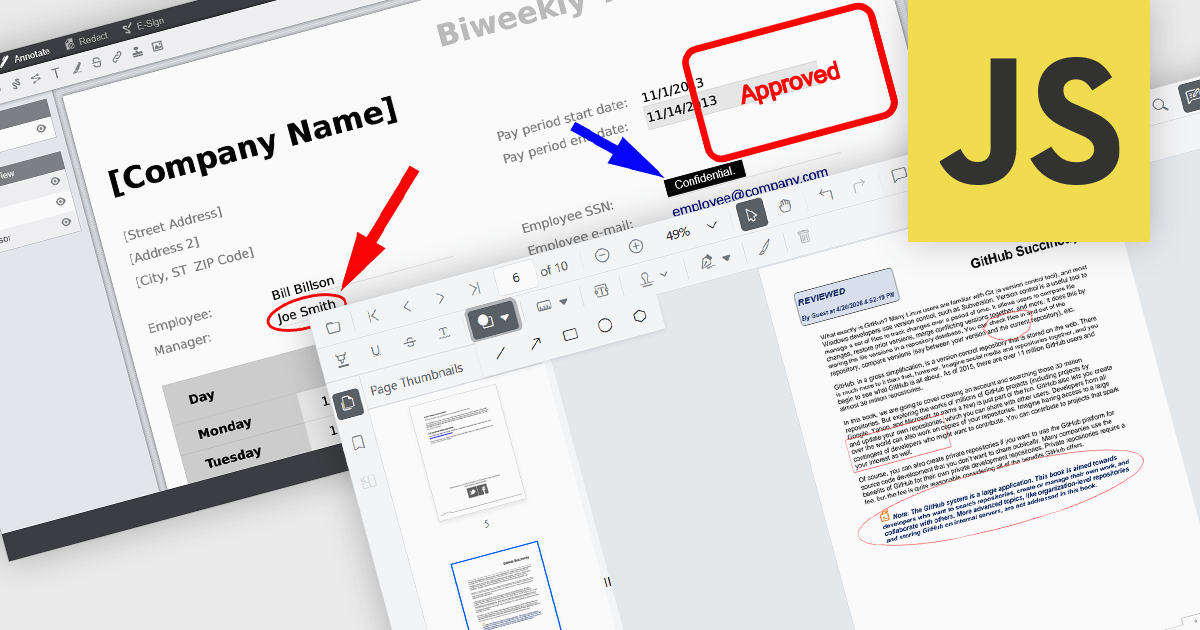
Annotation capabilities in PDF Viewer components allow users to interact with documents through visual and textual markup, supporting review, collaboration, and documentation processes. Tools such as Line, Rectangle, and Free text help highlight structure and add clarity, while Sticky note and Stamp annotations provide contextual feedback and status indicators. By embedding these capabilities directly into a viewer, applications can offer a cohesive experience for editing and reviewing PDFs without requiring external software.
Common annotations include:
For an in-depth analysis of features and price, visit our JavaScript PDF viewer components comparison.
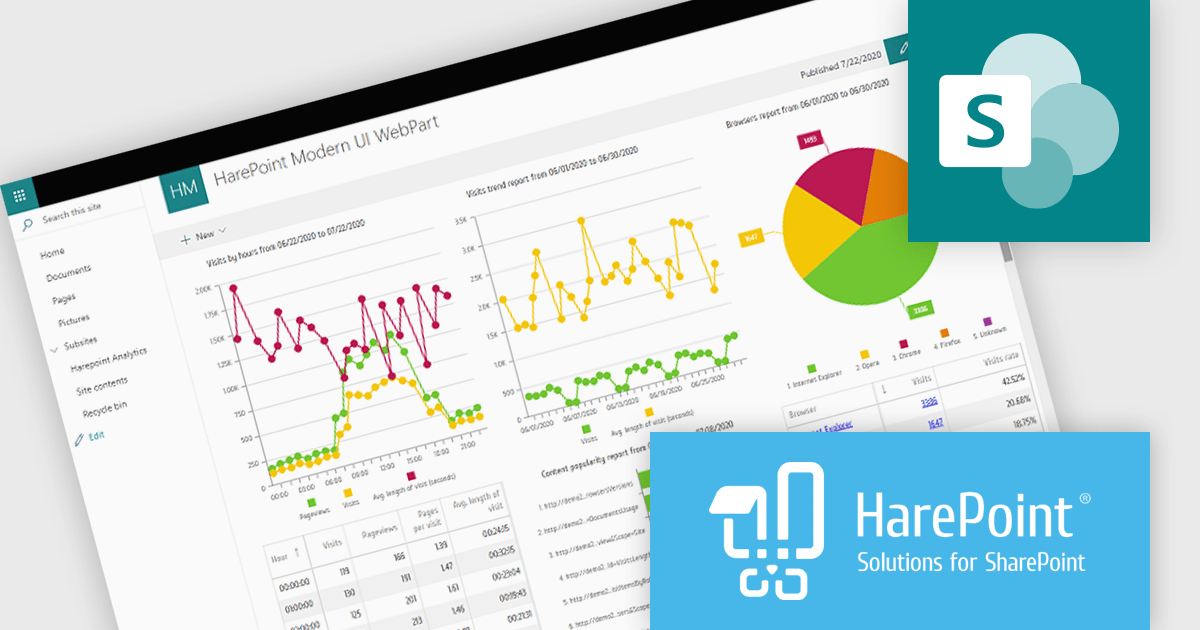
HarePoint Analytics for SharePoint is a solution that provides insights into the performance and usage of SharePoint portals and websites. It offers reports on user activity, page visits, site usage, document creation, and search services. With real time reporting and drill down capabilities, users can explore data in detail and make informed decisions. The platform integrates with Active Directory, supports departmental reporting, and is easy to deploy without requiring content changes, making it ideal for monitoring performance, improving user engagement, and optimizing content.
HarePoint Analytics for SharePoint enables developers to access detailed, real time data on user activity and content usage, allowing them to better understand how applications and sites are utilized, identify inefficiencies, and make informed decisions to optimize performance, improve user experience, and support more effective maintenance and development of SharePoint environments without requiring changes to existing content or structure.
HarePoint Analytics for SharePoint is available as a perpetual license and is licensed based on the number of SharePoint users with access to the server. It includes a one year subscription for support and updates, with optional annual renewal. See our HarePoint Analytics for SharePoint licensing page for full details.
Learn more on our HarePoint Analytics for SharePoint product page.





Tél : (888) 850 9911
Fax : +1 770 250 6199


