








Fournisseur officiel
Comme nous somme les distributeurs officiels et autorisés, nous vous fournissons des licences légitimes directement à partir de 200+ éditeurs de logiciels.
Voyez toutes nos marques.
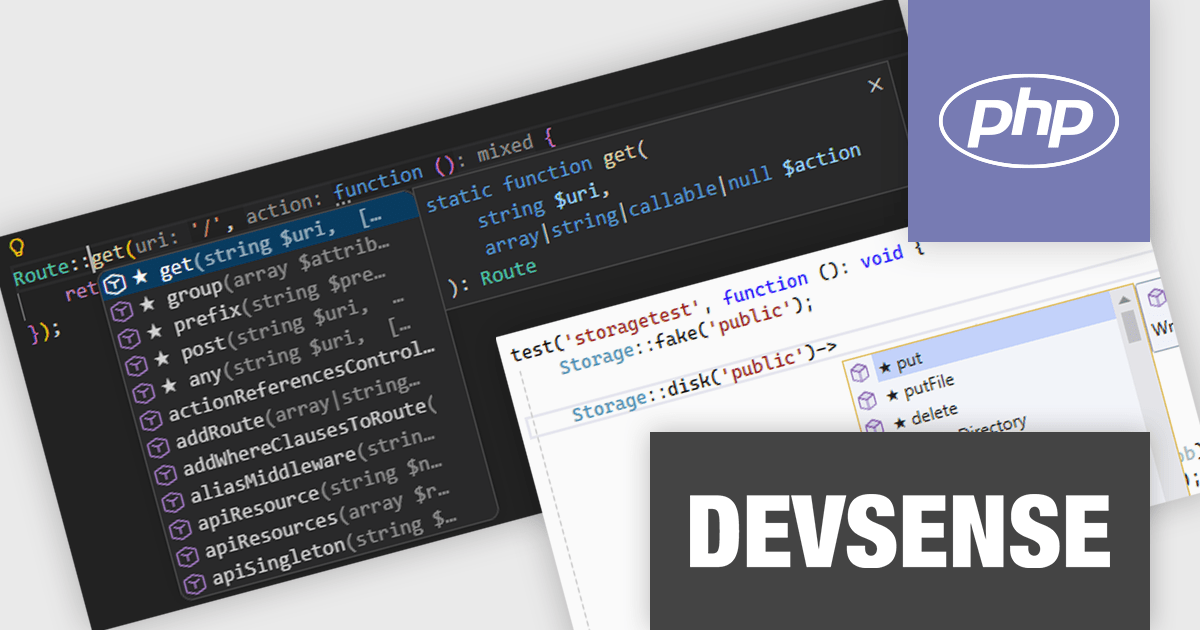
PHP Tools for Visual Studio converts Microsoft's IDE into a complete PHP development environment, increasing productivity with features such as smart code analysis, preemptive code completion, integrated debugging, and project management. This single package combines Visual Studio's familiar interface with industry-standard capabilities, allowing you to easily develop PHP applications and websites.
The PHP Tools for Visual Studio v1.89 update introduces starred suggestions within the code completion system, visually marking the most relevant options with a star icon and automatically placing them at the top of the list. By prioritizing these starred suggestions, it reduces the need to scan through extensive completion lists and helps developers select the correct option more efficiently. The feature is particularly useful in complex projects where large numbers of symbols, methods, and variables can otherwise slow down development.
To see a full list of what's new in v1.89.18735, see our release notes.
PHP Tools for Visual Studio is licensed per developer and is available as a perpetual license with 1 year of upgrades and support. See our PHP Tools for Visual Studio licensing page for full details.
For more information, see our PHP Tools for Visual Studio product page.
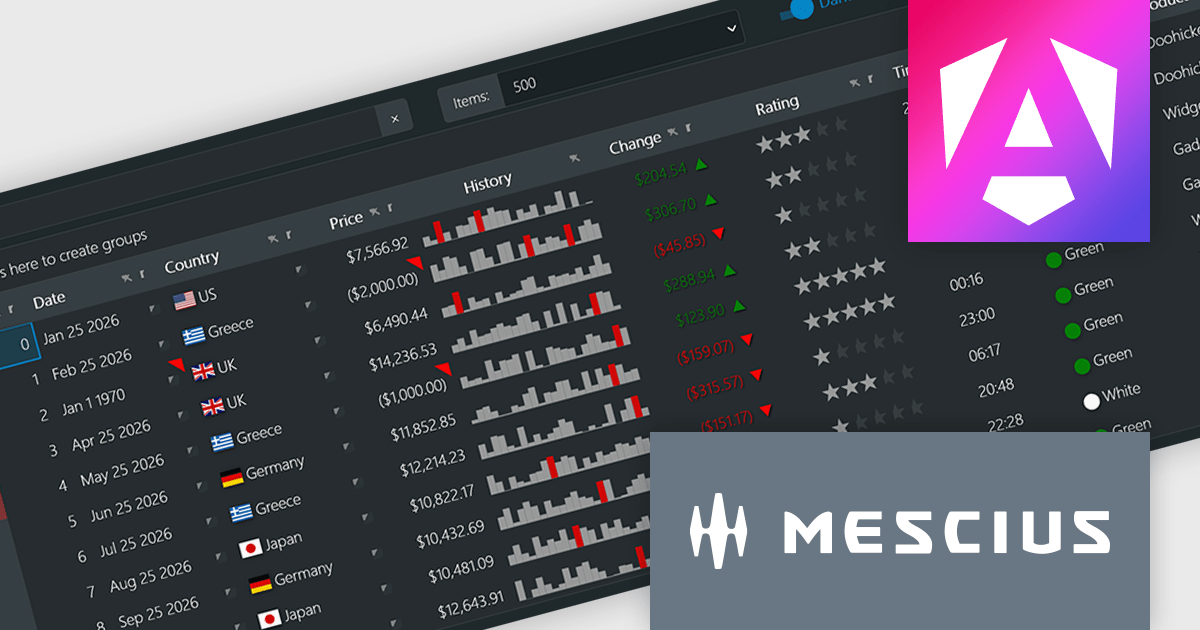
Wijmo by MESCIUS is a comprehensive JavaScript library offering a suite of high-performance UI components and data grids specifically designed to streamline the development of modern enterprise applications. It emphasizes reduced development time and improved maintainability, along with a focus on performance through its efficient design and small module size. Wijmo integrates seamlessly with popular JavaScript frameworks like Angular, React, and Vue.js, and supports cutting-edge technologies like TypeScript, making it a versatile solution for building complex web applications.
The Wijmo 2026 v1 update introduces support for Angular 21, enabling developers to adopt the latest framework capabilities while maintaining full compatibility with Wijmo’s comprehensive component library. This support ensures smoother integration, improved application performance, and alignment with current Angular development standards. Developers can build more responsive and maintainable applications while benefiting from advanced features such as FlexGrid cell templates and a high performance Angular DataGrid, helping deliver modern user experiences more efficiently.
To see a full list of what's new in 2026 v1, see our release notes.
Wijmo is licensed per developer. Developer Licenses are perpetual and include 1 year Subscription which provides upgrades, including bug fixes and new features. See our Wijmo licensing page for full details.
Learn more on our Wijmo product page.
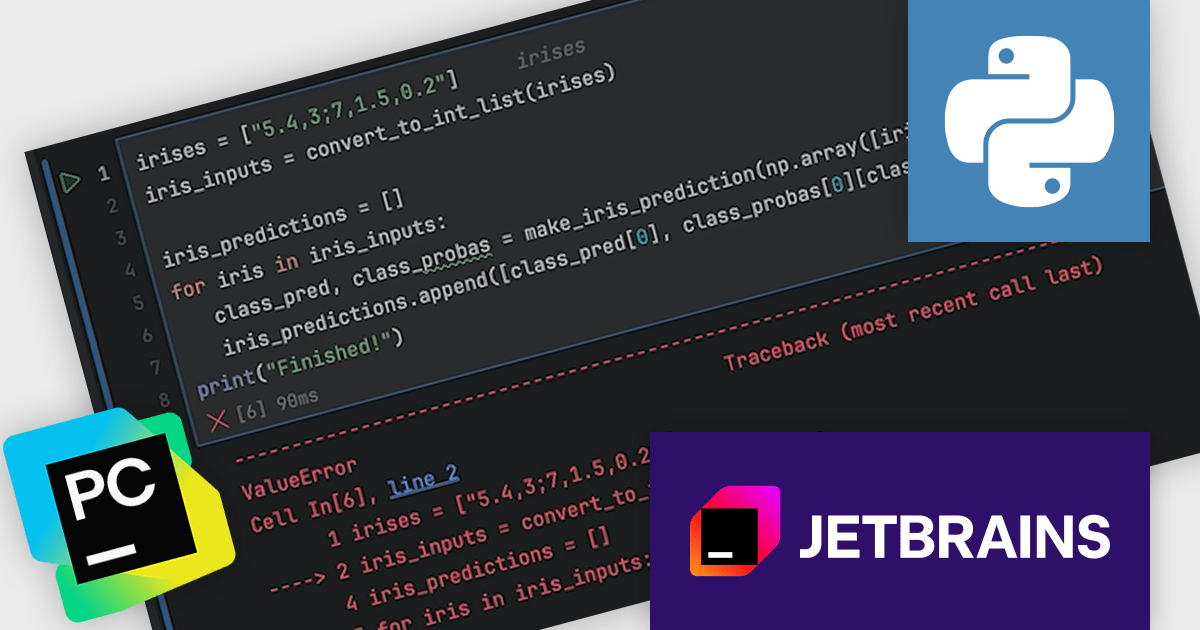
PyCharm by JetBrains is a comprehensive Integrated Development Environment (IDE) specifically designed for Python programming. It offers a range of features to enhance productivity, including code analysis for error detection, a visual debugger for troubleshooting, integrated unit testing for code verification, and support for version control systems to manage code changes. PyCharm also caters to web development using frameworks like Django, making it a powerful tool for both experienced developers and beginners in the Python world.
The PyCharm 2026.1 update introduces a new debugger option for Jupyter notebooks, allowing developers to use the Debug Adapter Protocol (DAP) as the default debugger. This brings greater consistency between notebook and standard Python debugging, helping reduce unexpected behaviour and improving overall stability. By aligning debugging experiences across different project types, it makes it easier to diagnose issues and maintain a smooth development process.
To see a full list of what's new in version 2026.1, see our release notes.
PyCharm is licensed per user, and is available as a commercial annual subscription license. We can supply new subscriptions, subscription renewals, lapsed renewals, and additional user licenses. See our PyCharm licensing page for full details.
PyCharm is available to buy in the following products:
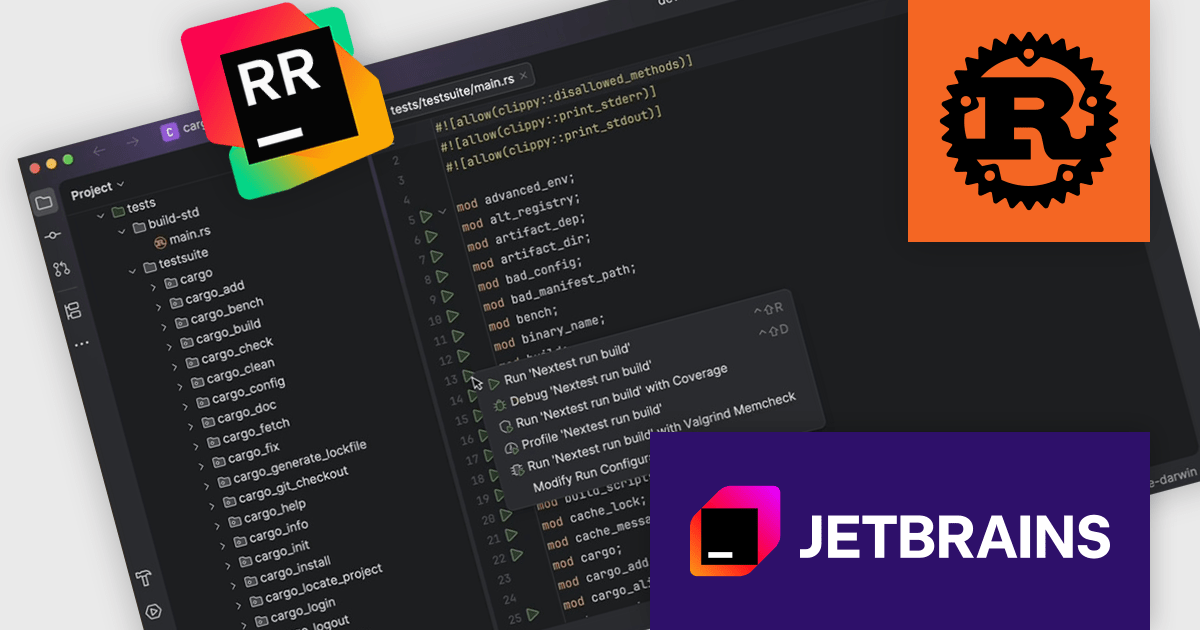
RustRover by JetBrains is a specialized integrated development environment (IDE) designed to support the unique needs of Rust developers. Built on JetBrains' IntelliJ platform, it combines deep language understanding with tools that enhance productivity, such as intelligent code completion, advanced code analysis, and robust refactoring capabilities. RustRover also integrates with Cargo, Rust's package manager, and includes built-in support for testing and debugging to improve the entire development process. By focusing on the requirements of performance-critical and memory-safe applications, RustRover helps developers write efficient, reliable, and maintainable Rust code with ease.
RustRover 2026.1 now integrates cargo-nextest, allowing developers to execute tests more efficiently within large Rust workspaces without relying on the terminal. This addition provides improved performance for test runs while presenting structured results and real-time progress in the IDE’s Test tool window. By keeping everything inside the development environment, it reduces context switching and makes it easier to monitor and act on test outcomes as part of everyday development.
To see a full list of what's new in 2026.1, see our release notes.
RustRover is licensed per user, and is available as a commercial annual subscription license. We can supply new subscriptions, subscription renewals, lapsed renewals, and additional user licenses. See our RustRover licensing page for full details.
RustRover is available to buy in the following products:
ComponentSource and Duende Software have built a strong partnership focused on helping developers access trusted tools for authentication and authorization. Duende provides modern identity and access management solutions based on open standards, enabling secure login, API protection, and user management across web, mobile, and enterprise applications.
At the center of Duende Software is IdentityServer, their flagship product, a flexible and standards compliant OpenID Connect and OAuth 2.1 framework for ASP.NET Core that enables secure access control, single sign on, and scalable identity management across distributed applications for modern enterprise environments.
Through this collaboration, ComponentSource strengthens its portfolio with enterprise grade security solutions, helping differentiate its offering while delivering Duende’s products to developers and organizations worldwide.
Learn more about Duende Software.





Tél : (888) 850 9911
Fax : +1 770 250 6199


