








Fournisseur officiel
Comme nous somme les distributeurs officiels et autorisés, nous vous fournissons des licences légitimes directement à partir de 200+ éditeurs de logiciels.
Voyez toutes nos marques.

Skyvia Data Integration is a cloud-based platform that provides a unified environment for managing data pipelines, ETL processes, and data synchronization between various data sources and destinations. It offers a low-code interface for creating and configuring data integration workflows, automating routine tasks, and ensuring data consistency across different systems. The platform supports a wide range of data formats and protocols, including relational databases, MySQL databases, cloud storage, and APIs, making it a versatile tool for data professionals and developers.
The latest Skyvia Data Integration release adds support for replicating data from Oracle, enabling efficient synchronization with cloud storage or databases. This update allows users to replicate only recent changes from Oracle tables, provided they include timestamp or autoincrement columns. By leveraging incremental replication, businesses can reduce data transfer costs and improve performance. For cases where incremental sync isn't possible, a full resync option ensures complete data updates. This flexibility makes it easier to keep cloud-based analytics, reporting, and backup systems aligned with on-premises Oracle databases.
To see a full list of what's new, see our release notes.
Skyvia Data Integration is licensed based on the number of records processed per month and is available as an Annual License. See our Skyvia Data Integration licensing page for full details.
Learn more on our Skyvia Data Integration product page.

Able2Extract Professional by Investintech delivers accurate conversion of native and scanned PDFs to editable Microsoft Office (Word, Excel, PPT), AutoCAD, HTML, images and more, while ensuring that the original layout and formatting remain consistent after conversion. Besides seamless PDF conversion, Able2Extract Professional allows users to batch create multiple PDF files at once, deal with interactive PDF forms, edit and customize PDF content and pages in many ways, and sign PDF documents with electronic and digital signatures.
The Able2Extract Professional version 20 update improves row recognition in PDF to Excel conversions, ensuring that data is accurately structured and aligned within spreadsheets. By refining the way rows are detected and consolidated, this enhancement minimizes misalignment issues, reduces the need for manual corrections, and preserves data integrity across financial statements, invoices, and structured reports. Developers working with automated data workflows will benefit from cleaner, more reliable extractions, allowing for seamless integration into analytical or processing pipelines without additional reformatting.
To see a full list of what’s new in version 20, see our release notes.
Able2Extract Professional is licensed per user and is available with Investintech's Software Advantage Plan (SAP), an annual subscription which provides priority support, software updates and other benefits. See our Able2Extract Professional licensing page for full details.
For more information, visit our Able2Extract Professional product page.
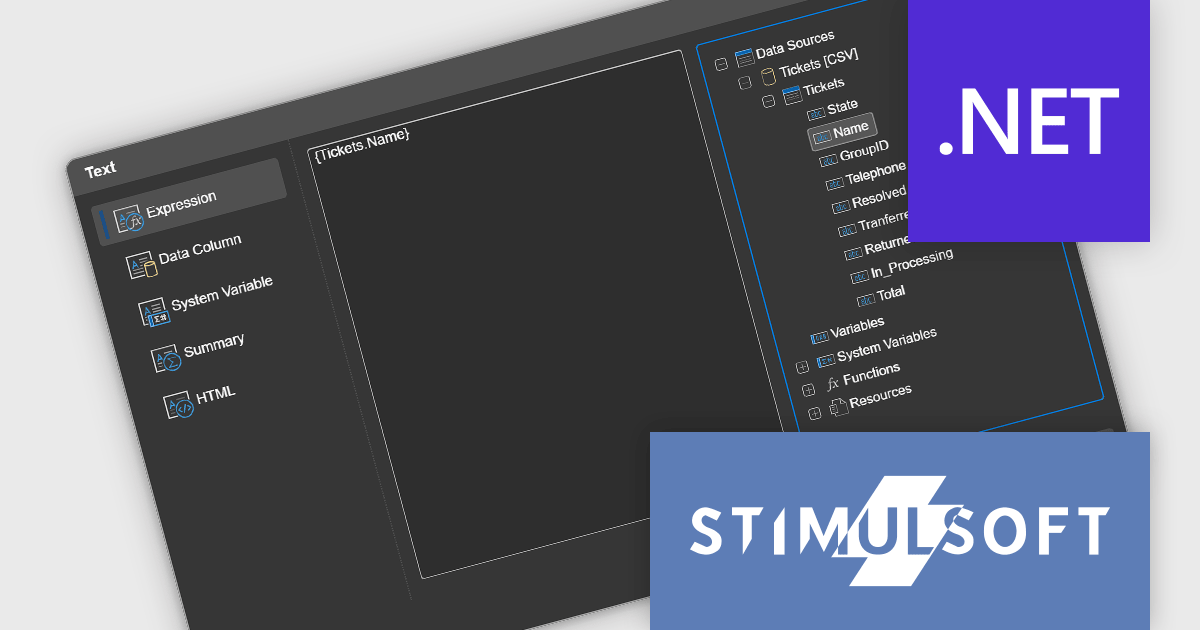
Stimulsoft Reports.WEB is a cross-platform reporting solution designed for integration within web applications. It leverages a client-server architecture for report generation, viewing, printing, and exporting directly in web browsers. Its powerful .NET report engine offers efficient report processing, a user-friendly HTML5 report designer for building reports with various data sources and visualizations, and an interactive HTML5 viewer for seamless report display within web applications. This integration allows developers to implement robust reporting functionalities without browser plugins or additional client-side dependencies.
The Stimulsoft Reports.WEB 2025.1.1 release adds a data dictionary to various component editors in the Web report designer, making it easier to access data dictionary elements when editing report components. This enhancement simplifies the report creation process, making it more intuitive and efficient for users.
To see a full list of what's new in 2025.1.1, see our release notes.
Stimulsoft Reports.WEB is licensed per developer and is available as a perpetual license with 1 year support and maintenance. See our Stimulsoft Reports.WEB licensing page for full details.
Stimulsoft Reports.WEB is available individually or as part of Stimulsoft Ultimate.
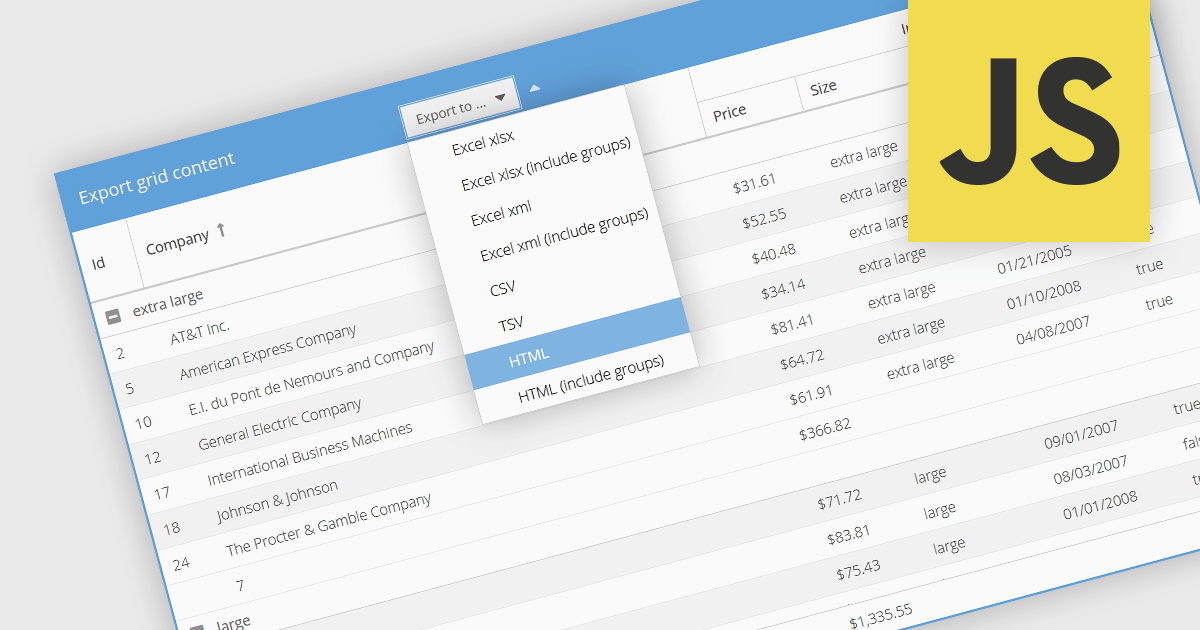
Exporting grid data to HTML is a valuable feature in grid components, enabling developers to generate structured, web-friendly representations of their datasets. This capability allows users to capture the current state of a grid, including applied filters, sorting, and formatting, and convert it into a HTML document for sharing, archiving, or further processing. By preserving the layout and styling, exporting to HTML ensures that the visual integrity of the grid is maintained, making it a convenient alternative to exporting data in static formats like CSV or Excel. The ability to export grids as HTML tables allows you to easily integrate the resultant file with web applications, and makes grid applications more useful. This provides flexibility that makes them ideal for a variety of use cases, including reporting, data dashboards, and embedding structured data within web pages.
Several JavaScript grid components allow you to export to HTML, including:
For an in-depth analysis of features and price, visit our comparison of JavaScript grid components.
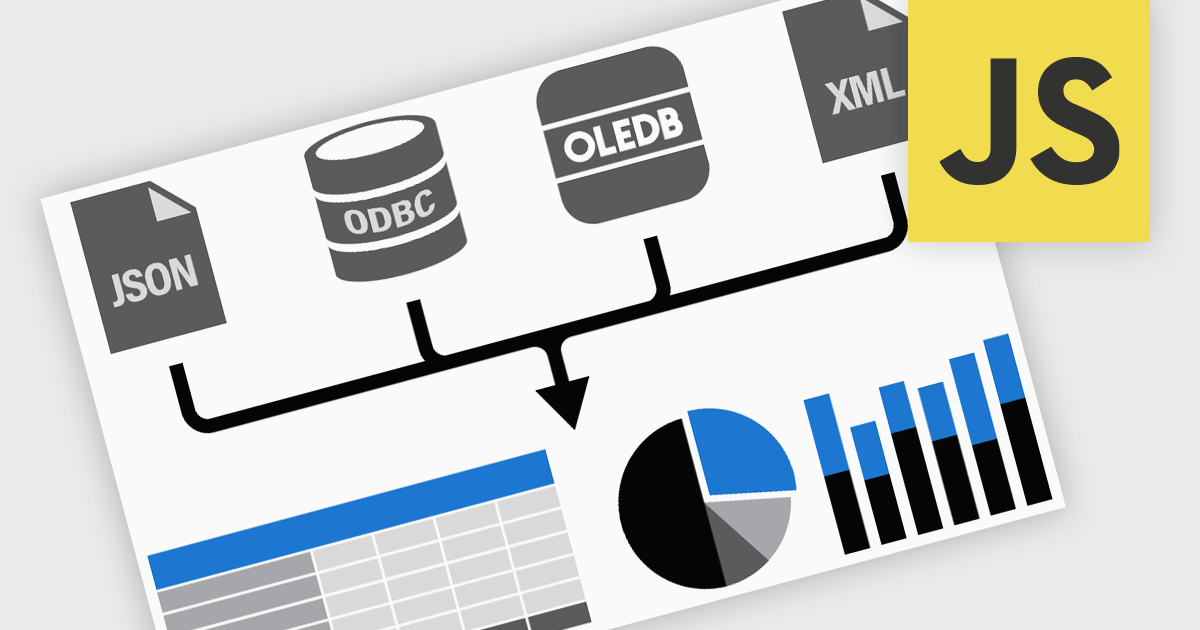
Data connectivity options allow reporting components to integrate with various data sources to retrieve, process, and display data in reports. It typically involves connecting to databases, APIs, web services, or in-memory data structures to fetch real-time or static data. This connectivity is often achieved through frameworks, libraries, or built-in support for data binding and querying mechanisms, such as RESTful APIs, GraphQL, or direct database connections via server-side proxies. Reliable data connectivity enables reporting components to efficiently manage large datasets, perform transformations, and dynamically refresh reports, delivering interactive and precise insights to end-users.
JavaScript reporting components support various data connections including:





Tél : (888) 850 9911
Fax : +1 770 250 6199


