








Fournisseur officiel
Comme nous somme les distributeurs officiels et autorisés, nous vous fournissons des licences légitimes directement à partir de 200+ éditeurs de logiciels.
Voyez toutes nos marques.
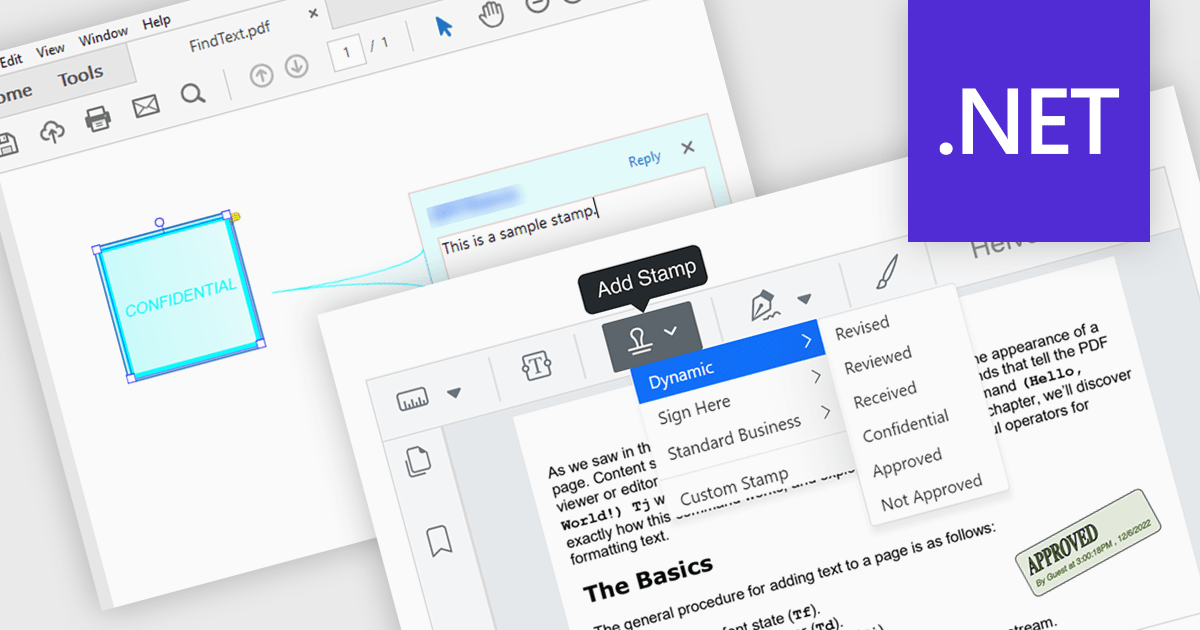
Stamp annotation support in a PDF Viewer component allows applications to place predefined or custom visual marks, such as “Approved,” “Draft,” or date-based stamps, directly onto PDF pages as non-destructive annotations. For software developers, this capability simplifies the implementation of document review and approval processes by enabling users to apply consistent, repeatable markings without altering the underlying content. It improves traceability and collaboration by making document status and actions immediately visible, supports automation through programmatic stamp placement, and helps maintain document integrity while meeting common business and compliance requirements.
Several .NET PDF viewer components support stamp annotations, including:
For an in-depth analysis of features and price, visit our comparison of .NET PDF viewer components.
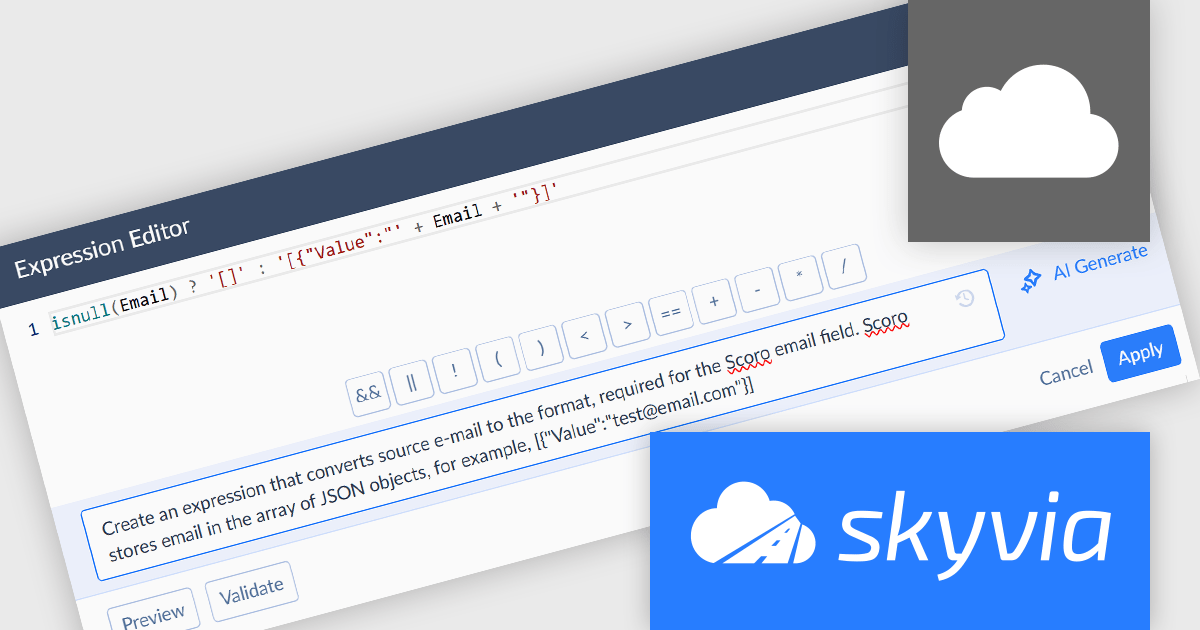
Skyvia Data Integration is a cloud-based platform that provides a unified environment for managing data pipelines, ETL processes, and data synchronization between various data sources and destinations. It offers a low-code interface for creating and configuring data integration workflows, automating routine tasks, and ensuring data consistency across different systems. The platform supports a wide range of data formats and protocols, including relational databases, MySQL databases, cloud storage, and APIs, making it a versatile tool for data professionals and developers.
The latest Skyvia Data Integration release introduces AI powered expression generation, enabling developers to describe the intended transformation logic in natural language and automatically generate accurate expressions directly within the Expression and Mapping editors. This capability reduces the time spent manually writing and validating complex formulas, lowers the risk of syntax and logic errors, and simplifies the implementation of advanced data transformations. By accelerating expression creation and reducing dependency on detailed knowledge of Skyvia’s expression syntax, the feature helps development teams build, modify, and maintain integration and automation workflows more efficiently.
To see a full list of what's new, see our release notes.
Skyvia Data Integration is licensed based on the number of records processed per month and is available as an Annual License. See our Skyvia Data Integration licensing page for full details.
Learn more on our Skyvia Data Integration product page.
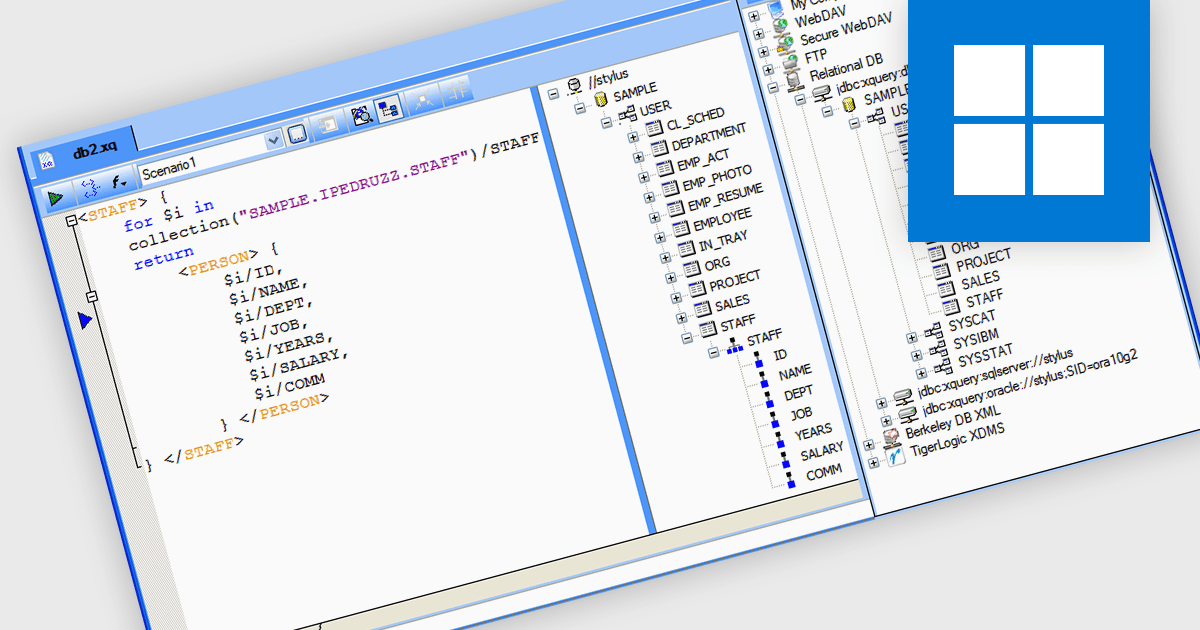
IBM DB2 database support in Structured Document Tools refers to the ability of XML and data development software to connect directly to IBM DB2 relational databases for accessing, querying, and integrating structured data within document-based processes. This support enables users to generate or validate XML and other structured documents against DB2 data, perform database-driven transformations, map DB2 content into XML schemas, and design reports or outputs based on live enterprise database information. By providing built-in connectivity to IBM DB2, these tools help organizations improve data exchange, ensure consistency between structured documents and backend systems, and support complex publishing, integration, and compliance processes in DB2-based environments.
Several structured document tools support IBM DB2 including:
For an in-depth analysis of features and price, visit our comparison of structured document tools.
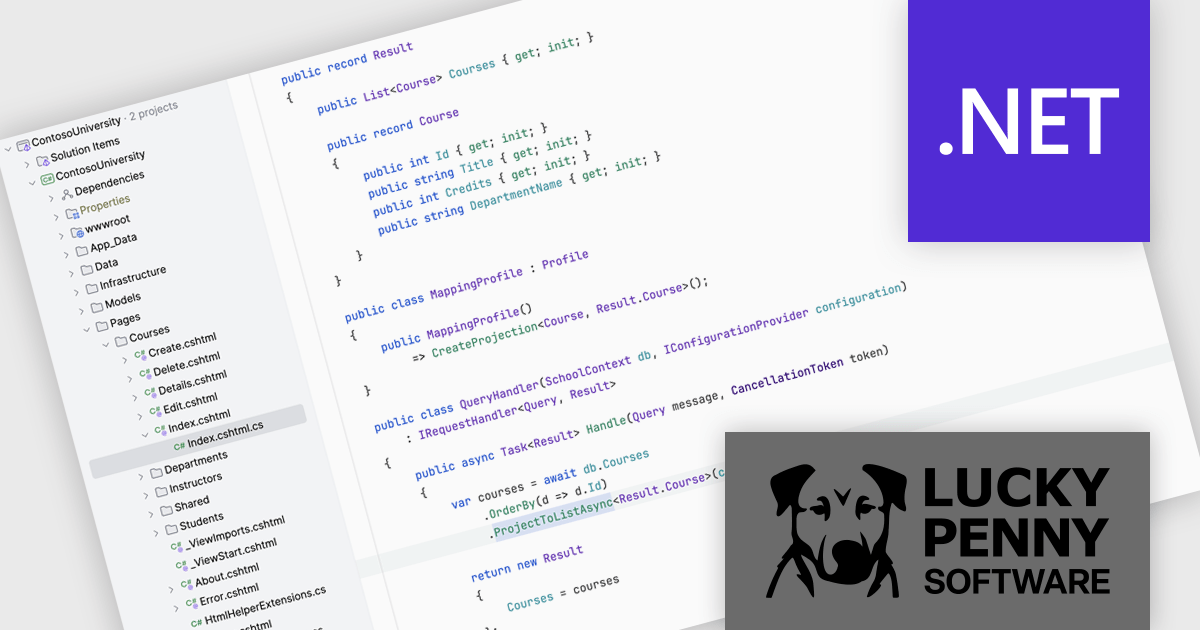
AutoMapper by Lucky Penny Software is a convention-based object-to-object mapping library designed for Microsoft .NET developers. It improves the process of transforming data between objects, particularly when mapping complex domain models to simpler Data Transfer Objects (DTOs), using intelligent conventions and configuration options to minimize manual coding.
By eliminating repetitive boilerplate mapping code, AutoMapper helps developers build cleaner, more maintainable applications. It enforces consistent naming conventions, validates mappings at runtime, and optimizes LINQ projections for efficient data querying. This makes it especially valuable in layered architectures, API development, and enterprise applications where data transformation is frequent and complex. From startups to large organizations, teams use AutoMapper to reduce errors, accelerate development cycles, and focus on delivering business value rather than managing tedious object-mapping logic.
AutoMapper is licensed on an annual subscription basis per development team, with Standard (1–10 developers), Professional (11–50 developers), and Enterprise (unlimited developers) tiers. See our AutoMapper licensing page for full details.
For more information, visit our AutoMapper product page.
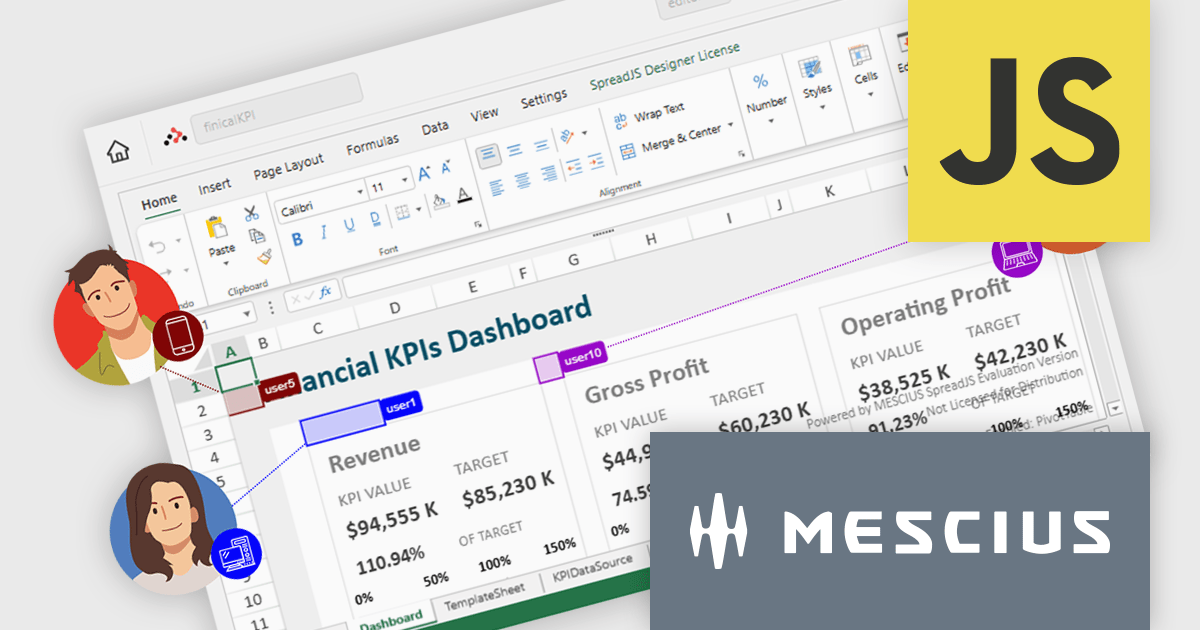
SpreadJS is a complete enterprise JavaScript spreadsheet solution used to create financial reports and dashboards, budgeting and forecasting models, scientific, engineering, healthcare, education, science lab notebooks, and other similar JavaScript business applications. It leverages a high-speed calculation engine with over 500 Excel built-in functions in 19 languages to deliver true Excel-like spreadsheet experiences with zero dependencies on Excel and full support for React, Vue, Angular, and TypeScript.
On Thursday, February 26th at 11:00 AM EST, MESCIUS (formerly GrapeCity) will be presenting a CodeClinic Live Webinar highlighting the new Collaboration Server as a production-ready solution for real-time, multi-user spreadsheet editing in enterprise JavaScript applications. During this webinar, SpreadJS Product Manager Chris Bannon and Product Marketing Manager Mackenzie Albitz will take you through the following key takeaways:
Register for the Live Webinar today and mark your calendar for February 26th.
SpreadJS is licensed per developer and includes 1 Year Maintenance (major and minor version releases and unlimited support phone calls). SpreadJS requires an Annual or Perpetual Deployment License. The optional Add-ons are available at an additional cost, and require a SpreadJS license. See our SpreadJS licensing page for full details.
For more information, visit our SpreadJS product page.





Tél : (888) 850 9911
Fax : +1 770 250 6199


