








Fournisseur officiel
Comme nous somme les distributeurs officiels et autorisés, nous vous fournissons des licences légitimes directement à partir de 200+ éditeurs de logiciels.
Voyez toutes nos marques.
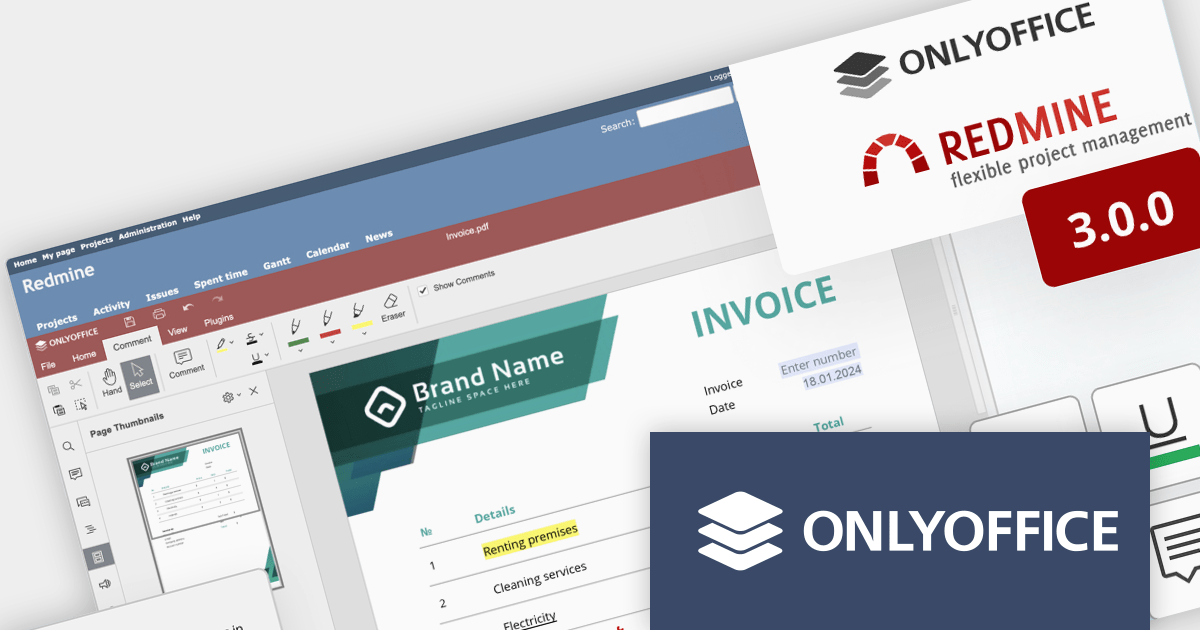
ONLYOFFICE Docs Enterprise Edition with Redmine Connector combines an online document editor with a seamless integration for Redmine, the Ruby on Rails-based project management hub. This allows teams to create, view, edit, and collaborate on spreadsheets, presentations, and text files online, directly within Redmine, boosting efficiency and eliminating the need for file switching.
ONLYOFFICE Redmine connector v3.0.0 expands the list of file formats that are available for editing. Previous releases supported DOCX, XLSX, PPTX, DOCXF and OFORM, but the latest update allows you to use ONLYOFFICE Docs directly within Redmine, to edit DOCM, DOTM, DOTX, XLSM, and XLTM files. The following formats may also be opened for editing by checking them in the format settings, though please note that data loss may occur due to format restrictions: EPUB, FB2, HTML, ODT, OTT, RTF, TXT, CSV, OTS, ODS, and ODP.
To see a full list of what's new in v7.5.1 (3.0.0), see our release notes.
ONLYOFFICE Docs Enterprise Edition with Redmine Connector is licensed per server and is available as an annual license with 1 year of support and updates, or as a perpetual license with 3 years of support and updates. See our ONLYOFFICE Redmine connector licensing page for full details.
For more information, see our ONLYOFFICE Redmine connector product page.

PDFlib is a sophisticated software development library that allows you to dynamically create, alter, and personalize PDF documents within your applications. PDFlib provides a full set of capabilities for optimizing document workflows across web servers, desktop apps, and mobile environments, including the ability to create highly structured PDFs with text, graphics, and interactive components, as well as import existing pages and add overlays.
PDFlib version 10.0.2 adds support for Microsoft's .NET 8, allowing developers to leverage the framework's latest enhancements, such as improved performance, streamlined development processes, and stronger security features to generate and manipulate PDFs in their applications.
To see a full list of what's new in 10.0.2, see our release notes.
PDFlib is licensed per machine and is available as a perpetual license with or without 1 year of support. Annual support renewals are also available, as well as upgrades from the previous major version. See our PDFlib licensing page for full details.
PDFlib is available to buy in the following products:
JetBrains WebStorm is a powerful and modern Integrated Development Environment (IDE) specifically designed for web development. It offers a feature-rich environment that supports popular web technologies like JavaScript, HTML, CSS, and Node.js. WebStorm helps you write cleaner, more efficient code with features like syntax highlighting, autocompletion, code refactoring, and built-in testing tools. It integrates seamlessly with various web frameworks and libraries, making it a versatile choice for both front-end and back-end development.
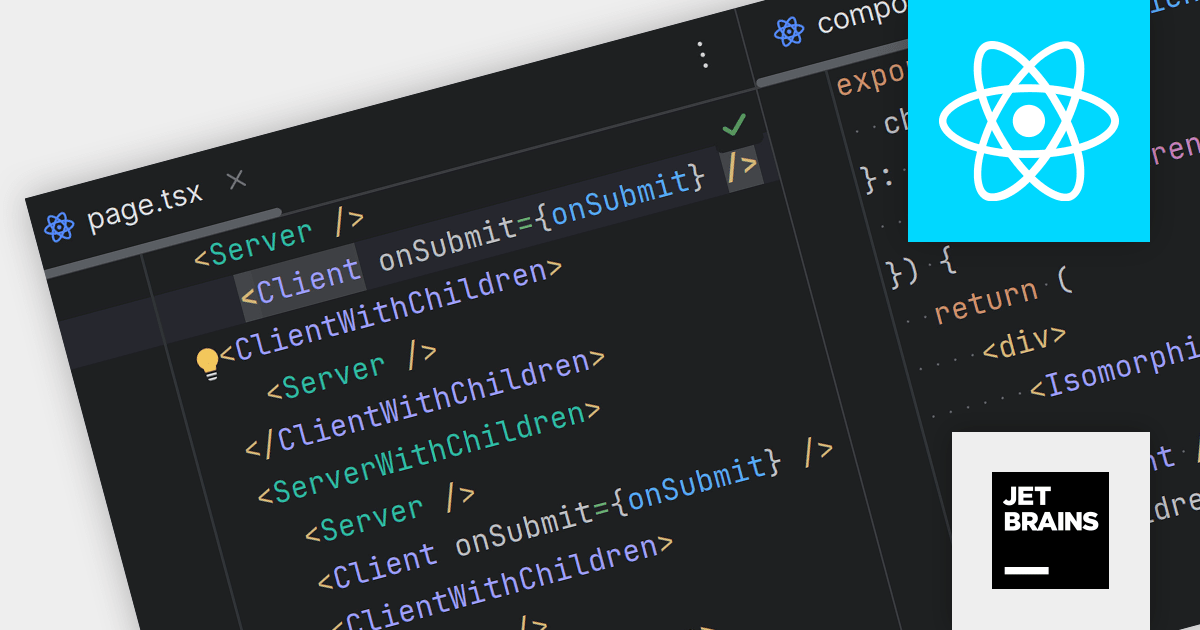
WebStorm 2023.3.3 streamlines React development with dedicated syntax highlighting. Client and Server components are now instantly distinguishable by their distinct colors, enhancing code clarity and efficiency. Customizable highlighting colors allow you to further personalize the development experience.
To see a full list of what's new in version 2023.3.3, see our release notes.
WebStorm is licensed per user, and is available as a commercial annual subscription license. We can supply new subscriptions, subscription renewals (including continuity discounts), lapsed renewals, and additional user licenses. See our WebStorm licensing page for full details.
For more information, visit our WebStorm product page.
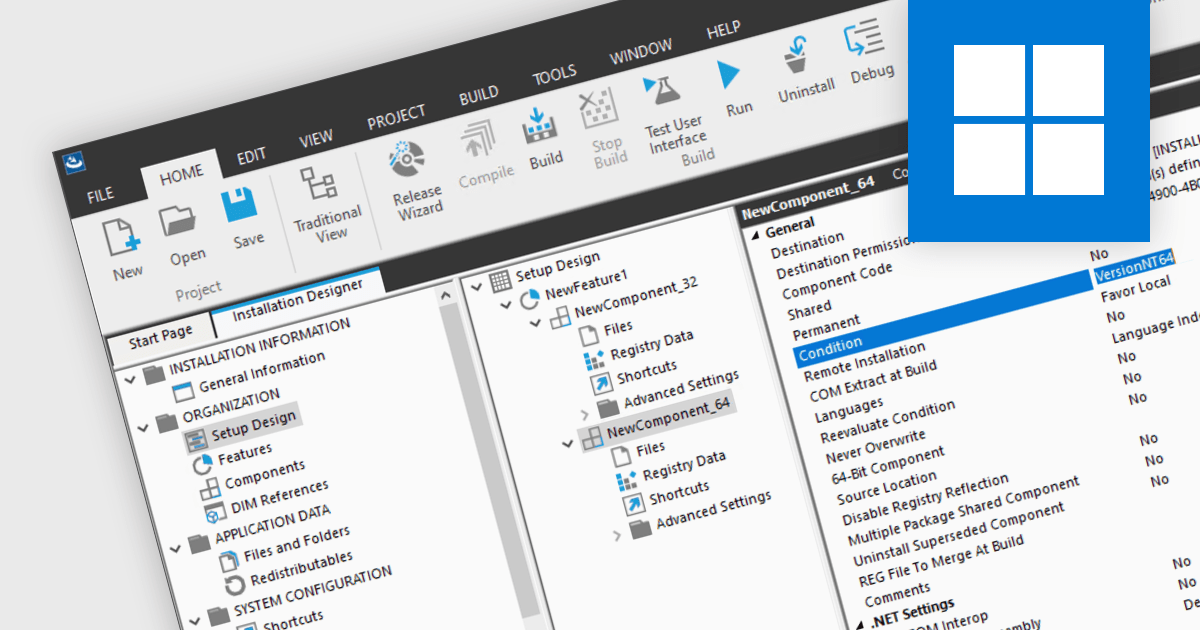
Unified 32/64-bit installers contain the necessary components for both architectures. They can automatically adapt the installation to deploy either the 32 or 64-bit version of the program depending on the target operating system. This simplifies software distribution, eliminating the need for separate installers for each architecture, ensuring compatibility across a range of systems, and providing a seamless installation experience for developers and end-users alike.
Several installation tools support the creation of unified 32/64-bit installers, including:
For an in-depth analysis of features and price, visit our Installation Tools comparison.

For the past fifteen years, ComponentSource and GigaSoft have fostered a collaborative partnership, enabling developers to build applications with professional charting and data visualization features.
GigaSoft is a prominent provider of charting and graphing components for developers, best known for its ProEssentials product line. The company has provided components to a broad customer base, including many blue chip corporations. ProEssentials can be used to create various charts including 2D and 3D charts, scientific charts, and financial charts. It offers high performance, stability, and customization, aiding developers in creating visually impactful data visualizations within their applications.
By leveraging ComponentSource's global network and unparalleled expertise in software distribution, GigaSoft has achieved an expanding customer base. The thriving partnership has consistently delivered innovative and reliable software products that meet the needs of developers and businesses around the world. GigaSoft's commitment to quality and customer satisfaction has regularly placed them in ComponentSource's Top Publisher Awards.
Learn more about GigaSoft.





Tél : (888) 850 9911
Fax : +1 770 250 6199


