Axosoft 19

Gestion facile des projets de votre équipe de développement logiciel - catégorisez dès maintenant vos champs en groupes appelés sections.
Avril 24, 2019
Nouvelle Version

Fonctionnalités

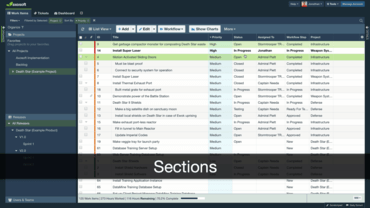
  • More Organizing Options with Sections - You may now organize your fields into groups called sections. To access this feature, navigate to Tools > Fields > Field Templates, and then edit any field template to build out a section.
  • Editing Field Values from List View - Users may now right-click to edit fields from the List View by using the context menu to make a different selection. No more hopping back and forth between screens.
  • Editing Checklist Fields - Users can now edit existing text in custom checklist fields, making it much easier to correct typos and update tasks.
  • My Item History Tab - When you go to add a new tab, you will now see an option under Publicly Saved Tabs for a new tab called “My Item History.” Click My Item History to add the tab, allowing you to review the most recent items you’ve  made changes to. This should come in handy for tracking down items you just closed or modified. If you don’t have the History tab enabled, have your administrator turn it on from Tools > System Settings > General > Main Tab Visibility > Miscellaneous.
  • Toggle Details Pane - You may now use the keyboard shortcut Shift + d to toggle the Details Pane open and closed.
  • Help Desk Arrow Navigation - You may now use Next and Previous arrows within an email to browse through that email’s thread.
Organize your fields into groups called sections.

Axosoft

Gestion de projet simple pour votre équipe de développement de logiciels, sans pour autant compromettre leur flux de travail.

Vous avez une question ?

Discutez en direct avec l'un de nos spécialiste des licences Axosoft .