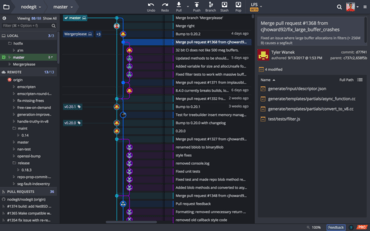
GitKraken V6.0.1

Les utilisateurs peuvent désormais configurer l'emplacement des notifications dans GitKraken.
Juillet 17, 2019
Nouvelle Version

Fonctionnalités

  • Users can now configure the location of notifications in GitKraken by going to Preferences -> UI Preferences -> Notification Location.
  • The message box for commits is now resizeable.
  • Users can now use the keyboard shortcut Shift + J (or Shift + down) to jump to the parent commit of a selected commit.
  • Users can now use the keyboard shortcut Shift + K (or Shift + up) to jump to the child commit of a selected commit.
  • The Fuzzy Finder will now filter search results based on frequency of function use.
  • When you hover over an author/committer name, a tooltip of their email address will display in the commit panel.
  • A caps lock warning notification will now appear in all password input fields.
  • A tooltip has been added to Project Groups to display the directory path.
GitKraken

GitKraken

Une plateforme unifiée d’outils et de services Git pour les développeurs, les équipes et les chefs d’équipe.

Vous avez une question ?

Discutez en direct avec l'un de nos spécialiste des licences GitKraken .