
Fournisseur officiel
Comme nous somme les distributeurs officiels et autorisés, nous vous fournissons des licences légitimes directement à partir de 200+ éditeurs de logiciels.
Voyez toutes nos marques.
<?php as soon as you type <?, which can help you deprecate short tags: But because short tags are still a part of PHP, this turned out to be a bit excessive. That is why this version adds several enhancements to the feature.
<?php’ tag after typing ‘<?’ checkbox:php if you happen to type it reflexively, so <?phpphp should no longer occur. And, to remove the php part, you only have to press Backspace once: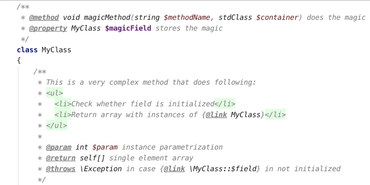
IDE PHP avec refactorisations, saisie semi-automatique de code, analyse instantanée de code et gains de productivité de codage.
Discutez en direct avec l'un de nos spécialiste des licences JetBrains .

Distributeur officiel depuis 2007
Tél : (888) 850 9911
Fax : +1 770 250 6199


