
Infragistics NetAdvantage for Windows Phone
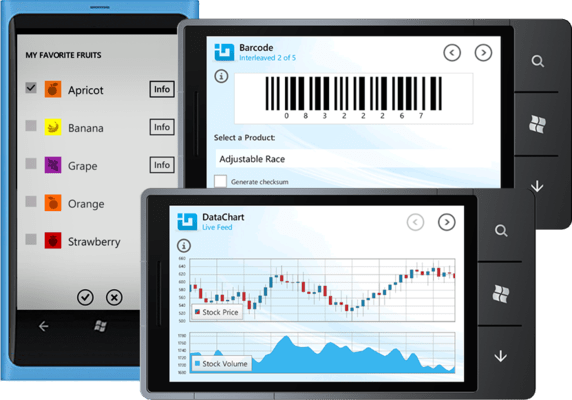
Lightweight mobile user interface controls and vibrant data visualization controls optimized for Microsoft Windows Phone 7 devices.
Publié par Infragistics
Distribué par ComponentSource depuis 1996
Nous ne fournissons plus ce produit.
Lightweight mobile user interface controls and vibrant data visualization controls optimized for Microsoft Windows Phone 7 devices.
Publié par Infragistics
Distribué par ComponentSource depuis 1996
New licenses of Infragistics NetAdvantage for Windows Phone are no longer available. However, if you are an existing customer with a valid subscription you will be automatically upgraded to an Infragistics Professional subscription by the publisher.
If you have any queries please contact us.
Released: May 4, 2012
What’s new in Infragistics NetAdvantage for Windows Phone 2012 Volume 1?
List Control
Search, filter, group, sort, or drill down and more - with a Metro-themed UI, use the list control to work with simple lists with minimum effort, or huge lists of different items with multiple levels of hierarchies.
Point Chart
Use the Point Chart to show the changes in a data series over time or compares multiple items. Types of items are arranged horizontally and data values are plotted vertically to emphasize variation over time.
Sparkline Chart
The new Sparkline control is a data-intense, design-simple graphic that allows end users to spot trends, variations, and patterns in data in a clear and compact representation
Tél : (888) 850 9911
Fax : +1 770 250 6199


