ThinkAutomation v5.0.975
Released: Oct 20, 2023
Mises à jour de v5.0.975
Fonctionnalités
- Added PostgreSQL to the available ThinkAutomation Message Store database types.
- Added 'Convert PowerPoint Document' action for converting Microsoft PowerPoint files to PDF or various image formats.
- The 'Print' action now supports printing PowerPoint files and attachments.
- The 'Convert PDF Document' action now allows Width & Height to be specified for PDF to image conversion.
- The 'Convert PDF Document' action:
- For PDF to TIFF conversion you can now enable the Multi-Frame option, where all pages are converted to multiple frames within the same image file.
- You can also set the Tiff Compression format.
- The 'Sign PDF Document' action now has a 'Show Signature Box' option which allows you to digitally sign a PDF document without any visual signature box.
- Added 'Is A Number' to condition operations.
- Added Numeric: 'Get Numeric Value to Set Variable' operations (eg: If value was '$1000.00 per' - the variable would be set to '1000').
- The scrollbar thumb size now has a larger minimum size on the Automation editor (large Automations made it too small).
- The Solution name has been added to Message Source error notification messages.
- Added 'Flag Message As Failed On Outgoing Email Fail' option to Automation properties. If enabled then any queued outgoing email sent from the Automation that fails to send (after any retries) will flag the processed message as failed. This Message Source will also be paused and a notification will show (if the Pause Message Source On Automation Errors option is enabled).
- Added 'Get Message Source Status' operation to the 'Message Store Operation' action. This allows you to check the status of any Message Source in the Solution and return the status to a variable. Returns 'Active', 'Disabled', 'Paused' or 'Missing'.
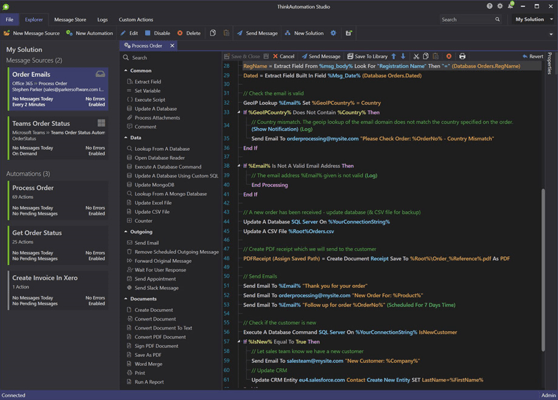
- Added global Find option to the Studio. Click the Find button on the Explorer toolbar. Enter a search term and press enter. This searches all property values and action setting values for all Message Sources and Automations within the current solution or all solutions. Double click a listed Message Source or Automation to open it.
Correctifs
- Fixed issue with MongoDB Message Source type not reading new documents.
- Fixed issue with Embedded Knowledge Store action, the Update operation did not clear the search cache (did not affect manual updates using the Embedded Knowledge Store Browser).
- Fixed issue with Daily Summary report not clearing 'Last Error' column from the previous day.
- Fixed issue with server setting changes not updating on failover server.