TX Spell .NET for WinForms and ASP.NET 9.0

Aggiunge il supporto per .NET 6 insieme alla possibilità di personalizzare i percorsi directory.
Novembre 30, 2021
Nuova versione

Funzionalità

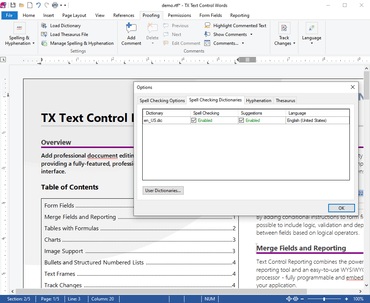
  • ShowDialog Settings - With this release, the ShowDialogSettings class can now determine the start position and the owner of the built-in options and spell check dialog. To specify these settings for the spell check dialog, the new TXSpellChecker.SpellChecker.ShowDialogSettings property has been provided. The options dialog can be modified by setting an instance of the ShowDialogSettings class as a parameter to the OptionsDialog method.
  • Build Microsoft ASP.NET Core Web Applications with Microsoft .NET 6 - This release supports .NET 5, .NET 6 and .NET 4.8 to create ASP.NET and ASP.NET Core Web Applications in Microsoft Visual Studio 2019 and 2022.
  • Customize Directory Paths
    • By default, 4 directories are required to make use of the TX Spell .NET features spell checking, hyphenation, creating synonyms and detecting language scopes:
      • Dictionaries.
      • HyphenationLists.
      • SynonymLists.
      • LanguageRecognition.
    • On a development machine, these folders are located in the \Assembly subdirectory of the TX Spell .NET installation directory. When the application is deployed, TX Spell .NET looks for these directories in the application's root folder.
    • With this release, the location of these sub-folders can be determined by specifying a directory path with the new corresponding properties DictionariesDirectoryPath, HyphenationListsDirectoryPath, SynonymListsDirectoryPath and LanguageRecognitionDirectoryPath.
Customize directory paths

TX Spell .NET for WinForms and ASP.NET

Strumenti utili di controllo ortografico e linguistico per TX Text Control .NET Server per applicazioni ASP.NET.

Hai una domanda?

Chatta live con i nostri specialisti di gestione delle licenze di Text Control ora.