Updates in Syncfusion Essential Edit WPF 2010 Vol 3
Features:
Expand-collapse support for Visual Basic has been implemented
Ellipses have been included to indicate collapsed lines with ToolTip and selection support
A line has been included in the expand-collapse area to highlight the beginning and end of blocks of supported languages
Support has been added for implementing expand-collapse logic for custom languages
Language implementations have been restructured to enable data binding in custom languages
The AcceptsTab property has been implemented to allow or restrict the usage of the TAB key
The Find and Replace window's appearance has been enhanced
Built-in routed UI commands have been implemented for indenting and commenting individual and multiple lines
The HorizontalScrollbarVisibility and VerticalScrollBarVisibility properties have been implemented to control the visibility of horizontal and vertical scroll bars
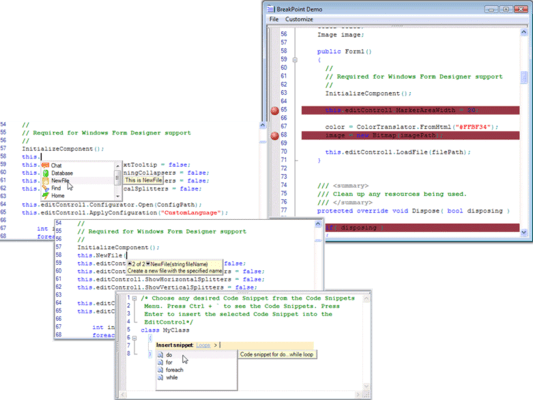
IntelliSense support has been implemented for C# and Visual Basic
IntelliSense support has been implemented for specifying custom multilevel collections to display in the IntelliSense list
Changes:
The ShowOutlining property of EditControl has been marked as obsolete
Language implementations have been restructured to enable data binding of lexemes and formats in language configurations. As a result, the EditLanguage class has been marked as obsolete and a custom language class has been created by inheriting from LanguageBase, ProceduralLanguageBase, or MarkupLanguageBase
The Name property in EditFormats class has been renamed to FormatName property
Edit WPF assembly name has been changed from Syncfusion.Edit.WPF to Syncfusion.Edit.Wpf
Fixes:
Cursor size is now correct when using a multiline SQL file
The cursor is removed when the edit control is not in focus
The expand-collapse property is now applied properly when pasting text