
Telerik UI for Xamarin
Controlli dell'interfaccia utente Xamarin di qualità per uno sviluppo rapido e prestazioni superiori.
Pubblicato da Telerik
Distribuito da ComponentSource dal 2018
Non vendiamo più questo prodotto.
Controlli dell'interfaccia utente Xamarin di qualità per uno sviluppo rapido e prestazioni superiori.
Pubblicato da Telerik
Distribuito da ComponentSource dal 2018
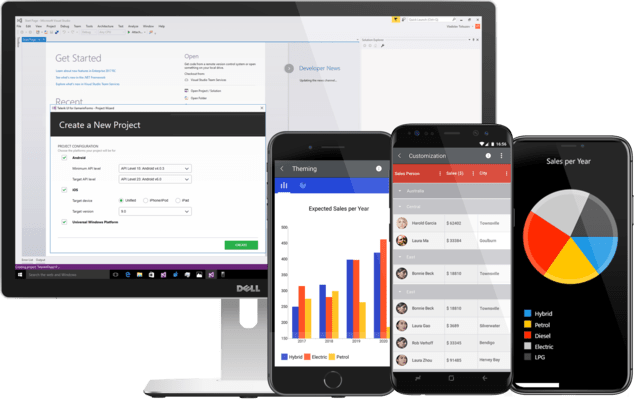
Microsoft ended support for Xamarin in May 2024, and Telerik continued maintaining their component library until now to give developers time to transition. Effective February 19, 2025, Telerik will follow suit and discontinue Telerik UI for Xamarin. It will no longer be available for sale, nor will it be part of DevCraft. To further assist with the transition, Telerik will provide limited support...
Show moreMicrosoft ended support for Xamarin in May 2024, and Telerik continued maintaining their component library until now to give developers time to transition. Effective February 19, 2025, Telerik will follow suit and discontinue Telerik UI for Xamarin. It will no longer be available for sale, nor will it be part of DevCraft. To further assist with the transition, Telerik will provide limited support and critical updates until February 2026.
Released: Oct 4, 2019
Tel: (888) 850 9911
Fax: +1 770 250 6199


