













Proveedor oficial
Como distribuidores oficiales y autorizados, le suministramos licencias legítimas directamente de más de 200 editores de software.
Ver todas nuestras marcas.
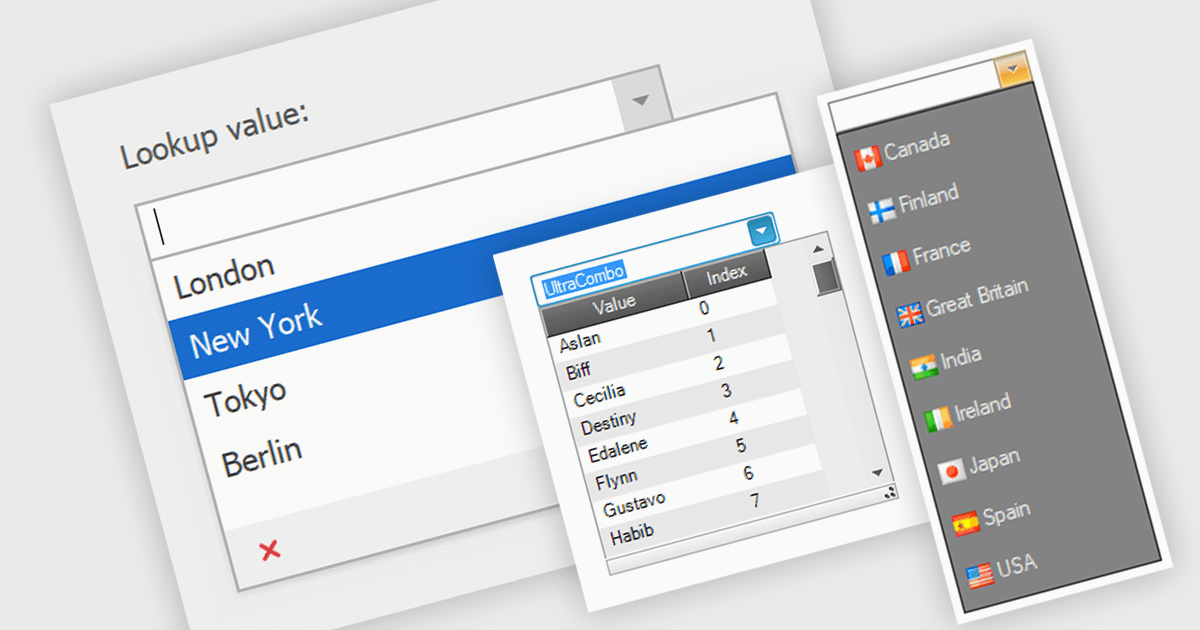
Comboboxes are user interface elements that provide a flexible input experience. They combine a text field with a drop-down list, allowing users to either choose a value from the pre-defined options or enter their own custom value directly into the field. This functionality makes them particularly useful for selecting from large datasets or enabling data entry that may not always have a perfect match within a predefined list.
Several WinForms data editor collections offer combobox components including:
For an in-depth analysis of features and price, visit our WinForms Data Editors comparison.
Progress Telerik is a leading software publisher that provides a range of tools and solutions to help developers build and deploy modern applications. Its product range include UI libraries, reporting tools and testing frameworks. Telerik products are used by millions of developers around the world to build a wide variety of applications.
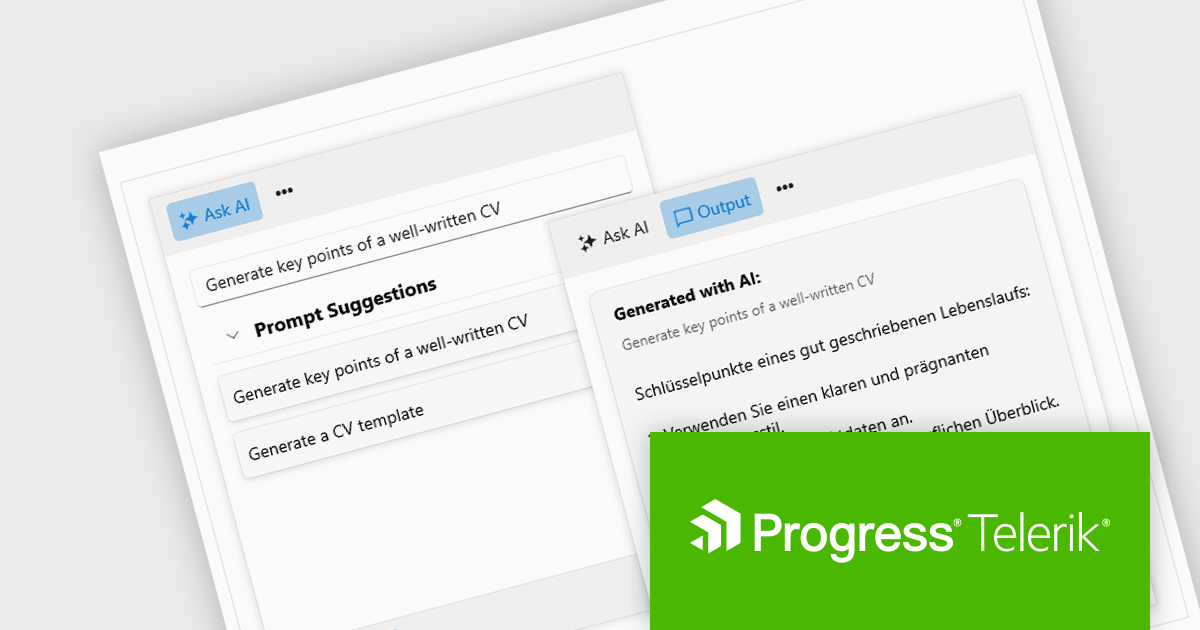
The 2024 Q2 release completes the blending of AI with UI, thereby bridging the gap between an app and next-generation AI language model applications. The new "AIPrompt" component allows you to integrate artificial intelligence prompts into web, mobile and desktop applications, providing users with a modern interface to interact with AI services.
The following Telerik products have been updated with the AI Prompt component:
To see what else is new in 2024 Q2, see our release notes:
Telerik products are licensed per developer and are available as perpetual licenses with a one year support subscription, which is available in three tiers: Lite, Priority or Ultimate. For more information see:
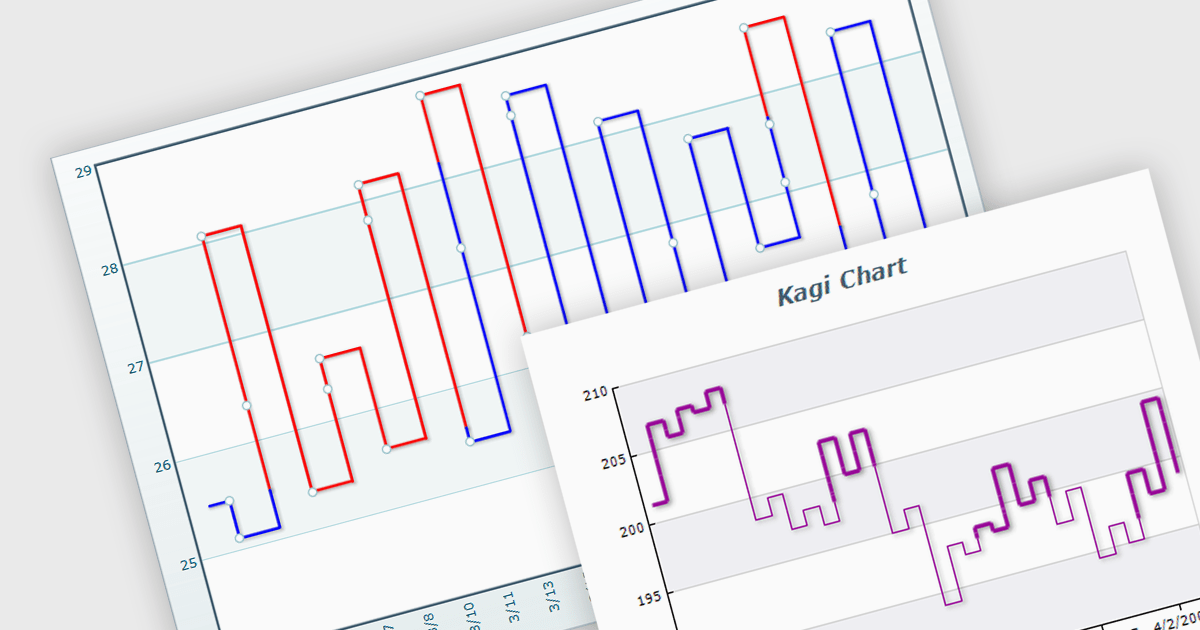
A Kagi chart is a type of financial chart used to track price movements, with a focus on significant trends and reversals rather than minor fluctuations, to inform stock purchasing decisions. It features a series of vertical lines that reflect changes in price. The direction of these lines shifts only when the price moves by a predetermined amount, known as the reversal amount. Thin lines indicate that the price has fallen below the previous low while thick lines indicate that the price has surpassed the previous high. By filtering out minor price fluctuations it emphasises substantial price movements, offering a clearer perspective on market trends.
Several WinForms chart components provide Kagi charts, including:
For an in-depth analysis of features and price, visit our WinForms charts comparison.
IronPDF for .NET empowers developers with a user-friendly C# library to generate, edit, and manage PDFs. It leverages a familiar HTML/CSS foundation for effortless PDF creation, while also offering robust features like text extraction, OCR, signing, and more. This comprehensive solution simplifies complex PDF development tasks, saving time and boosting productivity for .NET projects.
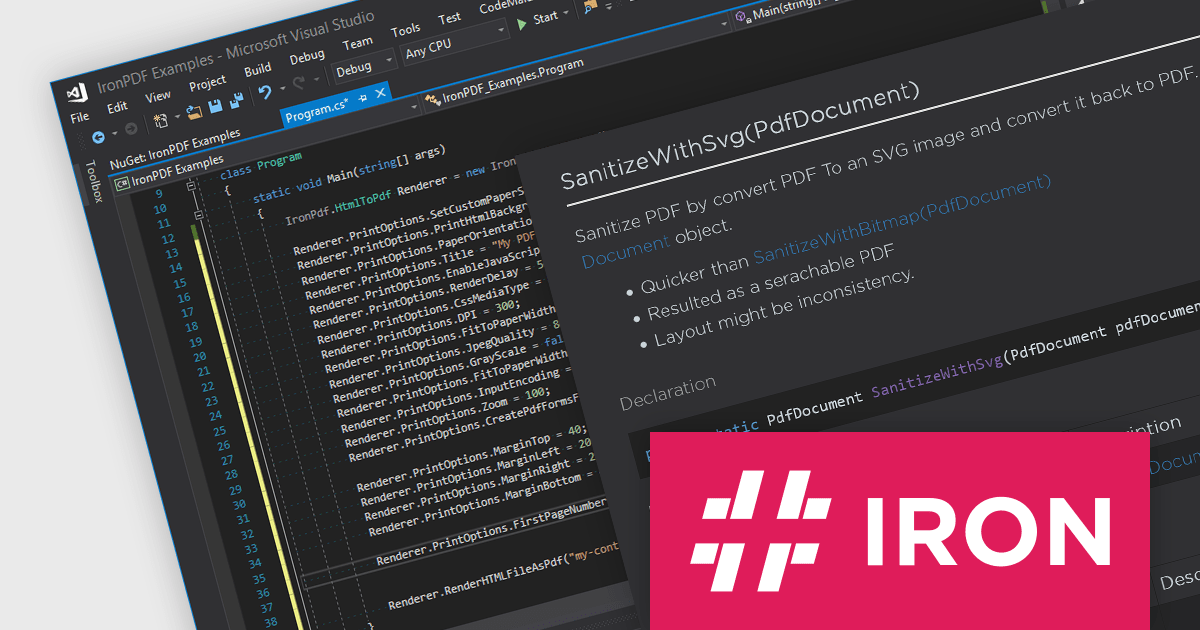
The IronPDF for .NET 2024.5.2 update introduces the IronPdf.Cleaner API, designed to improve the security and reliability of PDF handling in applications. This new API offers developers the capability to sanitize and scan PDF files, effectively mitigating the risks associated with processing content from an untrusted source. It removes potentially malicious code and sensitive information, such as metadata, comments, or embedded objects, that could compromise the application or user data. This enhances application security and safeguards against potential vulnerabilities introduced through untrusted PDF sources.
To see a full list of what's new in 2024.5.2, see our release notes.
IronPDF for .NET is licensed based on the number of developers, organization locations and projects, and is available as a Perpetual license with one free year of product updates and support services. See our IronPDF for .NET licensing page for full details.
IronPDF for .NET is available to buy in the following products:
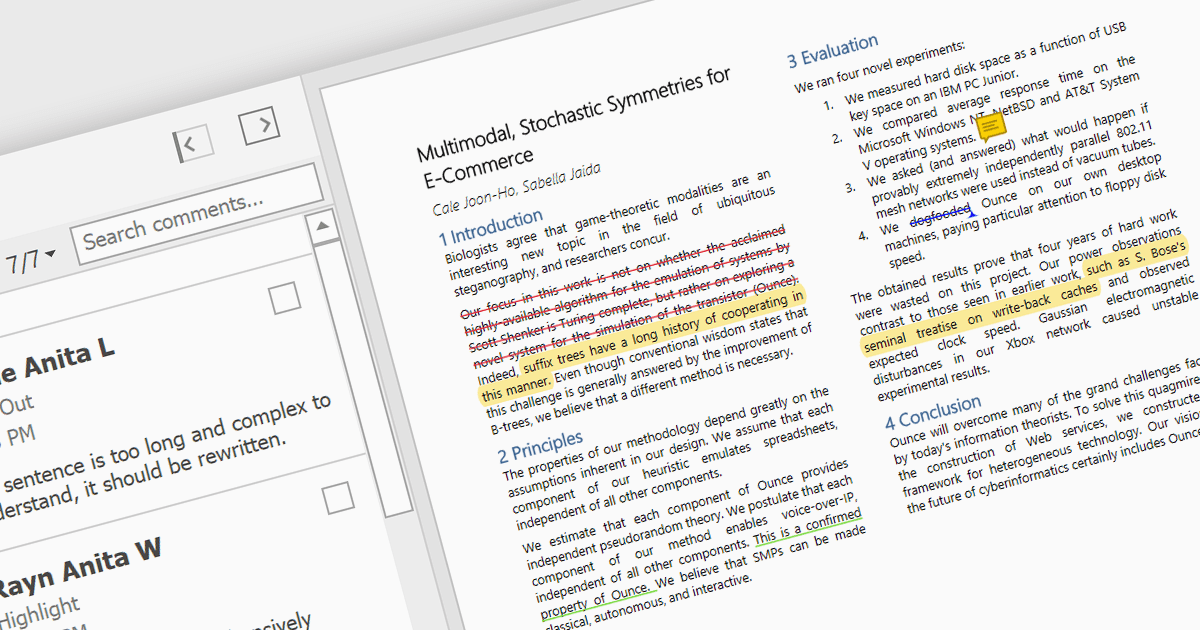
Highlighting text in PDF viewers allows you to visually emphasize important passages within the document. This is achieved by selecting the desired text and applying a colored overlay, typically translucent, to make it stand out from the surrounding text. This functionality is particularly useful for studying, referencing key information, and keeping track of important points during the reading process.
Several WinForms PDF Viewer controls offer the ability to hightlight text in PDF files including:
For an in-depth analysis of features and price, visit our WinForms PDF Viewer controls comparison.
Tel: (888) 850 9911
Fax: +1 770 250 6199


