













Proveedor oficial
Como distribuidores oficiales y autorizados, le suministramos licencias legítimas directamente de más de 200 editores de software.
Ver todas nuestras marcas.
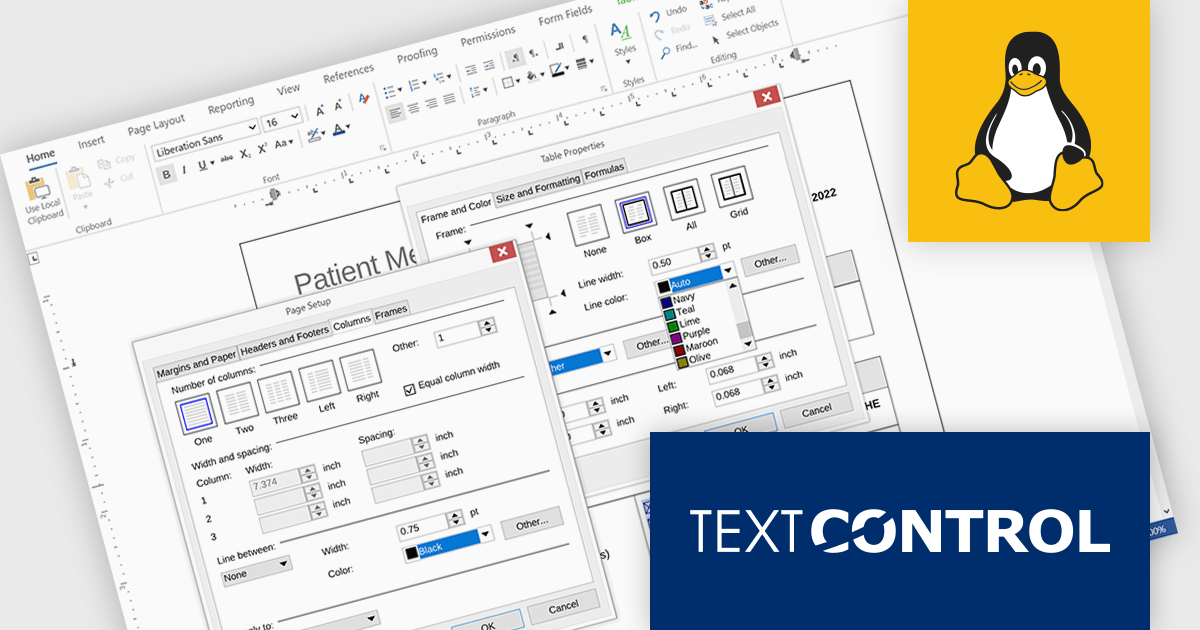
TX Text Control .NET Server for ASP.NET is a server-side component that equips your web applications with a powerful, Microsoft Word-compatible document editor. This allows you to develop applications that generate and edit various document formats (RTF, DOCX, PDF, etc.) on the fly, using data from databases or files. It also boasts features like PDF generation and a browser-based editor with a familiar MS Word-inspired interface, ultimately enhancing the document processing capabilities of your web applications.
The TX Text Control .NET Server for ASP.NET 34.0 release brings full dialog box support to Linux, aligning its functionality with Windows to offer a seamless experience across platforms. Developers building cross-platform applications can now rely on consistent, familiar interfaces for setting table attributes, image properties, and other document-related tasks. This update removes a key limitation for Linux deployments, making it easier to maintain UI consistency and improving the overall usability for end users. By ensuring parity in dialog box functionality, the release simplifies application logic and enhances user interaction across environments.
For a full list of changes in TX Text Control .NET Server for ASP.NET 34.0, see our release notes.
TX Text Control .NET Server for ASP.NET is licensed per developer and is available as a Perpetual License with a 12 month support and maintenance subscription. Run time licenses are required for the deployment to production servers. See our TX Text Control .NET Server for ASP.NET licensing page for full details.
For more information, visit our TX Text Control .NET Server for ASP.NET product page.
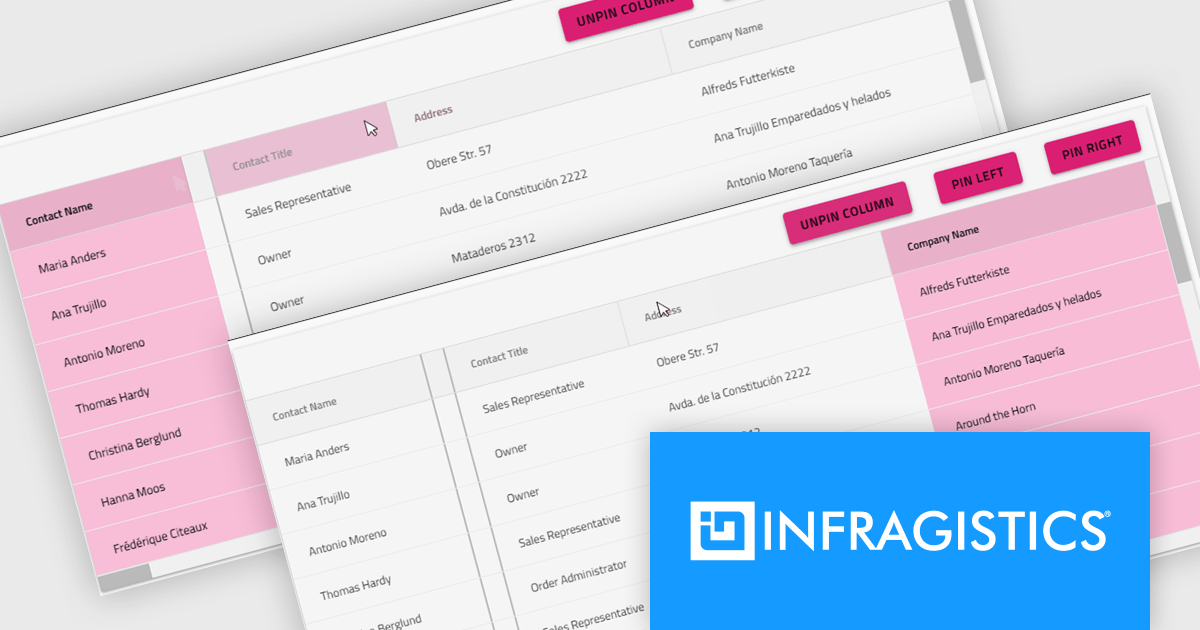
Infragistics Ultimate is a comprehensive development toolkit designed to streamline the creation of high-performance, visually rich applications across multiple platforms. It includes a wide range of user interface (UI) components and development tools for web, desktop, and mobile applications, supporting frameworks such as Angular, React, Blazor, .NET, and more.
The Infragistics Ultimate 25.2 release includes a feature that lets developers specify individual pinning locations for each grid column, making it possible to fix important data on both the left and right edges of a grid. This added flexibility helps create cleaner, more efficient layouts that keep key information visible at all times. Whether you’re working in Angular, React, Web Components, or Blazor, this capability improves data presentation, simplifies large dataset navigation, and enhances the overall usability of modern web applications.
To see a full list of what's new in version 25.2, see our release notes.
Infragistics Ultimate is licensed per developer and is available as a Perpetual License with a 1, 2 or 3 year support and maintenance subscription. See our Infragistics Ultimate licensing page for full details.
For more information, visit our Infragistics Ultimate product page.
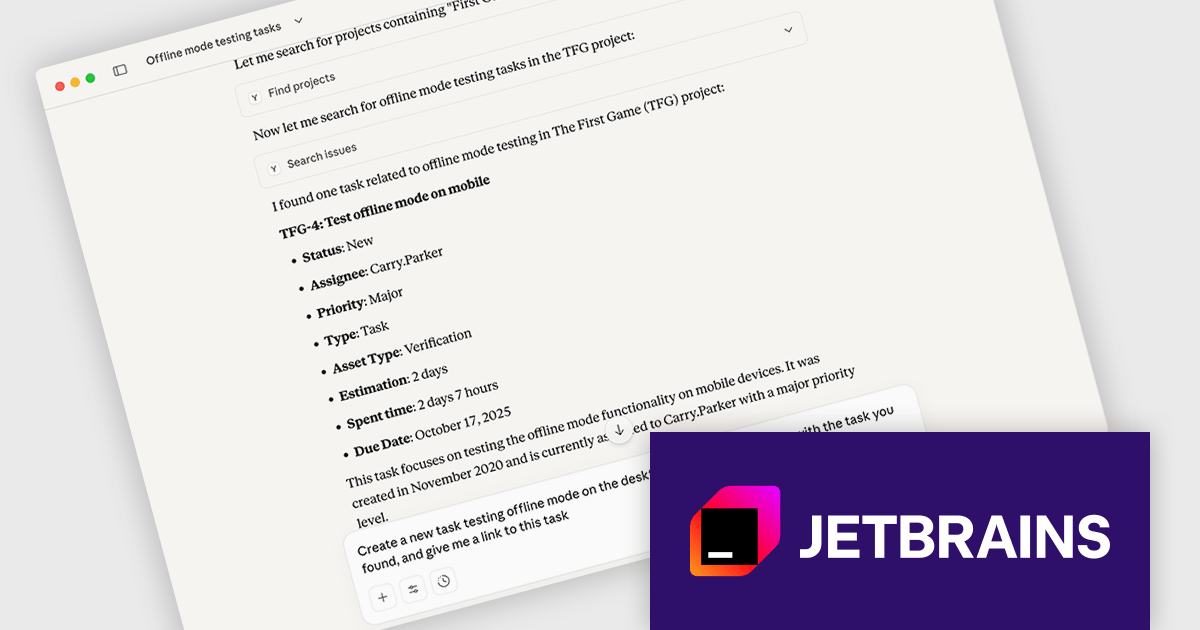
JetBrains YouTrack is a versatile project management and collaboration tool designed for both software development and non-technical teams. Powered by a robust and flexible issue tracking core, YouTrack provides comprehensive features for managing tasks, projects, and workflows of any size. Its intuitive interface fosters efficient collaboration and communication, while agile boards and reporting tools offer real-time visibility and control. Available in both cloud and on-premises options, YouTrack scales effortlessly to accommodate small startups and large enterprises alike, making it a powerful solution for teams seeking to streamline their work and boost productivity.
The YouTrack 2025.3 release introduces support for remote Model Context Protocol (MCP) servers, making it easier to integrate AI-powered tools into your projects. This update allows large language models (LLMs), integrated development environments (IDEs), and agent platforms to perform predefined actions - such as creating issues, logging time, or retrieving task details - without requiring context switching. The connection is secure and highly customizable, offering built-in capabilities alongside support for apps that extend the server’s functionality. For developers working with AI, this enables the creation of tailored apps that interact with YouTrack based on specific team needs, improving efficiency across tools and environments.
To see a full list of what's new in version 2025.3, see our release notes.
YouTrack Server (installed on your server) is licensed per server and per user, as a Perpetual license with 1 year of free updates and technical support. YouTrack Cloud (hosted in the cloud by JetBrains) is licensed per user as an Annual license which includes updates and technical support. See our YouTrack licensing page for full details.
For more information, visit our YouTrack product page.
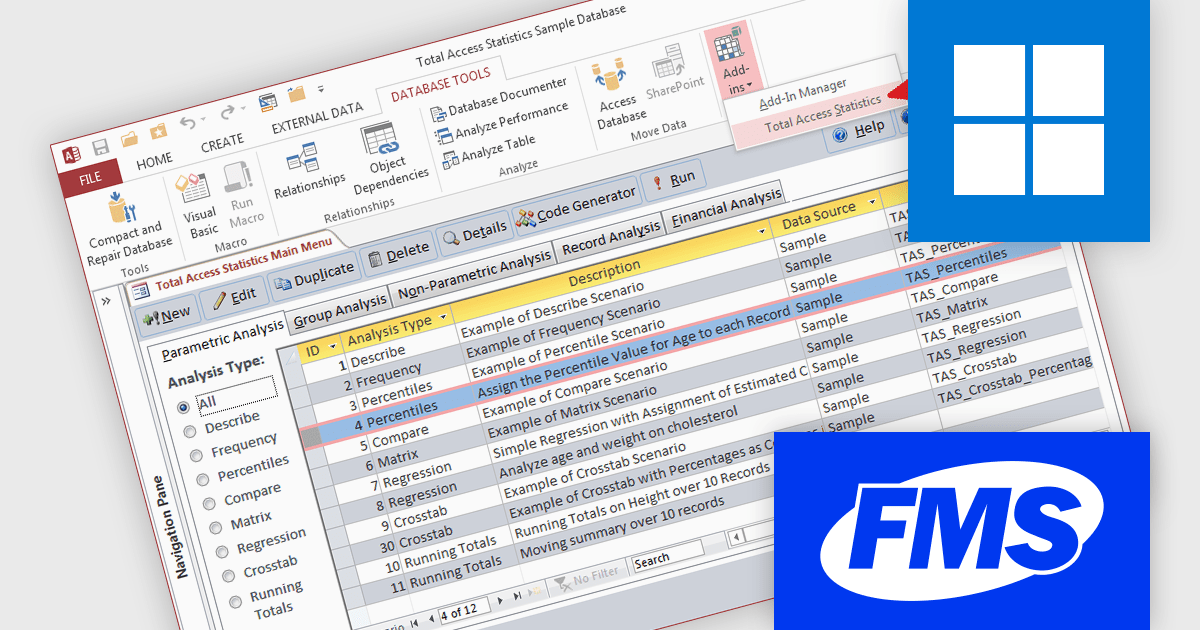
Total Access Statistics by FMS is a powerful Microsoft Access add-in that delivers comprehensive statistical analysis directly within the Access environment. It integrates seamlessly with Access databases, allowing users to perform advanced statistical functions without relying on external tools or programming knowledge. Supporting both native Access tables and linked data sources such as SQL Server, it provides a flexible and efficient solution for analyzing large volumes of data across multiple fields, queries, or tables.
The benefits of Total Access Statistics extend to professionals who need accurate data insights for decision making and reporting. Users can easily identify trends, correlations, and patterns within their datasets while maintaining data integrity inside Access. Its ability to handle unlimited records and complex multi table queries makes it ideal for researchers, analysts, and business users managing large or relational datasets. By simplifying statistical analysis and automating complex calculations, Total Access Statistics saves time, enhances productivity, and ensures reliable results within a familiar and user friendly Access interface.
Total Access Statistics is licensed per user and is available as a perpetual license with an optional annual support subscription, which includes telephone and email technical support as well as upgrades. See our Total Access Statistics Total Access Statistics licensing page for full details.
For more information, see our Total Access Statistics product page.
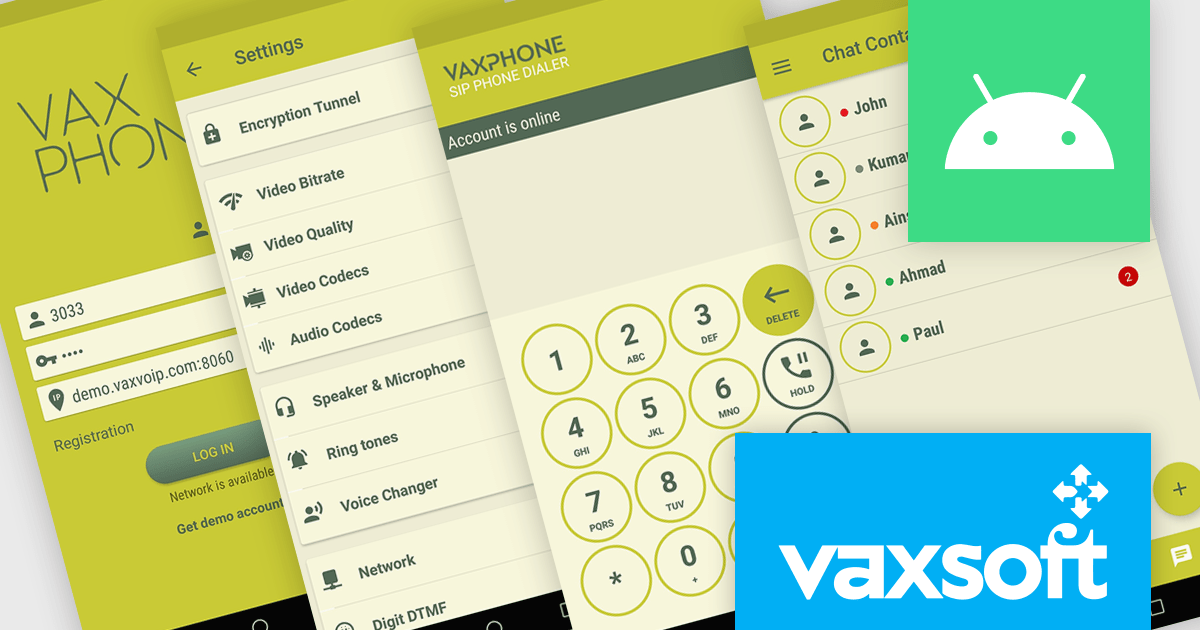
VaxVoIP Android SIP Phone SDK by VaxSoft is a comprehensive software development kit that helps developers create, customize, and distribute SIP based VoIP softphones for Android platforms. It provides all the essential tools to integrate Session Initiation Protocol functionality into mobile applications, supported by straightforward sample code and a fully customizable user interface. The SDK allows developers to build high performance communication solutions that reflect their brand identity and meet specific technical requirements.
With its SIP integration and flexible design options, the VaxVoIP Android SIP Phone SDK improves VoIP app development and shortens time to market. Developers can create tailored softphones for businesses, call centers, or service providers, delivering secure, reliable, and high quality voice communication. Whether used to build branded enterprise communication tools, customer support applications, or specialized telephony systems, the SDK provides the scalability, control, and performance needed to power VoIP experiences on Android devices.
VaxVoIP Android SIP Phone SDK is licensed per product, per year, under a single software brand license that permits use for one application with limited distribution rights. Developers may distribute compiled applications to end users but cannot redistribute the SDK or source code, and all software must operate with the license holder’s own SIP server or service. See our VaxVoIP Android SIP Phone SDK licensing page for full details.
For more information, visit our VaxVoIP Android SIP Phone SDK product page.
Tel: (888) 850 9911
Fax: +1 770 250 6199


