Nouvelles JavaScript / HTML5

Appliquez des thèmes pour une conception des feuilles de calcul cohérente

Mars 16, 2026
Améliorez la conception des feuilles de calcul avec des thèmes personnalisables qui appliquent instantanément des couleurs et des polices cohérentes pour une présentation des données plus claire.

Spreadsheet themes provide a consistent visual style by applying coordinated colors, fonts, and formatting across an entire workbook. Instead of manually styling individual elements, users can quickly apply a theme to ensure tables, charts, and data ranges follow the same design. This improves readability, enhances data presentation, and helps maintain a professional and cohesive look across reports. Themes are particularly useful when creating business dashboards, financial reports, or shared team documents, where consistent formatting and clear visual hierarchy make data easier to interpret and align with company branding.

Several JavaScript spreadsheet controls offer support for applying themes including:

  • Kendo UI jQuery Spreadsheet (part of Kendo UI) by Telerik lets you apply consistent styling with customizable themes that unify fonts, colors, and formatting.
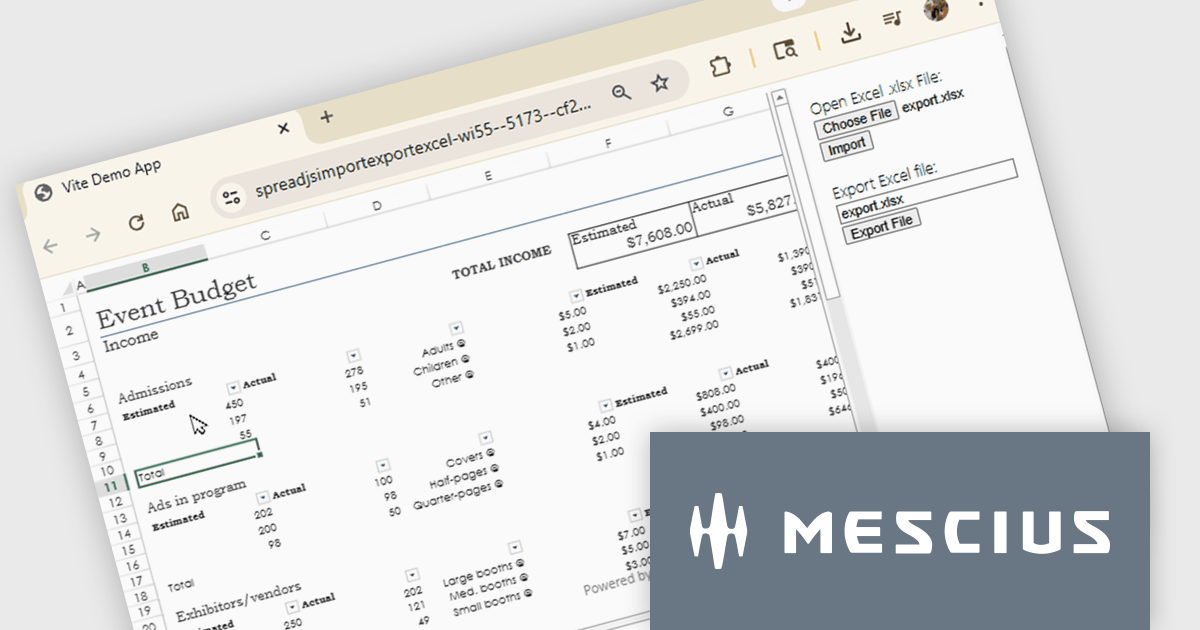
  • SpreadJS by MESCIUS allows you to implement reusable spreadsheet themes that standardize visual styles across worksheets, improving clarity and branding consistency.
  • Infragistics Ultimate UI for jQuery Spreadsheet (part of Infragistics Professional) facilitates spreadsheet styling with theme based formatting that aligns colors, fonts, and layouts.
  • Jspreadsheet Pro enables developers to style spreadsheets with configurable themes that create consistent visual structure and enhance readability across web based tables.

For an in-depth analysis of features and price, visit our JavaScript spreadsheet controls comparison.

Compare JavaScript Spreadsheet Controls

Activez les calculs de feuilles de calcul croisées

Mars 13, 2026
Référencez des cellules d’autres feuilles pour construire des calculs connectés qui maintiennent les données associées organisées et dynamiquement reliées.

Cross-worksheet calculations allow spreadsheet components to reference and compute values across multiple sheets within the same workbook. This capability enables developers to build more advanced data models, where formulas can pull information from different worksheets to support summaries, aggregations, and linked analysis. By allowing data to be organized across separate sheets while remaining connected through formulas, applications can present complex datasets in a structured and scalable way without sacrificing calculation accuracy or performance.

Several Angular spreadsheet controls offer support for cross-worksheet calculations including:

  • SpreadJS by MESCIUS enables formulas to reference cells and ranges across worksheets, allowing developers to create linked calculations across multiple sheets.
  • Infragistics Ignite UI for Angular Spreadsheet supports cross-sheet formulas that allow values from different worksheets to be combined in calculations.
  • Syncfusion Angular Spreadsheet includes built-in formula support that references cells in other worksheets, making it possible to perform calculations across different tabs.
  • Jspreadsheet Pro provides cross-sheet references within formulas, enabling calculations that draw values from other worksheets to support multi-sheet data organization.

For an in-depth analysis of features and price, visit our Angular spreadsheet controls comparison.

Compare Angular Spreadsheet Controls

Mettez en avant les tendances avec des diagrammes de carte thermique

Mars 13, 2026
Utilisez la représentation de données basée sur la couleur pour révéler des motifs et des anomalies à travers des ensembles de données de type matricielle au sein d’un composant graphique.

A heat map is a data visualization that displays values in a grid of colored cells, where color intensity represents the magnitude or importance of the data. This approach makes it easy to quickly identify patterns, trends, and outliers that may be difficult to see in traditional tables. Heat maps improve data analysis by visually highlighting relationships between two variables and enabling quick comparisons across datasets. They are commonly used in risk matrices, performance monitoring, sales analysis, and user behavior tracking, where color-coded insights help users focus on the most significant information.

Several JavaScript chart controls support the Heat map chart types, including:

  • Highcharts Core by Highsoft lets you create interactive heatmaps that visualize matrix data with color-coded values, revealing patterns, trends, and comparisons across categories.
  • LightningChart JS allows you to render high-performance heatmaps for large datasets, using GPU acceleration to reveal patterns, intensities, and correlations in real time.
  • AnyChart JS facilitates building customizable heatmaps that transform tabular data into color-encoded grids, helping users detect trends, correlations, and data distribution.
  • JSCharting lets you build interactive heatmaps that highlight value intensity through color ranges, enabling fast comparison, pattern discovery, and intuitive analysis.

For an in-depth analysis of features and price, visit our comparison of JavaScript chart controls.

Compare JavaScript Chart Controls

Explorez les données avec des graphiques de donnée détaillés à plusieurs niveaux

Mars 12, 2026
FusionCharts Suite XT permet des graphiques interactifs à explorer vers le bas, avec des points de données cliquables qui révèlent des informations plus approfondies et simplifient des ensembles de données complexes.

FusionCharts Suite XT is a collection of charting and mapping tools that helps developers create interactive and data-driven dashboards for their web and mobile applications. It provides a wide range of features, including over 100 chart types, data-driven maps, and a variety of customization options. FusionCharts Suite XT helps you visualize and present data in a clear and engaging way.

FusionCharts Suite XT allows developers to implement drill down charts that let users click individual data points to view related charts with more detailed information. This functionality helps developers present large or complex datasets in a structured way, allowing applications to display high level summaries while providing access to deeper data when required. By supporting multiple levels of drill down across most chart types, it supports scalable and interactive data exploration without overloading the initial visualization.

FusionCharts Suite XT is licensed through tiered plans, including Basic, Pro, Enterprise, and Enterprise+, available as annual or perpetual licenses for different developer and deployment needs. See our FusionCharts Suite XT licensing page for full details.

For more information, visit our FusionCharts Suite product page.

Appliquez un style cohérent des rapports plus rapidement

Mars 12, 2026
Stimulsoft Ultimate améliore la conception des rapports grâce à des styles réutilisables qui assurent une mise en forme cohérente et permettent une création plus rapide de rapports.

Stimulsoft Ultimate is a reporting and dashboard solution that provides a set of tools for building interactive reports and data visualizations across platforms, including WinForms, ASP.NET, .NET Core, Blazor, JavaScript, WPF, PHP, Java, and Avalonia. It enables developers and organizations to design, generate, and deploy professional reports and dashboards using visual designers, flexible styling options, rich charting and data visualization components, and extensive data connectivity. With support for multiple development environments and technologies, Stimulsoft Ultimate helps teams improve report creation, maintain consistent designs, and deliver clear, data-driven insights for business intelligence, analytics, operational reporting, and enterprise applications.

Stimulsoft Ultimate enables developers to apply centralized report styling that ensures consistent formatting across report elements while reducing the time required to design and maintain reports. By using reusable styles for fonts, colors, borders, and other visual properties, developers can standardize report layouts, quickly apply formatting to multiple components, and implement global design changes without editing each element individually. This approach improves development efficiency, simplifies maintenance, and helps teams deliver professional, visually consistent reports across applications and platforms.

Stimulsoft Ultimate is licensed per developer with Single, Team, Enterprise, and WorldWide options that support one to unlimited developers within an organization. Licenses include a 12 month subscription with updates, priority technical support, a royalty free runtime report designer and viewer, and a build server license for Team and higher tiers. See our Stimulsoft Ultimate licensing page for full details.

For more information, visit our Stimulsoft Ultimate product page.