








Fournisseur officiel
Comme nous somme les distributeurs officiels et autorisés, nous vous fournissons des licences légitimes directement à partir de 200+ éditeurs de logiciels.
Voyez toutes nos marques.
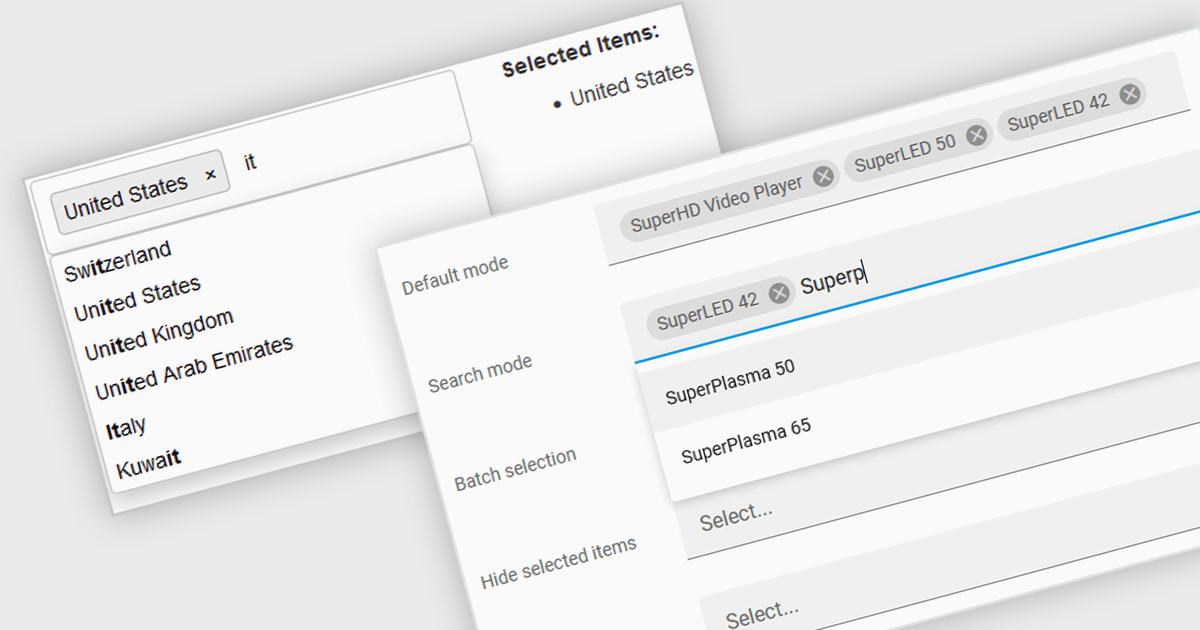
Token boxes, also known as token input controls, are user interface elements designed to streamline data entry for multiple values. They allow users to input, manage, and manipulate discrete pieces of data (tokens) within a single form field. This enhances user experience by facilitating tagging, categorization, and selection of multiple items, while providing developers with a robust tool for intuitive interfaces. The benefits include improved clarity through visual separation of values, efficient data handling, and ease of use in applications like search filters, email address inputs, and tagging systems.
Many React data editor collections contain token box / input controls including:
For an in-depth analysis of features and price, visit our comparison of React Data Editors.
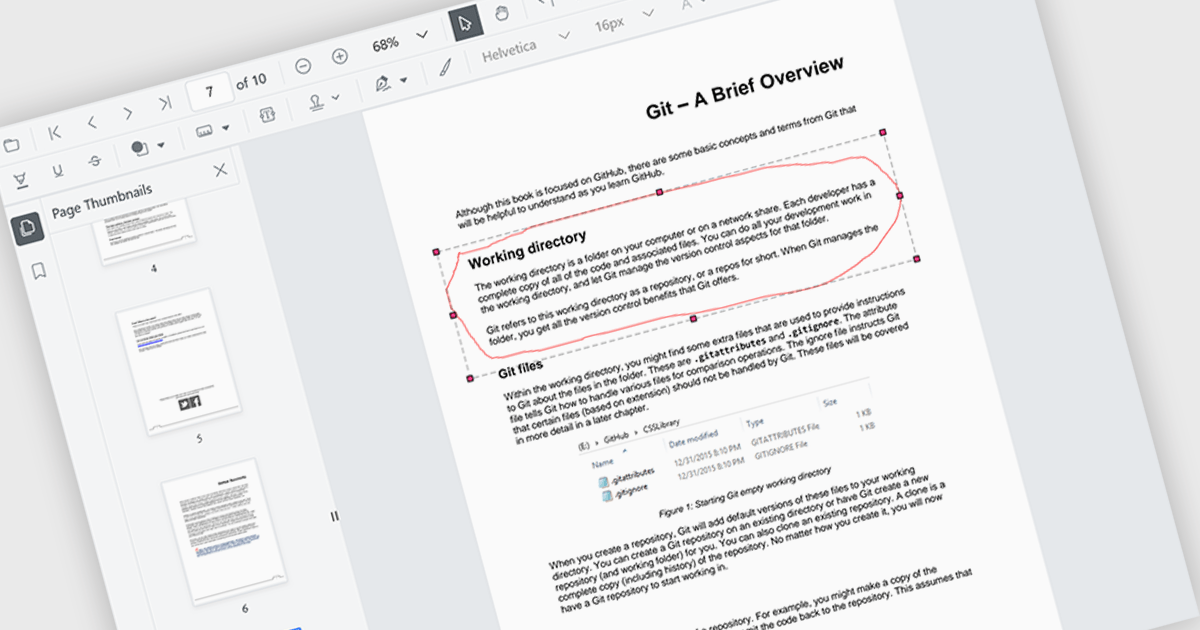
The ability to draw freehand annotations in PDF viewers allows users to directly mark up documents with digital ink, creating visual cues like circles, arrows, or custom shapes that can enhance communication and clarity. This is particularly useful for tasks like highlighting key passages, identifying areas for revision, or providing feedback in a more intuitive way compared to traditional text-based annotations.
Several React PDF viewer components offer the ability to draw freehand annotations including:
For an in-depth analysis of features and price, visit our React PDF viewer components comparison.
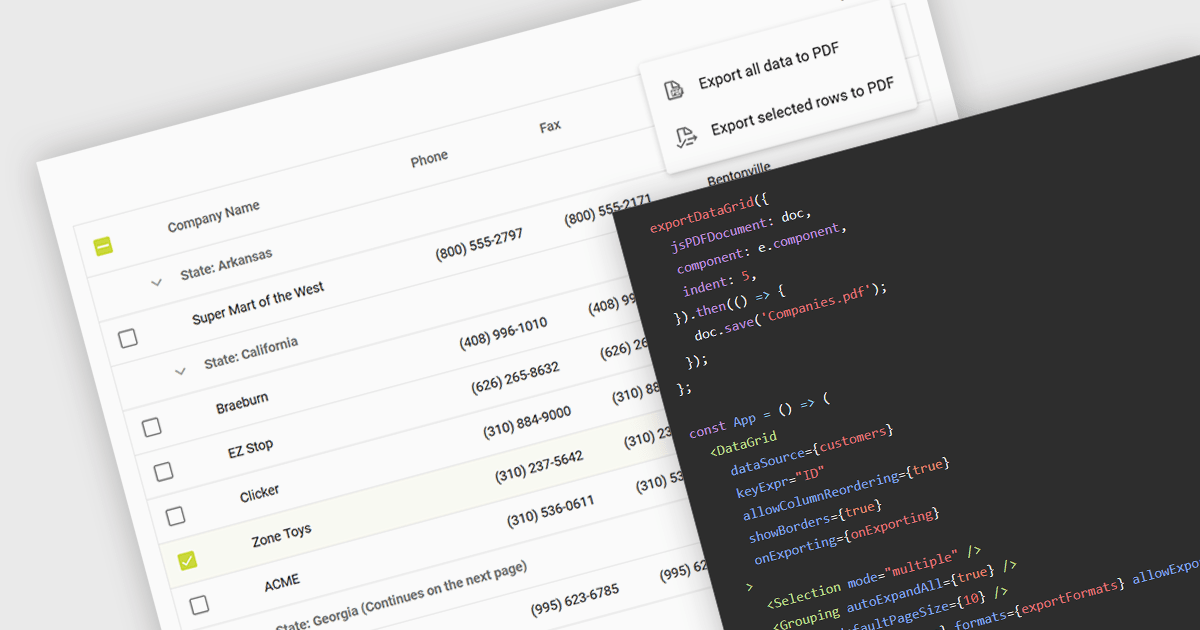
Exporting a data grid to PDF captures the grid layout, including columns, rows, and formatting, and transforms it into a universally accessible and easily shareable document. The export creates a static file, retaining the original grid layout and formatting, that can be easily distributed and viewed consistently across different platforms and on any device with a PDF reader. Additionally, PDFs provide a secure format for preserving data integrity and can be protected against unauthorized editing, making them ideal for official documentation and archiving purposes. This functionality enhances collaboration and data dissemination efficiency by simplifying the sharing and printing processes while maintaining the original data structure and presentation.
Several React grid components allow you to export to PDF, including:
For an in-depth analysis of features and price, visit our comparison of React grid components.
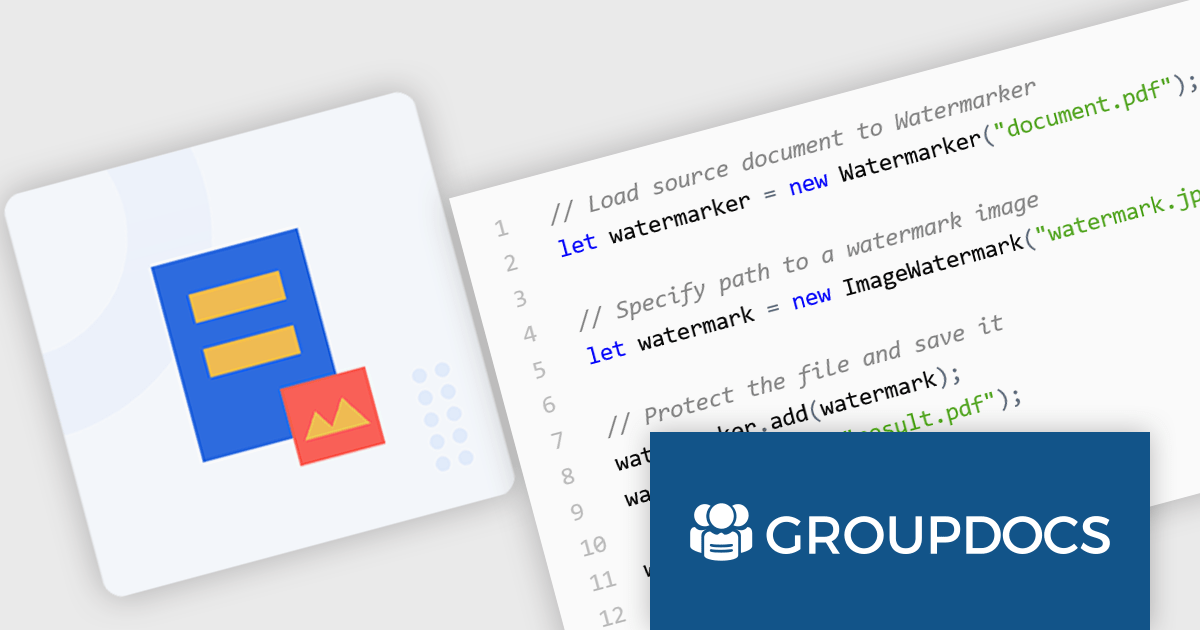
GroupDocs.Watermark for Node.js via Java empowers developers with a powerful document watermarking solution designed to seamlessly integrate into Node.js applications. This library, leveraging the capabilities of the Java API, extends Node.js functionality to add, search for, and remove watermarks from various document formats. Supported formats include popular choices like PDF, Microsoft Office suite files (Word, Excel, PowerPoint), and common image formats (JPEG, PNG, etc.).
This robust solution offers a multitude of benefits for developers. It bolsters document security by embedding watermarks, such as text or images, to deter unauthorized copying. Customization options allow for fine-tuning watermark appearance, including font styles, opacity, and positioning within the document. GroupDocs.Watermark for Node.js via Java caters to various use cases, including protecting sensitive documents, branding presentations, and adding copyright information to images.
GroupDocs.Watermark for Node.js via Java is offered as Developer Small Business, Developer OEM, Site Small Business, and Site OEM licenses catering to a range of business needs. Licenses are perpetual, and include 1 year of support and maintenance. Subscription renewals are also available. See our GroupDocs.Watermark for Node.js via Java licensing page for full details.
GroupDocs.Watermark for Node.js via Java is available in the following products:
Wijmo by MESCIUS is a comprehensive JavaScript library offering a suite of high-performance UI components and data grids specifically designed to streamline the development of modern enterprise applications. It emphasizes reduced development time and improved maintainability, along with a focus on performance through its efficient design and small module size. Wijmo integrates seamlessly with popular JavaScript frameworks like Angular, React, and Vue.js, and supports cutting-edge technologies like TypeScript, making it a versatile solution for building complex web applications.
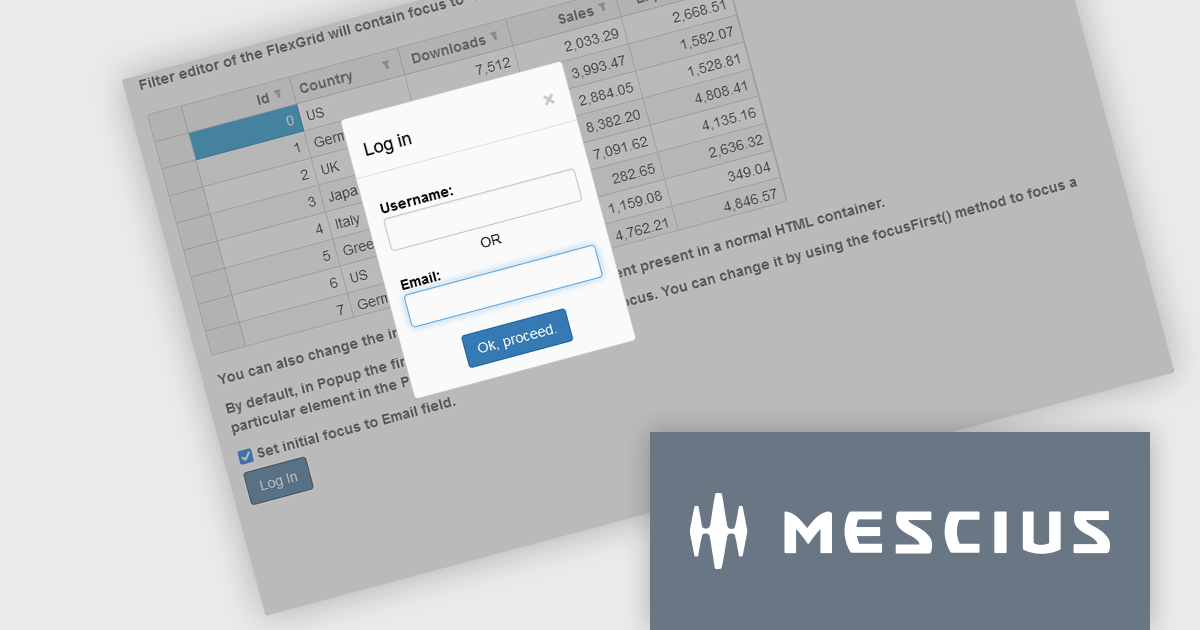
The Wijmo 2024 v1 (Build 5.20241.19) update introduces a new focusFirst Utility that allows developers to set which part of a component should get the initial focus. Setting the first interactive element upon loading a container control improves accessibility by ensuring a clear starting point for keyboard interaction. For example instead of the default focus point of a login dialog being the username field, the email address field could be set as the initial focus point.
To see a full list of what's new in 2024 v1 (Build 5.20241.19), see our release notes.
Wijmo is licensed per developer. Developer Licenses are perpetual and include 1 year Subscription which provides upgrades, including bug fixes and new features. See our Wijmo licensing page for full details.
Learn more on our Wijmo product page.





Tél : (888) 850 9911
Fax : +1 770 250 6199


